
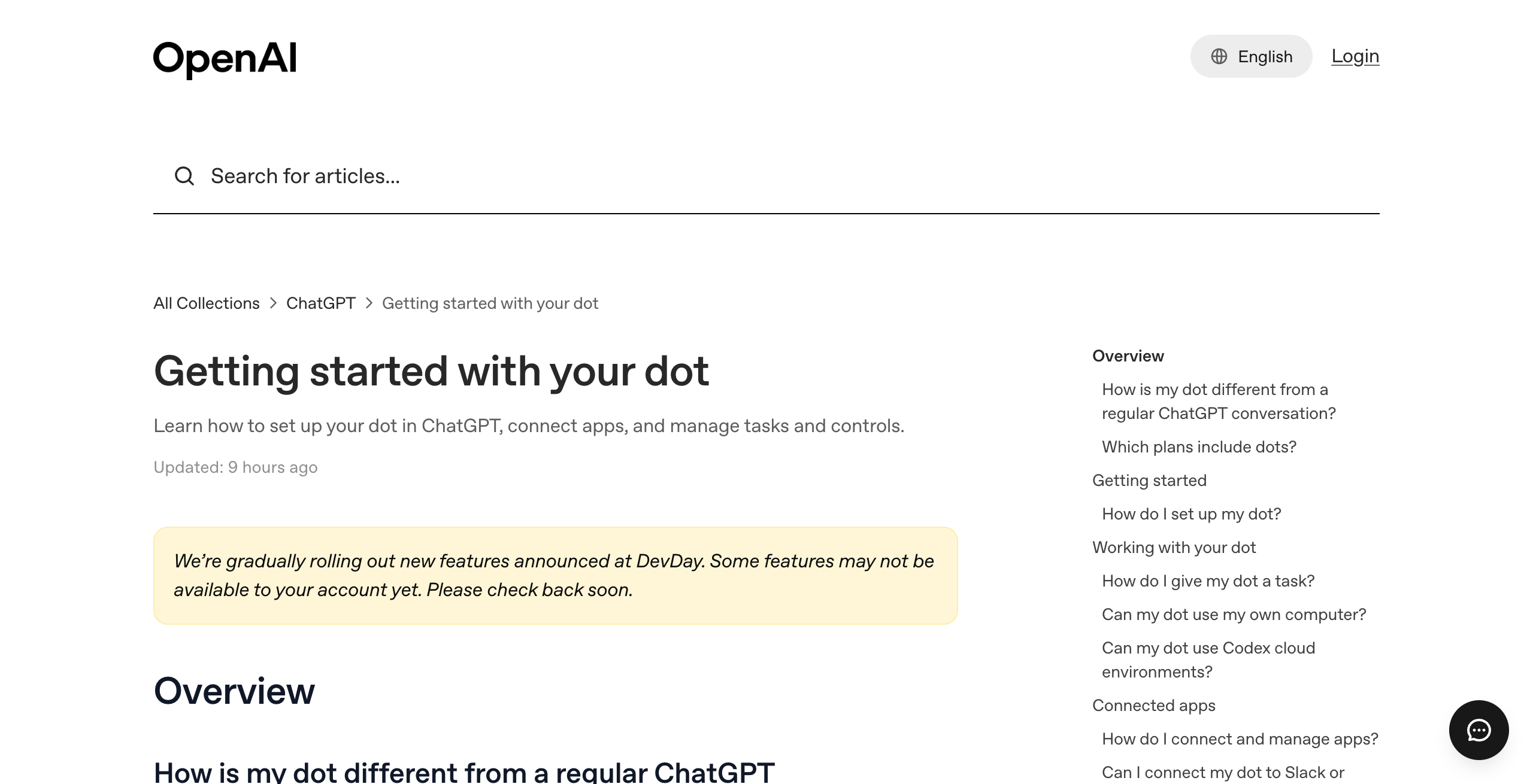
OpenAI dots are always-on AI agents inside ChatGPT. OpenAI launched them on September 29, 2026 at DevDay. Each dot runs on GPT-6 Astra, has its own cloud computer, connects to over 4,000 apps, and keeps working toward your goals between conversations.
Your first dot is included with ChatGPT Pro (from $100 a month) and ChatGPT Business Premium. At launch you get one dot, one model, and shared app permissions. This page covers what a dot does, what it costs, what it cannot do yet, and the alternatives.
4,000+
apps a dot can connect to through ChatGPT's plugins. Each dot runs on GPT-6 Astra with its own cloud computer.
Source: OpenAI, Introducing dots, September 29, 2026iShort answer
OpenAI dots are always-on agents in ChatGPT that work on their own cloud computer, learn from feedback, and connect to over 4,000 apps. The first dot is included with ChatGPT Pro ($100, $200, or $500 a month) and Business Premium ($125 a month per seat). At launch a dot runs only GPT-6 Astra, you get one per person, its memories cannot be viewed or deleted one by one, and it has no email address of its own. Grok Bot, Meta Muse, OpenClaw, Hermes Agent, and Squad each solve a different one of those limits.
Key takeaways
| Question | Answer |
|---|---|
| What it is | An always-on agent in ChatGPT with its own cloud computer, on GPT-6 Astra |
| Launch date | September 29, 2026, at OpenAI DevDay |
| Price | First dot included with ChatGPT Pro ($100, $200, $500 a month) and Business Premium ($125 a month per seat) |
| How many dots | One per person at launch; more dots are announced for the future with no price |
| Model choice | None; GPT-6 Astra only |
| Biggest strengths | Frontier model, ChatGPT memory and apps carry over, 4,000+ apps, a computer per dot |
| Best alternative for a business team | Squad: several AI agents with separate access, a model per agent, and token usage per run |
From OpenAI's launch post and help center, read September 30, 2026.
Always on
A dot keeps working between conversations, runs scheduled tasks, and does read-only background research.
Its own computer
Each dot has a cloud computer and browser. Your laptop stays separate unless you connect it.
Pro or Business Premium
The first dot is included from $100 a month. Free, Go, and Plus plans do not include one.
One dot, one model
One primary dot per person on GPT-6 Astra. Extra dots and teams of dots are announced for later.
Shared permissions
Plugin permissions are shared across dots, ChatGPT, ChatGPT Work, and Codex.
Approval rules
Custom Rules set each action to act, act if pre-approved, ask first, or hand off to you.
What is OpenAI dots?
OpenAI dots are always-on AI agents inside ChatGPT that take ongoing work off your plate. OpenAI calls them "remarkably capable, always-on agents built to handle everything." A dot runs on GPT-6 Astra, has its own cloud computer, learns from your feedback, and can work toward your goals around the clock.
You start with one "primary dot" and give it a name. Its default handle is @yourname-dot, and it becomes @yourname-agentname once you name it. You pick a character or a pet as its avatar.
You reach your dot in three ways:
- In ChatGPT on desktop, web, and mobile, by message or voice call.
- In Slack and Microsoft Teams, where it posts with its own identity.
- By text message, in a limited beta for US Pro users only.
What can a dot do?
A dot can research, write code, use a browser, work in connected apps, and run recurring tasks on its own cloud computer. OpenAI says a dot "can take a project and run with it, even while it's working on several others."
These capabilities are documented by OpenAI:
- Work on its own cloud computer and browser, which you can open to inspect its work.
- Use your laptop, if you turn on local computer access (it starts off).
- Create Codex cloud tasks and ChatGPT Work tasks.
- Run reminders and recurring checks, listed under In progress, Scheduled, and Completed.
- Do "proactive research" in the background with read-only tools that cannot send messages, change app content, or control a browser or computer.
- Use saved passwords for supported sign-ins without exposing them to the model.
OpenAI's launch examples include a dot that turns customer feedback into tested pull requests, one that revises launch materials when scope changes, and one that updates a sales proposal as requirements shift. The full list, with creator results from the first week, is in OpenAI dots use cases.
How much does OpenAI dots cost?
OpenAI dots cost $100 a month at the cheapest, through ChatGPT Pro 100. OpenAI says "your first dot is included in your Pro or Business Premium plan at no extra cost."
| Plan | Monthly price | Dot included |
|---|---|---|
| ChatGPT Free, Go, Plus | $0 to Plus pricing | No |
| ChatGPT Pro 100 | $100 | Yes, first dot |
| ChatGPT Pro 200 | $200 | Yes, first dot |
| ChatGPT Pro 500 | $500 | Yes, first dot, plus Ultrafast |
| ChatGPT Business Premium seat | $125 ($100 billed annually) | Yes, first dot |
| ChatGPT Enterprise | Contact sales | Beta, off until an admin enables it |
Talking to your dot does not count toward ChatGPT usage limits. Tasks your dot starts in Codex or ChatGPT Work do count. Each plan also includes "an allowance for deeper work," with extended limits for the first month, but OpenAI does not publish the size of that allowance.
OpenAI also changed Pro 200 usage. Its help center says new Pro 200 subscriptions get "a lower usage allowance than previously offered," at the same $200 price, and eligible existing subscribers keep the previous allowance through October 29, 2026. Every plan, the Business math, and the costs that are easy to miss are in OpenAI dots pricing.
How is a dot different from ChatGPT, Codex, and ChatGPT Work?
A dot is the always-on layer that sits on top of ChatGPT, Codex, and ChatGPT Work. ChatGPT answers when you ask. Codex runs coding tasks. ChatGPT Work runs work tasks. A dot keeps a goal, remembers context, and starts Codex and Work tasks for you.
| ChatGPT chat | Codex | ChatGPT Work | Dot | |
|---|---|---|---|---|
| Starts work without a new message | No | No | No | Yes, scheduled tasks and read-only background research |
| Own cloud computer | No | Cloud environments for code | Work Cloud tasks | Yes, one per dot |
| Memory | ChatGPT memory | Per task | Per task | Shares ChatGPT memory and makes its own |
| Reached in Slack and Teams | No | No | No | Yes |
| Counts toward usage limits | Yes | Yes | Yes | Conversations no; its Codex and Work tasks yes |
Many people asked this question on launch day. On the Hacker News launch thread, which passed 650 points and 500 comments, several commenters said they could not tell dots apart from Codex and ChatGPT Work.
What are the problems with OpenAI dots?
OpenAI dots have five limits at launch, and each one comes from OpenAI's own documentation. Early users raised the same points on Hacker News, Reddit, and YouTube.
- The entry price is $100 a month. Dots need ChatGPT Pro or Business Premium. A Reddit thread on r/OpenAI is titled "Barrier to entry with dots is kinda absurd." Grok Bot starts at $20 a month and Meta says Muse is free for most of what people need.
- You get one dot. OpenAI says you "start with your primary dot" and that it envisions "teams of dots" over time. Extra dots have no price or date.
- You get one model. Dots run on GPT-6 Astra. Commenters on the launch thread named lock-in to OpenAI's models as the reason they would wait, and an r/singularity thread asks whether dots is "just a worse OpenClaw," pointing to OpenClaw's any-model setup.
- App permissions are shared. OpenAI's privacy FAQ says "plugin permissions are shared across dots, ChatGPT, ChatGPT Work, and Codex." There is no documented way to give a dot narrower access than your own ChatGPT connections.
- Memory is all or nothing. You "cannot view, delete or directly modify individual dot memories." Deleting the dot is the only way to clear what it learned, and disconnecting an app does not delete what the dot already obtained.
Two smaller gaps also matter for work. A dot cannot have its own email address at launch, and it cannot start a call to you. Every's review found the product useful when it worked and buggy in its first week, and suggested waiting a week or two.
How do the alternatives solve these problems?
Each alternative fixes one or two of those limits and gives something else up. The table maps each problem to the tools that address it.
| Problem with dots | Who solves it | How |
|---|---|---|
| $100 a month entry price | Grok Bot, Meta Muse, OpenClaw, Hermes Agent | Grok Bot from $20 a month; Muse free with a usage limit or $20 a month; OpenClaw and Hermes free software |
| One agent | Grok Bot, Hermes Agent, Squad | Grok Bot and Hermes run several named agents; Squad runs unlimited AI teammates |
| One model | OpenClaw, Hermes Agent, Squad | Any model; Squad connects 13 AI providers with a model per agent |
| Shared app permissions | Squad | Each connection can be narrowed or blocked for one agent |
| Memory you cannot edit | Squad | A Memory screen to search, edit, and forget memories |
| No email address | Squad | An optional inbox per AI teammate at $10 a month |
What should I look for in an always-on AI agent?
An always-on AI agent should be judged on seven things: model, number of agents, access control, memory, approvals, usage visibility, and who does the setup. These criteria apply to dots and to every alternative on this page.
1. Can I choose the model?
A bundled model means one provider's limits and one provider's roadmap. Dots run GPT-6 Astra, Grok Bot runs Grok 4.6, and Muse runs Muse Spark. OpenClaw, Hermes Agent, and Squad let you pick.
2. How many agents do I get?
One agent works for one person's tasks. A business with support, outreach, and finance work usually wants separate agents, so each keeps its own context. The Lane Test is a quick way to count how many you need.
3. Can each agent have different access?
If every agent holds every login, one mistake can reach every account. Check whether you can give one agent read-only access to an app while another agent has full access. The Boundary Test asks whether the platform can stop agent A from touching what agent B touches.
4. Can I see and edit what the agent remembers?
Memory makes an agent useful over time. You should be able to find a wrong memory and fix it without wiping the agent.
5. What needs my approval?
Look for rules you set per action, and drafts that wait for you before they send. Dots do this well with Custom Rules and auto-review.
6. Can I see how much usage each task took?
Usage allowances that are not published make costs hard to plan. Check whether each run shows its token usage.
7. Who designs the setup?
Some tools start blank. Others ask about your business and propose a setup. This decides how long it takes to get useful work.
What are the best OpenAI dots alternatives?
The best OpenAI dots alternatives are Grok Bot, Meta Muse, OpenClaw, Hermes Agent, and Squad. No third-party review ratings (G2, Capterra, Product Hunt) exist yet for dots, Grok Bot, or Muse, so this section uses official documentation and, for the open-source tools, GitHub star counts.
Is Grok Bot a good alternative to OpenAI dots?
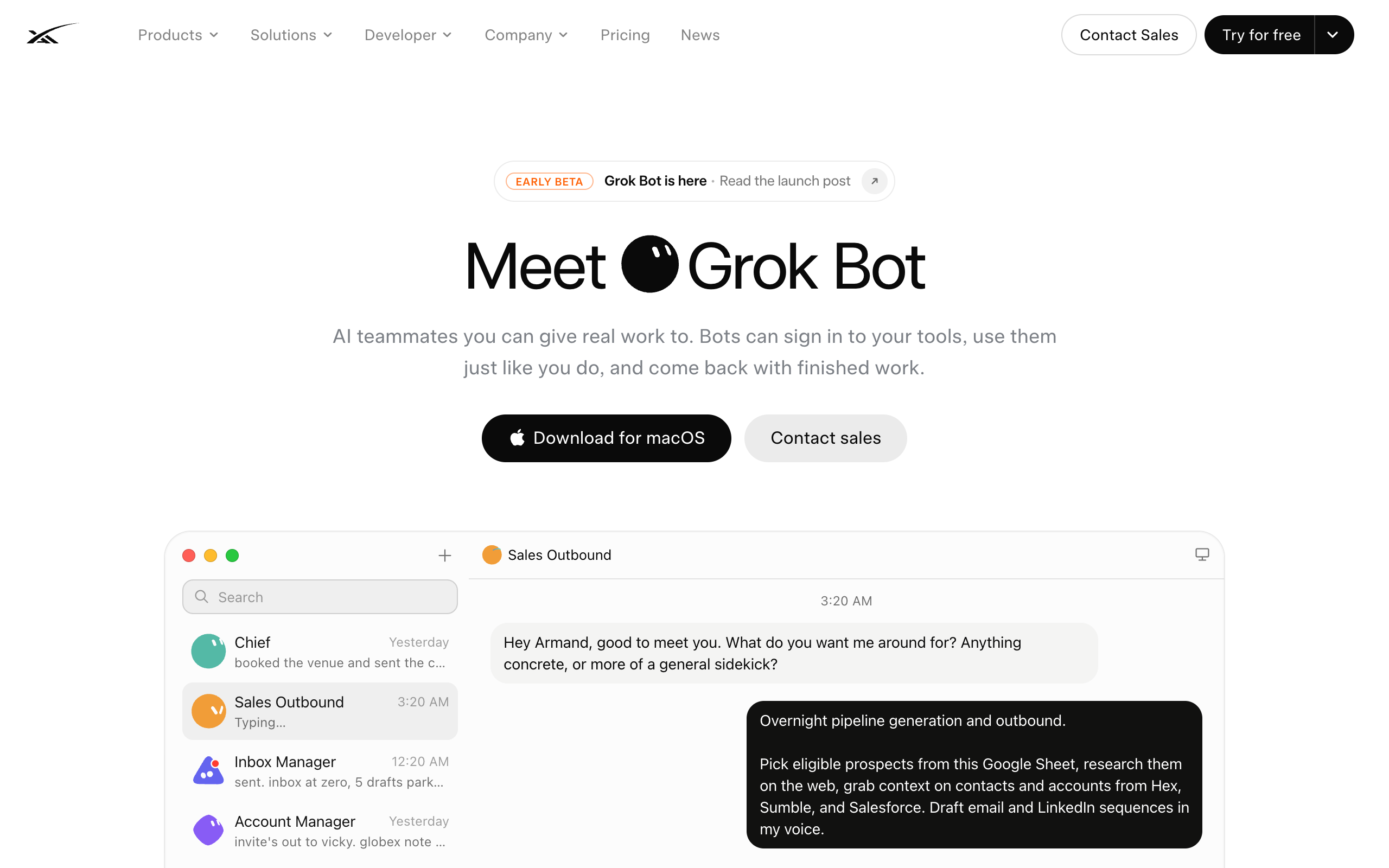
Grok Bot is xAI's product for named AI teammates that sign into your tools, work on a cloud computer, and hand tasks to each other. It launched in early beta on August 11, 2026 and runs on Grok 4.6.
Key features:
- Several named bots per user, with a gallery of 56 named roles.
- A persistent cloud computer that runs while your laptop is closed.
- Bots hand work to each other in shared threads.
- xAI added Team Bots for Teams and Enterprise plans in public beta on September 28, 2026.
Pros
- Starts at $20 a month with Cursor Pro, $80 less than the cheapest plan with a dot
- Several named agents today; dots has one
- Bots share context on one machine, so handoffs are simple
Cons
- Grok models only; no model choice
- xAI's FAQ says every Grok Bot shares one cloud computer, including files, browser, and logins, and 'isolation is per user, not per Grok Bot'
- Extra usage bills at token cost on top of the plan
Pricing: included with Cursor Pro ($20 a month), Pro+ ($60), Ultra ($200), Cursor Teams seats ($40 or $120 per user), SuperGrok ($30), and SuperGrok Plus ($100). Details are in Grok Bot pricing.
Solo operators who want several named agents at the lowest price and are fine with Grok models and one shared computer.
The side-by-side comparison is in OpenAI dots vs Grok Bot vs Meta Muse.
Is Meta Muse a good alternative to OpenAI dots?
Meta Muse is Meta's personal AI agent, launched on September 8, 2026. It runs on the Muse Spark model inside "Muse Secure VM, a dedicated, virtual machine (VM) that houses both the agent and a person's data."
Key features:
- Sends emails, books travel, and negotiates bills.
- Available on iOS, Android, muse.ai, and WhatsApp, and coming to AI glasses.
- Checks with you before sensitive actions like sending an email or making a purchase.
Pros
- Meta says it is free for most of what people need
- Runs in a dedicated VM per person
- Reaches you in WhatsApp
Cons
- One agent per account holder; no official Meta page mentions team seats or several named agents, as of October 13, 2026
- Muse Spark only; no model choice is documented
- Meta does not publish the size of the free usage limit
Pricing: free with a usage limit, $20 a month for the Power plan, and $100 a month for the Max plan, according to Meta's help center (read October 13, 2026). Details are in Meta Muse pricing, and the full guide is Meta Muse.
Individuals who want a free personal agent for errands, travel, and bills.
Is OpenClaw a good alternative to OpenAI dots?
OpenClaw is a free, MIT-licensed personal agent runtime you run on your own computer or server. It had 389k GitHub stars on September 10, 2026 and works with any model.
Pros
- Free software under the MIT license
- Any model, including local models
- Reaches you in WhatsApp, Telegram, Discord, Slack, and more than 20 other chat apps
Cons
- You host, secure, and update the server yourself
- No per-run cost tracking
- You design every agent yourself
Pricing: free software. You pay for hosting and the model. See OpenClaw alternatives for the full review.
Technical users who want full control, any model, and no subscription.
Is Hermes Agent a good alternative to OpenAI dots?
Hermes Agent is Nous Research's free, MIT-licensed agent runtime that writes new skills from completed work. It had 244k GitHub stars on September 10, 2026 and runs any model.
Pros
- Free and open source
- Several named agents on a Kanban task board
- Learns skills from finished tasks
Cons
- Its docs say the Kanban board is single-host by design
- Its docs say profiles do not sandbox the agent
- You run the server
Pricing: free software; you pay for hosting and the model. See mission control for Hermes.
Technical users who want several self-hosted agents that build their own skills.
Is Squad a good alternative to OpenAI dots?
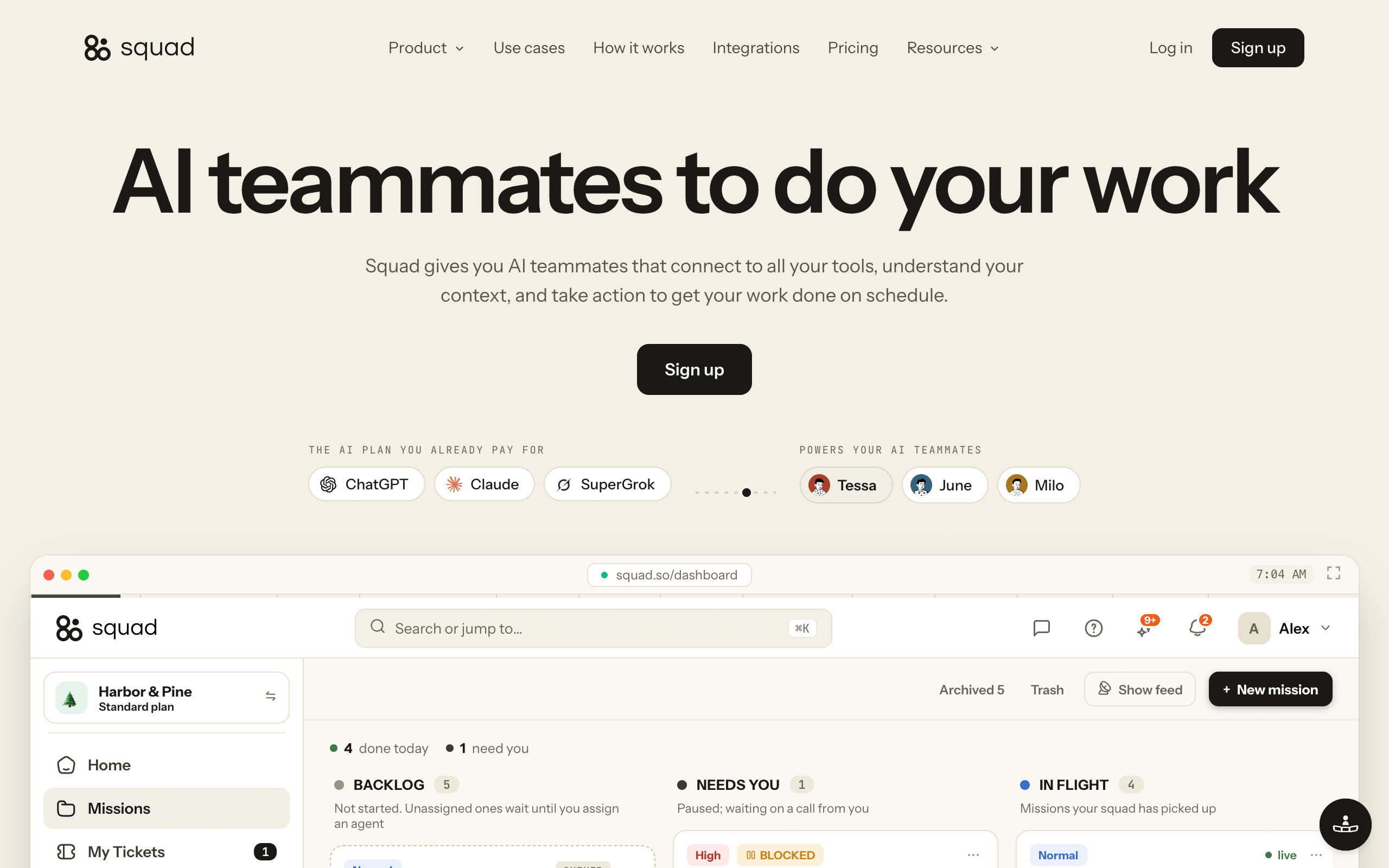
Squad (formerly MissionControlHQ) runs a squad of AI teammates for a business. A squad is a team of AI agents, each with its own job, working together, where a dot is one assistant. Squad costs $99 a month and runs on the AI plan you bring, with no per-task AI charges.
Key features:
- Unlimited AI teammates. A lead agent learns your business and designs the squad with you.
- Thirteen AI providers, a different model per AI teammate, stacked accounts, and fallbacks when one runs out.
- Each connection has an access level, and you can narrow or block any single agent.
- A Memory screen to search, edit, and forget memories.
- Every run shows its model and token usage.
- An optional inbox per AI teammate at $10 a month, so replies come back to the right agent.
- Several squads for separate clients, each on its own $99 subscription with its own computer and billing.
Pros
- Several agents now, each with its own access, model, and inbox
- Runs on the ChatGPT plan it recommends ($100 to $200 a month), the same range as the Pro plans with a dot
- Token usage on every run, and agents can draft for your approval and open a ticket before money moves
Cons
- Costs more than a dot alone: $99 plus your AI plan, $199 to $299 a month all in
- 70+ integrations against the 4,000+ apps a dot can reach
- One dedicated computer per squad with a browser profile per teammate, where dots give each dot its own computer
Pricing: $99 a month, cancel anytime, 7-day money-back guarantee on the first payment. You bring your own AI plan; ChatGPT at $100 to $200 a month is the recommendation. Squad and a dot can run side by side: the squad connects a ChatGPT plan through Codex device authorization. The squad runs on that ChatGPT plan, so its work uses the same plan as your own ChatGPT use. You can add a second ChatGPT account in AI Tokens to give the squad its own capacity.
Businesses that need several AI agents now, each with its own job, access, and model, and want to see the token usage of every run.
The full 1:1 comparison is in OpenAI dots vs Squad.
Which OpenAI dots alternative should I pick?
Pick by the one limit of dots that affects you most. The matrix shows which option covers each need, based on each vendor's published documentation.
Based on official documentation read September 30, 2026.
| If you need | OpenAI dots | Grok Bot | Meta Muse | OpenClaw / Hermes | Squad |
|---|---|---|---|---|---|
| Frontier model built in, no setup | Yes GPT-6 Astra | Partly Grok 4.6 | Partly Muse Spark | No You pick and connect one | Partly You connect your own plan |
| Choose or switch the model | No | No | No | Yes Any model | Yes 13 providers, model per agent |
| Several agents today | No One dot at launch | Yes | Not described by Meta | Partly Hermes Kanban, single host | Yes Unlimited AI teammates |
| Different access per agent | No Permissions shared | No Shared logins | Not described by Meta | Partly You build it | Yes Narrow or block per agent |
| A computer per agent | Yes | No One per user | Yes VM per person | Partly Your server | Partly One per squad, browser per agent |
| Edit what the agent remembers | No Reset only | Not published | Not published | Depends on your setup | Yes Memory screen |
| Its own email address | No Not at launch | Not published | Not published | Depends on your setup | Yes $10 a month per inbox |
| Lowest starting price | $100 a month | $20 a month | Free for most use | Free software | $99 + your AI plan |
How many agents do you need right now?
- If One assistant for yourself→OpenAI dots, Meta Muse, or Grok Bot
- If Several agents for different jobs→Squad, Grok Bot, or Hermes Agent
Do you need to choose the model?
- If GPT-6 Astra is fine→OpenAI dots
- If Yes, and you will host it→OpenClaw or Hermes Agent
- If Yes, hosted, with a model per agent→Squad
Do some agents need less access than others?
- If No, one person, one set of logins→OpenAI dots or Grok Bot
- If Yes, or you work for several clients→Squad
What is your monthly budget?
- If Under $100→Grok Bot, Meta Muse, or self-hosted OpenClaw
- If $100 to $200 for one assistant→OpenAI dots on ChatGPT Pro
- If $199 to $299 for a team→Squad on a ChatGPT plan
| Scenario | Best pick | Why |
|---|---|---|
| Developer who lives in ChatGPT and Codex | OpenAI dots | A dot starts Codex cloud tasks and carries your ChatGPT memory |
| Team that works in Microsoft Teams | OpenAI dots | Dots post in Teams with their own identity |
| Solo founder on a tight budget | Grok Bot | Several named agents from $20 a month |
| Personal errands, travel, and bills | Meta Muse | Free with a usage limit and reachable in WhatsApp |
| Engineer who wants local models and full control | OpenClaw | Free, MIT, any model, your hardware |
| Self-hosted agents that learn skills | Hermes Agent | Writes skills from finished work, Kanban board |
| Agency running work for several clients | Squad | Per-agent access and a separate squad per client |
| Business with support, outreach, and finance work | Squad | A separate AI teammate per job, each with its own access and model |
| Outbound email from an agent | Squad | An inbox per AI teammate; replies come back to it |
| You want to see how much usage every task took | Squad | Each run shows its model and token usage |
When is a dot alone enough?
A dot alone is enough when one person owns the work and that work lives in ChatGPT, Codex, Slack, or Teams. It also fits when GPT-6 Astra is the model you want and one set of app permissions covers everything you hand off.
If you already pay for ChatGPT Pro, your first dot costs nothing extra. Start there. Add more agents when a second job needs different access, a different model, or its own inbox. The multiple dots guide covers what OpenAI has announced for more dots and what works today.
Frequently asked questions
Basics
What is OpenAI dots?
OpenAI dots are always-on AI agents inside ChatGPT, launched on September 29, 2026 at DevDay. Each dot runs on GPT-6 Astra, has its own cloud computer and browser, connects to over 4,000 apps through ChatGPT plugins, and keeps working toward your goals between conversations. You can message it in ChatGPT, Slack, and Teams, or talk to it on a voice call.
How is a dot different from ChatGPT?
A regular ChatGPT conversation answers when you ask. A dot takes ongoing responsibility, runs scheduled and background work on its own cloud computer, remembers context across conversations, and brings results back for your review. OpenAI's help center describes it as an always-on agent that keeps making progress between conversations.
Pricing and plans
How much does OpenAI dots cost?
Your first dot is included with ChatGPT Pro at $100, $200, or $500 a month, or with a ChatGPT Business Premium seat at $125 a month ($100 billed annually). Free, Go, and Plus plans do not include a dot. OpenAI has not announced a price for extra dots.
Is OpenAI dots available on ChatGPT Plus?
No. At launch, dots are included only with ChatGPT Pro and Business Premium, and Enterprise workspaces can enable a beta. OpenAI says it plans to expand dots to more users soon but has not given a date or plan.
Can I have more than one dot?
Not at launch. You start with one primary dot. OpenAI says that in the future you will be able to add more dots and scale each dot's speed or monthly workload, and that it envisions teams of dots working together. No price or date is published.
Control and privacy
Can I choose the AI model my dot uses?
No. Dots run on GPT-6 Astra. OpenAI documents no model choice, and its help center says Enterprise model controls and default model settings do not apply to dots.
Can I delete what my dot remembers?
Only by deleting the dot. OpenAI's privacy FAQ says you currently cannot view, delete, or directly modify individual dot memories. Resetting the dot deletes its conversations, saved memories, and scheduled tasks. Disconnecting an app does not delete what the dot already learned from it.
Alternatives
What is the best alternative to OpenAI dots?
It depends on what you need. Grok Bot is the cheapest way to get several named agents (from $20 a month). Meta Muse is free with a usage limit. OpenClaw and Hermes Agent are free and run any model if you host them yourself. Squad (formerly MissionControlHQ) is the fit when a business needs a team of AI agents with separate access, a model per agent, and token usage on every run, at $99 a month plus the AI plan you bring.
Is OpenAI dots better than Grok Bot?
They make different trades. Dots run on GPT-6 Astra, give each dot its own cloud computer, and carry over your ChatGPT memory and apps, starting at $100 a month. Grok Bot starts at $20 a month and gives you several named bots today, but they share one cloud computer, including files, browser, and logins.
Can I use dots and Squad together?
Yes. Squad connects a ChatGPT plan through Codex device authorization and runs a team of AI agents on it, while your dot keeps working in ChatGPT. The squad runs on that ChatGPT plan, so its work uses the same plan as your own ChatGPT use. You can add a second ChatGPT account in AI Tokens to give the squad its own capacity.
When is a dot alone enough?
A dot alone is enough when one person owns the work, the work lives in ChatGPT, Codex, Slack, or Teams, GPT-6 Astra is the model you want, and one agent with shared app permissions covers what you need to hand off.
Sources
Official launch pages:
- OpenAI: Introducing dots (September 29, 2026)
- OpenAI: DevDay 2026 recap
- OpenAI Help: Getting started with your dot
- OpenAI Help: Dots privacy, security, and safety FAQs
- OpenAI Help: Manage dots in ChatGPT workspaces
- OpenAI Help: About ChatGPT Pro tiers
- OpenAI: Premium seats for ChatGPT Business
- ChatGPT pricing
Alternatives:
- xAI: Grok Bot
- xAI: Team Bots (September 28, 2026)
- Meta: Introducing Muse (September 8, 2026)
- OpenClaw on GitHub
- Squad homepage, Squad docs, and Squad integrations
Videos, reviews, and community reaction:
- OpenAI DevDay 2026 keynote
- Every: We Tested OpenAI DevDay Products and Every's vibe check on dots
- Hacker News: Dots, always-on agents
- r/OpenAI: Barrier to entry with dots is kinda absurd
- r/singularity: OpenAI dots is just a worse OpenClaw?
Last updated: October 2026. Meta Muse pricing verified as of October 13, 2026. Other pricing and features verified as of September 30, 2026.