
OpenAI dots use cases center on ongoing work that keeps changing: turning feedback into tested code fixes, revising a launch or a sales proposal as plans shift, producing content, and reading large amounts of information into a short list of actions. OpenAI launched dots on September 29, 2026, with five official examples, and the first creator reports added more within a day.
This page lists every use case OpenAI and early users have shown, grouped by role, with the source for each. It also covers what a dot cannot do yet and which jobs need more than one agent.
4,000+
apps a dot can connect to through OpenAI's plugins ecosystem. Your dot starts with the plugins you already connected in ChatGPT.
Source: OpenAI, Introducing dotsiShort answer
OpenAI dots use cases fall into six kinds of work: code fixes and migrations, plans and proposals that keep changing, content production, reading and summarizing large amounts of information, directing Codex threads, and personal errands. OpenAI's own examples cover the first five, and early users Peter Yang and Chase AI reported results in each. A dot cannot yet have its own email address, call you, or run as more than one agent per person. Businesses with several separate jobs, such as support, outreach, and invoice follow-up, need a team of agents with separate access.
Key takeaways
| Question | Answer |
|---|---|
| Official use cases | Feedback into tested fixes, launch revisions, analysis updates, sales proposals, and content production (OpenAI launch post) |
| Strongest developer use | Bug reports to pull requests. OpenAI says its engineers' dots fix dozens of bugs a day |
| Strongest creator use | Reading a lot and returning actions. Peter Yang's dot turned 1,800+ YouTube comments into five themes |
| For non-technical users | Personal errands appear in OpenAI's keynote, but creators describe dots as a work product |
| Main limits at launch | One dot per person, no standalone email address, no calls to you, texting in limited beta |
| When one dot is not enough | Several separate jobs that each need their own access, inbox, or schedule |
Each group traces to OpenAI's launch material or a named creator's reported results.
Code fixes and migrations
Bug reports from Slack turned into pull requests. Legacy API migrations traced, coded, and tested.
Work that keeps changing
Launch plans, sales proposals, and analyses updated as scope, requirements, or evidence change.
Content production
Clips, show notes, and social drafts. App Store screenshots for a launch.
Reading into actions
Hundreds of comments or Slack threads summarized into a short list of changes to make.
Directing Codex
One dot starts and tracks Codex threads, including by voice call.
Personal errands
Plane tickets, dinner times, a home renovation, and signing kids up for lessons.
What can OpenAI dots do?
OpenAI dots can take a project and run with it on their own cloud computer, 24/7, using the apps you already connected to ChatGPT. OpenAI calls them "always-on agents built to handle everything." Each dot runs on GPT-6 Astra and learns from your feedback over time.
The official capabilities that shape the use cases:
- A dot connects to over 4,000 apps through OpenAI's plugins, and starts with the plugins already connected in ChatGPT.
- It works on several projects at once. You can open its computer at any time to inspect the work.
- It runs reminders and recurring checks. Its profile shows tasks In progress, Scheduled, and Completed.
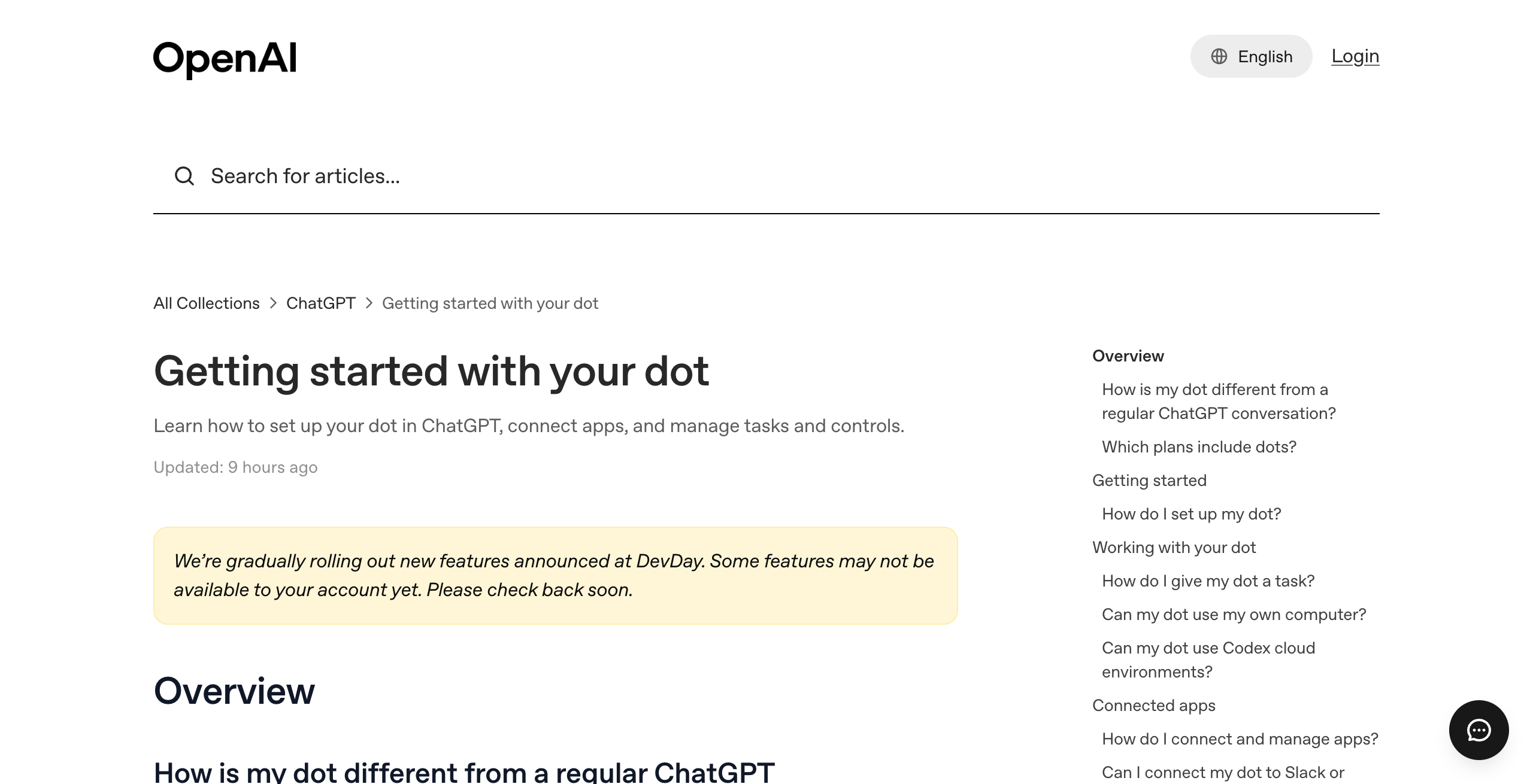
- It can create cloud tasks in Codex environments. With optional laptop access turned on, it can also create Work or Codex tasks, use local skills, and use your local browser.
- When you are not working with it, it does "proactive research" in connected apps with read-only tools.
- You reach it in ChatGPT (desktop, web, mobile), in Slack, and in Teams, and you can call it by voice in ChatGPT.
4,000+
apps through OpenAI's plugins
24/7
work toward your goals
1
dot included in Pro or Business Premium
$100
per month for Pro 100, the cheapest plan with a dot
3
places to message it: ChatGPT, Slack, Teams
Dozens
of bugs a day fixed by OpenAI engineers' dots
In the DevDay keynote, OpenAI listed the kind of work it expects people to delegate: monitor incoming bug reports and test fixes in draft pull requests, kick off next year's budget planning cycle, and find out what is slowing down an app. The main example was moving an app off a legacy API before it shuts down. The dot traces the dependencies, writes the code, runs the tests, and brings a pull request for review.
What are the best use cases for a dot?
The best use cases for a dot are recurring jobs that change as new information arrives. OpenAI's launch post gives five examples, and OpenAI's internal use and early creator reports add the rest. Every row below traces to a named source.
| Use case | Who | What the dot does | Source |
|---|---|---|---|
| Turn feedback into tested fixes | Developers | Opens pull requests with videos of the fix | OpenAI launch post |
| Fix bugs reported in Slack | Engineering teams | Investigates a bug posted in a feedback channel and opens a PR | DevDay keynote |
| Move an app off a legacy API | Developers | Traces dependencies, writes code, runs tests, brings a PR | DevDay keynote |
| Turn a design into a working app | Product teams | Builds it with Codex on the laptop and launches it in the iPhone simulator | DevDay keynote |
| Revise a launch as scope changes | Founders, product leads | Updates the launch plan and calendar when dates move | OpenAI launch post, DevDay keynote |
| Keep planning cycles in sync | Operators | Kicks off and tracks planning work | OpenAI launch post |
| Review what came in overnight | Anyone | Pings you with anything urgent before your day starts | DevDay keynote |
| Catch a forgotten invoice | Business owners | Noticed it, prepared it, sent it after approval | OpenAI launch post |
| Update a sales proposal | Sales leads | Revises the proposal as requirements shift | OpenAI launch post |
| Produce content | Marketers, creators | Makes clips, show notes, and social drafts | OpenAI launch post |
| Update an analysis | Scientists, analysts | Updates the analysis as new evidence arrives | OpenAI launch post |
| Track dependencies on a shared page | Teams | Jumps in when tagged in a ChatGPT Space comment | DevDay keynote |
| Flag a sponsorship lead | Creators | Flagged a five-figure sponsorship Peter Yang had missed | Peter Yang |
| Summarize 1,800+ YouTube comments | Creators | Read comments across 300+ videos, returned five themes | Peter Yang |
| Research competing courses | Course creators | Found the top three landing page changes in about 6 minutes | Peter Yang |
| Prepare an app for launch | App builders | Had a build thread make six App Store screenshots and fix bugs | Peter Yang |
| Direct Codex threads by voice | Developers | Opened a new Codex thread to build a website during a call | Chase AI |
What can developers use a dot for?
Developers can use a dot to turn bug reports into tested pull requests. In the keynote, an OpenAI presenter showed a bug and a session ID posted in a feedback channel. A teammate's dot picked it up, investigated it, and opened a PR with a fix. OpenAI said its engineers have dots fixing dozens of bugs a day this way.
Larger jobs follow the same pattern. The legacy API migration example has the dot trace every dependency, write the change, and run the tests. Codex tasks a dot starts count toward your usage limits, so large coding jobs draw on the same allowance as your own Codex work. Mission control for Codex covers running several Codex agents side by side.
What can founders and operators use a dot for?
Founders and operators can use a dot to keep plans current as things change. OpenAI's launch post lists revising a launch as scope changes and keeping planning cycles in sync. In the keynote demo, a dot noticed a launch review had moved earlier and had already updated the presenter's calendar.
The launch post also describes an early tester whose dot noticed a forgotten invoice. The dot prepared it and sent it after the tester approved. Every consequential action still needs your review, because OpenAI says "Dots can still make mistakes."
What can marketers and creators use a dot for?
Marketers and creators can use a dot for content production. OpenAI's launch post lists clips, show notes, and social drafts. Peter Yang, a creator who tested dots before launch, says his dot flagged a five-figure sponsorship opportunity he had missed, suggested a paid product, and built a landing page.
What can sales teams use a dot for?
Sales teams can use a dot to keep a proposal up to date. OpenAI's launch post describes a sales lead whose dot updates the proposal as the buyer's requirements shift. A dot can also be added to a Slack DM thread, where Peter Yang used his for competitive research during a conversation with a colleague.
What can researchers use a dot for?
Researchers can use a dot to update an analysis as new evidence arrives. OpenAI's launch post gives the example of a scientist. The same pattern shows up in creator reports: Peter Yang's dot read more than 1,800 YouTube comments and returned five actions to grow his channel.
What did people actually use dots for in the first week?
In the first days after launch, people used dots for Slack research, summarizing large volumes of comments, preparing an app for launch, and directing Codex threads. The earliest reports come from OpenAI's own teams and from creators with early access. Creator results below are each creator's own reports. This page did not test them.
In the keynote, OpenAI said its staff forward Slack threads to their dots, bring dots into group chats, and hand off tasks there so everyone sees the results. In ChatGPT Space, a presenter asked a dot to drop an FAQ into a shared page and to turn a table into a bar chart.
Peter Yang reported these results in his video:
- He asked his dot in Slack to research courses similar to a colleague's Maven course. About 6 minutes later it returned three changes for the course's landing page.
- He asked it to grade how well he runs his Slack community. After reading past threads for about 7 minutes, it gave an A minus and three suggestions.
- He asked it to read every YouTube comment from the last six months. It worked through more than 300 videos and 1,800 comments in about 30 minutes and returned five themes.
- He asked it to get his fitness app launch-ready. The dot passed instructions to his app's build thread, which made six App Store screenshots and fixed bugs it found.
- He had it scout trending AI posts on X. He says his dot and his Grok Bot found two different sets of posts.
Chase AI, a creator with early access, calls the dot's role as an orchestrator of other agents "probably its most powerful function." On a voice call, he asked his dot to open a new Codex thread in an existing project and build a website comparing dots with Muse and Grok Bot. The dot confirmed it had passed the request to a new Codex thread.
What are dots useful for if I'm not technical?
Dots are useful for personal and admin tasks if you are not technical, but most published examples are work tasks. Commenters on the Hacker News launch thread asked this directly, for example what a teacher or a car salesperson would use one for.
OpenAI's keynote shows these non-technical tasks:
- Booking a plane ticket or finding a time for dinner
- Helping with a home renovation
- Finding a backup cake vendor after the first one cancelled
- Signing kids up for after-school lessons as soon as registration opens
- Updating a board meeting deck with the latest numbers
- Reviewing what came in overnight and flagging anything urgent
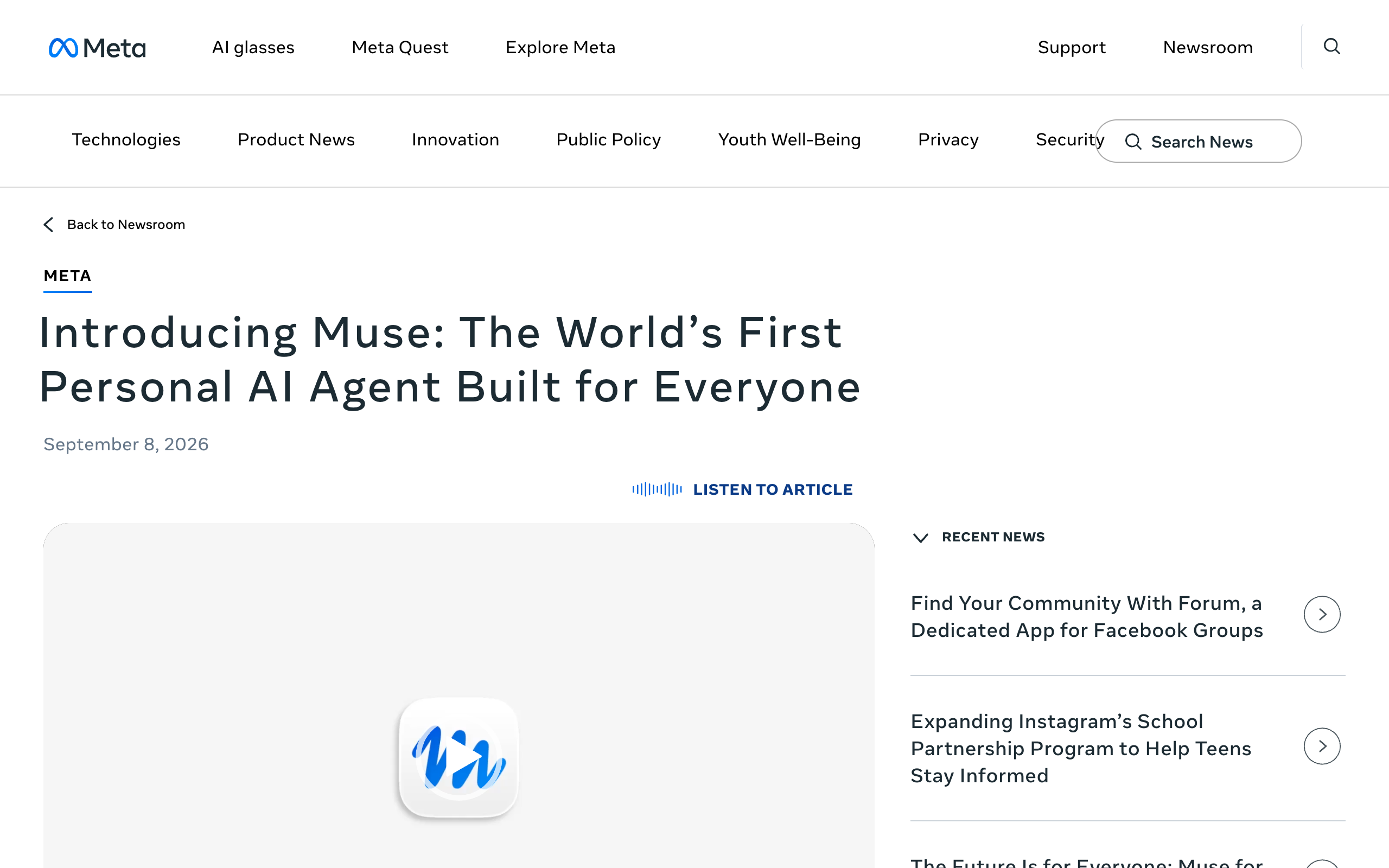
Creators place dots at the work end. Peter Yang says Muse focuses on consumer tasks, such as calling businesses and booking travel, while dots are "very much designed for work use cases." Chase AI says someone who mainly wants to check email and ask about the weather may prefer Meta's Muse, which Meta describes as free for most of what people need. A dot costs at least $100 a month. The OpenAI dots pricing page lists every plan.
What can't a dot do yet?
A dot cannot yet have its own email address, call you, or run alongside a second dot for the same person. These limits come from OpenAI's help center and launch post, and they rule out some use cases at launch.
- No standalone email address. You can connect your personal email account instead. Peter Yang's dot profile shows an email option marked unavailable.
- No calls to you. You can call your dot in ChatGPT, but it cannot call you at launch.
- Texting is a limited beta for Pro users in the US, and it is not in Business or Enterprise.
- One dot per person. More dots are planned, with no price or date.
- Money and passwords stay with you. You must take over to transfer money or change a password. Purchases with a saved card need approval.
- Sign-ins can need you. The dot's cloud computer does not inherit your browser sign-ins. Chase AI says he expects to enter passwords and two-factor codes himself for sites without an API, such as YouTube Studio.
- Memories cannot be viewed or edited one by one. Deleting the dot is the only way to delete its context.
- Plugin permissions are shared across dots, ChatGPT, ChatGPT Work, and Codex. No per-dot scoping is documented.
- Setup works in the ChatGPT desktop app or desktop web only.
Early reviews also report rough edges. Every's review says dots are useful when they work, lists many bugs, and suggests waiting a week or two. The live voice demo at DevDay stalled at about 11:43 in the keynote. The OpenAI dots privacy page covers what a dot can access and do without asking.
Which jobs need more than one agent?
Jobs need more than one agent when several run at once and each needs its own access, schedule, or inbox. Support, outbound sales, and invoice follow-up are typical. One dot can hold many tasks, but it is one agent with one set of plugin permissions.
OpenAI plans for this. The launch post says "Over time, we envision teams of dots working together on your behalf." Specialist dots, each with "its own identity, credentials, and access," are in focused enterprise pilots. OpenAI tested them internally for procurement, invoice processing, email marketing, customer support, and commercial contracting. Individuals and small businesses cannot buy extra dots yet. Can you have more than one OpenAI dot? covers what is announced.
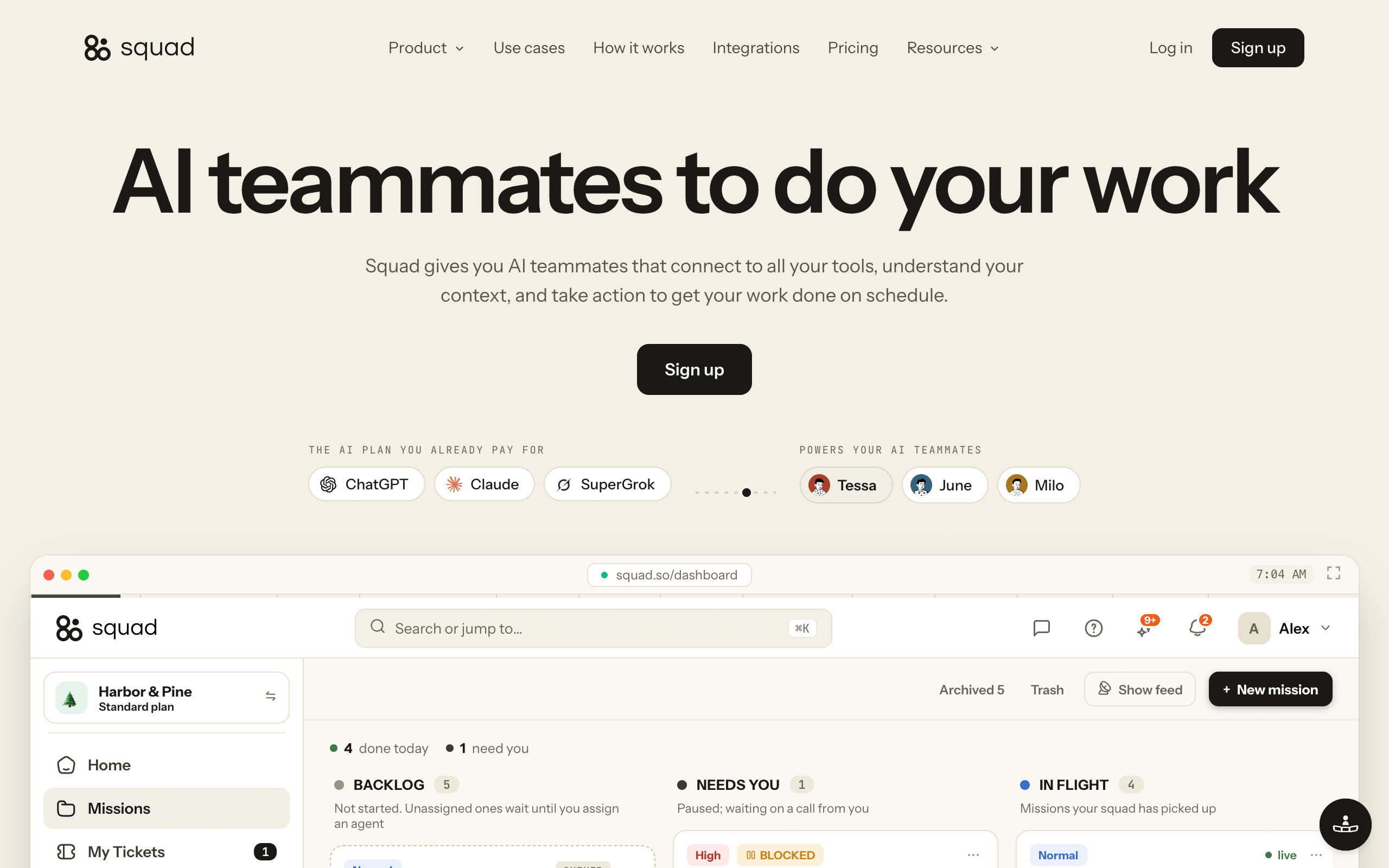
A squad is the other route. A squad is a team of AI agents, each with its own job, working together (not just one assistant). Squad (formerly MissionControlHQ) runs a squad of AI teammates for $99 a month on the AI plan you bring. It recommends ChatGPT at $100 to $200 a month, the same price range as the Pro plans that include a dot, for $199 to $299 a month all in. The squad runs on that ChatGPT plan, so its work uses the same plan as your own ChatGPT use. You can add a second ChatGPT account in AI Tokens to give the squad its own capacity.
Squad's homepage lists the jobs people hand over first. These are Squad's own examples:
- Invoice chaser, weekdays at 9:00 AM. Pulls the overdue list from Stripe and writes a reminder for each one.
- Inbox triage, weekdays at 7:00 AM. Sorts the overnight inbox, answers the routine ones, flags what needs you.
- Cold outreach, weekdays at 8:00 AM. Builds the list, writes a first line, sends from its own address, and follows up.
- Customer support, continuous. Answers repeat questions and escalates the rest.
- Weekly report, Mondays at 7:00 AM. Revenue, refunds, and ad spend in the same one-page shape.
- Competitor watch, Mondays at 7:00 AM. Tracks pricing, launches, and hiring.
The differences that matter for these jobs are documented on both sides:
- Squad has unlimited AI teammates, and a lead agent designs the squad with you. Dots has one dot per person today.
- Each Squad connection has an access level, and the levels vary by app. You can narrow or block any single agent. Dot plugin permissions are shared with ChatGPT and Codex.
- Each Squad teammate can have its own inbox, an optional add-on at $10 a month per inbox. A dot cannot have a standalone email address at launch.
- Squad lets you pick a model per teammate across 13 providers. Dots run on GPT-6 Astra.
Dots is ahead on other points. It has GPT-6 Astra built in, carries over ChatGPT memory and apps, connects to 4,000+ apps against Squad's 70+, gives each dot its own cloud computer, supports Teams and voice calls, and creates Codex tasks. Team of AI employees explains how to split work across agents.
Verdicts trace to OpenAI's help center and launch post, the DevDay keynote, creator videos, and Squad's homepage and docs.
| If you need | One dot | Dot + Codex tasks | A squad of agents |
|---|---|---|---|
| Morning review of what came in overnight | Yes Shown in the DevDay keynote | Not needed | Yes Inbox triage, weekdays at 7:00 AM |
| Bug reports from Slack turned into PRs | Yes OpenAI engineers do this daily | Yes Codex tasks count toward usage limits | Partly Release QA reports what broke; keep fixes in Codex |
| Several builds directed by voice | Partly Voice calls in ChatGPT | Yes Chase AI's voice call opened a Codex thread | No Documented channels are dashboard chat, Telegram, Discord, Slack |
| Chase overdue invoices every weekday | Partly One tester's dot sent a forgotten invoice after approval | Not needed | Yes Invoice chaser; agents can draft for your approval |
| Outreach from the agent's own address | No No standalone email at launch | No No standalone email at launch | Yes Inbox add-on, $10 a month each |
| Support running all day alongside other jobs | Partly One dot per person; support specialist dots are enterprise pilots | Partly Same single dot | Yes Customer support runs continuously |
| Different access for different jobs | No Plugin permissions shared across dots, ChatGPT, Codex | No Same shared permissions | Yes Narrow or block access per agent |
| A different model per job | No GPT-6 Astra only | No GPT-6 Astra runs the dot | Yes Model per teammate, 13 providers |
When is one dot enough?
One dot is enough when one person owns the work and it fits one set of permissions. That covers most of OpenAI's examples: fixing bugs, keeping a launch or proposal current, producing content, and summarizing research.
It is also the better choice if you already pay for ChatGPT Pro. Your first dot is included at no extra cost, it already has your ChatGPT memory and connected apps, and conversations with it do not count toward your usage limits. Peter Yang names this native ChatGPT integration as the dot's main advantage. The OpenAI dots hub covers the rest of the product, and the Grok Bot use cases page shows how a comparable product is used.
How do I pick my dot's first job?
Pick a first job that repeats, that one person owns, and that ends in something you can review. The questions below narrow it down.
Does the job repeat or keep changing?
- If it repeats on a schedule→Set it as a recurring check on your dot
- If it keeps changing, such as a proposal or launch plan→Give it to your dot as an ongoing responsibility
- If it is a one-off→A regular ChatGPT conversation may be enough
Does it involve code?
- If yes→Let the dot start Codex tasks, and expect them to use your usage limits
- If no→Keep it in the dot's own conversation, which does not count toward limits
Does it move money or change passwords?
- If yes→Have the dot prepare it; you complete that step yourself
- If no→Set a Custom Rule for how much approval it needs
Does it need its own inbox or separate access?
- If yes→Use a squad of agents for that job
- If no→One dot can own it
| Scenario | Best pick | Why |
|---|---|---|
| You want a summary of overnight activity each morning | One dot | OpenAI's keynote shows a dot flagging urgent items before the day starts |
| Bug reports land in a Slack channel | One dot | OpenAI engineers' dots investigate reports and open PRs |
| An app must move off a legacy API | Dot + Codex | The keynote example traces dependencies, writes code, and runs tests |
| Several builds running while you are away from your desk | Dot + Codex | Chase AI starts Codex threads through his dot by voice |
| A mobile app needs launch screenshots | Dot + Codex | Peter Yang's dot had his build thread make six App Store screenshots |
| Hundreds of comments or threads to read | One dot | Peter Yang's dot summarized 1,800+ comments into five themes |
| A proposal that changes with each call | One dot | OpenAI's launch post lists updating a sales proposal |
| Clips, show notes, and social drafts | One dot | Content production is an official launch example |
| Outreach sent from the agent's own address | A squad | Dots cannot have a standalone email address at launch |
| Support, outreach, and invoices at the same time | A squad | One dot per person today; Squad has unlimited AI teammates |
| Mostly personal errands and simple questions | Meta Muse | Creators place Muse at the consumer end, and it has a free option |
Frequently asked questions
Basics
What are the best OpenAI dots use cases? The best OpenAI dots use cases in OpenAI's launch material are ongoing jobs that change over time: turning feedback into tested fixes, revising a launch as scope changes, updating an analysis with new evidence, updating a sales proposal as requirements shift, and producing clips, show notes, and social drafts. Inside OpenAI, dots investigate bugs posted in Slack, turn designs into working apps, and keep planning cycles in sync.
What can OpenAI dots do? A dot is an always-on agent in ChatGPT, powered by GPT-6 Astra, with its own cloud computer. It connects to over 4,000 apps through OpenAI's plugins, works 24/7, runs scheduled reminders and recurring checks, can create Codex cloud tasks, and can use your laptop if you turn local access on. You reach it in ChatGPT, Slack, and Teams, and by voice call in ChatGPT.
What can I use a dot for if I'm not technical? OpenAI's keynote shows personal and admin tasks: booking plane tickets, finding a time for dinner, helping with a home renovation, finding a backup cake vendor for a wedding, and signing kids up for after-school lessons when registration opens. Creators Peter Yang and Chase AI both describe dots as a work product and point people who mainly want consumer tasks toward Meta's Muse. A dot costs at least $100 a month, through ChatGPT Pro.
Work and business
Is a dot useful for a small business? Yes, for work one person owns. OpenAI's examples include a sales proposal kept current and an early tester's dot that noticed a forgotten invoice, prepared it, and sent it after approval. Each person gets one dot at launch, it has no email address of its own, and its app permissions are shared with ChatGPT and Codex. A business that wants separate agents for support, outreach, and invoices needs more than one dot.
Can a dot write code and fix bugs? Yes. A dot can write and test code on its cloud computer, create Codex cloud tasks, and bring a pull request for review. In the DevDay keynote, OpenAI said its engineers have dots fixing dozens of bugs a day from reports posted in Slack. Codex tasks a dot starts count toward your usage limits.
Can my dot send emails for me? A dot can work with your connected personal email account, and auto-review checks an email's recipient and content against your instructions and Custom Rules. At launch a dot cannot have its own standalone email address, so it has no inbox of its own for replies.
Plans and limits
Which ChatGPT plan do I need to use a dot? Dots are included in ChatGPT Pro (from $100 a month) and Business Premium seats ($125 per user per month, or $100 billed annually). Enterprise, Edu, and Healthcare workspaces can try the beta when an admin turns it on. Free, Go, and Plus plans do not include a dot.
Do dot tasks count toward my usage limits? Conversations with your dot do not count toward your ChatGPT usage limits. Tasks your dot starts or manages in Codex or ChatGPT Work count as usual. Plans include an allowance for deeper work, with extended limits for the first month after launch. OpenAI has not published the size of the allowance.
Can I have separate dots for different jobs? Not yet. You start with one primary dot. OpenAI says you will be able to add more dots in the future, with no price or date announced. Specialist dots with their own identity, credentials, and access are a preview in focused enterprise pilots.
Sources
Official:
- OpenAI, Introducing dots (September 29, 2026): capabilities, 4,000+ apps, the five launch examples, uses inside OpenAI, the forgotten invoice, and teams of dots.
- OpenAI, DevDay 2026 recap.
- OpenAI Help Center, Getting started with your dot: setup, scheduling, Codex cloud tasks, local access, email, calls, and texting.
- OpenAI Help Center, Dots privacy, security, and safety FAQs: plugin permissions, Custom Rules, auto-review, money and passwords, and memory.
- OpenAI Help Center, Manage dots in ChatGPT workspaces.
- OpenAI Help Center, About ChatGPT Pro tiers: Pro 100, Pro 200, and Pro 500 prices and usage.
- OpenAI, Premium seats for ChatGPT Business: Business Premium seat prices.
- OpenAI, DevDay 2026 keynote on YouTube.
- Meta, Introducing Muse (September 8, 2026).
- Squad: the homepage pricing, example jobs, and FAQ, and the docs pages Connect your AI, AI accounts and models, Integrations, and Email.
Press and creators:
- CNET, OpenAI DevDay 2026: Everything Announced in 15 Minutes.
- Peter Yang, ChatGPT Dots is Here!
- Chase AI, I Got Early Access To ChatGPT Dots
- Every, Vibe check: dots, always-on agents in ChatGPT.
Community:
- Hacker News, Dots: Always-on agents launch thread.
Related on this site: OpenAI dots, OpenAI dots pricing, Can you have more than one OpenAI dot?, OpenAI dots privacy, Grok Bot use cases, and AI agent email inboxes.
Last updated: September 2026. Pricing and features verified as of September 30, 2026.