
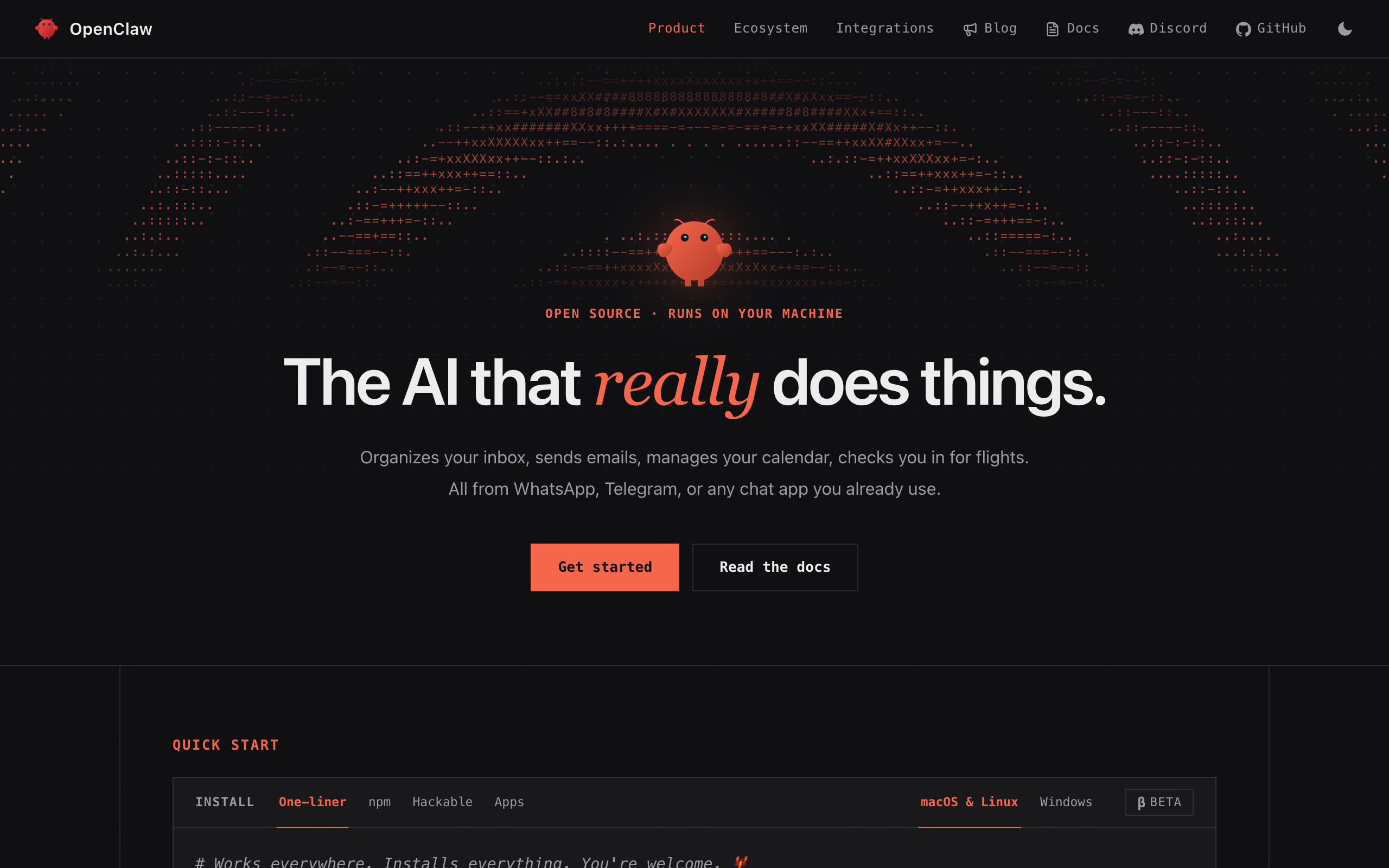
OpenClaw is a free, open-source AI agent you run yourself, on your own computer or a rented server. It talks to you through WhatsApp, Telegram, Discord, Slack, and 20-plus other chat apps. It keeps memory, installs skills, and checks for work on a timer. The code is MIT-licensed and had 389k GitHub stars on 10 September 2026. There is no paid version and no hosted tier. So you run the server, secure it, and set up the agents yourself. People look for an alternative when they don't want to do all of that.
Short answer. Squad (formerly MissionControlHQ) is the closest hosted match for a founder who wants a squad (a coordinated set of specialist agents sharing one task board, not one generalist agent), designed with them, running in a managed environment, for $99/mo flat on top of the AI plan they already pay for. Hermes Agent is the most complete open-source alternative. ZeroClaw, NanoClaw, and PicoClaw each fix one specific complaint (resource use, isolation, hardware footprint). Claude Cowork, Grok Bot, Manus, and Kimi Claw are the hosted single-agent options from $20/mo to $300/mo.
80%
of organizations report measurable ROI from AI agents. Most teams are past the question of whether to run one. The harder problem is running several reliably.
Source: Anthropic, The 2026 State of AI Agents Report (500+ technical leaders)iShort answer
OpenClaw runs one personal agent well. You do four jobs yourself: run the server, secure it, coordinate the agents, and design them. The nine alternatives each take over some of that work. The open-source runtimes (Hermes Agent, ZeroClaw, NanoClaw, PicoClaw) stay free and let you pick the model, and you still host them. The hosted single agents (Claude Cowork, Grok Bot, Manus, Kimi Claw) host it for you but tie you to one model or a credit meter. Squad runs a team of specialist agents for you, on your own AI plan, for $99/mo flat.
Key takeaways
| The question | The answer |
|---|---|
| What OpenClaw is | A free, MIT-licensed, self-hosted personal agent runtime: chat-app gateway, memory, skills, heartbeat. 389k GitHub stars as of 10 September 2026, stewarded by a non-profit foundation |
| Why people look for alternatives | Exposed instances (42,665 found in one January 2026 scan), install and update pain, plugin friction, hosting on you, token cost from heartbeats, and no agents defined until you set them up |
| Closest hosted alternative | Squad: a squad of specialists designed by a lead agent, provisioned computer, per-run token usage, $99/mo flat plus your own AI plan, 13 providers, no markup |
| Best open-source alternatives | Hermes Agent (244k stars, Kanban, single-host), ZeroClaw (32.8k, single Rust binary), NanoClaw (30.7k, container per agent), PicoClaw (30k, under 10MB) |
| Hosted single-agent alternatives | Claude Cowork from $20/mo, Manus from $20/mo, Kimi Claw inside a paid Kimi membership, Grok Bot at $200-300/mo |
| When OpenClaw is right | One agent, one person, your own hardware, and you are comfortable running a server |
Each alternative on this page takes over one or more of them.
The server
A machine that stays on, Node 24.16+ or 26.1+, updates, backups, and restarts. The docs list VPS providers from free tiers to Hetzner; the operator does the rest.
The security
The Gateway must stay on loopback behind a tunnel. It is not hardened for public exposure. One scan found 42,665 instances exposed.
The coordination
OpenClaw supports multiple agents, but its Workboard is off by default and scoped to one gateway, and nothing tracks what each run cost.
The design
OpenClaw does not decide which agents you need or what each one does. You decide the agents, their roles, and their access before anything useful happens.
What OpenClaw is, and what you run yourself
OpenClaw is a personal AI assistant that runs on your own hardware and does things on your behalf. Its homepage puts it plainly: it "organizes your inbox, sends emails, manages your calendar, checks you in for flights," all from WhatsApp, Telegram, or any chat app you already use. Install is one command, and the software is MIT-licensed with "no subscription, no hosted tier, no token."
389k
GitHub stars, 81.8k forks (10 September 2026)
MIT
License; no enterprise edition, no paid version
$0
Software cost, self-hosted; you pay for hosting and the model
28+
Chat channels: Discord, iMessage, Slack, Teams, Telegram, WhatsApp, Signal, and more
Node 24.16+
Or 26.1+; the installer provisions Node when it is missing
501(c)(3)
The OpenClaw Foundation, an independent US non-profit, stewards the project
OpenClaw's own documentation states three facts. First, OpenClaw officially supports multiple agents in one Gateway, each with its own workspace and session history, and cross-agent access is on by default and governed by an allow list. Second, the bundled Workboard kanban is "disabled by default" and "intentionally small: it tracks local operating work for one OpenClaw Gateway," and its docs say it "is not a replacement for GitHub Issues, Linear, Jira, or other team project management systems." Third, the SECURITY.md states the Gateway "is not hardened for public exposure" and must stay loopback-only behind an SSH tunnel or Tailscale.
These are deliberate choices, not flaws. The OpenClaw Foundation is a non-profit that maintains the runtime and stops there. This page treats OpenClaw as a strong runtime. The alternatives handle the work OpenClaw does not do. The page mission control for OpenClaw covers that work in depth.
Why people look for OpenClaw alternatives
People leave OpenClaw for six reasons. Each one below links to its source.
1. Exposed instances. OpenClaw's Gateway can run shell commands on its machine, so the docs say to keep it on loopback. Many people skip that step. Astrix Security's timeline reports that the ClawdHunter scanner found 42,665 publicly exposed instances at the end of January 2026. 93.4% had critical authentication bypasses, and 26% of third-party skills contained security vulnerabilities. Hostinger's September 2026 roundup cites CVE-2026-25253, which exposed gateway tokens and could let an attacker run their own code. The SECURITY.md treats every authenticated caller as a trusted operator. An operator who never turns on the auth leaves the Gateway open.
2. Install and update pain. Composio's May 2026 roundup reports: "installation is a nightmare. I remember spending hours to get it right," and on updates, "Every patch would make it worse. A fix for one thing would unfix the other." OpenClaw needs Node 24.16 or newer, a machine that stays on, and an operator who applies each release.
3. Plugin and skill friction. The same Composio piece says: "The Skills and Plugin ecosystem is vast, but the experience is horrible." The 26% vulnerable-skills figure above is part of the same problem.
4. Hosting is on you. The VPS guide lists providers from free tiers to Hetzner and DigitalOcean and tells you to keep the Gateway on loopback behind an SSH tunnel or Tailscale Serve. That is good advice, and it is work you keep doing. Hostinger's roundup says people want alternatives with "stronger credential controls and simpler setup to lower hosting requirements."
5. Token cost from heartbeats. Notebookcheck reported in February 2026 that a heartbeat check can send 120,000 tokens of context for a trivial "anything to do?" at roughly $0.75 per request on a frontier model. One user's 25 overnight heartbeats cost $18.75, and c't magazine spent over $100 in a day of testing. Composio's summary: "Agentic tasks consume a massive amount of tokens... the cost will skyrocket pretty fast." OpenClaw ships no per-run cost ledger, so the bill arrives with no breakdown.
6. You design the agents yourself. OpenClaw does not decide which agents you need or what each one does. You do. Setting up the software is one job. Designing the agents is another: which agents to run, what each one owns, what each one may touch, and how they pass work to each other. The runtime does none of that. BuildBetter's June 2026 roundup adds the related complaint that "OpenClaw waits for prompts" and "doesn't build skills from observed behavior."
Each alternative below fixes one or more of these six.
What to look for in an OpenClaw alternative
Seven criteria separate the options. The first two rule out the most.
1. Who runs the computer and applies the patches? OpenClaw puts it on you. A hosted platform provisions the machine, keeps it updated, and owns uptime. Ask who applies the next security patch.
2. Can it run on the AI plan you already pay for, with no markup? OpenClaw runs any model. Some alternatives keep that (the open-source runtimes, Squad); some bundle one vendor's model (Grok Bot, Claude Cowork, Kimi Claw); some meter credits (Manus). Check what happens when the plan's limit fills. Account stacking and cross-provider fallback chains are the two ways out.
3. Does anything design the agents with you? Many self-hosted installs never become a running team because no one decided which agents to create. A platform where a lead agent interviews you and proposes named roles makes that decision with you. Every self-hosted option on this page starts with no agents defined, and so do Grok Bot, Cowork, Manus, and Kimi Claw.
4. Is there shared task state, or only a schedule? A heartbeat wakes an agent. A business also needs a task board every agent reads and writes, threads with @-mentions that wake the right agent, and squad chat. OpenClaw's Workboard and Hermes' Kanban both exist and both are single-host by their own docs.
5. Does cost tracking see every run? Look for per-run model and token reporting attributed per agent, covering subscription runs as well as API runs. OpenClaw and the open-source runtimes ship none; Hermes' docs put cost strategy in "user-space."
6. Can access follow the agent's context? Call it the Boundary Test. Can the setup structurally stop agent A from touching what agent B touches? The block has to come from the platform's architecture, not from an instruction. Integrations and skills work differently, so check them separately. Integrations come first. Can one account be read-only for one agent and full-access for another, and can each agent have its own browser and logins? Skills come second. Is the skills library scoped per agent or shared squad-wide? On OpenClaw, per-agent skill overrides exist in config, but each agent's workspace is "the default cwd, not a hard sandbox." On Grok Bot, the docs say not to use separate bots as a security boundary at all. On Squad, integrations scope per agent (access levels that vary by app, per-agent restrictions on the same account, multiple accounts per app, an own browser per agent by default), and skills do not, because the library is squad-wide.
7. What does leaving look like? OpenClaw scores well: MIT, your machine, your data. Look for the same in any alternative: full data export, skills that travel, and an AI subscription that stays yours.
How the alternatives were evaluated
This review checked each tool against the seven criteria above using its official documentation, pricing page, and repository, fetched on 10 September 2026 unless a different date is given. Star counts come from GitHub on that date. The review cites OpenClaw's limitations to its own docs, SECURITY.md, and issue tracker, and the security figures to the named security publications. Squad's facts come from its official pages and docs. Where a vendor did not publish a price on a page that could be read, this page says so and does not estimate. No hands-on testing is claimed for any tool.
The nine OpenClaw alternatives
1. Squad: a hosted squad of specialist agents
Squad (formerly MissionControlHQ) is a hosted squad of AI agents, meaning a coordinated set of specialists sharing one task board, not one generalist agent. It does the four jobs you would otherwise do yourself. It provisions a dedicated cloud computer, with a browser for each agent. It runs each customer in a separate, isolated cloud environment. It coordinates the agents with a shared task board, threads with @-mentions that wake the mentioned agent, squad chat, documents, and an activity feed. And it designs the squad with you. After signup, the lead agent interviews you about the business and proposes a named squad with roles and personalities, which you approve, rename, edit, or replace, in about ten minutes.
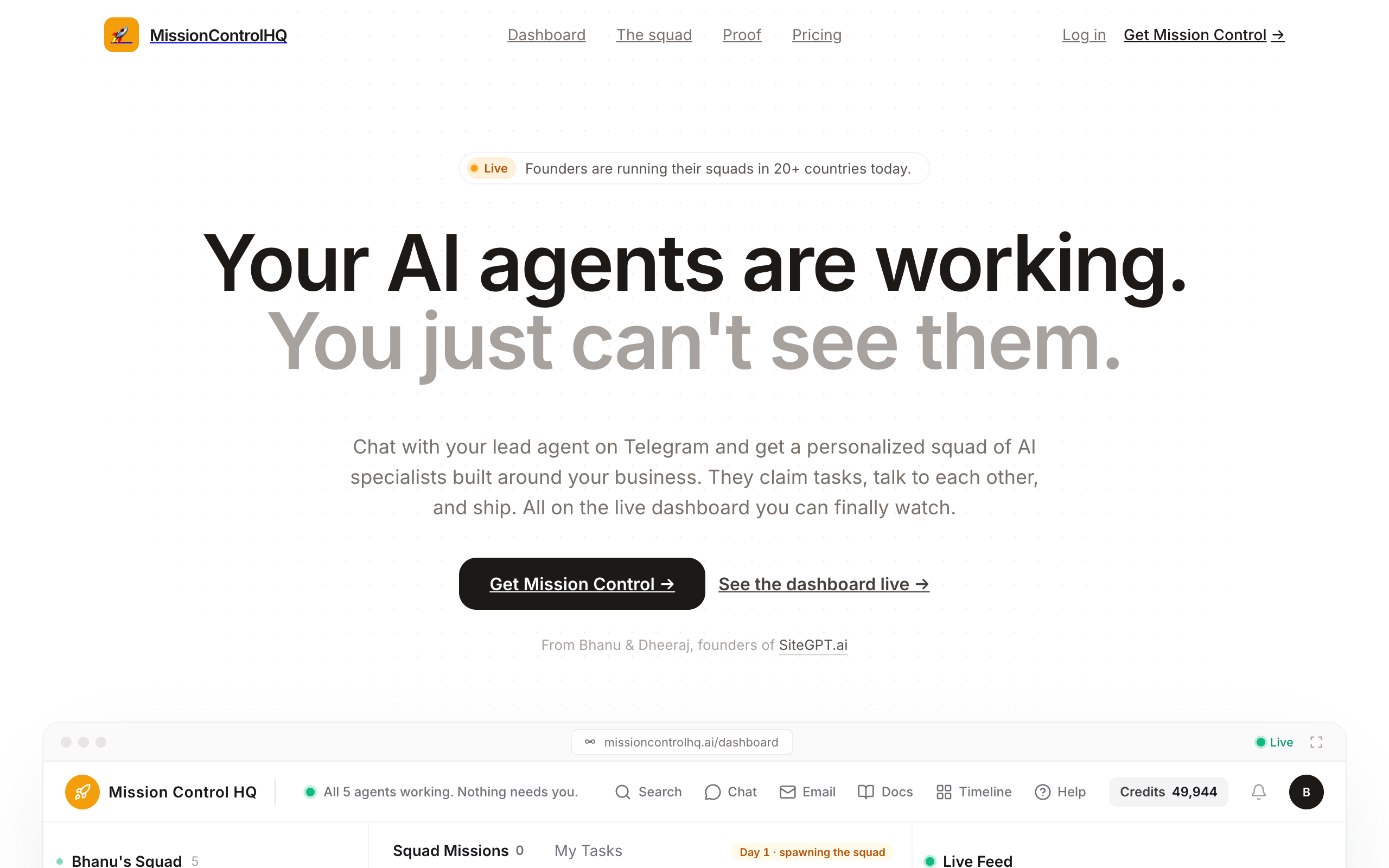
The AI stays yours. Squad connects to thirteen providers on the subscription or key you already hold, ChatGPT (Squad recommends the $100 or $200 tiers for squad workloads), Claude Code, Claude, Grok, Gemini, GitHub Copilot, Kimi, MiniMax, Z.ai, Qwen Cloud, OpenRouter, Cloudflare Workers AI, and OpenCode, with no token markup, an ordered fallback list across providers, and account stacking. The page mission control for Claude Code covers the Claude Code route.
Squad handles the heartbeat cost differently from OpenClaw. Heartbeats are created switched off; once on, the lead's runs every 15 minutes and the others' every hour. Every run shows its token usage.
Squad answers criterion six through the split described above. Each agent has its own browser by default, and every integration connection carries an access level, and the levels vary by app. You can narrow or block any single agent on the same account, connect multiple accounts per app, and calls outside the level are refused. Agents can draft outbound work for your approval, and secrets live in a vault. The skills library is squad-wide, not scoped per agent. Agent email inboxes are a $10/mo add-on with allow and block lists and hard send caps.
Pricing. One plan at $99/mo flat as of September 2026, no tiers. Bring your own AI subscription at a recommended $100 or $200 tier, so $199-299/mo all in. Email inboxes $10/mo each. The first payment carries a 7-day money-back guarantee. Export your agents, missions, and docs as a JSON file.
Pros
- A provisioned, dedicated, isolated cloud environment; no server, tunnel, or patch schedule
- The lead agent designs the squad with you in about ten minutes, instead of leaving you to design the agents yourself
- Shared task board, threads with @-mentions that wake agents, squad chat, documents, activity feed, and a live read-only share link
- Your own AI plan across 13 providers with no markup; account stacking and a cross-provider fallback list
- Per-run token usage, approvals, a secret vault, an own browser per agent, and per-agent access levels per connection
- 70+ app integrations; 57 built-in research and scrape tools with 1,000 credits/mo included
Cons
- Not open source; self-hosted deployments are handled case by case
- $99/mo where OpenClaw is $0 for the software
- Skills are squad-wide rather than scoped per agent
- Compliance certifications are not published
Founders and small teams who like what OpenClaw does and want a team of specialists on it without running the server, owning the security, or designing the agents alone.
2. Hermes Agent: the most complete open-source alternative
Hermes Agent is Nous Research's self-improving open-source agent runtime, MIT-licensed, at 244k GitHub stars and 50.4k forks on 10 September 2026. Its agent learns as it works: a built-in loop writes new skills from completed tasks. It also keeps persistent memory, schedules jobs in plain language, and connects through Telegram, Discord, Slack, WhatsApp, Signal, email, and CLI. Desktop apps exist for macOS, Windows, and Linux.
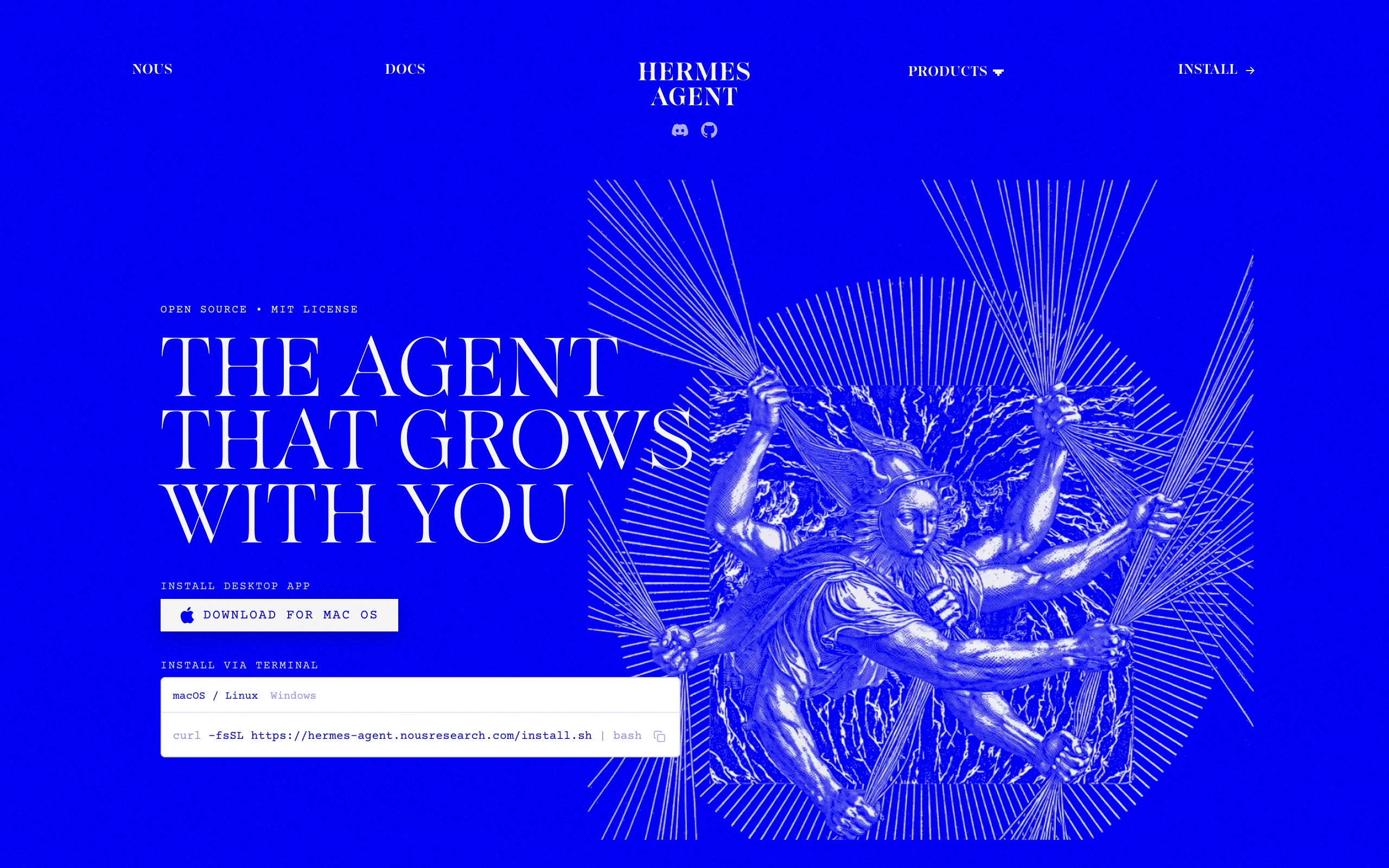
For more than one agent, Hermes ships Kanban: "a durable task board, shared across all your Hermes profiles, that lets multiple named agents collaborate on work." Its docs also state the limits: "kanban is single-host by design," tasks live in a local SQLite file, cost strategy and governance gates are "user-space," and "profiles do not sandbox the agent." Five sandbox backends (local, Docker, SSH, Singularity, Modal) let you add isolation yourself. The page mission control for Hermes Agent gives a fuller treatment.
Pricing. Free. You pay for hosting and for the model; Nous Portal sells paid model-access tiers separately.
Pros
- Free, MIT, 244k stars; any model, five sandbox backends
- Writes new skills from completed work, so repeat tasks get faster
- Kanban is the closest native multi-agent task board in open source
- Skills follow the cross-vendor SKILL.md standard and travel with you
Cons
- You still run the server, updates, uptime, and security
- Kanban is single-host SQLite by design; cost tracking is out of scope
- Profiles do not sandbox the agent, per its own docs; isolation is yours to configure
- No lead agent to design the roles, no approvals queue, nothing to share with a client
A technical operator who wants OpenClaw's shape with an agent that accumulates skills and a native task board, and is comfortable running a VPS.
3. ZeroClaw: a single Rust binary
ZeroClaw is an open-source agent runtime written in Rust, dual-licensed MIT or Apache 2.0, at 32.8k GitHub stars and 4.9k forks on 10 September 2026. The README's description: "an agent runtime, a single Rust binary you configure and run." It connects to around 20 LLM providers including Anthropic, OpenAI, and Ollama, speaks 30-plus channels (Discord, Telegram, Matrix, email, voice, webhooks, CLI), and executes through shell, browser, HTTP, hardware, and MCP tools. A gateway with a web dashboard covers chat, memory browsing, config editing, and cron management. The project's stated philosophy: "You own the agent. You own the data. You own the machine it runs on."
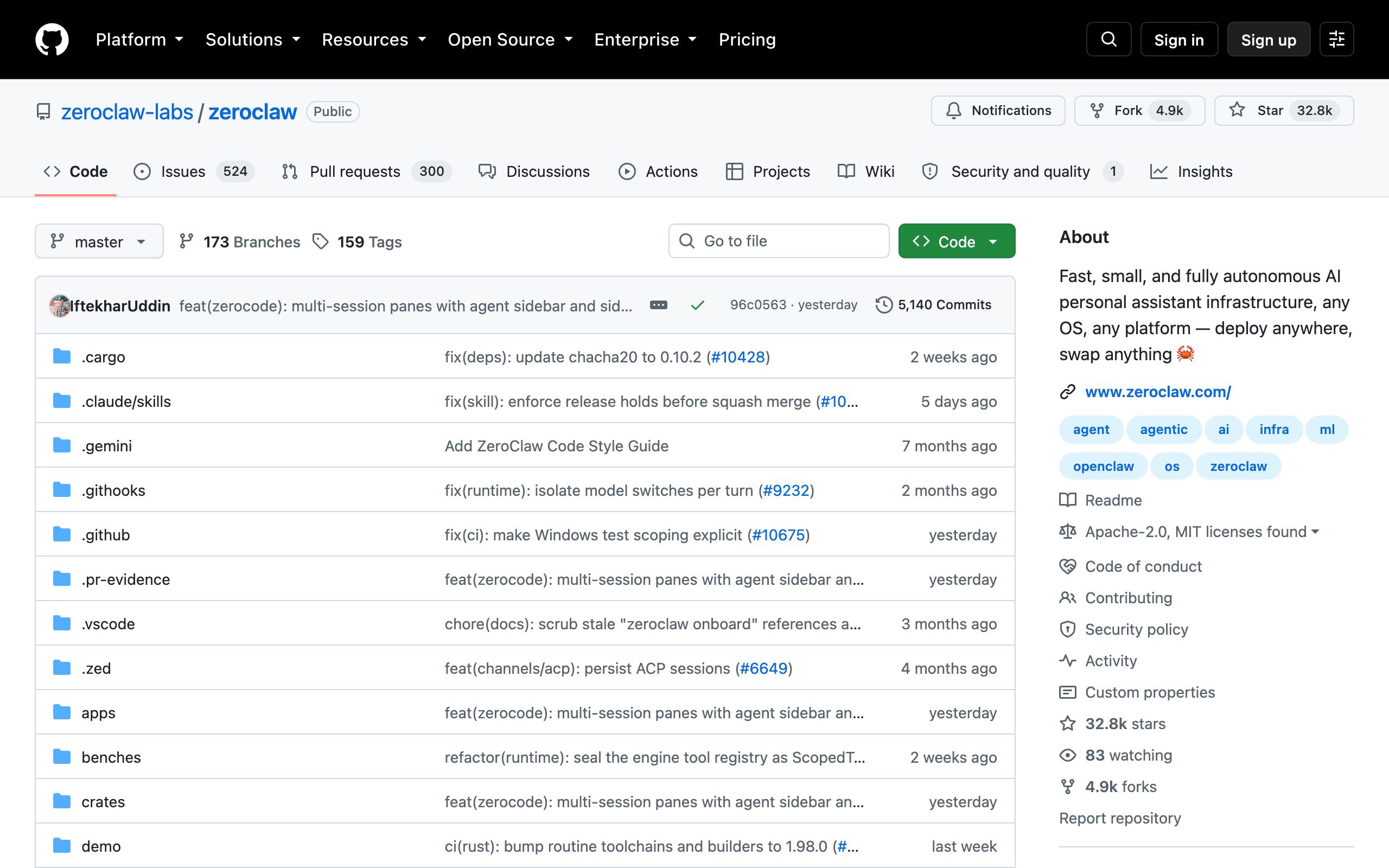
ZeroClaw removes the Node runtime that OpenClaw needs. It ships as one binary, with an install script on Unix and a prebuilt PowerShell path on Windows. The README gives no binary-size or RAM figure, so "small" is the project's own word and no published number confirms it. It runs one agent, with no multi-agent board and no hosted option.
Pricing. Free. You pay for hosting and for the model.
Pros
- Free, MIT or Apache 2.0, 32.8k stars; one binary, no Node
- About 20 providers and 30+ channels, with a web dashboard for memory and cron
- Local-first: SQLite memory on your own machine
Cons
- Single agent; no shared task board, no cost tracking, no approvals
- You own hosting, exposure, and updates; 524 open issues and 300 open PRs at fetch
- No published footprint figure to check the lightweight claim against
A developer who wants OpenClaw's job done by one small binary they fully control, on a low-resource VPS or home machine.
4. NanoClaw: a container per agent
NanoClaw is "a lightweight alternative to OpenClaw that runs in containers for security," MIT-licensed, at 30.7k GitHub stars and 12.8k forks on 10 September 2026. Its README explains the motive: OpenClaw grew to nearly half a million lines of code with security "at the application level (allowlists, pairing codes) rather than true OS-level isolation." NanoClaw's answer is "Agents run in Linux containers and they can only see what's explicitly mounted," and it routes API keys through a credential vault instead of into the container. Channels include WhatsApp, Telegram, Slack, Discord, Teams, iMessage, Matrix, Google Chat, and email; agents keep persistent memory and support scheduled tasks.
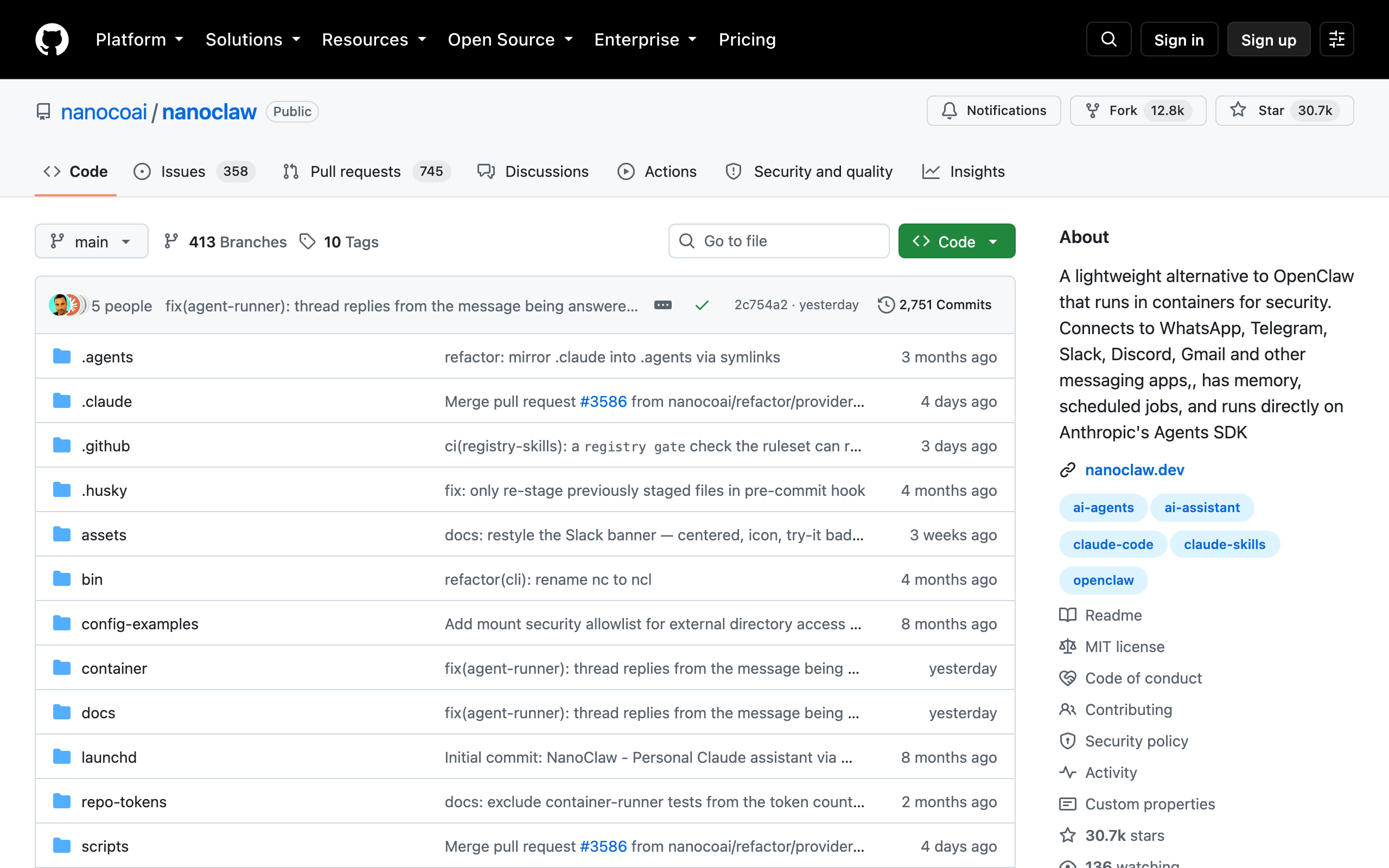
NanoClaw's isolation comes with a dependency. NanoClaw "natively uses Claude Code via Anthropic's official Claude Agent SDK," and the requirements list Claude Code for setup, customization, debugging, and every add-a-channel skill, plus Node.js 22+, pnpm 10+, and Docker. Other providers (Codex, OpenRouter, Google, DeepSeek, Ollama) arrive through skills, and the project "doesn't use configuration files," so customization means changing code.
Pricing. Free. You pay for hosting, Docker's host, and the model.
Pros
- Free, MIT, 30.7k stars; each agent in its own Linux container
- Credentials via a vault, not inside the container
- Small codebase by design: one process, a few source files
Cons
- Claude Code and Docker required for setup and channels
- Customization is code, not config
- Single-host, no shared board, no cost ledger; hosting stays with you
A developer who wants OpenClaw-style agents with OS-level isolation and is already working in Claude Code.
5. PicoClaw: under 10MB for $10 hardware
PicoClaw, from Sipeed, is a Go agent runtime that targets the smallest machines: "Core memory footprint under 10MB," "Boots in under 1s even on a 0.6GHz single-core processor," and a "Single binary across RISC-V, ARM, MIPS, and x86" that runs on "$10 hardware" such as the LicheeRV-Nano. It is MIT-licensed with 30k GitHub stars and 4.5k forks on 10 September 2026, supports 30-plus LLM providers, 19-plus chat channels, MCP, web search, and scheduled tasks.
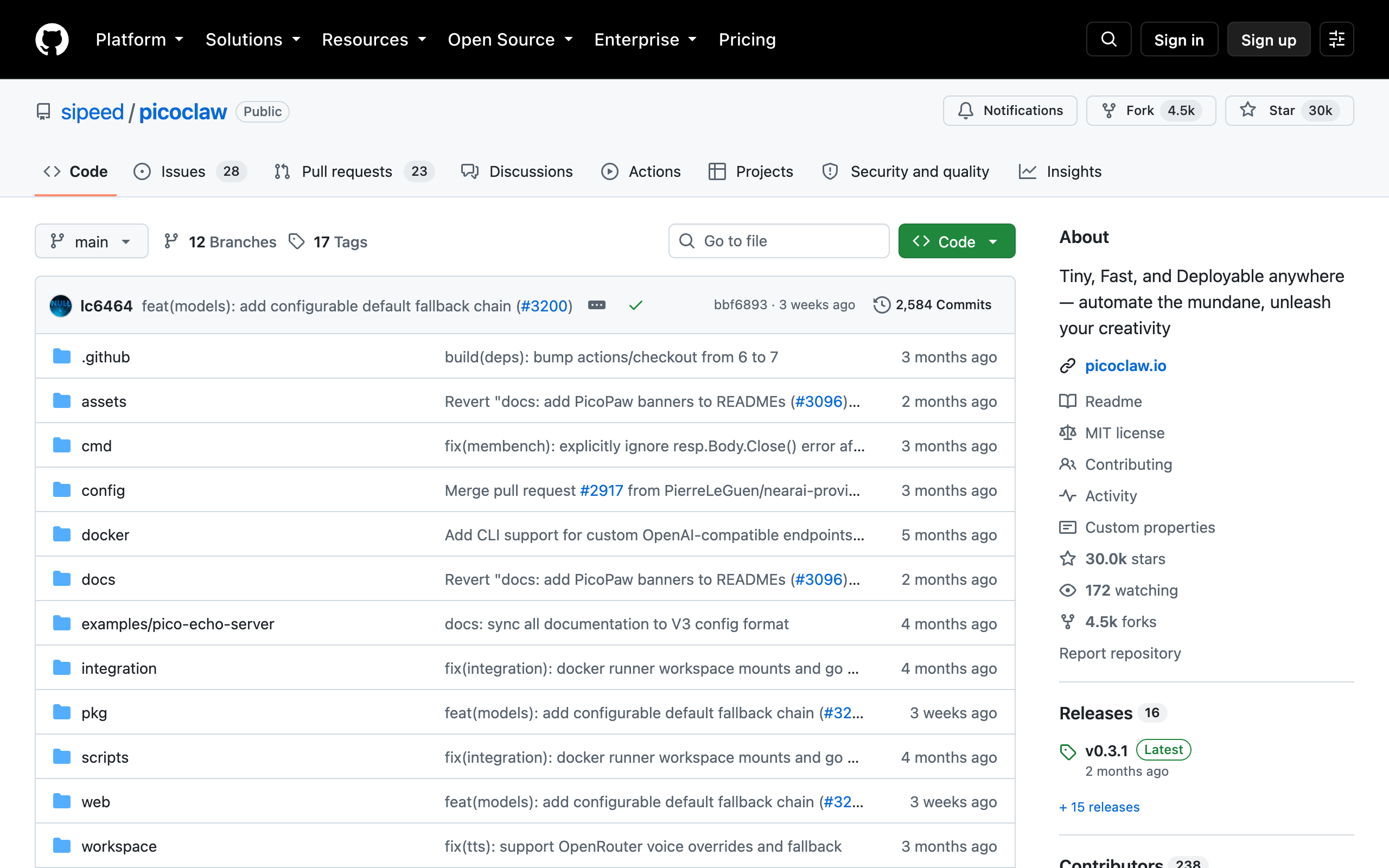
The README carries its own caveat: "PicoClaw is in early rapid development. There may be unresolved security issues. Do not deploy to production before v1.0," and recent builds "may use 10-20MB" of RAM.
Pricing. Free. You pay for the board and the model.
Pros
- Free, MIT, 30k stars; under 10MB core footprint, one binary on four architectures
- Runs on Raspberry Pi, Android, and $10 boards
- 30+ providers, 19+ channels, MCP, cron
Cons
- The README says not to deploy to production before v1.0
- Single agent, no task board, no cost tracking
- Hosting, exposure, and updates are yours
Hobbyists and edge projects that want an always-on personal agent on tiny hardware and accept pre-1.0 software.
6. Claude Cowork: hosted, inside a Claude plan
Claude Cowork is Anthropic's hosted task agent. Its page says: "Give it a goal, and it works across your files and tools." It runs from a desktop app on macOS, Windows, ChromeOS, and Linux. It opens its own browser in a side panel, separate from your logins and tabs. It connects to Microsoft 365, Google Drive, Slack, and other connectors, and runs scheduled tasks unattended: "Close your laptop, it keeps going." You host nothing, so none of OpenClaw's server or security work applies.
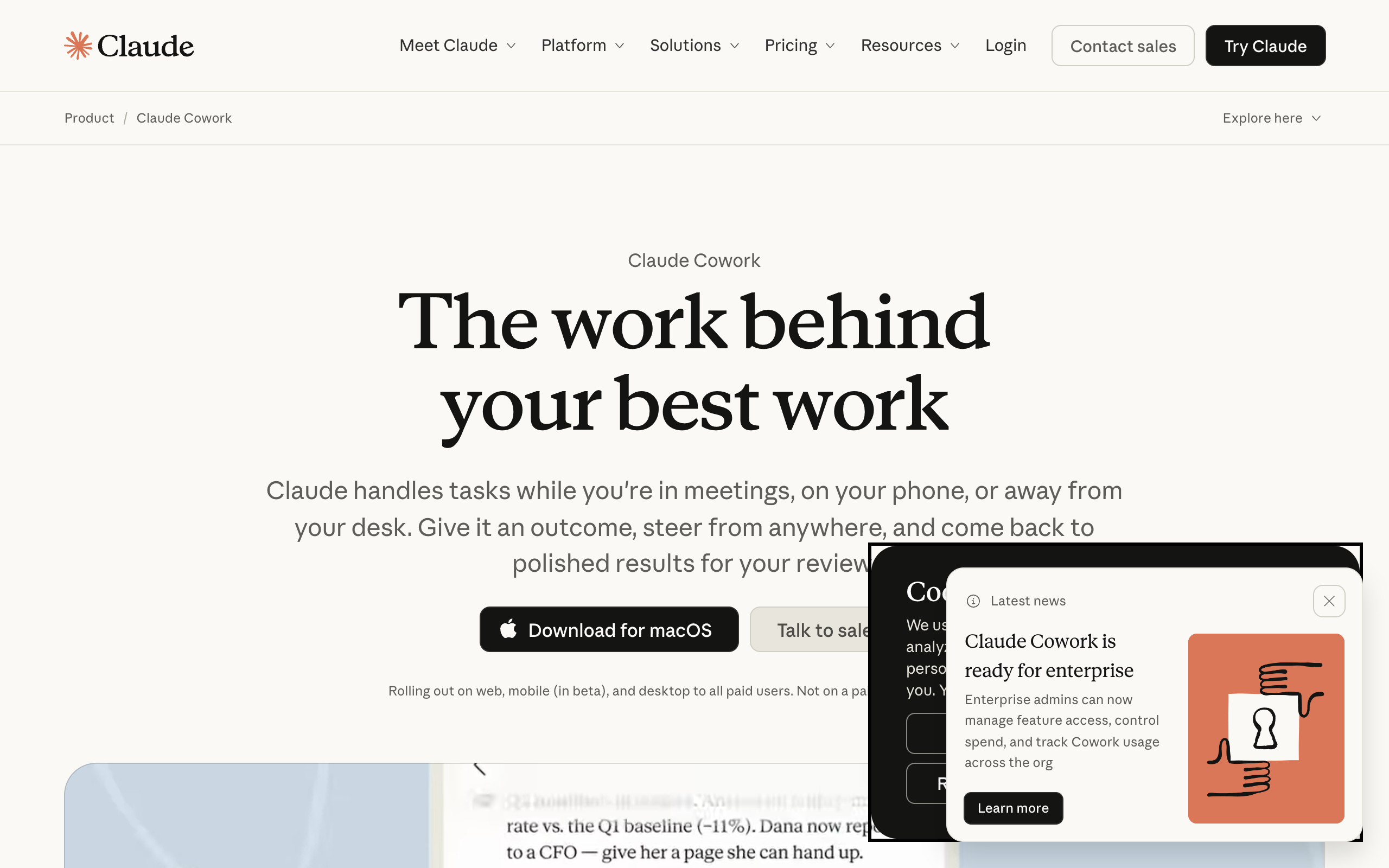
Cowork runs Claude only, on one person's plan and its usage caps, one task at a time, with no chat-app gateway, no persistent team of named agents, and no shared task board. The page why Squad when Claude Cowork exists compares it with a squad.
Pricing. Included with Claude Pro at $20/mo ($17/mo billed annually) and Max from $100/mo; not on the free plan. Verified on claude.com, 10 September 2026.
Pros
- Nothing to host, patch, or expose
- Own browser for web tasks, separate from yours; scheduled tasks run unattended
- Included in a plan many founders already pay for
Cons
- Claude models only; usage is capped by the plan
- One person, one task at a time; no named multi-agent team or shared board
- No chat-app gateway, no self-hosting, no open license
A founder on a Claude plan who wants document, research, and browser tasks done for them without running anything, and does not need a standing team of agents.
7. Grok Bot: hosted AI teammates on one shared computer
Grok Bot is xAI's product for named AI teammates: "Bots can sign in to your tools, use them just like you do, and come back with finished work." Bots run on a cloud computer in parallel, 24/7. They learn routines by demonstration and pass work to each other in shared threads. Grok Bot needs the least setup of anything here: no server, no runtime, and no model to choose, because xAI supplies the model in the plan.
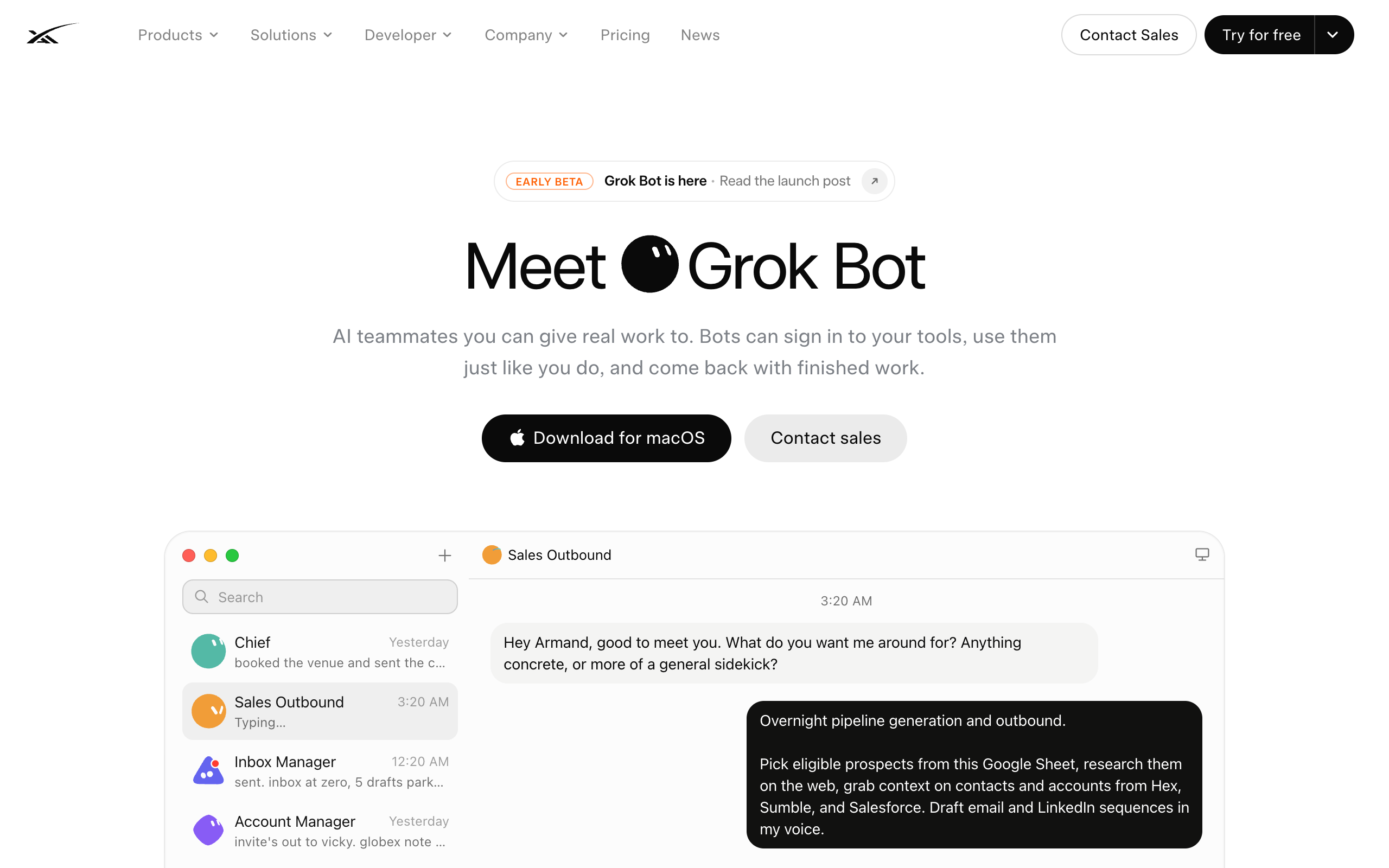
xAI documents the limits. Its security docs state: "All of your Bots share one cloud computer assigned to your user account," and "Do not use separate Bots as a security boundary." The sidebar starts empty, and when you spend the weekly allowance you either wait for the reset clock or pay overage. The page Grok Bot: what it does, what it costs, and the alternatives gives a full treatment, including the Boundary Test.
Pricing. Included with Cursor Ultra at $200/mo or SuperGrok Heavy at $300/mo, or Cursor Premium Teams at $120 per seat per month, with a free tier to start. The x.ai page confirms Grok Bot is included on eligible Cursor, SuperGrok, and Teams plans; dollar amounts as verified on x.ai for this site's Grok Bot coverage on 3 September 2026.
Pros
- Zero setup; bots sign into your tools and run 24/7 on a cloud computer
- Bots hand work to each other and learn routines by demonstration
- Included if you already pay for Cursor Ultra or SuperGrok Heavy
Cons
- xAI models only; the plan bundles the intelligence
- All bots share one computer, files, browser, and logins; the docs say not to treat bots as a security boundary
- You design the bots yourself; no per-agent cost attribution; at 100% usage, wait or pay overage
A solo operator who wants xAI's models specifically, already pays for Cursor Ultra or SuperGrok Heavy, and whose weekly allowance covers the work.
8. Manus: a hosted general agent on credits
Manus is a hosted general-purpose agent: you assign a task, it researches, builds slides, websites, and documents, and returns a result, with a browser operator, scheduled tasks, and "Wide Research" for scaling a task across parallel runs. You install and host nothing.
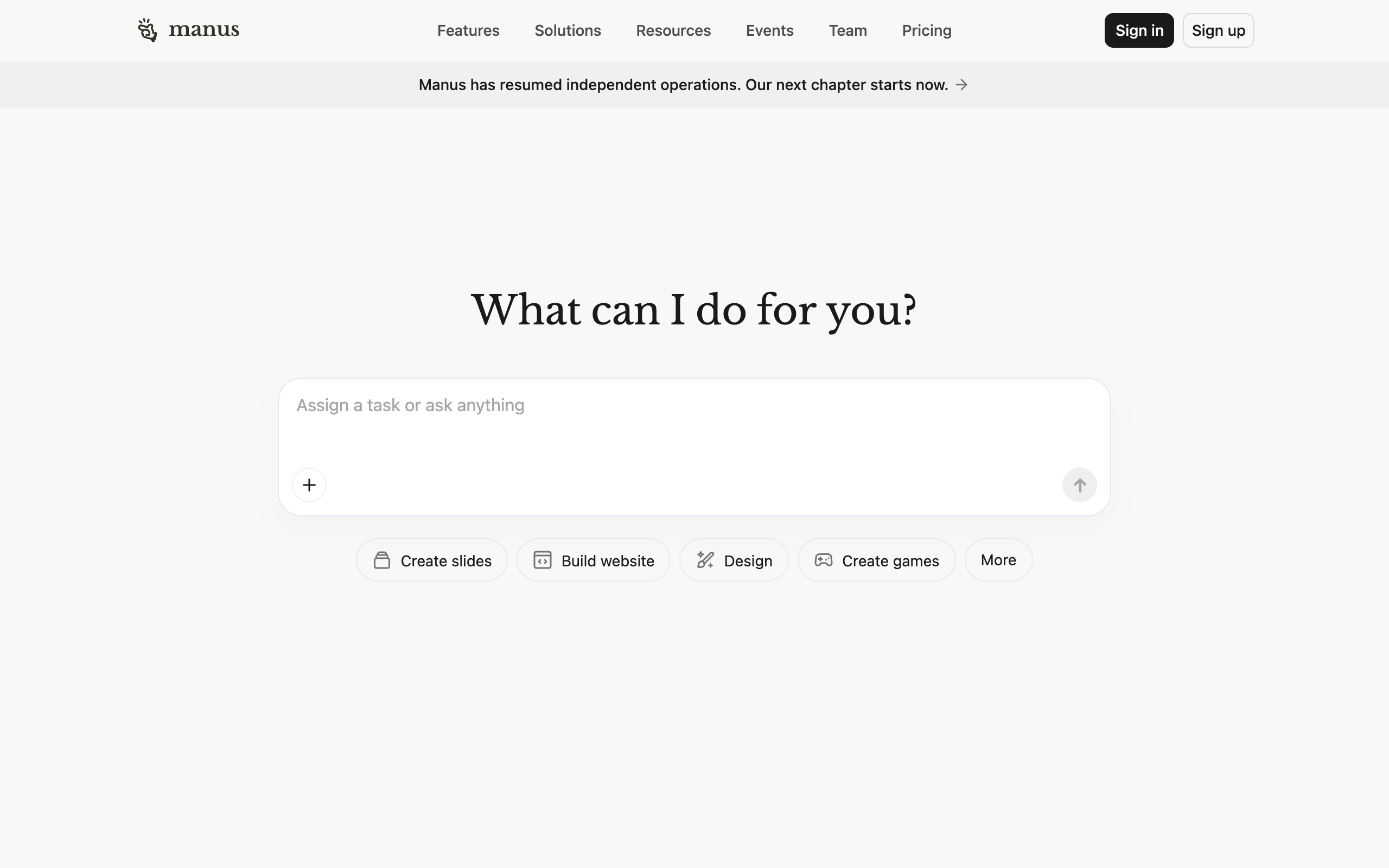
Manus charges by a credit meter. Every plan is a monthly credit allowance, and the credit cost of a task depends on the task. Manus is one agent doing tasks you hand it. It is not a runtime you own, and it is not a standing team.
Pricing. $20/mo for 4,000 credits, $40/mo for 8,000 credits, and $200/mo for 40,000 credits plus a free cloud computer, each with 300 refresh credits per day, 20 concurrent tasks, and 20 scheduled tasks; annual billing saves 17%. Team plans are listed without a public price. Read from manus.im/pricing, 10 September 2026.
Pros
- Nothing to host; strong at research, slides, and websites
- Scheduled tasks and parallel Wide Research on every paid plan
- Entry at $20/mo
Cons
- Credit-metered; cost scales with usage and monthly credits do not persist
- One hosted agent; no self-hosting, no open license, no model choice
- No named team, no shared board, no per-agent access levels
A founder who wants finished deliverables (a deck, a site, a research report) from a hosted agent and prefers a credit meter to running anything.
9. Kimi Claw: one-click hosted OpenClaw
Kimi Claw is Moonshot AI's hosted OpenClaw. Its page says it directly: "Deploy OpenClaw in seconds. OpenClaw is an AI assistant with personality and memory. Kimi deploys it to the cloud for you in one click, no complex setup, online 24/7." The deployment comes "Configured with Kimi K2.6 Thinking and ready-to-use skills," and you can place it on a cloud server, on your own computer via the desktop app, or on an idle Android phone. Kimi's OpenClaw SaaS page describes it as "a fully managed, cloud-based version of OpenClaw" with 40GB of cloud storage and automatic updates.
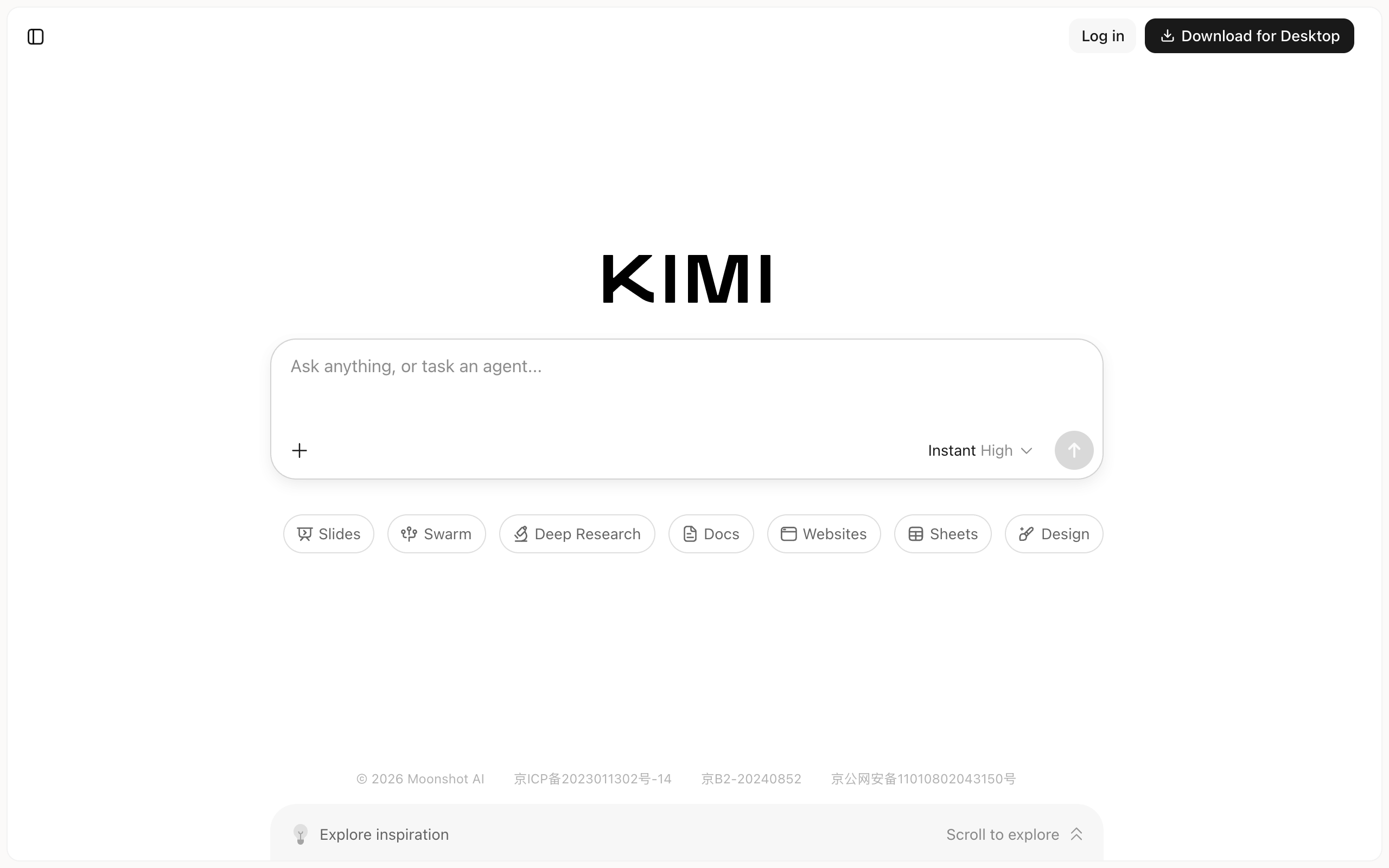
Kimi Claw is hosted OpenClaw with nothing to run yourself. It makes the same trade as Grok Bot. The runtime comes with one vendor's model, and one hosted instance is still one agent with no coordination layer above it.
Pricing. Kimi Claw requires a paid Kimi membership. On 10 September 2026 Kimi's membership and pricing pages rendered only the app shell, so no tier or price could be verified from a vendor page; third-party roundups report the Allegretto tier at $39/mo as the minimum. Check kimi.com before relying on a number.
Pros
- OpenClaw itself, deployed in one click with no server
- Cloud, desktop, or Android deployment, plus linking an existing OpenClaw
- Managed updates and 40GB cloud storage
Cons
- Kimi models by design
- Pricing not verifiable from a vendor page as of 10 September 2026
- One hosted instance; no task board, no cost ledger, no lead agent to design roles
Someone who wants OpenClaw exactly as it is, hosted, and is happy to run it on Kimi's models inside a Kimi membership.
Also considered
This review checked four more candidates and left them off the roster. TrustClaw (893 GitHub stars, MIT) is a self-hostable agent with vector memory and OAuth-connected tools, and reports say its hosted version is closed to new signups. OpenAGI (14 stars) is a proactive local daemon under the PolyForm Noncommercial license, which rules out business use without a separate agreement. Perplexity Computer became available to all Pro subscribers on 12 March 2026 per Perplexity's changelog, but its pricing page returned a 404 on 10 September 2026, so this page does not price it. Paperclip is a control plane, not a runtime, and has its own alternatives page and a head-to-head comparison with Squad.
OpenClaw alternatives compared
| Tool | Runs where | License | Your own AI plan, no markup | Multi-agent task state | Cost per run visible | Designs the agents | Price |
|---|---|---|---|---|---|---|---|
| OpenClaw | Your machine or VPS | MIT | Yes, any model | Workboard, off by default, one gateway | No | No | $0 + hosting + model |
| Squad | Hosted, isolated per customer | Proprietary | Yes, 13 providers | Yes, shared board, threads, squad chat | Yes, token usage per run | Yes, lead agent interview | $99/mo + your AI plan |
| Hermes Agent | Your machine or VPS | MIT | Yes, any model | Kanban, single-host | No, user-space | No | $0 + hosting + model |
| ZeroClaw | Your machine or VPS | MIT or Apache 2.0 | Yes, ~20 providers | No | No | No | $0 + hosting + model |
| NanoClaw | Your machine, in containers | MIT | Claude native; others via skills | No | No | No | $0 + hosting + model |
| PicoClaw | $10 board or Pi | MIT | Yes, 30+ providers | No | No | No | $0 + board + model |
| Claude Cowork | Hosted | Proprietary | Claude only | No | Plan-level | No | $20/mo Pro, Max from $100/mo |
| Grok Bot | Hosted, one shared computer | Proprietary | xAI only | Shared threads | Not per agent | No | $200-300/mo |
| Manus | Hosted | Proprietary | No, credits | No | Credits per task | No | $20-200/mo |
| Kimi Claw | Hosted OpenClaw | OpenClaw MIT; service proprietary | Kimi only | No | No | No | Paid Kimi membership |
OpenClaw and the open-source runtimes are not on the chart because their cost is a server (roughly $5 to $25 per month) plus whatever the model bills, which the heartbeat interval and model choice can move from a few dollars to hundreds per day. Kimi Claw is absent because no vendor page showed its price.
$199-299/mo for a hosted squad, against roughly $4,000/mo for one junior hire
93% to 95% less per month, and about $7,164 to $10,764 over three years against roughly $144,000 in salary alone, before payroll taxes, benefits, equipment, and ramp. Figures as of September 2026.
How to choose an OpenClaw alternative
Who should run the server and apply the patches?
- If you, and you want the data on your own box→stay on OpenClaw, or move to Hermes Agent, ZeroClaw, NanoClaw, or PicoClaw depending on what you want fixed
- If someone else→a hosted option: Squad on your own AI plan, Kimi Claw for hosted OpenClaw itself, or Cowork, Grok Bot, and Manus for a single hosted agent
Do you want to keep the AI plan you already pay for, with no markup?
- If yes→OpenClaw, Hermes Agent, ZeroClaw, PicoClaw, or Squad; NanoClaw if the plan is Claude
- If no, bundle the model or meter credits→Claude Cowork, Grok Bot, Kimi Claw, or Manus
Is it one agent or a team?
- If one personal agent→OpenClaw alone is the right size; the lightweight runtimes if resources or isolation are the issue
- If several specialists on business lanes→Squad; Hermes Kanban if you will stay on one machine and build the rest
Do you already know which agents your business needs?
- If yes, you can name the roles today→any option works; an empty runtime is not a problem when you know what goes in it
- If no, and that is why the install stalled→Squad: the lead agent interviews you and proposes the roles
Which specific OpenClaw complaint are you fixing?
- If resource use or the Node dependency→ZeroClaw or PicoClaw
- If isolation between agents→NanoClaw self-hosted; Squad hosted
- If the agent forgetting how to do things→Hermes Agent
OpenClaw alternatives by use case
| Scenario | Best pick | Why |
|---|---|---|
| You installed OpenClaw and never decided which agents to create | Squad | The lead agent interviews you and proposes named roles in about ten minutes; every other option starts with no agents defined. |
| Your heartbeat bill surprised you | Squad | Heartbeats start switched off, then run every 15 minutes for the lead and hourly for others; token usage on every run. |
| The exposed-instance stories made you rethink self-hosting | Squad or Kimi Claw | Both host the agents for you. Squad keeps your own AI plan and adds the squad layer; Kimi Claw hosts OpenClaw itself on Kimi's models. |
| You want OpenClaw's idea at $0 and the agent should learn from its work | Hermes Agent | Skills written from completed tasks, Kanban for several agents, MIT, any model. |
| OpenClaw is too heavy for your VPS | ZeroClaw | One Rust binary, no Node, about 20 providers and 30+ channels. |
| You want each agent walled off at the OS level and you use Claude Code | NanoClaw | A Linux container per agent that sees only what is mounted; credentials in a vault. |
| An always-on agent on a Raspberry Pi or a $10 board | PicoClaw | Under 10MB core footprint, boots in under a second; pre-1.0, so not for production. |
| One-off documents, research, or browser tasks on a Claude plan | Claude Cowork | Included with Pro at $20/mo; own browser, scheduled tasks, nothing to host. |
| You already pay for Cursor Ultra or SuperGrok Heavy | Grok Bot | Included at no extra cost; zero setup; one shared computer per account. |
| A deck, a website, or a research report by tomorrow | Manus | Hosted deliverables from $20/mo on a credit meter. |
| Agents for separate clients must stay structurally apart | Squad or NanoClaw | Squad: own browser per agent and per-agent access levels. NanoClaw: a container per agent. Grok Bot's docs say not to use bots as a boundary. |
| One personal assistant, your own hardware, you enjoy the admin | OpenClaw | The widest chat-app coverage in the category, free, MIT, non-profit stewardship. |
Migrating off OpenClaw
Moving off OpenClaw is simple, because everything lives on a machine you own under an MIT license. Four steps.
1. Export what you have. Your agent's workspace files, memory, and skills are in OpenClaw's state directory on your machine. Copy the workspace and the skills first. Those are the parts that transfer. Skills written to the cross-vendor SKILL.md standard run in Hermes Agent, and Squad can add them as a custom pack from a public GitHub repository.
2. Set up the destination with the same roles. On Squad, describe each OpenClaw agent's job to the lead agent in the setup conversation and edit the squad it proposes. On Hermes Agent, create one profile per OpenClaw agent. On Kimi Claw, use "Link existing Open Claw" or deploy fresh.
3. Run both in parallel for a week. Keep OpenClaw's heartbeat at a long interval and route one recurring job, the Monday report or inbox triage, to the new platform. Compare what each run uses. On Squad, each run shows its token usage in Runs. On OpenClaw, check the provider's usage page, because the runtime does not report it.
4. Switch the integrations and stop the old gateway. Move the tool connections (on Squad, you narrow or block each connection's access level per agent), point any schedules at the new platform, then stop the OpenClaw Gateway so it stops spending tokens. Keep the state directory; the license means it stays yours.
When OpenClaw alone is enough
OpenClaw alone is enough when one agent serves one person, you are comfortable with a terminal and a server, and you want the widest chat-app coverage in the category at $0. Its memory, skills, heartbeat, and 28-plus messaging channels are excellent for a personal assistant, and the OpenClaw Foundation's non-profit stewardship is a real reason to trust the project long term. In that setup, doing those four jobs yourself is the point, not a chore.
Two more cases favor it. If your workloads are private enough that you must self-host, OpenClaw on loopback behind a tunnel is the documented path. (Squad handles self-hosted and isolated deployments case by case; email support@squad.so.) And if you enjoy the building itself, a DIY mission control on top of OpenClaw is a good project. The page mission control for OpenClaw costs out the route.
Four situations make OpenClaw the wrong choice. You do not want to run the server and apply each security patch yourself. The heartbeat bill arrives with no ledger to explain it. You need several agents to share a board and wake each other. Or no one has decided which agents to build, so nothing useful runs.
OpenClaw is best for a technical operator who wants a free, MIT-licensed personal agent across every messaging app, on hardware they own, and who can name the one job it should do on day one.
OpenClaw alternatives FAQ
Basics
What is OpenClaw? OpenClaw is a free, MIT-licensed personal AI agent runtime that runs on your own machine or server and talks to you through WhatsApp, Telegram, Discord, Slack, and more than 20 other chat apps. It has persistent memory, installable skills, and a heartbeat that checks for work on a schedule. It is stewarded by the OpenClaw Foundation, a US 501(c)(3) non-profit, and its repository had 389k GitHub stars as of 10 September 2026. There is no paid version and no hosted tier.
What is the best OpenClaw alternative? Pick by what you want to stop doing yourself. To stop running the server, securing it, and designing the agents, Squad (formerly MissionControlHQ) is the closest hosted match: a squad of specialist agents, designed with you by a lead agent, on your own AI subscription, for $99 per month flat. To keep self-hosting, Hermes Agent is the most complete open-source alternative, ZeroClaw is the lightest, NanoClaw is the most isolated, and PicoClaw is the smallest. For a hosted single agent with no setup, use Claude Cowork, Grok Bot, Manus, or Kimi Claw.
When is OpenClaw alone the right choice? When one agent serves one person, you are comfortable with a terminal and a server, and you want the widest chat-app coverage in the category at $0. OpenClaw's memory, skills, heartbeat, and 28-plus messaging channels are excellent for a personal assistant, and the OpenClaw Foundation's non-profit stewardship is a real reason to trust it long term. It stops being enough when the agent needs colleagues, a task board, a cost ledger, and a status page someone else can see.
Open source and free
Is there a free OpenClaw alternative? Yes. Hermes Agent (244k GitHub stars), ZeroClaw (32.8k), NanoClaw (30.7k), and PicoClaw (30k) are all free and MIT-licensed (ZeroClaw is MIT or Apache 2.0). Like OpenClaw, each is free for the software only: you still pay for hosting and for the model. Star counts as of 10 September 2026.
What is the best open-source OpenClaw alternative? Hermes Agent from Nous Research is the most complete open-source OpenClaw alternative as of September 2026: 244k GitHub stars, MIT license, persistent memory, skills the agent writes for itself, scheduled jobs, and a Kanban task board for multiple named agents. Its docs state that Kanban is single-host by design and that profiles do not sandbox the agent. ZeroClaw, NanoClaw, and PicoClaw are smaller projects that each fix one specific complaint: resource use, isolation, and hardware footprint.
What does an OpenClaw alternative cost per month? Open-source alternatives are $0 for the software plus hosting and the model: a small VPS is roughly $5 to $25 per month and the token bill depends on the model and the heartbeat interval. Hosted single agents run $20 per month (Claude Pro with Cowork, Manus Standard) to $200 or $300 per month (Grok Bot with Cursor Ultra or SuperGrok Heavy). Squad is $99 per month flat plus your own AI plan at a recommended $100 to $200 tier, so $199 to $299 all in, with no token markup. Prices as of 10 September 2026.
Comparisons
OpenClaw vs Hermes Agent: which should you pick? OpenClaw is the larger project (389k stars against 244k) with the widest chat-app coverage and a non-profit foundation behind it. Hermes Agent adds a built-in learning loop that creates skills from completed work, natural-language scheduling, five sandbox backends, and a Kanban board for several named agents on one machine. Both are free, MIT, self-hosted, and run any model. Pick OpenClaw for a personal assistant across every messaging app; pick Hermes if you want the agent to accumulate skills and you want a native task board. Both hit the same ceiling: single-host, no cost tracking, and you own the server.
Is Claude Cowork an OpenClaw alternative? Partly. Claude Cowork is Anthropic's hosted task agent, included with Claude Pro at $20 per month and Max from $100 per month. It works across your files and tools from a desktop app, opens its own browser for web tasks, and can run scheduled tasks unattended. It removes all hosting and security work. What it does not offer is OpenClaw's open model choice, its chat-app gateway, or a persistent multi-agent setup: it is one person's Claude plan doing one task at a time.
Does Squad replace OpenClaw? They do different jobs. A squad is a coordinated set of specialist AI agents sharing one task board, not one generalist agent, and Squad hosts those agents in a dedicated isolated cloud environment for each customer. It adds the layer OpenClaw does not ship: a lead agent that designs the squad with you, a shared task board, threads with @-mentions that wake agents, squad chat, per-run token usage, approvals, and a live share link. Squad costs $99 per month flat on top of the AI subscription you already pay for.
Security and hosting
Is OpenClaw secure enough to run for a business? OpenClaw's own SECURITY.md says the Gateway is not hardened for public exposure and must stay on loopback behind an SSH tunnel or Tailscale. Run that way by one careful operator, it is a reasonable setup. The risk is the default that gets skipped: a January 2026 scan reported by Astrix Security found 42,665 publicly exposed instances, 93.4% with authentication bypasses. For a business, the question is who owns that configuration and its patches. On a hosted platform that person is the vendor; on OpenClaw it is you.
Which OpenClaw alternative is the most secure? Among self-hosted options, NanoClaw makes isolation the design goal: each agent runs in a Linux container and can only see what is explicitly mounted, with credentials routed through a vault rather than into the container. Among hosted options, Squad gives each agent its own browser by default and an access level per connection that you can narrow per agent, and Claude Cowork keeps its browser separate from yours. Grok Bot's own docs say all bots share one cloud computer and not to use separate bots as a security boundary. No option removes the need for approvals on outbound actions.
Can you run OpenClaw on a Mac mini instead of a VPS? Yes. OpenClaw installs on macOS with one command and runs as a native app, so a Mac mini left on at home is a common self-hosting choice. The trade-offs are the same as a VPS: the machine must stay on, the Gateway must stay on loopback, updates are yours, and a power cut or a reboot stops the agent. A $5 to $25 per month VPS avoids buying hardware; a hosted platform avoids both.
OpenClaw proved that a free, self-hosted agent could do real work for real people, and 389k stars say the demand is settled. It leaves the server, the security, the coordination, and the design with the operator. Pick the alternative by the one of those you most want gone, and keep the parts that travel: your skills, your data, and the AI subscription that was yours all along.
Sources
- OpenClaw, homepage: tagline, MIT license, "no subscription, no hosted tier, no token," and the Foundation's 501(c)(3) status. Fetched and screenshotted 10 September 2026.
- OpenClaw, GitHub repository: 389k stars, 81.8k forks, MIT, channel list, Node requirements. Fetched 10 September 2026.
- OpenClaw docs: install, multi-agent, Workboard, VPS guide, Gateway security, and SECURITY.md. Fetched 10 September 2026.
- Astrix Security, OpenClaw and MoltBot: the rise, chaos, and security nightmare of the first real AI agent: the 42,665 exposed instances, 93.4% authentication-bypass rate, and 26% vulnerable-skills figure from the ClawdHunter findings of 31 January 2026.
- Notebookcheck, OpenClaw has absurdly high token use, 4 February 2026: heartbeat token and cost figures.
- Composio, 10 best OpenClaw alternatives in 2026, 26 May 2026; BuildBetter, best OpenClaw alternatives in 2026, 16 June 2026; Hostinger, 8 best OpenClaw alternatives, 4 September 2026: third-party reasons people switch, quoted above.
- Anthropic, The 2026 State of AI Agents Report: the 80% measurable-ROI figure from a survey of 500+ technical leaders. Fetched 10 September 2026.
- Nous Research, Hermes Agent on GitHub (244k stars, MIT), homepage, Kanban docs, and profiles docs. Fetched 10 September 2026.
- ZeroClaw, GitHub repository (32.8k stars, MIT or Apache 2.0). Fetched and screenshotted 10 September 2026.
- NanoClaw, GitHub repository (30.7k stars, MIT). Fetched and screenshotted 10 September 2026.
- Sipeed, PicoClaw on GitHub (30k stars, MIT). Fetched and screenshotted 10 September 2026.
- Anthropic, Claude Cowork and pricing. Fetched 10 September 2026.
- xAI, Grok Bot (rendered 10 September 2026 for the plan-inclusion statement and shared-computer FAQ) and approvals, security, and privacy docs; dollar amounts as verified for this site's Grok Bot coverage on 3 September 2026.
- Manus, pricing and homepage. Read and screenshotted 10 September 2026.
- Moonshot AI, Kimi Claw and OpenClaw SaaS. Rendered 10 September 2026; membership pricing could not be read from a vendor page on that date.
- Also considered: TrustClaw on GitHub, OpenAGI on GitHub, and Perplexity's changelog of 12 March 2026 on Computer for Pro subscribers. Fetched 10 September 2026.
- Squad (formerly MissionControlHQ): homepage and get started and pricing, for the $99/mo single plan, the email add-on, the thirteen providers and fallback models, per-run token usage, approvals, the secret vault, per-agent browsers and permission levels, the squad-wide skills library, data export, and share dashboards.
- Related on this site: mission control for OpenClaw, mission control for Hermes Agent, mission control for Claude Code, why Squad when Codex, Claude Code, and OpenClaw exist, Paperclip alternatives, Grok Bot alternatives, what is a multi-agent mission control, and how much AI agents cost to run.
Last updated: 30 September 2026. Squad pricing and features verified as of September 2026; OpenClaw and every other tool's pricing, star counts, and documentation fetched 10 September 2026 unless a different date is given above.