
The best AI employees depend on which job you want to hand over. Sintra and Marblism sell pre-built roles. Lindy and Relevance AI let you build your own. Viktor, Mio, and Superpal sit inside Slack and Teams. Polsia tries to run a whole company. Squad (formerly MissionControlHQ) hosts a squad, meaning a coordinated set of specialist AI teammates rather than one generalist assistant.
This page compares eleven AI employee platforms: Sintra AI, Marblism, Lindy, Relevance AI, Polsia, Viktor, Mio, Superpal, Artisan, 11x, and Squad. It lists prices as of 2 November 2026, the apps each one connects to, and what each one asks you to approve. It also lists the problems buyers report, with links to the evidence.
40%+
of agentic AI projects will be canceled by the end of 2027, according to Gartner, because of rising costs, unclear business value, or weak risk controls. Gartner also estimates that only about 130 of the thousands of agentic AI vendors are real.
Source: Gartner press release, 25 June 2025iShort answer
AI employee platforms come in five types: pre-built roles (Sintra, Marblism, Artisan, 11x), no-code builders (Lindy, Relevance AI), chat coworkers in Slack and Teams (Viktor, Mio, Superpal), AI-run company tools (Polsia), and hosted squads (Squad). Pick the type first, then the tool. Check three things before you pay: what happens when credits run out, what needs your approval before something leaves the building, and how you cancel. Squad costs $99 a month plus your own AI plan, and suits owners who want several specialists that you can read back run by run.
Key takeaways
| The question | The answer |
|---|---|
| Which type fits a small business that wants roles filled fast? | Pre-built roles. Marblism lists $24 a month billed yearly for seven employees. Sintra lists $48.50 a month on its 1-month plan for 12 helpers |
| Which type fits a team that lives in Slack or Teams? | Chat coworkers. Viktor has a free tier with up to $100 in credits and a $100 a month team plan. Mio starts at $50 a month. Superpal lists $27-75 a month per workspace |
| Which type fits people who want to build their own agents? | No-code builders. Lindy starts at $29.99 or $49.99 per user per month. Relevance AI publishes no price and sells through sales |
| What goes wrong most often? | Credits run out faster than expected, cancellation is hard, and vendor claims run ahead of evidence. Each is documented with links below |
| Which tool has no published price? | Relevance AI, Artisan, and 11x ask you to talk to sales. Polsia shows no price on its own site |
| Where does Squad fit? | Hosted squads. $99 a month plus your own AI plan ($199-299 all in), several named specialists, a task board with a Needs you column, and a log of every run |
Pick the type that matches how you want to work, then compare the tools inside it.
Pre-built roles
Sintra, Marblism, Artisan, 11x. You choose from a fixed roster such as email, social, SEO, or an AI sales rep. Fast to start, limited to the roles on offer.
No-code builders
Lindy and Relevance AI. You describe the work and the platform builds an agent for it. More flexible, and the design work is yours.
Chat coworkers
Viktor, Mio, Superpal. One coworker lives in Slack or Teams and answers @mentions. Good for teams, built around chat.
AI-run company tools
Polsia. The AI plans, builds, markets, and sells for a company you start on the platform. The most autonomous type and the least documented.
Hosted squads
Squad. Several specialist teammates share a task board, run on your own AI plan, and ask you before they act on what you set.
What an AI employee platform is
An AI employee is an AI agent that holds a role. It owns recurring work, keeps its own memory, can be reached at an address, and asks a human instead of guessing at the edge of its authority. AI employee vs AI agent defines the four properties in full, and a team of AI employees covers running several at once.
An AI employee platform is the software that hosts those roles. It supplies the model access, the app connections, the schedule, and the place where you review the work. The word "employee" is a product label. It gives the software no employment status, and responsibility for what it does stays with the business that runs it.
Real problems buyers report with AI employee tools
Buyers report seven problems with AI employee tools, and each one has public evidence. The reviews below are on Trustpilot, which does not verify them, so they show sentiment and do not prove a defect. The other sources are named reports and vendor documents.
-
Credits run out faster than expected. Reviewers of Sintra say monthly credits were used up within hours and that sign-up pages did not state limits. Reviewers of Lindy say a month of 3,000 credits went in one day and that credit use is hard to follow. Reviewers of Polsia say credits go to repeated fixes. Lindy's own pricing page shows why the spread is wide: it lists 2-250 credits for an everyday ask and 1,000-2,500 for a big build.
-
Cancelling and refunds cause disputes. The same three Trustpilot pages carry reports of recurring charges, trouble cancelling, and refund disputes. Polsia's terms state that subscription payments are nonrefundable. Sintra lists a 14-day refund window and Marblism lists 7 days.
-
Review scores are hard to read. Trustpilot shows no TrustScore for Sintra and says the company offered incentives for reviews, with 8,671 reviews at the time of writing. Lindy shows 3.0 out of 5 on 51 reviews, while its own homepage displays 4.9 on G2. Marblism shows 4.8 on 1,202 reviews, and Trustpilot notes that the company has not recently invited customers to review. A single score from one platform says little.
-
Vendors publish their own rankings. Marblism's pricing page carries an "AI Employee Index" that grades nine products on 27 jobs and puts Marblism first. The vendor wrote the index and ranks itself at the top. This page uses no vendor-written ranking.
-
Growth and customer claims run ahead of evidence. TechCrunch reported in March 2025 that 11x showed ZoomInfo and Airtable as customers, and both said they had only run trials. 11x said it removed inaccurate mentions and attributed the rest to human error. Fortune wrote in March 2026 that Polsia's founder claimed a $4.5 million revenue run rate, and the Fortune writer said she is skeptical of revenue claims from AI startups.
-
Agents still fail at long, real work. The TheAgentCompany benchmark put agents in a simulated software company, and the best one finished about 30% of tasks on its own. In Project Vend, Anthropic let Claude run an office shop for about a month. It sold items below cost, accepted many discount requests, and invented a payment account. Anthropic wrote that it would not hire the agent today.
-
Some tools act without asking each time. Polsia's terms of service, updated 17 September 2026, say its advertising, outbound messages, and subscription enforcement run on schedules "without requiring per-execution approval." Fortune reported that Viktor once reacted with a skull emoji to a layoff announcement. Both are reasons to read what each tool asks you to approve.
These problems map to the criteria below. Problems 1 and 2 map to pricing and exit terms. Problems 3 to 5 map to evidence. Problems 6 and 7 map to approvals, logs, and access control.
The five types of AI employee platform
AI employee platforms fall into five types, and the type decides most of what you will experience. Setup effort, pricing model, and control all follow from it.
Pre-built roles come with a fixed roster. Sintra offers 12 named helpers and Marblism offers seven employees. Artisan and 11x offer one or two roles for sales. You pick roles and connect accounts. The limit is the roster, because a job outside the list has no employee.
No-code builders let you describe the work and build the agent yourself. Lindy builds from a sentence or from a task you show it once. Relevance AI builds agent workforces with the help of a deployment team. The limit is design effort, because you decide what the agents are.
Chat coworkers live in Slack or Teams. Viktor, Mio, and Superpal answer @mentions in channels and take requests from anyone in the workspace. The limit is the chat interface, because work starts when someone asks.
AI-run company tools aim at the whole company. Polsia says it plans, builds, markets, and sells on its own for a company you start on the platform. The limit is oversight. The more the tool does by itself, the more you need to read what it did.
Hosted squads run several specialist teammates on one cloud computer. Squad is the one on this list. The teammates share a task board and a memory, run on your own AI subscription, and ask you through a Needs you column. The limit is price and setup, because you pay for the platform and for your own AI plan, and you answer an onboarding interview.
What to look for in an AI employee platform
Seven criteria separate the platforms, and the first three remove the most candidates.
-
Which jobs does it cover, and who defines them? A pre-built roster is fast and fixed. A builder is open and takes design effort. Check that the jobs you need exist, or that you can create them.
-
What does it cost once you use it? Look for how credits are counted, what happens at zero, and whether top-ups cost more. Subscription price alone predicts little. See AI agent running costs for the cost drivers.
-
What needs your approval before something reaches a customer? Read the vendor's own words. Some tools ask before any outside action, some ask only for sensitive actions, and some document no approval step. Human-in-the-loop AI agents explains the options.
-
Which apps does it connect to, and can you limit each one? A long integration count matters less than access levels. Look for read-only options and for limits per teammate. Connecting AI agents to business apps covers access levels.
-
Where does the work live? A chat thread fades. A task board, a log, and a memory stay readable weeks later. Ask where you can read what each employee did last Tuesday.
-
What evidence backs the claims? Look for reviews you can open, funding reported by named outlets, and documents the vendor wrote about its own limits. Treat a vendor-written ranking as marketing.
-
How do you leave? Check the refund window, the cancellation path, and what you can export. Leaving is cheap when you check this before you pay.
How the tools were evaluated
Each tool was checked against the seven criteria using its own website, pricing page, and terms, plus named press reports and Trustpilot pages, all fetched on 30 October 2026. Prices, plan limits, and Trustpilot figures were rechecked on 2 November 2026. Funding and revenue figures come from Fortune, TechCrunch, Tech.eu, and Pulse 2.0, and they are labelled as company claims where the source says so. The EU-Startups page for Mio could not be opened, so no investor names are given for Mio.
Prices are list prices on 2 November 2026 and change often. G2 pages returned an access error, so no G2 rating is used. Reddit threads were searched and none were usable, so none are cited. This page claims no hands-on testing of any tool. Marblism's own index and other vendor-written lists were not used to rank anything. Squad facts come from squad.so, squad.so/docs, and squad.so/docs/apps, and Squad is the publisher's own product.
The eleven AI employee platforms
The tools appear in the order of the five types. The order does not rank them.
1. Sintra AI, 12 pre-built helpers
See also Sintra AI alternatives.
Sintra sells 12 named AI helpers aimed at business owners, including a business development manager, a customer support specialist, an eCommerce manager, a data analyst, an email marketer, a copywriter, a recruiter, an SEO specialist, a social media manager, and a virtual assistant. Its homepage describes four setup steps: share how the business works, connect tools, set priorities, guidelines, and approval levels, and let the helpers work.
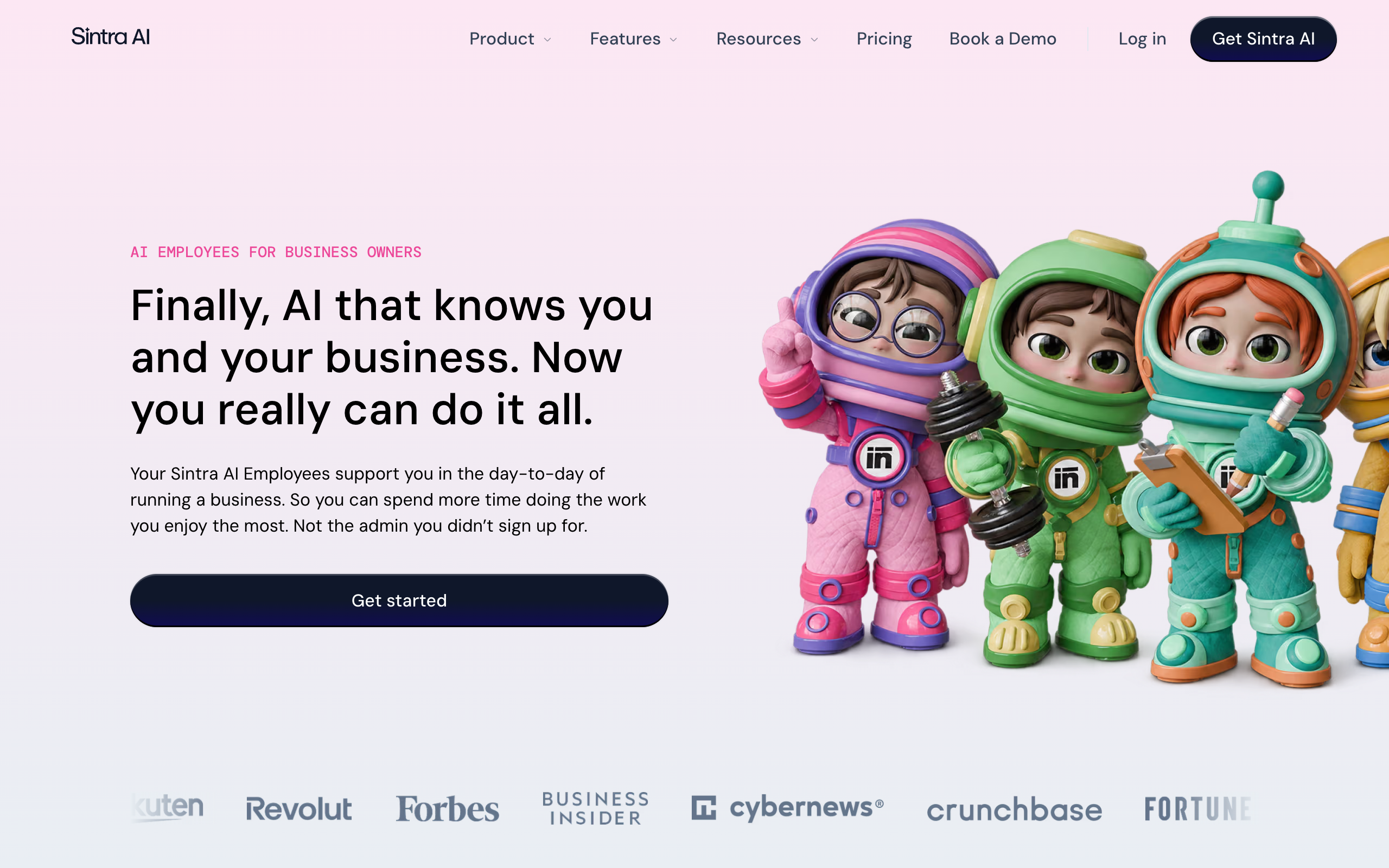
Pricing is on a sliding scale by commitment. The pricing page lists $48.50 a month on the 1-month plan (struck through from $97), $23.60 a month on the 3-month plan, and $15.60 a month on the 12-month plan. Every plan lists all 12 helpers, 250 monthly credits, and a 14-day money-back guarantee. The homepage says "Connect 1000+ tools" while the pricing page lists "15+ integrations," so the connected-app count depends on which page you read. The vendor says it has 40,000+ entrepreneurs as customers. Trustpilot shows no TrustScore for Sintra, as covered above, so no Rating appears here. Pricing is on the official pricing page.
Pros
- Twelve roles in one price, with a 14-day refund window
- Helpers share your brand context once
- Sets approval levels as part of setup
Cons
- Plans include 250 monthly credits for advanced actions, and reviewers report running out fast
- Integration count differs between its own pages
- Trustpilot withholds its score over review incentives
Solo owners who want a bundle of general helpers for marketing, email, and admin, and who will check what the credits cover first.
2. Marblism, seven employees for small businesses
Marblism sells seven AI employees for small businesses: Eva (executive assistant), Sonny (social media), Stan (lead generation), Walter (website builder), Penny (SEO), Rachel (receptionist), and Linda (legal assistant). Sources disagree on whether Marblism builds apps or sells AI employees. Marblism's site today sells AI employees only, and its one builder is Walter, who builds websites. A founders' publication reported in April 2025 that an earlier Marblism product generated full-stack web apps and that the company shut it down to build AI employees. Treat app-builder descriptions as describing the old product.
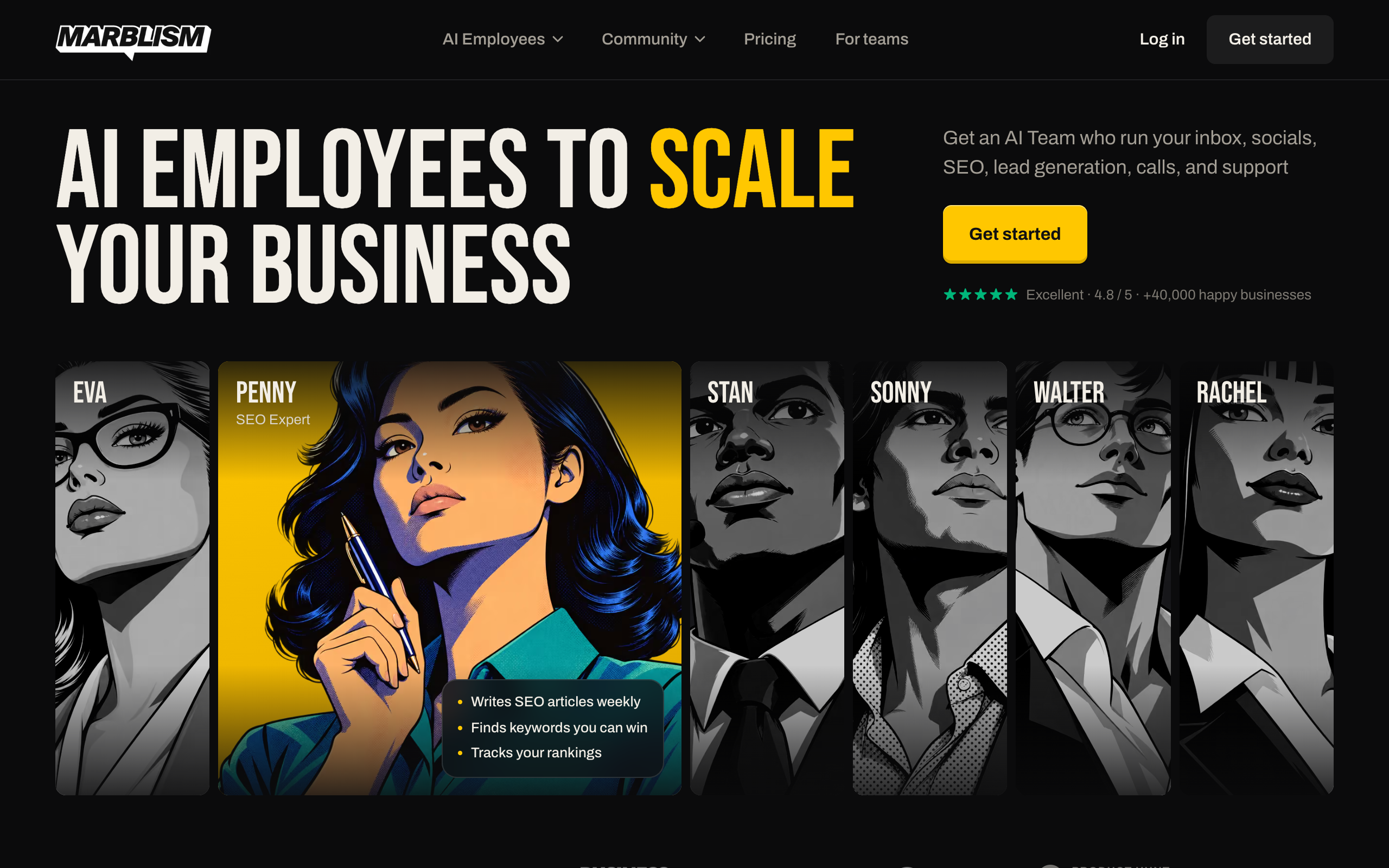
Marblism has one plan. The pricing page lists $24 a month billed yearly or $44 a month billed monthly, with all seven employees, unlimited businesses, and unlimited team members. Its FAQ lists a 7-day refund guarantee, live chat support, and an account manager for onboarding. The employees connect to Gmail, Outlook, Instagram, Facebook, X, LinkedIn, and others. The FAQ says they check in "only if they need your input or approval," and documents no finer approval controls. Pricing is on the official pricing page.
4.8/5·Trustpilot(1,202)Trustpilot reviewers mention a steep learning curve, and Trustpilot notes the company has not recently invited customers to review.
Pros
- One low price for seven roles, including phone answering and a website
- Unlimited businesses and team members on one plan
- Trustpilot rating of 4.8 on 1,200 reviews
Cons
- The roster is fixed at seven roles
- Approval controls are described only as check-ins
- Its own index ranks itself first, so that ranking is marketing
Local service and small creative businesses that want inbox, social, SEO, calls, and a website in one low-priced bundle.
3. Artisan, an AI sales rep
Artisan sells Ava, an AI business development rep that finds and enriches B2B leads, writes outreach, handles replies, and books meetings. Its homepage also announces Artie, for "AI employees for all roles," which this page does not evaluate.
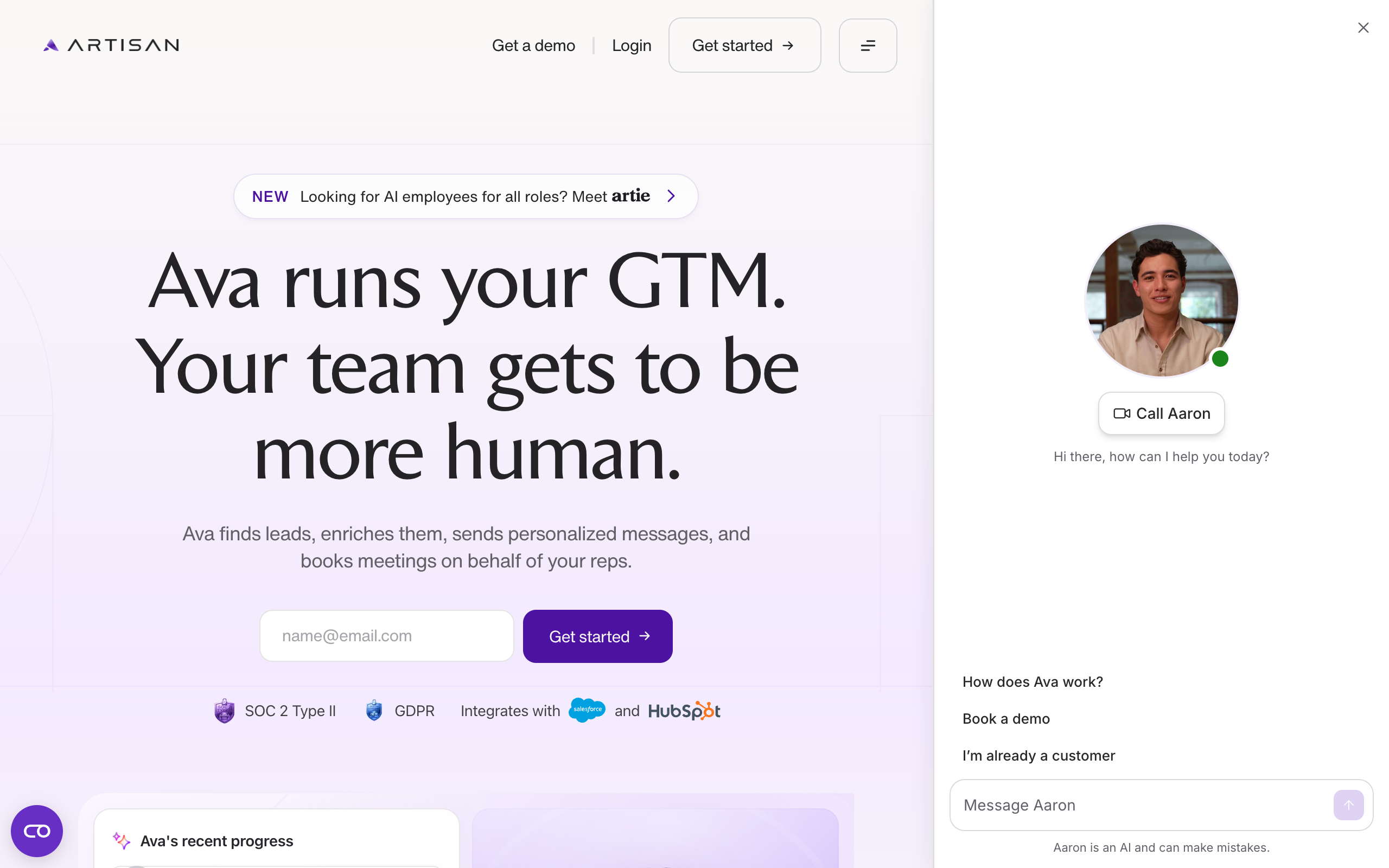
The pricing page shows three plans (Team at about 2,500 leads contacted a month, Scale at about 6,000, and Enterprise) and no prices. Each says pricing is scoped to your plan and sends you to sales. Its FAQ says you can approve before sending, lock tone and calls to action, and set banned phrases, and it names Salesforce and HubSpot sync. TechCrunch reported in April 2025 a $25 million Series A led by Glade Brook Capital, 250 customers, and $5 million in annual recurring revenue at that time. Artisan told TechCrunch that Ava hallucinates about one email in 10,000, which is the vendor's own figure. No Rating appears because no review page was opened.
Pros
- Approve-before-send and tone controls are documented
- Syncs with Salesforce and HubSpot
- Built for one job, outbound sales
Cons
- No published price
- Plans are sized and sold through sales
- Covers sales only
Sales teams that want an AI rep for outbound, with a person approving messages first.
4. 11x, AI agents for revenue teams
11x sells two agents for revenue teams. Alice handles outbound across email and social, and Julian handles inbound and expansion by voice and chat. Its channels include email, social, voice, chat, SMS, and WhatsApp, and its integrations include HubSpot, Salesforce, Pipedrive, LinkedIn, Slack, Gmail, Outlook, and Google Calendar.
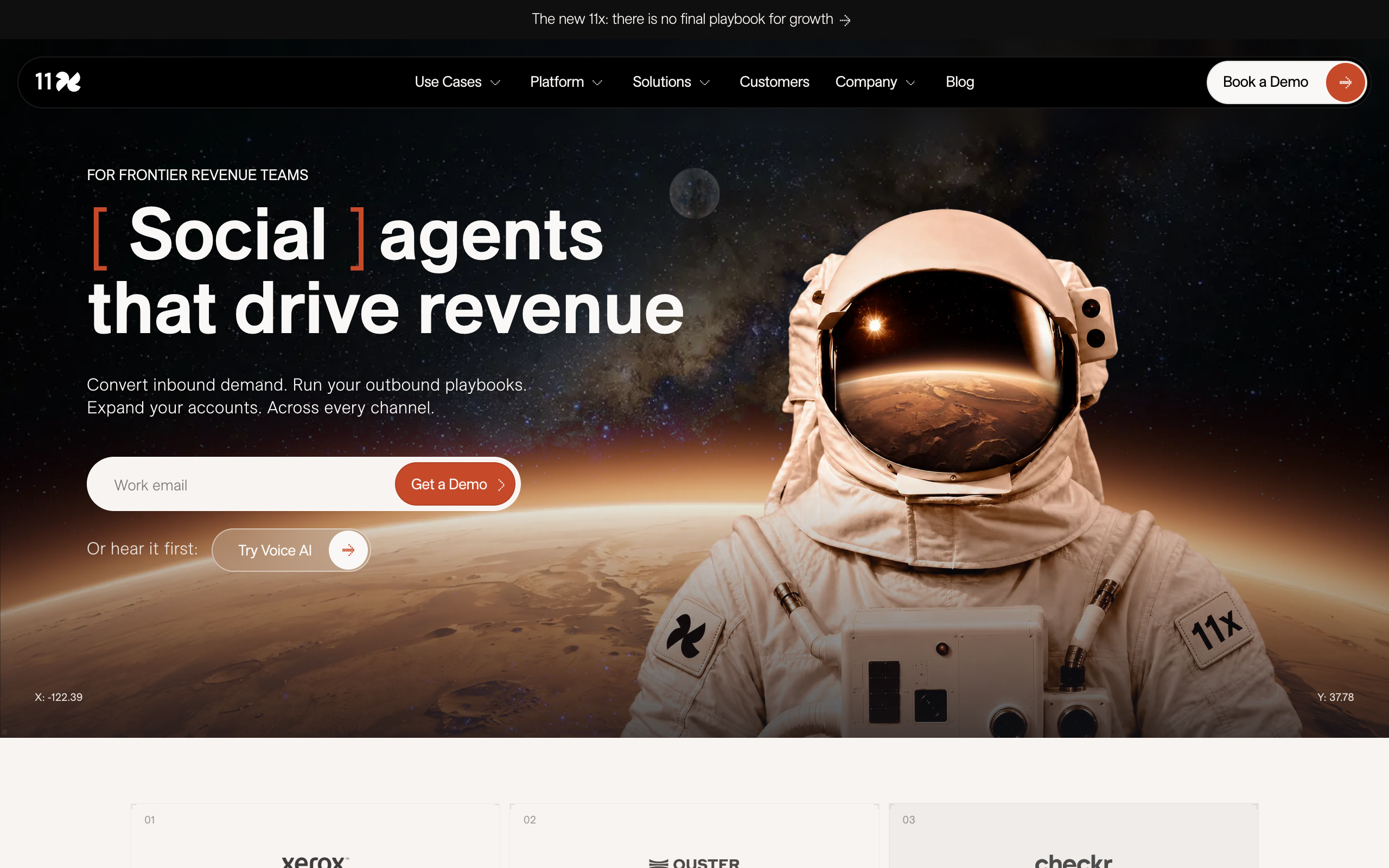
No price is published, and the only call to action is a demo. The homepage documents no approval step and says agents hand conversations to human reps. TechCrunch's March 2025 report carries allegations from former employees and customers about how revenue was counted and about product performance, plus 11x's response that it reports contracted ARR and cited a 79% retention rate. Those are reported claims and not findings. TechCrunch also listed a $24 million Series A led by Benchmark and a $50 million Series B led by Andreessen Horowitz, both from 2024.
Pros
- Covers inbound and outbound with voice, chat, and email
- Lists CRM and calendar integrations
- Hands conversations to human reps
Cons
- No published price
- No documented approval step
- Press reporting in 2025 questioned its customer and revenue claims
Revenue teams with inbound and outbound volume that will run a demo and check customer references themselves.
5. Lindy, a no-code AI employee
See also Lindy AI alternatives.
Lindy calls itself an AI employee that plugs into your tools. You build work by describing a routine in a sentence or by showing Lindy a task once, and the work runs in Slack, email, phone calls, or iMessage. Its homepage lists 1,500+ integrations plus MCP servers.
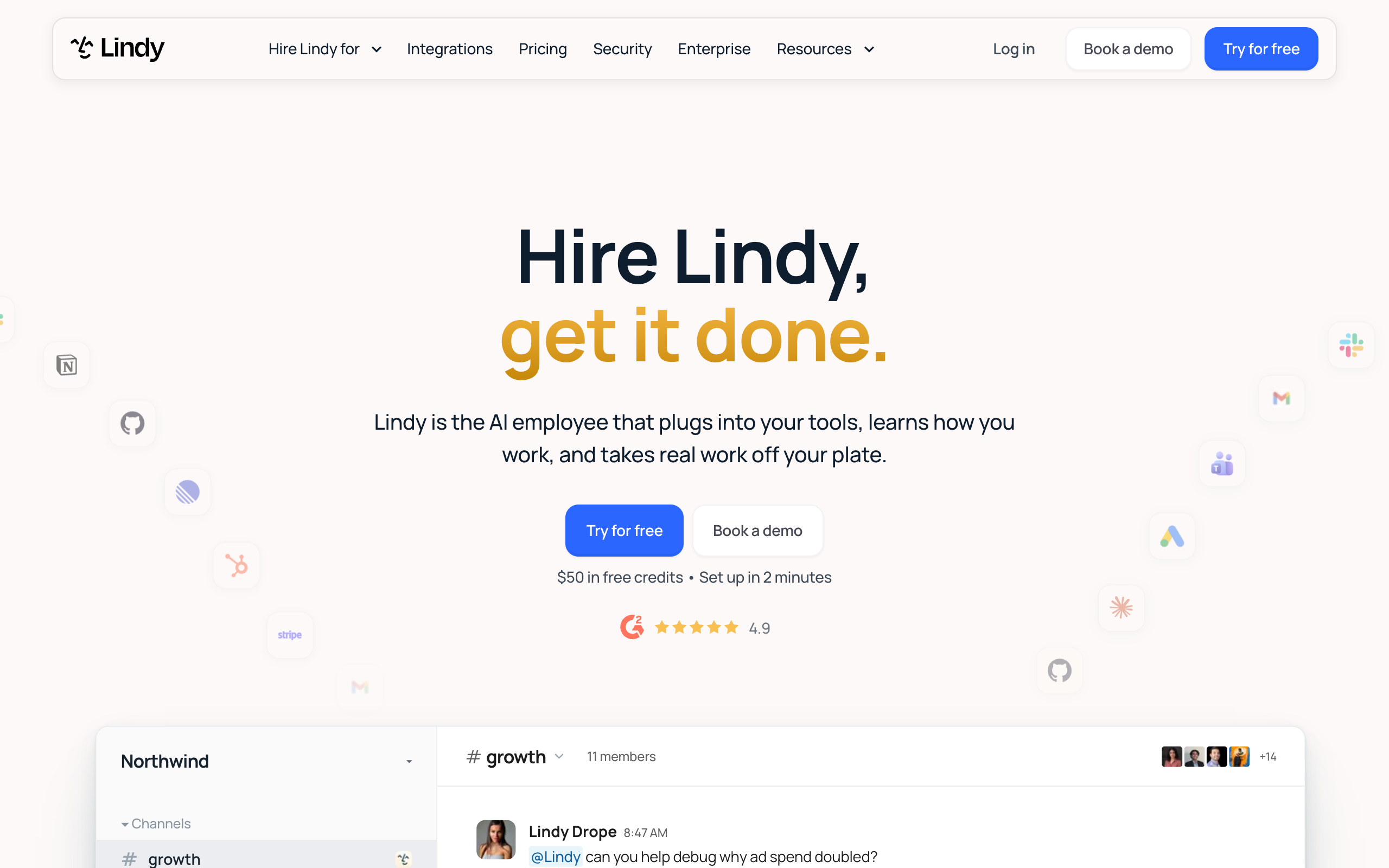
Lindy's pricing page lists a free plan with $50 in credits that last seven days, then Team per active user. Lindy is testing two starting prices, $29.99 a month for 3,000 credits and $49.99 for 5,000, and each visitor sees one. Top-ups cost $10 per 1,000 credits, and Enterprise is custom. Credits refresh monthly and do not roll over. Anyone who @mentions Lindy in Slack takes a paid seat. The FAQ says anything with outside impact waits for approval, and read-only lookups do not. Pricing is on the official pricing page.
3/5·Trustpilot(51)The Trustpilot page also shows 61% one-star reviews that cite fast credit use and billing after a cancelled trial. Lindy replied to at least one of them. Lindy's homepage displays 4.9 on G2, and the G2 page could not be opened.
Pros
- Free credits to try it, and an approval rule for outside actions
- Builds from a sentence or a demonstration
- Runs in Slack, email, phone, and iMessage
Cons
- Per-user pricing and per-task credits make cost hard to predict
- Credits do not roll over
- Trustpilot score of 3.0 on a small sample
Non-technical teams that want to build their own agents and will watch credit use during the free week.
6. Relevance AI, an AI workforce builder
Relevance AI calls itself the home of the AI workforce. It builds and runs agents for sales, customer success, marketing, support, operations, and research. Its homepage leads with Invent 2.0, an AI solutions engineer that helps teams find work to automate and build agent systems. Named agents on its homepage include an outbound prospector, a meeting scheduler, a deal reviewer, and a proposal builder.
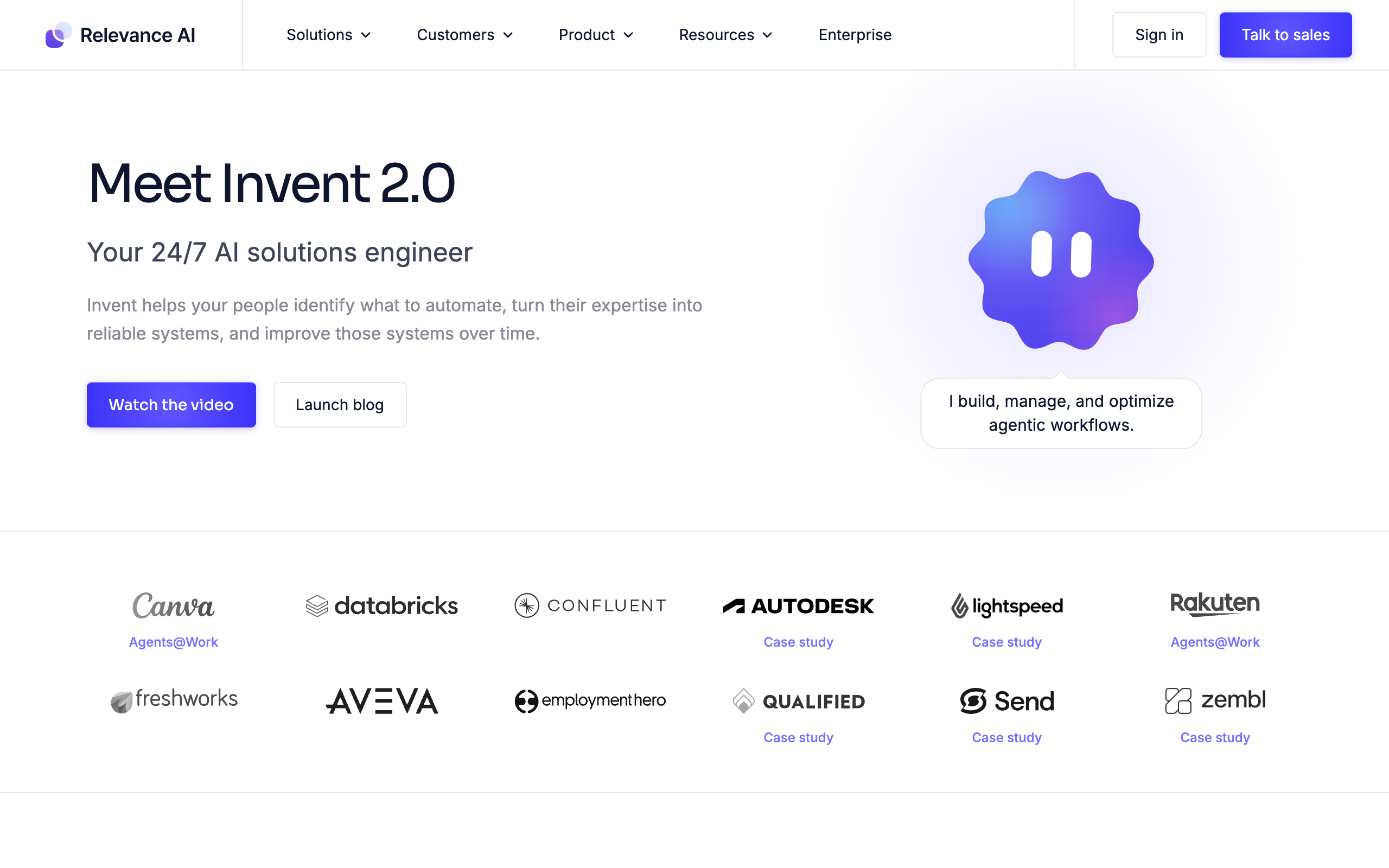
The pricing page lists one plan, Enterprise, with unlimited agents and users, custom credits, and a "Talk to sales" button. Its homepage lists human-in-the-loop approvals, role-based access, and audit logs under controls, and it says it connects to 1,000+ apps while the pricing page says 2,000+. The vendor names Canva, Autodesk, and Databricks as customers and shows a Qualified case study of $7 million in pipeline in six months. Those are the vendor's claims. No Rating appears because no review page was opened.
Pros
- Approvals, role-based access, and audit logs are listed
- Deployment help from the vendor
- Large app catalog
Cons
- No published price
- Aimed at larger teams, with sales-led setup
- Integration count differs between its own pages
Mid-size and enterprise teams that want to build many agents with vendor help and are ready to talk to sales.
7. Viktor, an AI coworker in Slack and Teams
Viktor calls itself the AI employee that lives in Slack and Microsoft Teams. Team members @mention it to pull reports, build dashboards, or run campaigns, and it keeps a persistent memory of how the organization works. Its homepage lists 9,800+ tools and says 76,000+ teams use it.
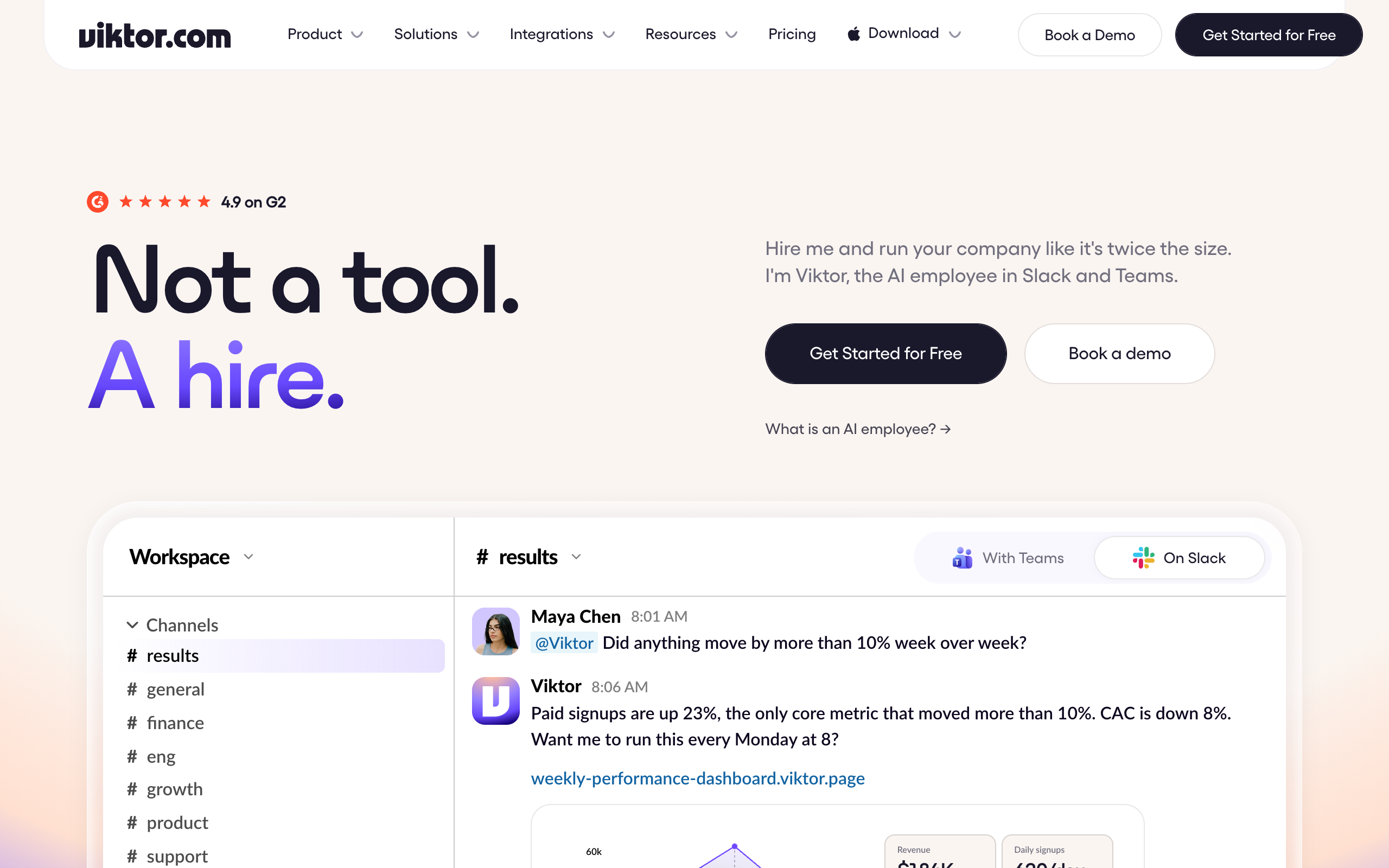
The pricing page lists a free plan with up to $100 in credits that never expire, and a Team plan at $100 a month for 40,000 credits shared across the workspace. Smaller tiers run from 20,000 credits for $50 to 80,000 for $200. Every plan includes all features, and plans differ only in credits. Viktor says it asks for confirmation before high-stakes actions such as sending email, that admins choose which tools need approval, and that all members of a plan share one workspace-level instance, with a per-user private mode on its roadmap. Fortune reported in May 2026 a $75 million Series A led by Accel, a $15 million annualized revenue run rate, and more than 2,000 customer organizations at that date. No Rating appears because no review page was opened.
Pros
- Free credits that never expire, and one shared credit pool
- Admins choose which tools need approval
- Works in both Slack and Teams
Cons
- One shared instance per workspace
- Credits are shared, so heavy use by one person draws down everyone's pool
- Fortune noted it has acted unexpectedly at times
Teams that live in Slack or Teams and want one shared coworker for reports, dashboards, and routine requests.
8. Mio, a Slack-native AI employee
Mio is an AI employee for Slack. You @mention it in a channel or message the app directly, and it prepares meetings, sends weekly and daily briefs, triages Slack, drafts investor updates, and schedules meetings. Its homepage lists 3,000+ tools and says sensitive actions wait for your approval.
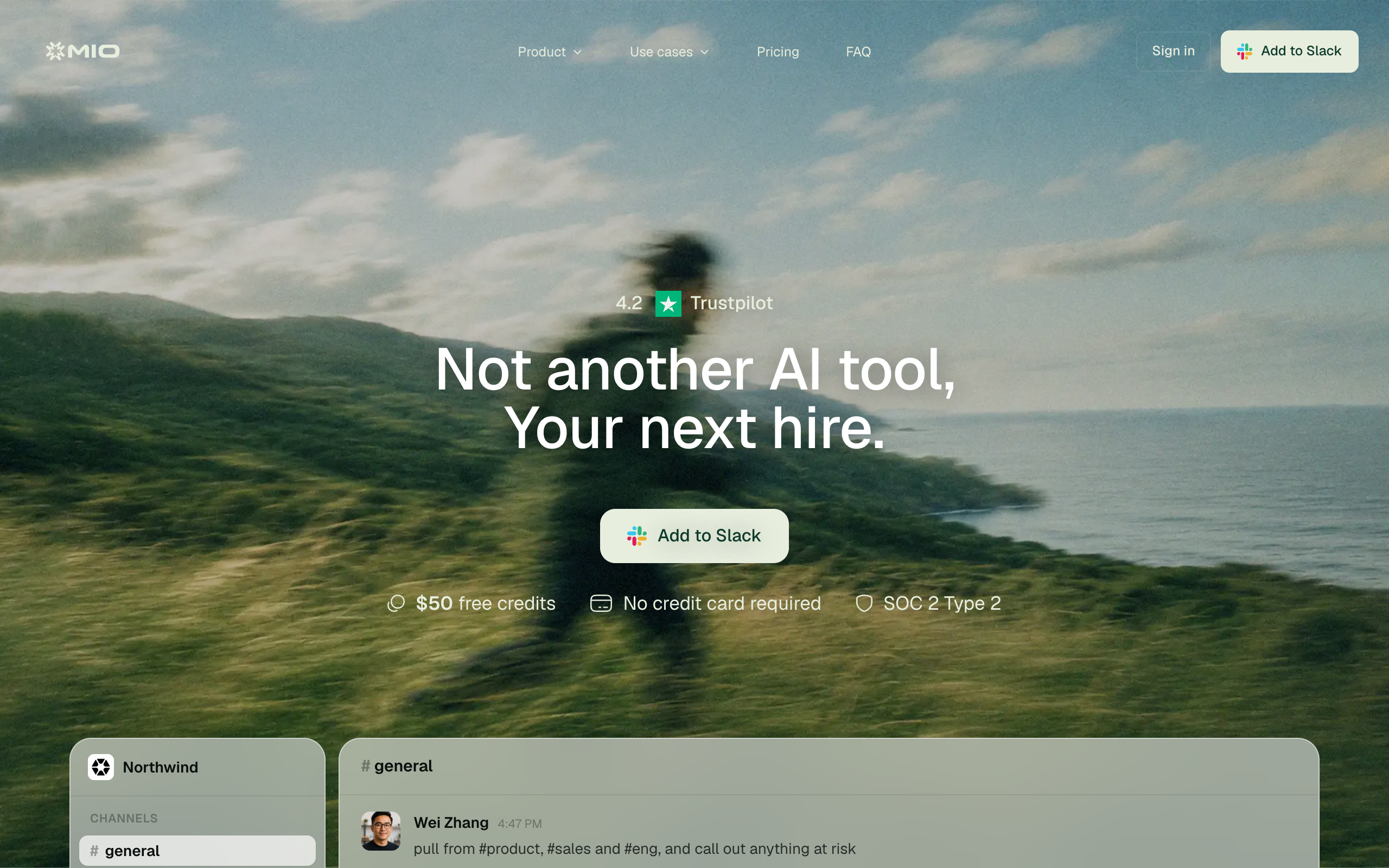
The pricing page lists a free plan with the first $50 of work included, a Team plan from $50 a month, and a custom Enterprise plan. Credits measure work, and the page does not say whether pricing is per person. Pulse 2.0 reported in July 2026 a $2.2 million pre-seed round, and Mio told the outlet its own team saved more than 130 hours in one week, which is a company figure. No Rating appears. Mio's homepage shows a Trustpilot score of 4.2 with no review count, and that page was not opened.
Pros
- Free start with no card
- Sensitive actions wait for approval
- Fast install in Slack
Cons
- Slack only
- Team plan size is chosen after the trial, so the real price is unclear
- Pre-seed company with a young product
Small Slack teams that want meeting prep, briefs, and triage and can accept a young product.
9. Superpal, an AI coworker for Slack and Discord
Superpal describes an AI coworker that connects to your tool stack and does work end to end, such as reports, decks, and outreach. It is built for Slack and Discord, runs on a schedule, on a trigger, or on request, and has its own inbox and always-on computer. Its homepage lists 1,000+ integrations.
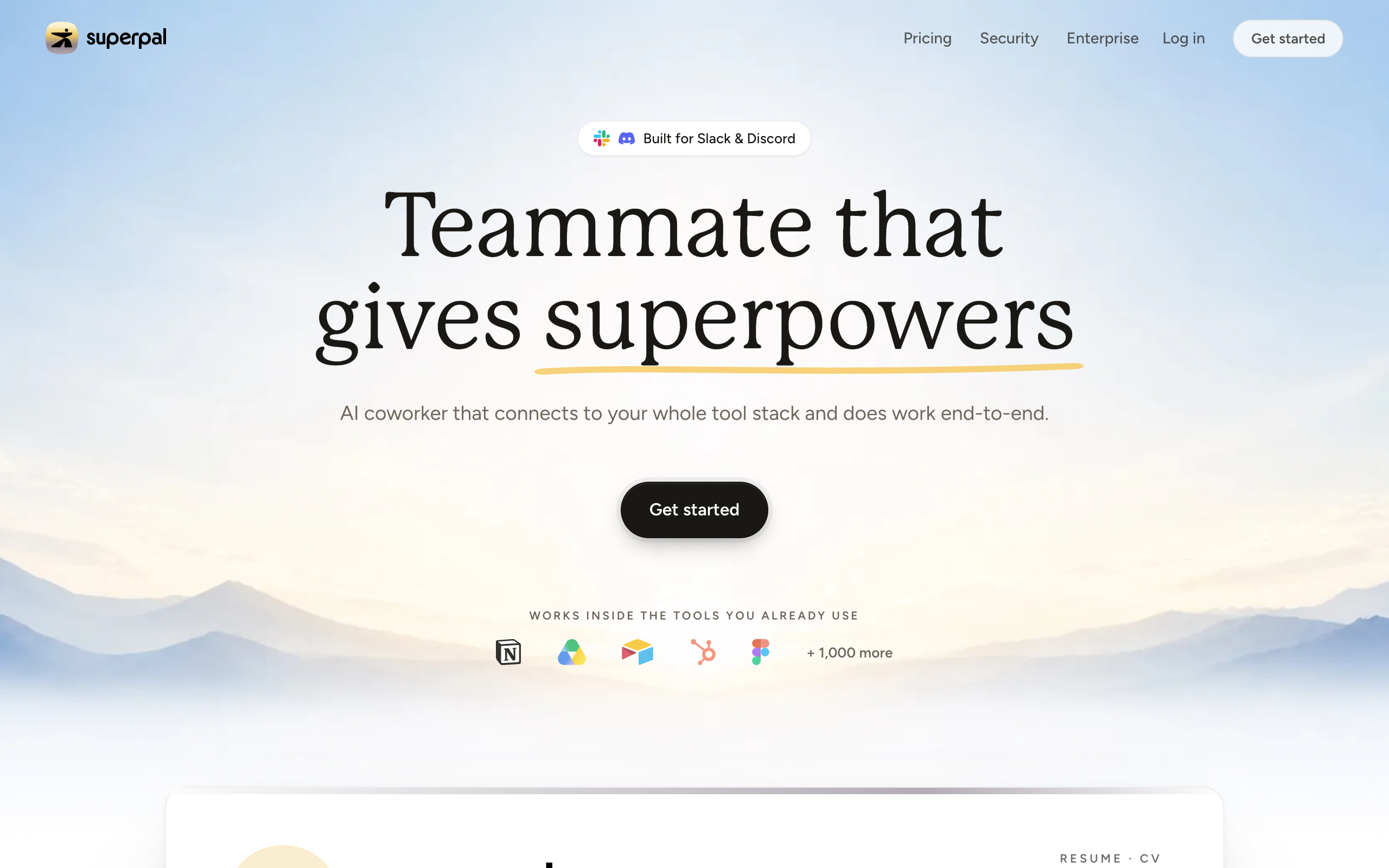
Superpal prices per workspace, so the number of seats does not change the price. The pricing page lists Starter at $27 a month for 30 tasks, Pro at $39 a month for 50 tasks, and Teams at $75 a month for 100 to 525 tasks, all on a 3-month term, in US dollars and excluding VAT. Extra tasks on Teams cost $0.75 each. Pro adds SSO and an audit log, and the Starter and Pro plans offer a 7-day trial. The homepage documents no approval model. Tech.eu reported in June 2026 a €500,000 pre-seed round led by FIRSTPICK. No Rating appears.
Pros
- Per-workspace pricing with a task count you can read
- 7-day trial on two plans
- Works in Slack and Discord
Cons
- No documented approval model on the homepage
- Prices shown are for a 3-month term
- Very early-stage
Small Slack or Discord teams that want a predictable monthly price per workspace.
10. Polsia, an AI that runs a company
Polsia's homepage says "AI That Runs Your Company While You Sleep" and calls itself your first employee. It lists planning a roadmap, shipping code, running ads, replying to customers, closing deals, and posting on social media. Its homepage needs JavaScript to load, and it says there is no credit card required and it is free to start.
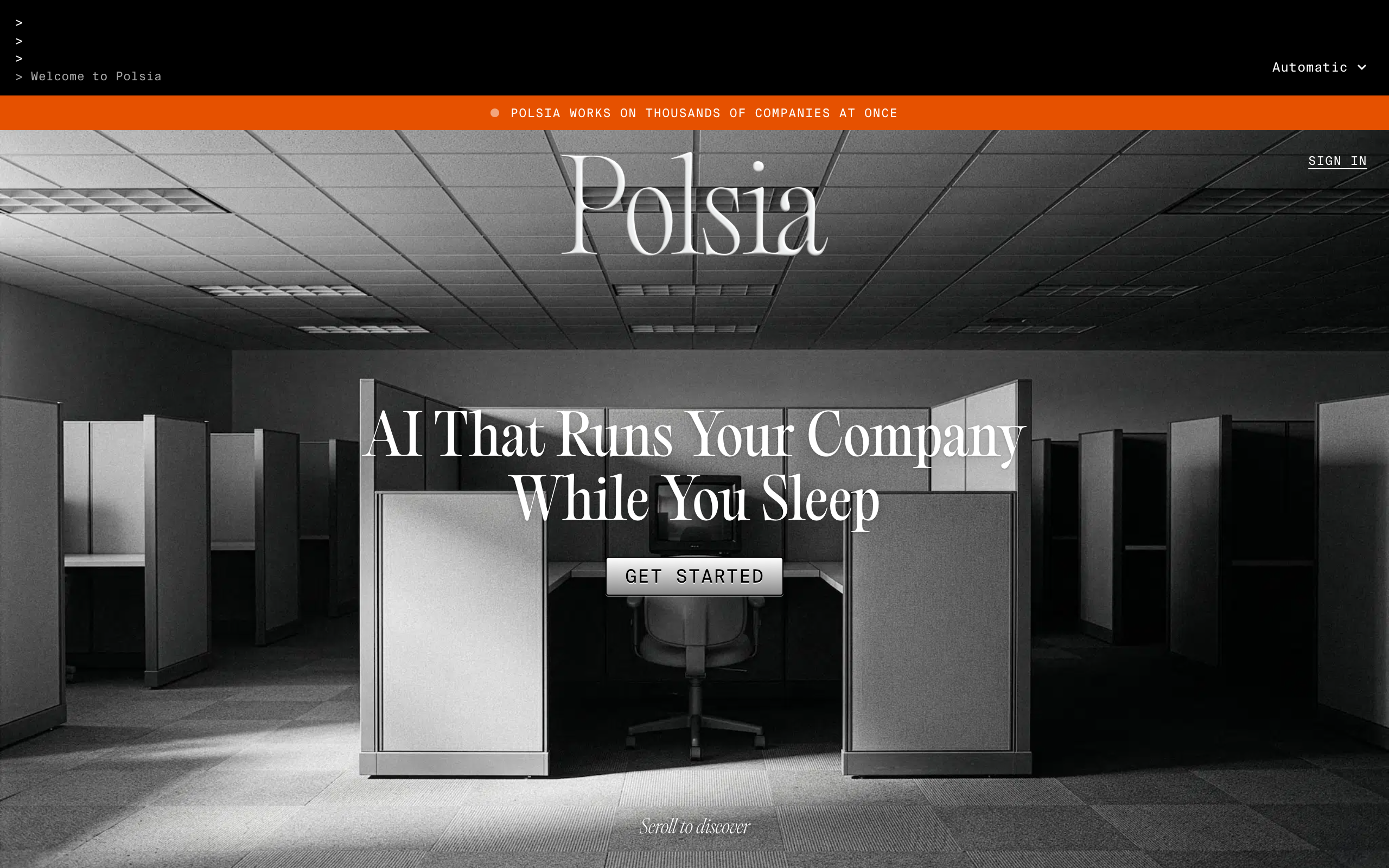
No price appears on Polsia's own site. Its terms of service, updated 17 September 2026, state a 20% platform fee on advertising spend and a 3% fee on customer payments, a 31-day settlement period before payouts, and no refunds on subscriptions. They also state that public dashboards for your company are on by default and may be indexed by search engines, that you are solely responsible for what the service does on your behalf, and that scheduled operations run without per-execution approval. Third-party articles give different subscription prices. Fortune reported in March 2026 the founder's $4.5 million revenue run rate claim, with True Ventures as an investor.
3.5/5·Trustpilot(460)On Trustpilot, 38% of reviews are five-star and 28% are one-star. Reviewers cite fast credit use, unfinished sites, and refund disputes.
Pros
- Free to start, with no card
- Terms state the fees and the user's responsibilities
- Aims at the widest scope of any tool here
Cons
- No price on its own site, and third-party prices differ
- Scheduled actions run without per-execution approval
- No refunds on subscriptions, and public dashboards on by default
Solo founders who want to test a business run mostly by AI and will read the terms and watch the spend.
11. Squad, a hosted squad of AI teammates
Squad (formerly MissionControlHQ) hosts a squad of AI teammates on a dedicated cloud computer. Each teammate has a name, a job, a schedule, permissions, and a log you can read. After you sign up, the Chief of Staff, which is the lead teammate, interviews you about the business and proposes four or five teammates for you to approve. The build takes about two minutes, and the onboarding conversation follows.
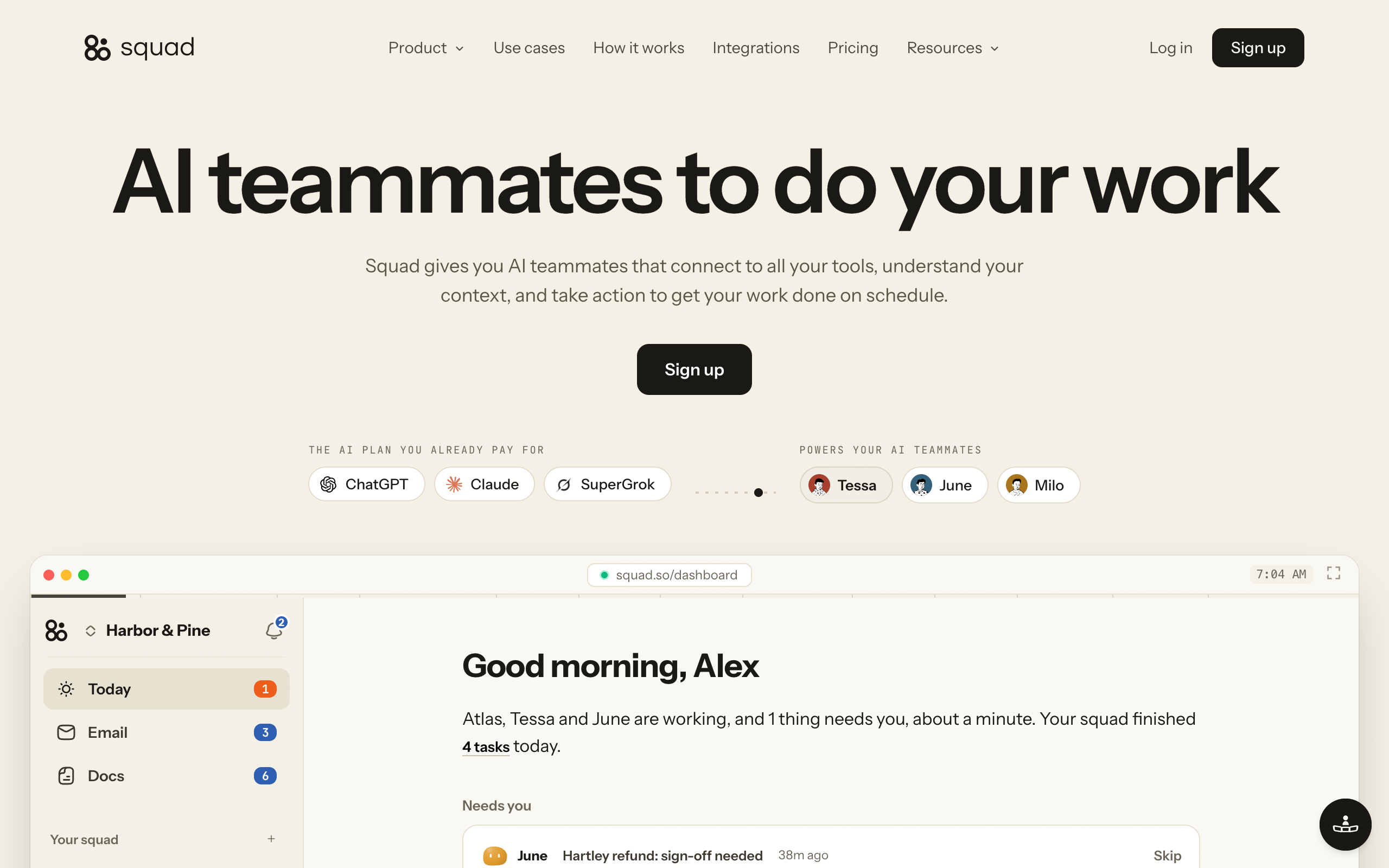
Squad runs on your own AI subscription across 13 providers, so you pay your provider and Squad adds no per-task AI charge. You can stack several accounts and set an ordered fallback list so work continues when a plan runs out. Each teammate gets its own browser profile on your cloud computer. Work lives on a task board with a Needs you column, in chat threads, in docs, and in a record of every run. You reach the squad from the dashboard, Telegram, Discord, or Slack. Teammates connect to 70+ integrations, and access levels vary by app, so you can narrow or block any single teammate. See Squad vs Paperclip and Paperclip alternatives for how it compares with self-hosted control planes.
On approvals, teammates can draft work for your review and ask before they act, and you set access levels and email send caps for anything that must not happen. Squad does not stop a teammate that chooses to act without asking, and it does not undo actions in connected apps, as the control page states.
Pricing. One plan at $99 a month with unlimited teammates and a 7-day money-back guarantee on the first payment, plus your own AI plan, which Squad recommends at $100-200 a month on ChatGPT, so $199-299 a month all in. Optional extras are agent email inboxes at $10 a month each, human teammate seats at $9 a month each, and research credits (1,000 free each month, then $5 per 5,000). There is no free trial. No Rating appears because no third-party review page was opened.
Pros
- Several specialist teammates that share a task board, memory, and run log
- Uses the AI plan you already pay for, with fallbacks across providers
- Needs you column, drafts, and per-app access levels
Cons
- $99 a month on top of your own $100-200 AI plan
- No free trial, only a 7-day refund on the first payment
- Roles come from an onboarding interview, so there is no fixed roster to click through
Owners who want several specialists on recurring work, on the AI plan they already pay for, with a log of every run.
AI employee platforms compared
The table lists each platform's type, listed price, setup effort as the vendor describes it, connected apps, approvals, and the buyer it suits. Prices are as of 2 November 2026. Counts of connected apps are the vendors' own claims. Setup effort is what each vendor says, and none of it was tested for this page.
| Tool | Type | Price listed | Setup effort | Connected apps | Approvals | Suits |
|---|---|---|---|---|---|---|
| Sintra AI | Pre-built roles | $48.50/mo on the 1-month plan, $15.60/mo on the 12-month plan | Four steps: business context, connect tools, set rules, then the helpers work | 1000+ (homepage), 15+ (pricing page) | Approval levels set in setup; mechanics not described | Solo owners who want a 12-helper bundle |
| Marblism | Pre-built roles | $24/mo billed yearly, $44/mo billed monthly | Describe the business and goals; guided onboarding offered | Gmail, Outlook, Instagram, Facebook, X, LinkedIn, others | Check in only for input or approval | Local service and creative businesses |
| Artisan | Pre-built role (sales) | Not published, sold through sales | Sales-led rollout with onboarding support | Salesforce, HubSpot, Slack | Approve before sending, tone and phrase controls | Sales teams that want an AI rep |
| 11x | Pre-built roles (sales) | Not published, book a demo | Demo-led | HubSpot, Salesforce, Pipedrive, LinkedIn, Slack, Gmail, Outlook, Google Calendar | No approval step documented | Revenue teams with inbound and outbound volume |
| Lindy | No-code builder | Free ($50 credits for 7 days), then from $29.99 or $49.99/user/mo | Vendor says set up in 2 minutes; describe a routine or show a task once | 1,500+ plus MCP | Outside-impact actions wait for approval | Non-technical teams building their own agents |
| Relevance AI | No-code builder | Enterprise only, talk to sales | Vendor deployment team plus Invent | 1,000+ (homepage), 2,000+ (pricing page) | Human-in-the-loop approvals, role-based access, audit logs | Mid-size and enterprise teams |
| Viktor | Chat coworker | Free (up to $100 credits), Team $100/mo for 40,000 shared credits | Install from Slack or Teams; vendor says 2 minutes | 9,800+ | Confirmation before high-stakes actions; admins pick tools | Teams that want one shared coworker |
| Mio | Chat coworker | Free ($50 of work), Team from $50/mo | Add to Slack; vendor says 30 seconds | 3,000+ | Sensitive actions wait for approval | Small Slack teams |
| Superpal | Chat coworker | $27, $39, or $75/mo per workspace (3-month term) | Add to Slack, connect tools, message the app | 1,000+ | Not documented on the homepage | Small Slack or Discord teams |
| Polsia | AI-run company | Not published on its site, free to start | Sign up and start a company | GitHub, Gmail, social accounts (examples in its terms) | Scheduled operations run without per-execution approval | Solo founders testing an AI-run business |
| Squad | Hosted squad | $99/mo plus your own AI plan ($199-299 all in) | About 2-minute build, then an onboarding conversation with the Chief of Staff | 70+ integrations | Questions in Needs you, drafts, per-app access levels | Owners who want several specialists with run logs |
The chart compares list prices only. Lindy bills per user and is also testing $49.99, Superpal bills per workspace on a 3-month term, Viktor and Mio bill by credits, and Sintra's price is a discount from a $97 list price. Relevance AI, Artisan, 11x, and Polsia are missing because no price is published for them. Squad's total includes the AI plan you bring, which the other tools bundle into their price.
How to choose an AI employee platform
Do you want to fill a fixed role fast, or define your own work?
- If fill a fixed role fast→Pre-built roles: Marblism or Sintra for general small-business work, Artisan or 11x for sales
- If define my own work→A builder (Lindy or Relevance AI), or a hosted squad where the Chief of Staff designs roles with you
Where does your team already work?
- If in Slack or Teams all day→A chat coworker: Viktor, Mio, or Superpal. Lindy also answers in Slack
- If in many apps, with email and a browser→Pre-built roles, a builder, or a hosted squad that has its own browser and inbox per teammate
How much do you want the AI to decide without asking?
- If very little, I want to approve outside actions→Lindy, Mio, Viktor, and Artisan describe approval steps for outside actions. Squad drafts for review and asks through Needs you
- If as much as possible, and I will read the logs→Polsia, and read its terms first
Do you already pay for ChatGPT or Claude?
- If yes, and I want to use that plan→Squad runs on your own AI plan. The other pages checked price their own plans or credits and did not describe a bring-your-own-plan option
- If no→A bundled tool: Marblism, Sintra, Lindy, Viktor, Mio, or Superpal
For a business owner who is not sure which work to hand over, the Lane Test in AI agents for business gives one question. Would an agent have to switch context to do this work well? If so, that work is its own lane and its own employee. AI agents for small business lists the lanes that small businesses hand over first.
AI employee platforms by use case
| Scenario | Best pick | Why |
|---|---|---|
| A salon, a plumber, or a restaurant that needs calls answered, an inbox cleared, and social posts | Marblism | Seven roles at $24-44 a month, including a receptionist that answers calls and a social media employee. |
| A solo founder who wants 12 general helpers for copy, SEO, email, and support | Sintra AI | 12 named helpers on one plan, with a 14-day refund window. Check the credit limit first. |
| A sales team that wants an AI rep for outbound with human approval | Artisan | Documents approve-before-send controls and syncs with Salesforce and HubSpot. |
| A revenue team with both inbound and outbound volume | 11x | Lists inbound voice and chat plus outbound email and social. Ask for customer references. |
| A non-technical team that wants to build its own agents in minutes | Lindy | Builds from a sentence or a demonstration, with a free week of credits. |
| A larger company building many agents with vendor help | Relevance AI | Lists approvals, role-based access, and audit logs, with a sales-led rollout. |
| A startup team that wants one shared coworker for reports and dashboards in Slack | Viktor | One credit pool for the workspace, a free tier, and admin control over tools that need approval. |
| A small Slack team that wants meeting prep and weekly briefs | Mio | Free start, and sensitive actions wait for approval. |
| A small Slack or Discord team that wants a fixed price per workspace | Superpal | Three plans from $27 a month per workspace, with a task count per plan. |
| A solo founder who wants to test a company run mostly by AI | Polsia | Free to start, with the widest scope. Read the terms on fees and approvals first. |
| An owner who wants several specialists on recurring work, on the AI plan already paid for | Squad | Named teammates share a task board, run on your own AI plan, and keep a log of every run. |
| A client-service business with separate clients that need separate teammates | Squad | Each squad is its own $99 subscription with its own teammates, computer, and billing. |
When you do not need a platform
You do not need an AI employee platform when the work is a single task or a short project. A chat assistant handles a one-off document, a research question, or a draft. A coding agent handles a coding session. An AI employee earns its cost on work that recurs, where memory and an address matter, and the Lane Test is the quick check.
You also do not need a hosted platform if you enjoy running your own server. Open-source runtimes cost the price of a server plus a model, and they run on a computer you control. What is Hermes Agent and Hermes Agent vs OpenClaw cover the two best known. Paperclip alternatives covers the self-hosted control planes, and Claude agents covers what Anthropic offers directly.
A free tier is a good first test for any tool here. Lindy gives $50 in credits for seven days, Viktor gives up to $100 in credits that never expire, Mio gives $50 of work, and Superpal gives a 7-day trial on two plans. Run one real job through the free tier and read the result before you pay for a year.
Moving between AI employee platforms
Moving between platforms goes smoothly when you plan for the exit before you sign. Most of the cost is in the commitment you made at checkout and in the context you built up inside the old tool.
-
Check the refund window before you pay. Marblism lists 7 days, Sintra lists 14 days, and Squad lists 7 days on the first payment. Polsia's terms say subscription payments are nonrefundable. Lindy keeps a removed seat active through the paid cycle with no mid-cycle proration.
-
Prefer short terms while you test. Sintra's 12-month price of $15.60 a month is the lowest listed, and it commits you for a year. A 1-month plan at $48.50 costs more per month and lets you leave sooner.
-
Write your context down outside the tool. Brand voice, customer lists, tone rules, and approval rules are the part that takes time to rebuild. Keep them in a document you own.
-
Run the old and new tools side by side for a week on the same job. Compare the outputs and the credit use. Use one real task and not a demo.
-
Export what the platform lets you export. On Squad, Settings, then Squad, then Backup, then Export JSON downloads a file with your teammates, tasks, docs, run history, and contacts. It does not include email messages, memory, skills, projects, or settings, so copy those by hand. Check what every other tool exports before you rely on it.
-
Cancel in the account settings and keep the confirmation. Several Trustpilot reviewers of Sintra, Lindy, and Polsia describe trouble cancelling, so screenshot the confirmation and check the next statement.
If you are moving from a self-hosted setup, Paperclip alternatives has a migration section for that case.
AI employee platforms FAQ
AI employee basics
What is an AI employee platform? An AI employee platform is software that hosts AI agents in defined roles, such as an email assistant, a social media manager, or a sales rep, and connects them to your apps, a schedule, and a place to review their work. This page compares eleven as of 30 October 2026: Sintra, Marblism, Lindy, Relevance AI, Polsia, Viktor, Mio, Superpal, Artisan, 11x, and Squad. They fall into five types: pre-built roles, no-code builders, chat coworkers in Slack and Teams, AI-run company tools, and hosted squads.
What is the difference between an AI employee and an AI agent? An AI agent is a capability you prompt, and an AI employee is an agent that holds a role: it owns recurring work, keeps its own memory, can be reached at an address, and escalates to a human instead of guessing. The word employee is a product label with no employment status. The full definition is in the AI employee vs AI agent post on this site.
Choosing a platform
What are the best AI employees for a small business? It depends on the jobs. Marblism lists seven employees, including a receptionist, for $24 a month billed yearly or $44 monthly. Sintra lists 12 helpers from $48.50 a month on its 1-month plan. Lindy lets you build your own from $29.99 or $49.99 per user per month, depending on the version of its pricing page you see. Squad runs several specialist teammates on your own AI plan for $99 a month plus that plan. Prices are as of 2 November 2026.
Is Marblism an app builder or an AI employee product? Marblism sells AI employees today. Its site on 30 October 2026 lists seven named employees (Eva, Sonny, Stan, Walter, Penny, Rachel, and Linda), and the only builder among them is Walter, a website builder. A founders' publication reported in April 2025 that an earlier Marblism product generated full-stack web apps and was shut down to build AI employees. Descriptions of Marblism as an app builder refer to that earlier product.
Are there AI employees for sales teams? Yes. Artisan sells Ava, an AI business development rep for outbound, and 11x sells Alice for outbound and Julian for inbound. Neither publishes a price, and both sell through sales. Artisan documents approve-before-send controls, and 11x documents no approval step on its homepage. TechCrunch reported in March 2025 that 11x showed customers who said they had only run trials, so ask for references.
Pricing and risk
How much do AI employee platforms cost? Listed entry prices run from $24 to $100 a month as of 2 November 2026. Marblism is $24 a month billed yearly, Lindy is from $29.99 or $49.99 per user, Superpal is $27-75 per workspace, Mio is from $50, Sintra is $48.50 on a 1-month plan, and Viktor is $100 for 40,000 shared credits. Squad is $99 plus your own AI plan, $199-299 all in. Relevance AI, Artisan, and 11x publish no price, and Polsia shows none on its own site.
Why do credits run out so fast on AI employee tools? Credits are spent per action, and one request can trigger many actions. Lindy's pricing page lists 2-250 credits for an everyday ask and 1,000-2,500 for a big build. Trustpilot reviewers of Sintra, Lindy, and Polsia report credits used up within hours or a day, and credit use that is hard to follow. Test a real job on a free tier and read the credit use before you pay for a year.
Can an AI employee send email or spend money without asking? It depends on the tool and its settings. Lindy says anything with outside impact waits for approval, Mio says sensitive actions wait for approval, and Artisan lists approve-before-send. Polsia's terms say scheduled advertising and outbound messages run without per-execution approval. On Squad, teammates can draft for your review and ask before they act, and you set access levels and email send caps for anything that must not happen.
Are AI employee review scores reliable? Not on their own. On 2 November 2026 Trustpilot showed no TrustScore for Sintra because of review incentives, 4.8 on 1,202 reviews for Marblism, 3.0 on 51 reviews for Lindy, and 3.5 on 460 reviews for Polsia. Trustpilot does not verify reviews and notes when a company has not recently invited customers to review. Vendors also publish their own rankings, and Marblism's index ranks Marblism first.
Comparisons
How does Squad compare with Sintra, Marblism, and Lindy? Sintra and Marblism sell fixed rosters of pre-built roles on their own pricing, Lindy builds agents from a description and bills by credits per user, and Squad hosts several specialist teammates on your own AI plan. Squad costs $99 a month plus that plan, $199-299 all in, and has a task board with a Needs you column and a log of every run. Squad has no free trial, only a 7-day refund on the first payment.
What does Polsia cost? Polsia publishes no price on its own site as of 2 November 2026, and its homepage says it is free to start with no credit card. Its terms of service, updated 17 September 2026, state a 20% platform fee on advertising spend, a 3% fee on customer payments, and no refunds on subscriptions. Third-party articles give different subscription prices, so confirm the current price with Polsia before paying.
Sources
- Gartner, Gartner Predicts Over 40% of Agentic AI Projects Will Be Canceled by End of 2027, 25 June 2025: the 40% prediction, the "agent washing" definition, and the estimate of about 130 real vendors. Opened 30 October 2026.
- Carnegie Mellon University and collaborators, TheAgentCompany benchmark, version 3 of 10 September 2025: the best agent completes about 30% of tasks.
- Anthropic, Project Vend, 27 June 2025.
- Sintra, homepage and pricing: 12 helpers, setup steps, plan prices, 250 monthly credits, the 14-day guarantee, and the integration counts. Prices rechecked 2 November 2026.
- Marblism, homepage and pricing: the seven employees, $24 and $44 prices, the FAQ, and the AI Employee Index. Prices rechecked 2 November 2026. Marblism history: We Are Founders, April 2025.
- Trustpilot review pages for Sintra, Marblism, Lindy, and Polsia: scores, review counts, and reviewer complaints. Trustpilot does not verify reviews. Fetched 2 November 2026.
- Lindy, homepage and pricing. Prices rechecked 2 November 2026.
- Relevance AI, homepage and pricing. Prices rechecked 2 November 2026.
- Polsia, homepage and terms of service, last updated 17 September 2026: fees, approvals, and refunds. Fees rechecked 2 November 2026. Fortune, The one-person unicorn, 26 March 2026.
- Viktor, homepage and pricing. Fortune, Viktor raises $75 million, 19 May 2026.
- Mio, homepage and pricing. Pulse 2.0, Mio raises $2.2 million, 16 July 2026.
- Superpal, homepage and pricing. Tech.eu, Superpal raises €500K, 22 June 2026.
- Artisan, homepage and pricing. TechCrunch, Artisan raises $25M, 9 April 2025.
- 11x, homepage. TechCrunch, 11x has been claiming customers it doesn't have, 24 March 2025.
- Squad (formerly MissionControlHQ): homepage and get started for the $99 plan, the extras, and the 7-day guarantee; docs for the providers, the task board, Needs you, and the export; the control page for approvals and limits; integrations for access levels. Fetched 30 October 2026.
- Related on this site: AI employee vs AI agent, a team of AI employees, Squad vs Paperclip, and AI agents for small business.
Last updated: November 2026. Pricing verified as of 2 November 2026. Features verified as of 30 October 2026.