
The best Paperclip AI alternative depends on which part of Paperclip you want someone else to carry. Paperclip is a free, MIT-licensed control plane for teams of AI agents: an org chart, monthly budgets per agent, a ticket system, approvals, and scheduled heartbeats, running on your own server against runtimes you install and pay for. As of 8 September 2026 the repository has 80.2k GitHub stars and no published hosted plan.
Short answer. Squad (formerly MissionControlHQ) is the closest hosted match for a founder who wants the org chart designed with them, the computer provisioned, and one flat $99/mo bill on top of the AI subscription they already pay for. Hermes Agent and OpenClaw are the free open-source routes if the model bill is the only objection and you will keep self-hosting. Grok Bot is the zero-setup bundle at $200-300/mo. CrewAI is for developers, Lindy for no-code teams, and Claude Code agent teams for one parallel session at a time.
80%
of organizations report measurable ROI from AI agents, which is why the question has moved from whether to run agents to how to run several of them at once.
Source: Anthropic, The 2026 State of AI Agents Report (500+ technical leaders)iShort answer
Paperclip solves coordination for AI agents and leaves four things with you: the server and its patches, every runtime and its bill, the tokens heartbeats burn, and the org chart itself. The seven alternatives below each pick up some of that. Hosted squads take all four; Squad does it for $99/mo flat on your own AI subscriptions with no token markup, and its lead agent designs the squad with you in about ten minutes. Open-source runtimes take none of the four but cost $0 and run any model. Pick by the part you most want gone.
Key takeaways
| The question | The answer |
|---|---|
| What Paperclip is | A free, MIT-licensed, self-hosted control plane for agent teams: org chart, per-agent budgets, tickets, approvals, heartbeats. 80.2k GitHub stars as of 8 September 2026 |
| Why people look for alternatives | You run the server (Node 24.11+, Postgres, auth, patches), you bring and pay for every runtime, heartbeats burn tokens, subscription runs report $0 so budgets cannot stop them, no chat layer, no hosted plan yet |
| Closest hosted alternative | Squad: lead agent designs the squad, provisioned cloud computer, per-run token usage, approvals, $99/mo flat plus your own AI plan, 13 providers, no markup |
| Best open-source alternatives | Hermes Agent (243.3k stars, Kanban, single-host) and OpenClaw (389.2k stars, Workboard, single-machine). Free, any model, your server |
| Zero-setup alternative | Grok Bot at $200-300/mo with xAI's models bundled and one shared cloud computer per account |
| When Paperclip is right | You are technical, want to own the data and server, know your roles already, and will pay each runtime directly |
Every alternative on this page is a different answer to which of these you want gone.
The server
Node.js 24.11+, a Postgres database, login and network exposure, updates, and the patches. CVE-2026-41679 (CVSS 10.0) was fixed in v2026.416.0; applying it was the operator's job.
The runtimes
Paperclip is a control plane, not an agent. Each seat needs Claude Code, Codex, Hermes, or another adapter installed and paid for separately.
The token bill
Heartbeats wake the model on every tick with full context (issue #3401). Subscription runs record $0, so the 80% warning and 100% pause never fire for them (issue #339).
The org chart
You design the company. There is no chat layer to think it through (issue #49) and no shared company knowledge layer (issue #1858), both open since March 2026.
What Paperclip is, and what it is not
Paperclip is an open-source app, made by Paperclip Labs, that manages a team of AI agents the way a company manages employees. Its own tagline is "the app people use to manage AI agents for work." Agents get a boss, a title, and a job description on an org chart. Every task traces back to a company goal. Each agent has a monthly budget, and when it hits the limit, it stops.
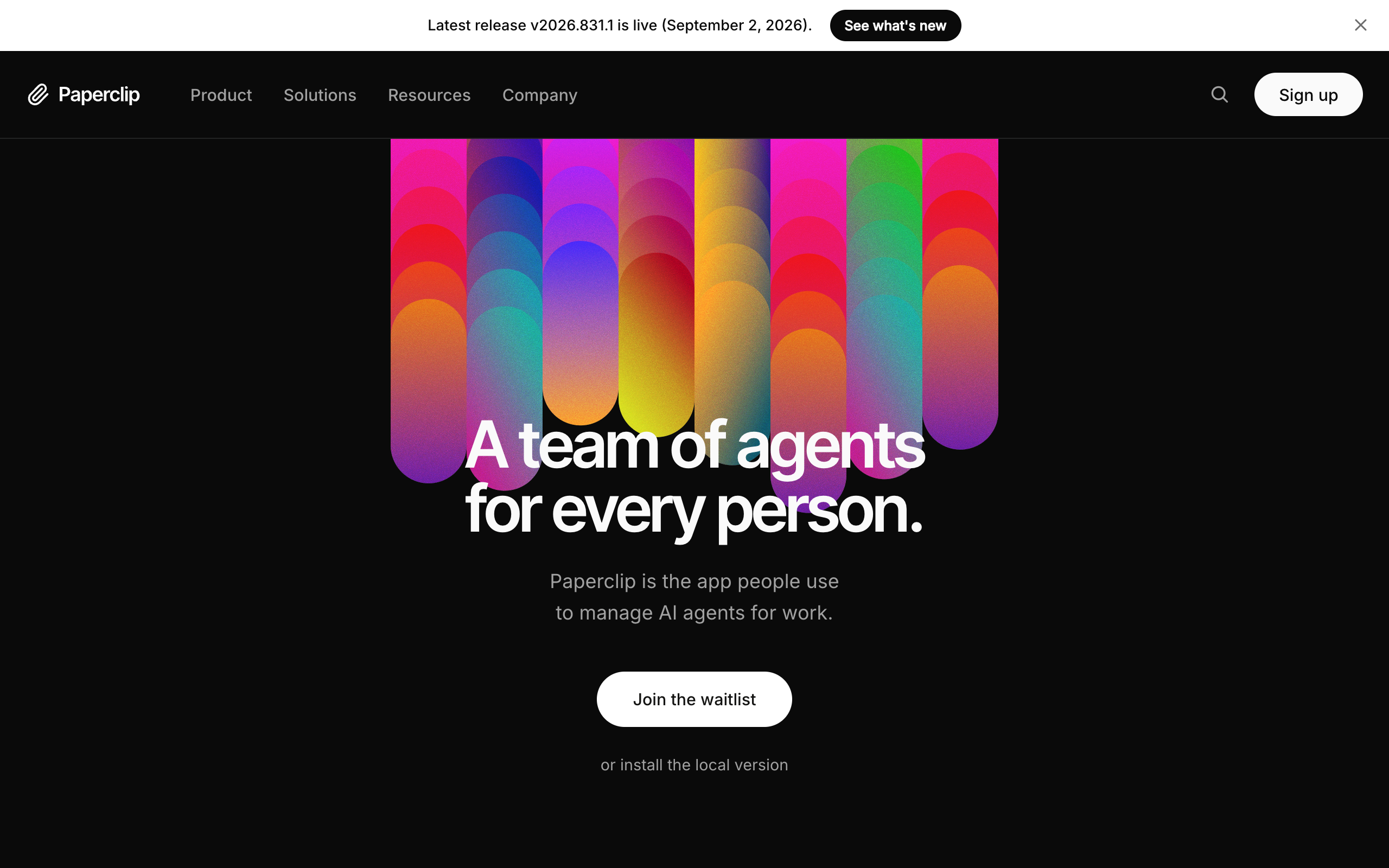
80.2k
GitHub stars, 14.7k forks (8 September 2026)
MIT
License; no Paperclip account required
$0
Software cost, self-hosted
8
Runtimes on the landing page: Claude, Codex, Gemini, Cursor, Hermes, OpenClaw, Pi, OpenCode
Node 24.11+
Plus pnpm 9.15+ and Postgres (embedded locally)
v2026.831.1
Latest release, 2 September 2026
The model is heartbeat-driven. From the README: "Agents wake on a schedule, check work, and act. Delegation flows up and down the org chart." Any runtime that can receive a heartbeat can be hired, through adapters for Claude Code, Codex, Hermes, OpenClaw, and more. The docs list 21 adapters, with the generic process and HTTP adapters marked "Coming soon" in the UI.
Paperclip is equally clear about what it is not. The README's list: not a chatbot, not an agent framework, not a workflow builder, not a single-agent tool. It coordinates agents you bring. It does not ship any.
Two facts frame everything below. First, the software is free and self-hosted, with three deployment modes in the docs: local (loopback only, no login), private network (login required, binds all interfaces, Tailscale recommended), and internet-facing (login, explicit public URL, stricter checks). Second, there is no hosted plan yet. The README lists cloud deployments as in progress, and the landing page now carries a "Join the waitlist" button above the local install, with no price or description attached.
Why people look for Paperclip alternatives
Every reason below comes from Paperclip's own documentation or its issue tracker, not from opinion. Paperclip is a good control plane. These are the costs of the choices it made.
1. You run the server, and you patch it. A Paperclip deployment needs Node.js 24.11 or newer, pnpm 9.15 or newer, a Postgres database, and a host. Expose it beyond localhost and you also own the login flow and the network boundary. On 5 August 2026 The Hacker News reported three flaws found by Oasis Security: CVE-2026-41679 (CVSS 10.0) allowed unauthenticated remote command execution on network-accessible deployments, a DNS-rebinding flaw scored 9.6, and a data-exposure flaw scored 8.3. All were fixed in v2026.416.0, and no exploitation in the wild was reported. The point is not that Paperclip was careless. It is that a control plane which can run commands through agents is a high-value target, and on a self-hosted install the person who applies the fix is you.
2. You bring every runtime, and pay for each one. Paperclip does not include an agent. Each seat on the org chart needs a runtime installed on the host and a subscription or API key behind it. A five-agent company on Claude Code is five Claude Code sessions with five sets of credentials. The eesel AI comparison from July 2026 puts it plainly: you must "bring, configure, and pay for the actual AI agent and its model."
3. Heartbeats burn tokens while checking for nothing. Issue #3401, open since 11 April 2026, describes the default: the system "wakes the agent's LLM on every timer tick (default ~15 min) just to check if it has work," and that "the wake event prompt itself is also heavily overweight" because it "includes full system context, skill instructions, and agent configuration on every tick." If no task is waiting, tokens were spent on a no-op. The common community advice is to lengthen the interval or switch heartbeats off, which also switches off the thing that makes agents proactive.
4. Budgets cannot see subscription-billed agents. Paperclip's cost guide records tokens and dollars per call and pauses an agent at 100% of budget, with a warning at 80%. But issue #339, open since 8 March 2026, reports that agents authenticated through a ChatGPT-style subscription record a cost of zero cents, because the provider returns no cost for subscription usage. The reporter's example: "A single agent consumed 19.8M input tokens in one hour" with no budget enforcement. For the founders most likely to use Paperclip, the ones on flat-rate plans, the budget feature is blind exactly where they need it.
5. There is no chat layer and no shared company knowledge. Issue #49, open since 5 March 2026, asks for "a lightweight Slack-like communication layer" so you can think a problem through with agents before it becomes a ticket. Issue #1858, open since 26 March 2026, asks for a company-level knowledge layer, arguing that without shared mission, strategy, and brand voice, agents become "disconnected task executors." The README lists memory as in progress and automatic organizational learning as future.
6. The org chart starts empty. Paperclip gives you the structure for a company of agents and assumes you know which company to build. Roles, titles, reporting lines, and job descriptions are yours to write on day one. For a technical operator with a clear plan that is a feature. For a founder who does not yet know whether they need three agents or nine, it is the reason the install never becomes a running team.
Each alternative below is a different answer to which of those six you want gone.
What to look for in a Paperclip alternative
Seven criteria separate the options. The first three eliminate the most candidates.
1. Who runs the computer? Paperclip puts it on you. A hosted platform provisions the machine, keeps it patched, and owns uptime. Ask specifically who applies a security fix on the day it ships.
2. Does it bring the runtime, or only coordinate one? A control plane needs agents plugged into it. A hosted squad platform ships the runtime on a provisioned computer and connects it to the subscription you already hold. Count the sign-ins per agent; on Paperclip it is one per seat.
3. Can it run on the AI plan you already pay for, with no markup? Flat-rate ChatGPT or Claude plans are the cheapest way to run always-on agents. Check whether the platform accepts them, whether it marks up tokens, and what happens when a plan's limit fills: stacking accounts and fallback chains across providers are the two exits.
4. Does cost tracking see every run? Paperclip's budgets miss subscription runs. Look for per-run model and token reporting that covers both API and subscription usage, attributed per agent.
5. Is there an operation, or only a schedule? A heartbeat wakes an agent. A business also needs a shared task board every agent reads and writes, threads with @-mentions that wake the right agent, squad chat, approvals before anything sends, and a way for work to arrive by email.
6. Does anything design the team with you? An empty org chart is the most common reason a self-hosted install stalls. A platform where a lead agent interviews you and proposes named roles removes the blank page.
7. What does leaving look like? Paperclip scores well here: MIT license, a Postgres database you own. Hold every alternative to the same bar: full data export, skills that travel, and an AI subscription that stays yours.
How the alternatives were evaluated
Each tool was checked against the seven criteria above using its official documentation, pricing page, and repository, fetched on 8 September 2026 unless a different date is given. Star counts are from GitHub on that date. Paperclip's limitations are cited to its own docs and issue tracker. Squad's facts come from its official pages and docs. Where a figure could not be verified it is marked as unverified rather than estimated. No hands-on testing is claimed for any tool.
The seven Paperclip alternatives
1. Squad: hosted squad on your own AI subscriptions
Squad (formerly MissionControlHQ) is a hosted coordination layer for a squad of AI agents, meaning a coordinated set of specialists rather than one generalist. It takes all four things Paperclip leaves with you. The computer is provisioned and dedicated to your squad. The runtime is included and connects to the AI subscription you already pay for, across thirteen providers, with no token markup. Every run shows its token usage. And after signup the lead agent interviews you about the business and proposes a named squad with roles and personalities, which you approve, rename, edit, or replace, in about ten minutes.
The two products are compared on ten dimensions in Squad vs Paperclip.
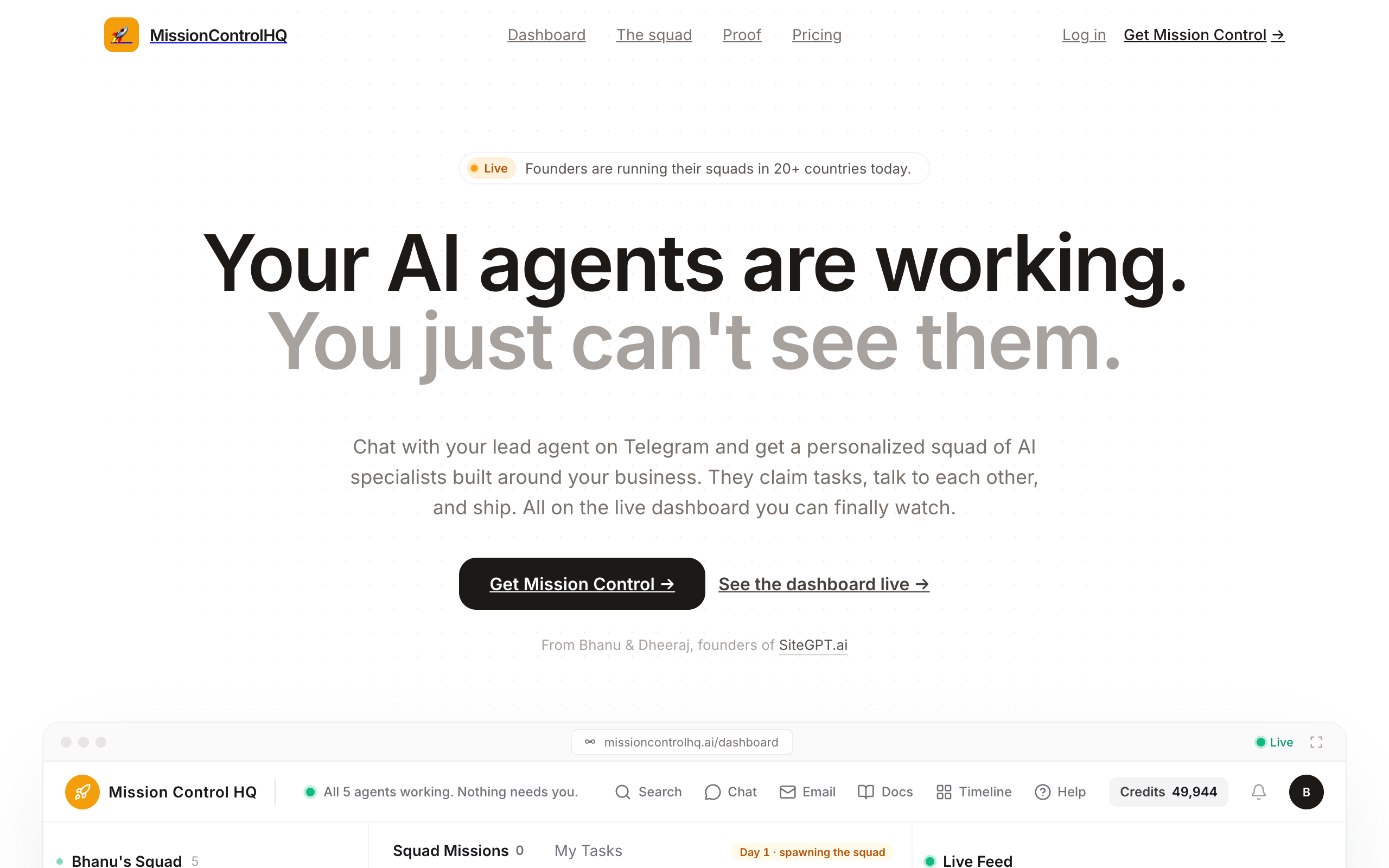
Where Paperclip has an org chart and tickets, Squad has a shared missions board with Backlog, Needs you, In flight, and Done columns, tickets, threaded discussions with @-mentions that wake the mentioned agent, squad chat, documents, and an activity feed. The chat layer Paperclip's issue #49 asks for is the default surface. The shared knowledge layer issue #1858 asks for exists as one squad-shared About-you file every agent reads each run, plus shared Company, Contacts, Glossary, Squad, and Voice files, plus shared memories that agents look up by meaning.
The token question is handled differently. Heartbeats are created switched off; once on, the lead's runs every 15 minutes and the others' every hour. Every run reports its token usage, and an ordered fallback list across providers picks up a run when one fails or hits a rate limit.
Supervision is built in rather than bolted on: agents can draft outbound work for your approval, secrets live in a vault agents read at run time, each agent has its own browser by default, and every integration connection carries an access level you can narrow or block per agent. Agents can have their own email inboxes as a $10/mo add-on, with allow and block lists and hard send caps.
Pricing. One plan at $99/mo flat as of September 2026, no tiers. Bring your own AI subscription at a recommended $100 or $200 tier, so $199-299/mo all in. Email inboxes $10/mo each. The first payment carries a 7-day money-back guarantee. Export your agents, missions, and docs as a JSON file.
Pros
- Provisioned, dedicated cloud computer with a real browser; no server, Node, or Postgres to run
- Runs on your existing AI plan across 13 providers with no token markup; account stacking and a cross-provider fallback list when a plan fills
- The lead agent designs the squad with you in about ten minutes instead of an empty org chart
- Per-run token usage, drafts for your approval, a secret vault, and per-agent browsers and access levels
- Squad chat, threads with @-mentions, a shared task board, documents, and shared squad knowledge files
- 70+ app integrations; 57 built-in research and scrape tools with 1,000 credits/mo included
Cons
- Not open source; self-hosted deployments are handled case by case
- $99/mo where Paperclip is $0 for the software
- Skills are squad-wide rather than scoped per agent
- Compliance certifications are not published
Founders and small teams who want Paperclip's shape, a company of named specialist agents, without running the server, installing a runtime per seat, or designing the org chart alone.
2. Grok Bot: zero setup, model included
Grok Bot is xAI's early-beta product for named AI teammates that sign into your tools through a browser, run on a cloud computer while your laptop is closed, and hand work to each other in shared threads. It launched on 11 August 2026 and removes more setup than anything else in this list. There is no server, no runtime install, and no model to choose, because the model is xAI's and the plan bundles it.
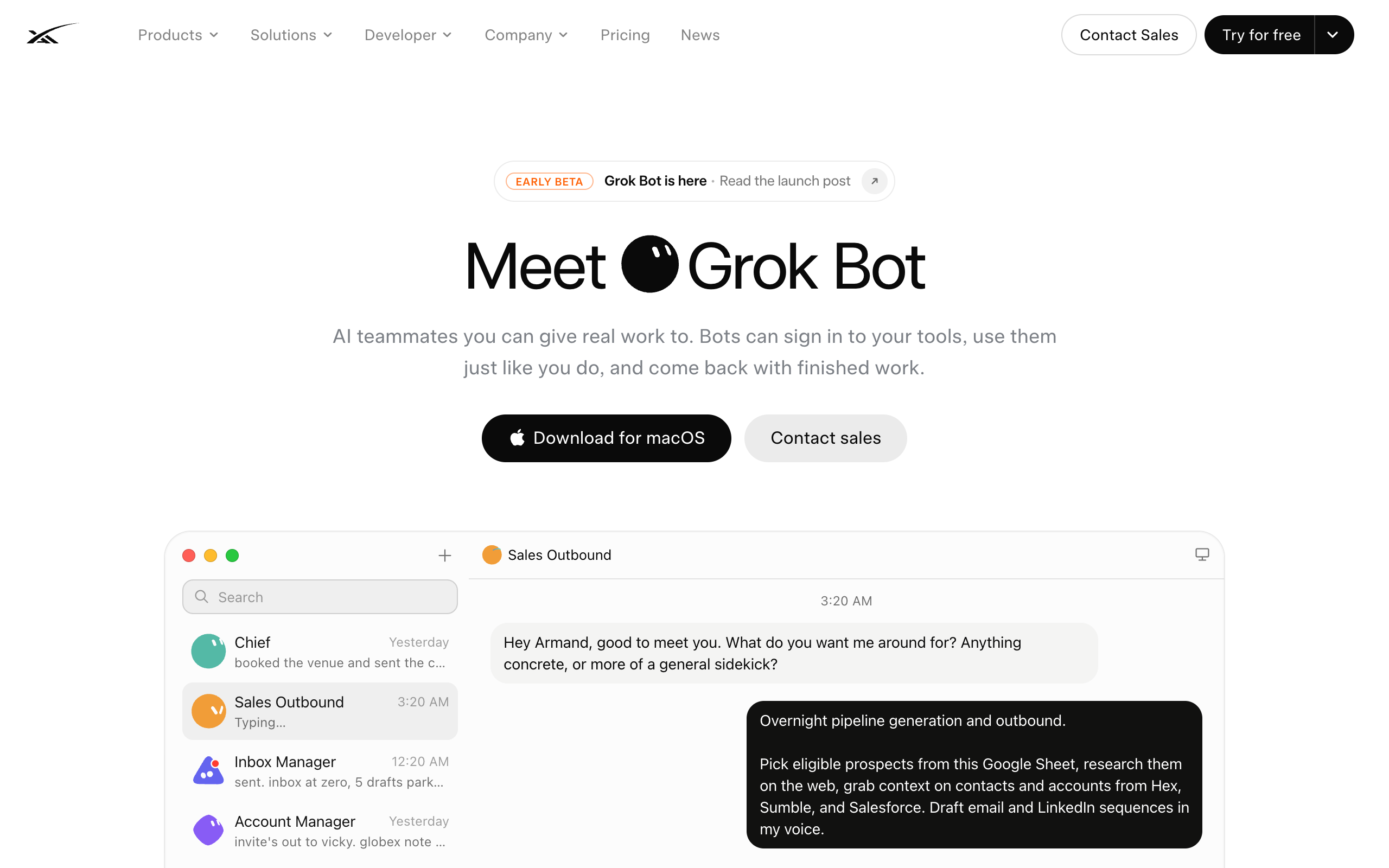
The trade is documented by xAI itself. Every bot on an account shares one cloud computer, including files, browser, and logins; the FAQ states that isolation is per user, not per Grok Bot. When the weekly usage allowance reads 100%, the choices are the reset clock or per-token overage on top of the plan, with no second account to stack and no other provider to fall back to. Routine triggers cover Slack, Git, Teams, Linear, Sentry, and PagerDuty, not email. A fuller treatment is in Grok Bot: what it does, what it costs, and the alternatives.
Pricing. Included with Cursor Ultra at $200/mo or SuperGrok Heavy at $300/mo, or Cursor Premium Teams at $120 per seat per month, with a free tier to start. Verified on x.ai, 3 September 2026.
Pros
- No server, runtime, or model decision; setup is close to zero
- Bots hand work to each other in the open and learn routines by demonstration
- Included if you already pay for Cursor Ultra or SuperGrok Heavy
Cons
- xAI models only; the plan bundles the intelligence
- One shared computer and login set per account; isolation is per user, not per bot
- At 100% usage: wait, or pay per-token overage; no stacking or fallback
- No email trigger, no per-agent cost attribution, an empty sidebar to design
A solo operator who wants xAI's models specifically, already pays for Cursor Ultra or SuperGrok Heavy, and whose weekly allowance covers the work.
3. Hermes Agent: the open-source runtime with a Kanban
Hermes Agent is Nous Research's self-improving open-source agent runtime, MIT-licensed, at 243.3k GitHub stars and 50.1k forks on 8 September 2026. It is the free answer to Paperclip's runtime problem, because it is a runtime: it brings the agent, writes new skills from completed work, and routes across providers. Paperclip itself offers a Hermes adapter, so the two are as often combined as compared.
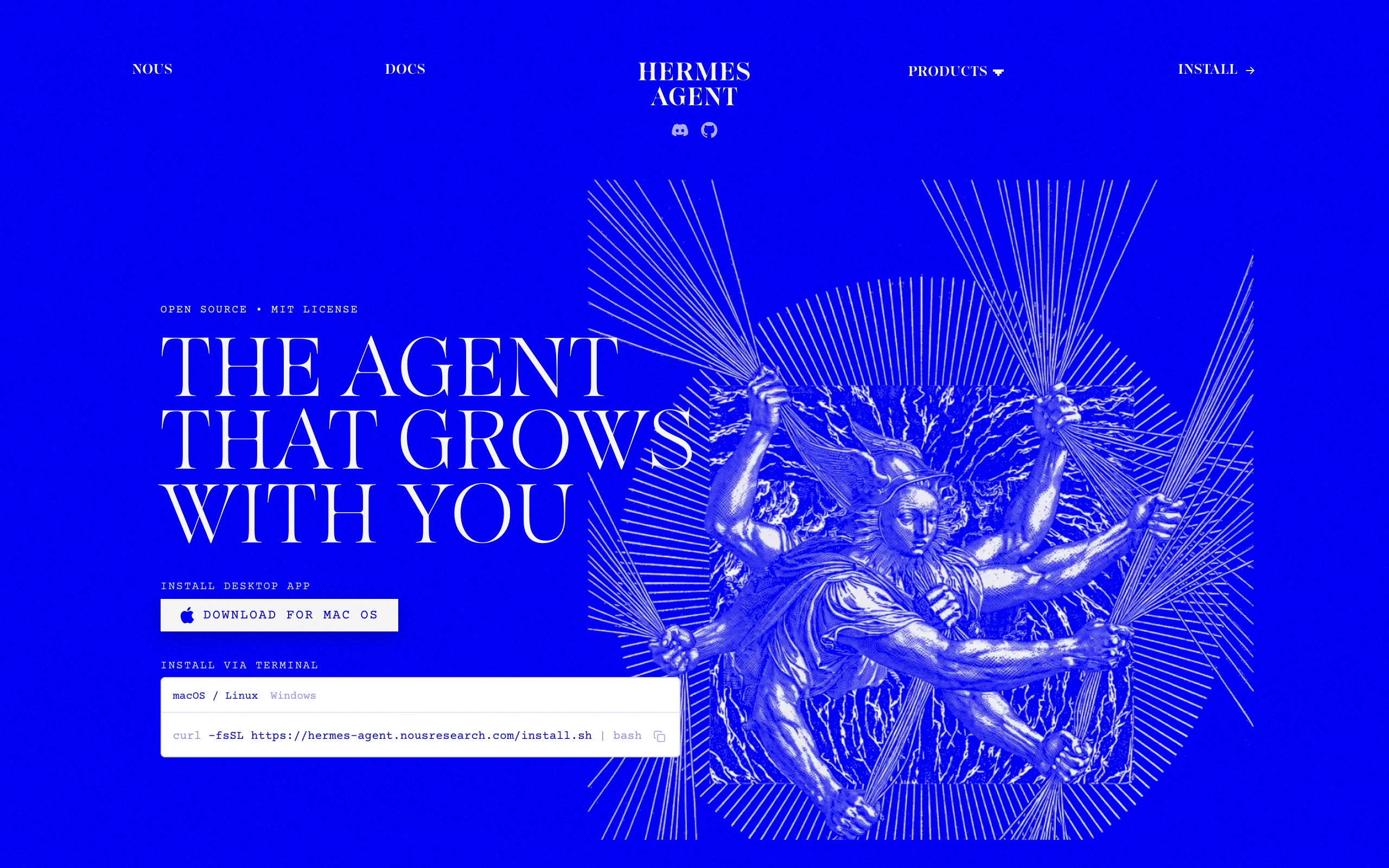
As a Paperclip replacement rather than a Paperclip agent, Hermes ships Kanban: a real multi-agent task queue with named profiles, @-mention routing between agents, comment threads, and an append-only activity feed. Its documentation states the limits plainly: deliberately single-host, stored in a local SQLite file, workers spawned on the same machine, cost tracking out of scope, no sharing or multi-tenancy. The docs also state that profiles do not sandbox the agent. There is a fuller treatment in mission control for Hermes Agent.
Pricing. Free. You pay for hosting and for the model.
Pros
- Free, MIT, 243.3k stars; any model, including whichever frontier model is free this month
- Kanban is the closest native task board to a squad in open source
- Skills follow the cross-vendor SKILL.md standard and travel with you
Cons
- You still run the server, updates, uptime, and security
- Kanban is single-host local SQLite by design; cost tracking is out of scope
- Profiles do not sandbox the agent, per its own docs
- No chat layer designed for a team, no approvals queue, nothing to share with a client
A technical operator who wants Paperclip's org chart replaced by a lighter local board, is comfortable running a VPS, and wants the model choice fully open.
4. OpenClaw: the personal runtime with an optional Workboard
OpenClaw is the most-starred agent runtime in the category, MIT-licensed, at 389.2k GitHub stars and 81.8k forks on 8 September 2026. It runs one gateway on one machine, talks through messaging apps, and is excellent as a personal assistant. Like Hermes, it appears in Paperclip's adapter list, so it can be a Paperclip agent or, with work, a Paperclip alternative. The runtimes and hosted options closest to it are compared in OpenClaw alternatives.
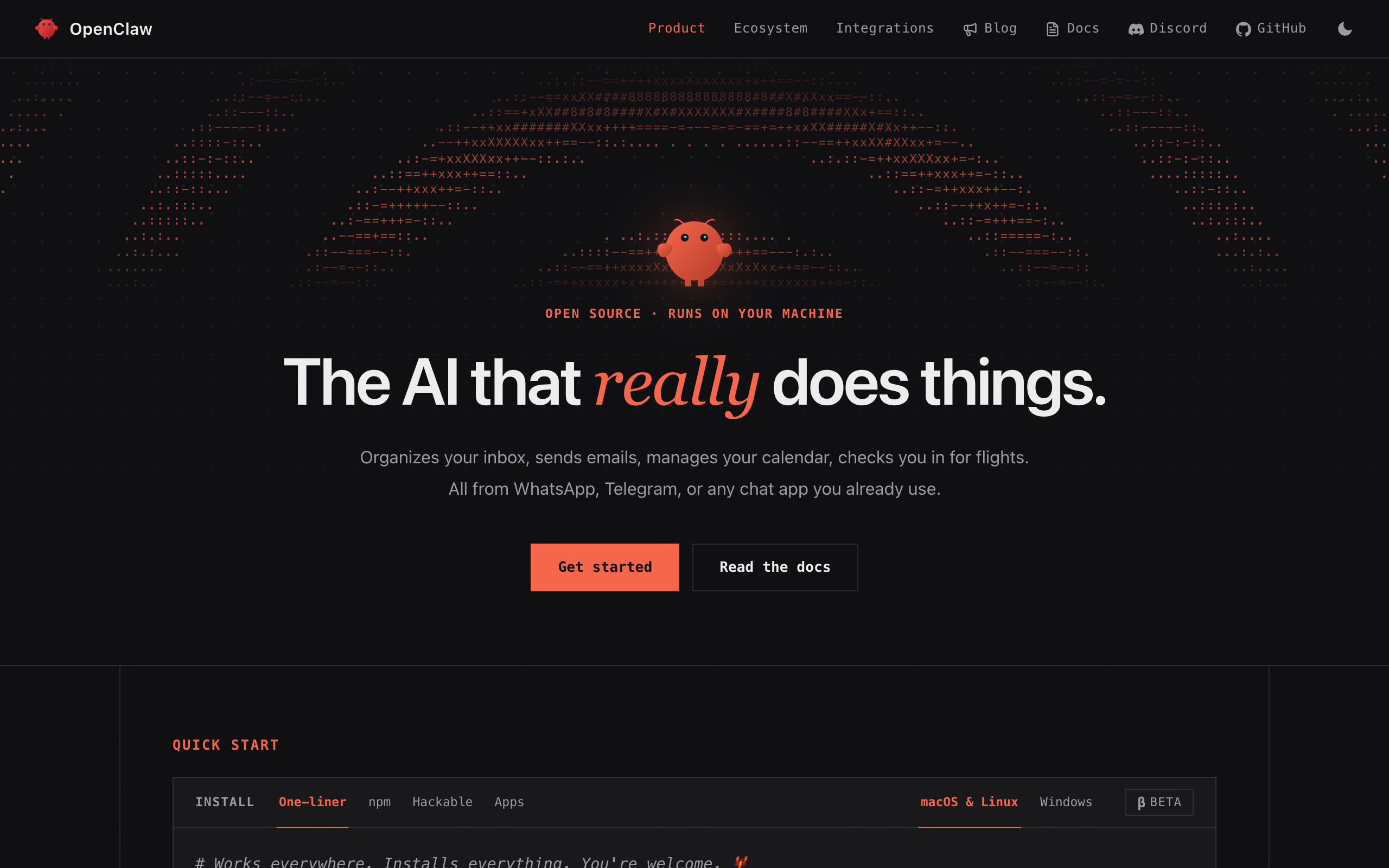
The alternative path is documented and narrow. OpenClaw ships a Workboard kanban that is disabled by default and that its docs describe as intentionally scoped to local operating work for one gateway on one machine. Multiple named agents are officially supported, but agent-to-agent messaging is off by default and must be allowlisted, and nothing gives agents shared task state. Building a Paperclip-shaped operation on OpenClaw means enabling Workboard, hand-editing multi-agent config, and putting your own dashboard in front of it. The DIY route is costed in mission control for OpenClaw.
Pricing. Free. You pay for hosting and for the model.
Pros
- Free, MIT, 389.2k stars, the largest community in the category
- Runs anywhere and speaks every messaging platform
- Any model
Cons
- Single-gateway, single-machine by design; Workboard is off by default and scoped to one host
- Agent-to-agent messaging is off by default and allowlisted; no shared task state
- You own the server and its exposure; exposed OpenClaw instances have been a recurring security story
- No budgets, no cost attribution, no approvals queue
One person, one business, one always-on personal agent on your own hardware, with Paperclip-style coordination as a weekend project rather than a requirement.
5. Claude Code agent teams: a team for one session
Claude Code agent teams let one Claude Code session act as lead and spawn teammates that work in their own context windows, message each other directly, and claim work from a shared task list. It is the lab-native version of Paperclip's shape, and Anthropic's documentation is precise about the boundary: agent teams are experimental and disabled by default, "a session has exactly one team, scoped to that session," and "you can't create additional named teams or share a team across sessions." Team config is removed when the session ends, and in-process teammates do not survive a resume.
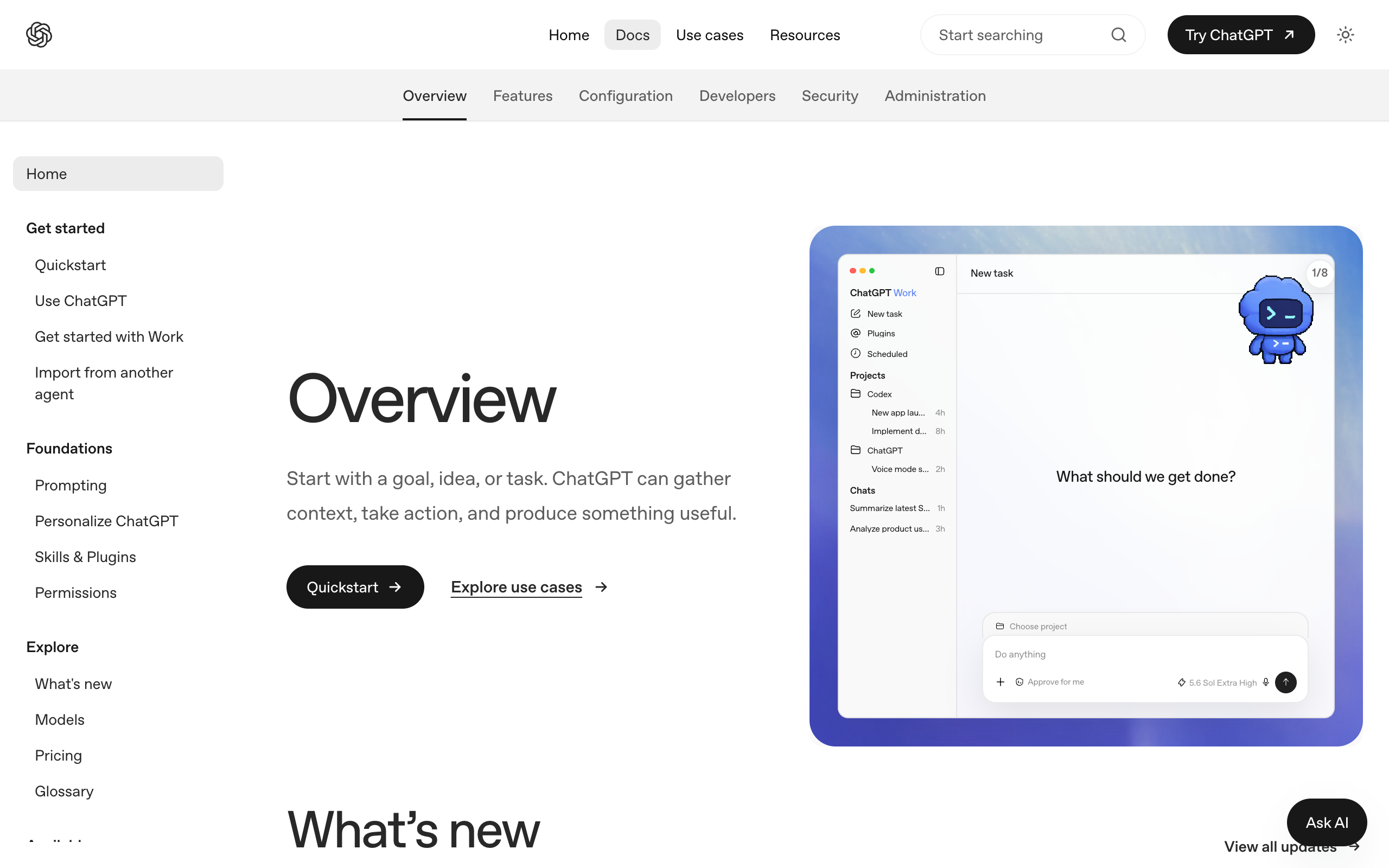
OpenAI's equivalent is Codex subagents, where "ChatGPT or Codex handles orchestration across agents, including spawning new subagents, routing follow-up instructions, waiting for results, and closing agent threads," with results returning to the main agent in a hierarchy rather than peers messaging each other. Neither is a standing org chart. Both are the right tool for a parallel coding or research session and the wrong tool for a role that runs every morning. The differences are laid out in mission control for Claude Code and mission control for Codex.
Pricing. Requires a Claude subscription or API access; Anthropic's docs note that token costs scale linearly with teammates and that agent teams "use significantly more tokens than a single session." Plan prices are not restated here; verify on Anthropic's site.
Pros
- Teammates message each other directly and self-claim from a shared task list
- Runs on the Claude plan you already hold; no server
- The deepest coding agent available for the session it runs in
Cons
- Experimental, off by default, one team per session, nothing shared across sessions
- No persistent org chart, budgets, tickets, or audit log between runs
- Token usage scales linearly with teammates
- Claude models only
Developers who want Paperclip-style parallelism for a single coding, review, or research session, on the Claude plan they already have.
6. CrewAI: the framework, for developers
CrewAI is an open-source Python framework "for orchestrating role-playing, autonomous AI agents," MIT-licensed, at 58.2k GitHub stars and 8.4k forks on 8 September 2026. Where Paperclip is an app with an org chart, CrewAI is code: you define agents, roles, tasks, and crews in Python and run them yourself. That makes it the open-source Paperclip alternative for a developer who would rather write the orchestration than configure it.
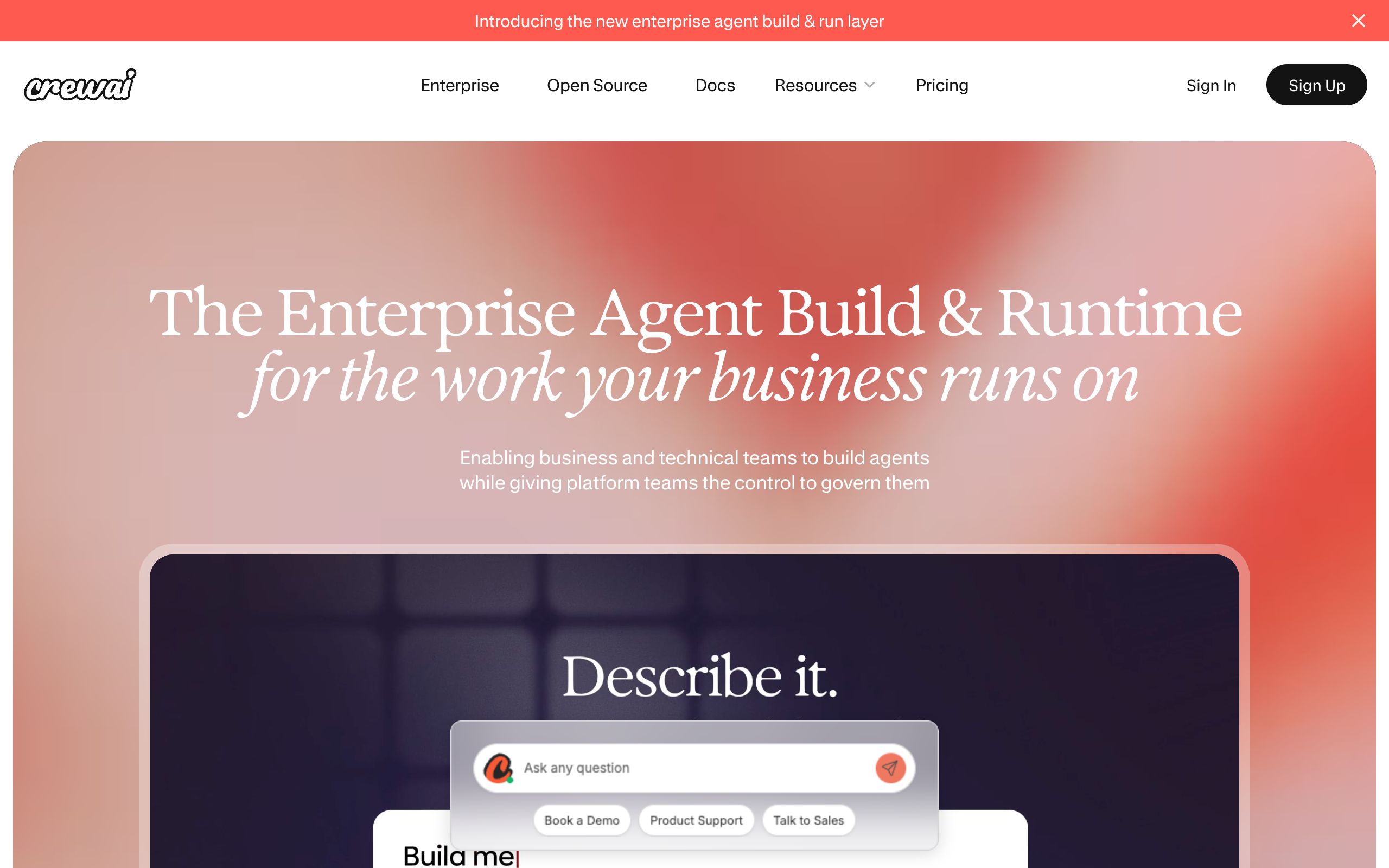
CrewAI also sells a hosted control plane. The pricing page lists a free Basic plan with 50 workflow executions per month, a visual editor, and an AI copilot, and an Enterprise plan at custom pricing with governance and deployment options. The framework itself is free.
Pricing. Framework free (MIT). Hosted Basic plan $0 with 50 executions/month; Enterprise custom.
Pros
- Free, MIT, 58.2k stars; a mature Python ecosystem
- Full control over agent logic, tools, and flow in code
- A hosted control plane exists for teams that outgrow the framework
Cons
- A framework, not an app: no org chart, budgets, or tickets until you build them
- Python and engineering time required; not a founder tool
- Hosted plan beyond 50 executions/month is custom-priced, so the real cost is not public
Engineering teams building a bespoke multi-agent system who want a well-supported framework rather than a ready-made control plane.
7. Lindy: no-code hosted teammates, billed per seat
Lindy is a hosted, no-code platform for AI teammates that connect to your tools and do work for a team, positioned on its homepage as "the AI teammate that will 3x your output." It is the managed opposite of Paperclip: nothing to install, nothing to host, and a per-user subscription with credits instead of a runtime bill.
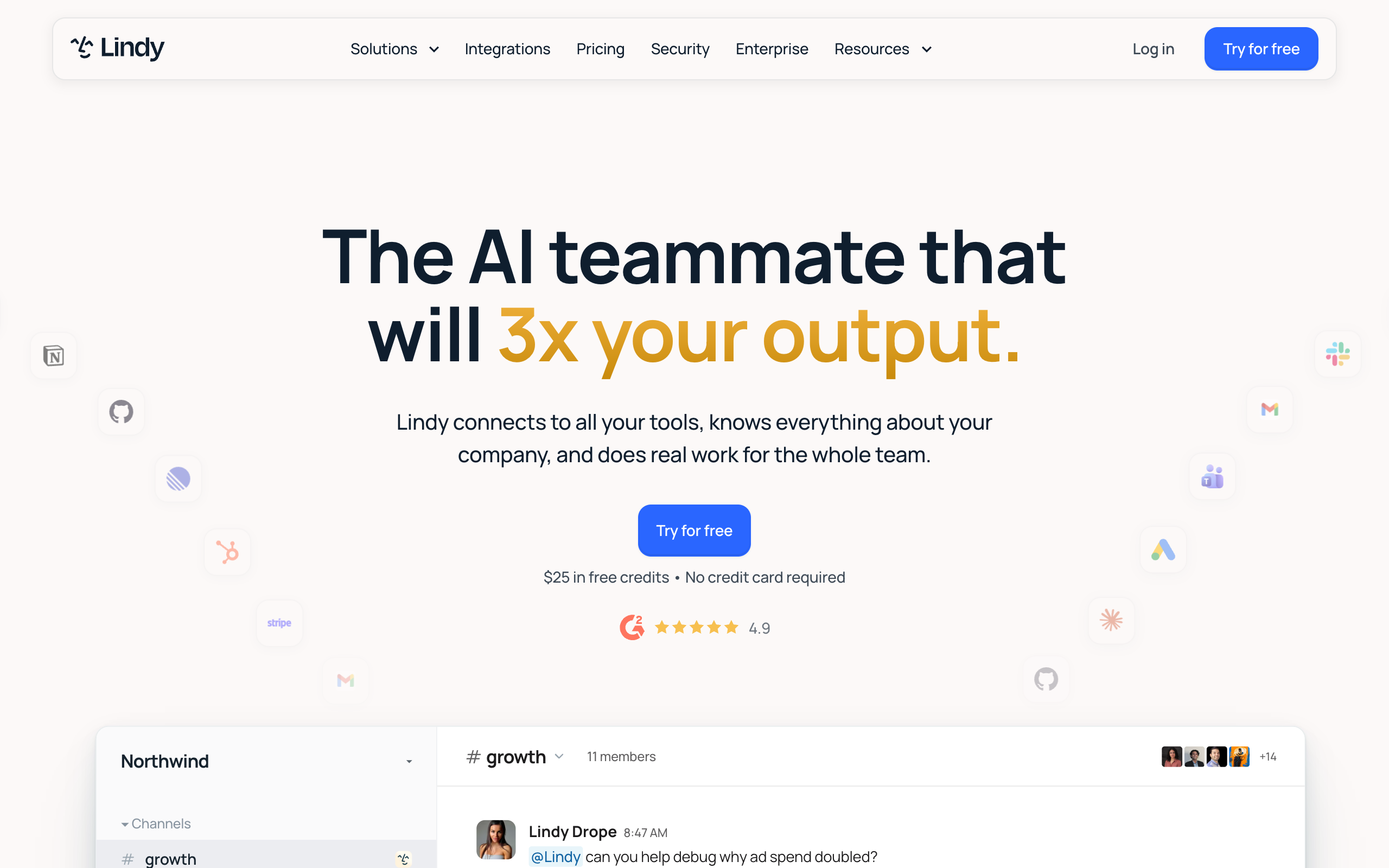
Pricing. Plus at $29.99 per user per month with 3,000 credits, Pro at $99.99 per user per month with 15,000 credits, Max at $199.99 per user per month with 35,000 credits, and Enterprise at custom pricing. New signups get $25 in free credits with no card. Seats pool their credits. Verified on lindy.ai, 8 September 2026.
Pros
- Nothing to host or install; thousands of integrations and model selection
- Per-seat pricing with pooled credits suits a human team adopting one AI teammate each
- Free credits to start, no card
Cons
- Credit metering means cost scales with usage rather than staying flat
- No self-hosting or MIT license; data lives with the vendor
- Built around teammates for people, not an org chart of agents reporting to each other
Non-technical teams that want one AI teammate per person inside Slack and their existing tools, and prefer per-seat billing to running anything.
Paperclip alternatives compared
| Tool | Runs where | Brings the runtime | Your own AI plan, no markup | Cost per run visible | Designs the team | Price |
|---|---|---|---|---|---|---|
| Paperclip | Your server | No, adapters only | Yes, per runtime | API runs yes; subscription runs record $0 | No, empty org chart | $0 + server + runtimes |
| Squad | Hosted, provisioned computer | Yes | Yes, 13 providers | Yes, token usage per run | Yes, lead agent interview | $99/mo + your AI plan |
| Grok Bot | Hosted, one shared computer | Yes | No, xAI models bundled | Not per agent | No | $200-300/mo |
| Hermes Agent | Your server | Yes, it is a runtime | Yes | No, out of scope | No | $0 + server + model |
| OpenClaw | Your machine | Yes, it is a runtime | Yes | No | No | $0 + server + model |
| Claude Code agent teams | Your terminal, one session | Yes | Claude only | Session-level | No | Claude plan |
| CrewAI | Your code or their cloud | Framework | Yes | Depends on your build | No | $0; hosted from $0 |
| Lindy | Hosted | Yes | No, credits | Credits per seat | No | $29.99-199.99/user/mo |
Paperclip and the open-source runtimes are not on the chart because their cost is a server plus whatever each runtime bills, which varies by agent count and usage. That variability is the point of criterion four above: on Paperclip, subscription runs show $0 on the dashboard whatever they actually consumed.
$199-299/mo for a hosted squad, against roughly $4,000/mo for one junior hire
93% to 95% less per month, and about $7,164 to $10,764 over three years against roughly $144,000 in salary alone, before payroll taxes, benefits, equipment, and ramp. Figures as of September 2026.
How to choose a Paperclip alternative
Who should run the server and apply the patches?
- If you, and you want the data on your own box→stay on Paperclip, or move to Hermes Agent or OpenClaw for a lighter local board
- If someone else→a hosted platform: Squad on your own AI plan, Grok Bot with the model bundled, or Lindy per seat
Do you want to keep the ChatGPT or Claude plan you already pay for?
- If yes, with no markup→Squad, Hermes Agent, OpenClaw, or Claude Code agent teams (Claude only)
- If no, bundle the model→Grok Bot or Lindy
Do you already know which agent roles your business needs?
- If yes, you can name them today→any option works; Paperclip's empty org chart is not a problem when you know what goes in it
- If no, and that is why the install stalled→Squad: the lead agent interviews you and proposes the roles
Is the work a standing operation or one session?
- If one parallel coding or research session→Claude Code agent teams or Codex subagents
- If roles that run every day for months→Paperclip or a hosted squad; session-scoped teams will not hold it
Are you writing code or configuring an app?
- If writing code→CrewAI
- If configuring an app→everything else on this page
Paperclip alternatives by use case
| Scenario | Best pick | Why |
|---|---|---|
| You installed Paperclip and the org chart is still empty | Squad | The lead agent designs the squad with you in about ten minutes; no other option fills the blank page. |
| Your agents run on a ChatGPT subscription and Paperclip's budget shows $0 | Squad | Per-run token usage covers subscription runs; fallback models and account stacking handle a filled plan. |
| The August 2026 CVE made you reconsider hosting a control plane | Squad or Grok Bot | Both host the computer for you. Squad keeps your own AI plan; Grok Bot bundles xAI's. |
| You want Paperclip's idea at $0 and you enjoy running a VPS | Hermes Agent | Kanban is the closest native task board in open source; free, MIT, any model. |
| One personal always-on agent, coordination optional | OpenClaw | The best personal runtime you can host; Workboard if you want a local board. |
| A parallel code review or research session, then done | Claude Code agent teams | Teammates message each other and share a task list for exactly one session. |
| Your engineers want to write the orchestration | CrewAI | A mature Python framework with a hosted control plane when you outgrow it. |
| A non-technical team wants one AI teammate each in Slack | Lindy | No-code, per-seat, pooled credits, $25 free to start. |
| Heartbeats are burning tokens on empty inboxes | Squad | Heartbeats start switched off, then run every 15 minutes for the lead and hourly for others. |
| A client or co-founder wants to see what the agents did | Squad | A read-only share link over the board with mission threads, agent profiles, and documents. |
| Agents for separate clients must stay structurally apart | Squad | Own browser per agent by default and per-agent access levels per connection. Grok Bot isolates per user. |
| You are technical, know your roles, and want to own the data | Paperclip | Free, MIT, 80.2k stars, and the most complete self-hosted org chart in the category. |
Migrating off Paperclip
Moving off Paperclip is simpler than most migrations because Paperclip's data lives in a Postgres database you own and its license is MIT. Four steps.
1. Export what you have. Your org chart, job descriptions, budgets, and ticket history are in Paperclip's Postgres database. Export the agent job descriptions and any skills first; those are the parts that transfer. Skills written to the cross-vendor SKILL.md standard run in Hermes and Claude Code, and Squad can add them as a custom pack from a public GitHub repository.
2. Set up the destination with the same roles. On Squad, paste each Paperclip job description into the lead agent's setup conversation and let it propose the squad; edit the names and roles it comes back with. On Hermes or OpenClaw, create one profile or named agent per Paperclip seat. On Claude Code, write one subagent definition per role.
3. Run both in parallel for a week. Keep Paperclip's heartbeats running at a long interval and route one recurring job, the Monday report or the inbox triage, to the new platform. Compare what each run used. On Squad, each run shows its token usage in Runs; on Paperclip, check whether the run type shows api or subscription, because subscription runs will read $0.
4. Switch the integrations and stop the old heartbeats. Move the tool connections (on Squad, you narrow or block each connection's access level per agent), point any email or schedule triggers at the new platform, then pause Paperclip's agents so their budgets stop accruing. Keep the Postgres dump; the license means it stays yours.
When Paperclip is the right choice
Paperclip is the right choice when you are technical, you want the server and the data under your own control, you already know which roles your business needs, and you are willing to pay each runtime directly and watch the token bill yourself. In that setup the four things it leaves with you are things you wanted to hold anyway, and the org chart, budgets, tickets, approvals, and audit log are as complete as anything self-hosted in the category.
Two more cases favor it. If you already run Claude Code or Hermes on a server and want a control plane above them, Paperclip's adapters are the shortest path. And if a hosted Paperclip ships from the waitlist at a price that suits you, the same org chart carries over.
The case against is specific: when the person who patches CVE-2026-41679 on the day it ships is not someone you want to be, when your agents run on subscriptions the budget cannot see, when heartbeats are spending more than the work, when you need a chat layer and shared company knowledge today rather than from the roadmap, or when the org chart has stayed empty because nobody designed it with you.
Paperclip is best for a technical operator who wants a free, MIT-licensed, self-hosted control plane over agent runtimes they already run, owns the server happily, and can name the roles on day one.
Paperclip alternatives FAQ
Paperclip basics
What is Paperclip AI? Paperclip is an open-source, MIT-licensed app for managing teams of AI agents at work, made by Paperclip Labs. It gives agents an org chart, job descriptions, monthly budgets, a ticket system with tool-call tracing, approvals, and scheduled heartbeats, and it runs the agents through adapters for Claude Code, Codex, Gemini, Cursor, Hermes, OpenClaw, Pi, and OpenCode. It is self-hosted and free; the GitHub repository had 80.2k stars as of 8 September 2026.
Is this page about the Universal Paperclips game? No. Universal Paperclips is Frank Lantz's browser game about an AI that makes paperclips, playable at decisionproblem.com/paperclips. This page covers Paperclip the AI agent orchestration platform at paperclip.ing, and the alternatives to it.
Is Paperclip AI free? Yes. Paperclip is MIT-licensed, self-hosted, and requires no Paperclip account. The costs are the server it runs on, Node.js 24.11 or newer, a Postgres database, and whatever each connected agent runtime bills, whether an API key or a subscription. As of 8 September 2026 the landing page shows a waitlist alongside the local install, and the README lists cloud deployments as in progress, so no hosted plan or price is published.
Costs and budgets
Why do Paperclip budgets not stop a subscription-billed agent? Because subscription runs report no dollar cost. Paperclip's cost guide shows runs split into api and subscription types, and GitHub issue #339, open since 8 March 2026, reports that subscription-billed agents record a cost of zero cents, which means the 80% warning and 100% auto-pause never trigger for them. The same issue reports one agent consuming 19.8 million input tokens in an hour with no enforcement.
How much does a Paperclip setup cost per month? The software is $0. You pay for a server, and for every agent runtime you attach: a Claude, ChatGPT, Codex, or Gemini subscription or API key per seat. Heartbeats add to that bill, because by default each one wakes the agent's model to check for work, and GitHub issue #3401 reports the wake prompt carries full system context, skills, and configuration on every tick.
What does Squad cost compared with Paperclip? Squad is $99 per month flat as of September 2026, plus the AI subscription you already pay for at a recommended $100 to $200 tier, so $199 to $299 all in, with no token markup. Agent email inboxes are a $10 per month add-on. Paperclip is $0 for the software plus a server plus every runtime's own bill. The price difference buys a provisioned, dedicated cloud computer, a lead agent that designs the squad with you, and per-run token usage.
Comparisons
What is the best Paperclip AI alternative? It depends on which part of Paperclip you want taken off your plate. If the part is running the server and designing the org chart, Squad (formerly MissionControlHQ) is the closest hosted match: the lead agent designs the squad with you, the computer arrives provisioned, and it runs on your own AI subscriptions for $99 per month flat. If the part is only the model bill and you still want to self-host, Hermes Agent and OpenClaw are free and MIT-licensed. If you are a developer who wants code, CrewAI is the framework. If you want no-code and per-seat billing, Lindy.
Are there open-source alternatives to Paperclip? Yes, three are covered here. Hermes Agent from Nous Research (243.3k GitHub stars, MIT) ships a Kanban task board that its docs describe as deliberately single-host. OpenClaw (389.2k stars, MIT) ships an optional Workboard scoped to one gateway on one machine. CrewAI (58.2k stars, MIT) is a Python framework for building agent crews in code. Star counts as of 8 September 2026.
Can Squad run on the same AI subscriptions Paperclip uses? Yes. Squad runs on thirteen providers as of September 2026, including ChatGPT, Claude Code, Codex-class OpenAI plans, Gemini, Grok, GitHub Copilot, OpenRouter, and Cloudflare Workers AI, on the subscription or API key you already hold, with an ordered fallback list across providers and per-agent model overrides. Paperclip attaches runtimes through adapters; Squad provides the runtime on a provisioned cloud computer.
Is Paperclip better than Claude Code agent teams? They solve different problems. Claude Code agent teams are experimental, scoped to one session, and cleaned up when the session ends; Anthropic's docs say you cannot share a team across sessions. Paperclip is a persistent control plane that keeps an org chart, budgets, and tickets alive between runs. Use agent teams for a parallel coding or research session; use Paperclip or a hosted squad for standing roles that run every day.
Security and staying
Was Paperclip's August 2026 security issue serious? Yes. Oasis Security disclosed CVE-2026-41679, rated CVSS 10.0, which allowed unauthenticated remote command execution on network-accessible Paperclip deployments, alongside two further flaws rated 9.6 and 8.3. All three were fixed in v2026.416.0 and later, and The Hacker News reported no known exploitation in the wild as of 5 August 2026. The lesson is about self-hosting: an internet-facing control plane that can run agents is yours to patch, on the day the patch ships.
When is Paperclip the right choice? When you are technical, you want to own the server and the data, you already know which agent roles your business needs, and you are happy to pay each runtime directly. Paperclip's org chart, budgets, ticketing, and audit log are genuinely good, and at $0 with 80.2k GitHub stars it is the most credible self-hosted control plane in the category.
Paperclip proved that founders want a company of agents, not a chat window, and it proved it at $0. What it leaves with the operator is the server, the runtimes, the token bill, and the org chart. Pick the alternative by the one of those you most want gone, and keep the parts that travel: your skills, your data, and the AI subscription that was yours all along.
Sources
- Paperclip Labs, Paperclip: product description, feature list, runtime list, install command, the v2026.831.1 release banner, and the waitlist button. Fetched and screenshotted 8 September 2026.
- Paperclip, GitHub repository: 80.2k stars, 14.7k forks, MIT license, Node.js 24.11+ and pnpm 9.15+ requirements, the "what Paperclip is not" list, and the roadmap. Fetched 8 September 2026.
- Paperclip docs: deployment overview, adapters overview, and costs and budgets. Fetched 8 September 2026.
- Paperclip GitHub issues quoted here: #339 subscription-billed cost estimation, #3401 heartbeat token cost, #49 chat with agents, #1858 company-level knowledge layer. All open as of 8 September 2026.
- The Hacker News, Paperclip AI flaws let attackers run host commands via malicious agent imports, 5 August 2026: CVE-2026-41679 and the two GHSA advisories, the fixed version, and the no-exploitation statement.
- eesel AI, 8 best Paperclip alternatives, edited 19 July 2026: third-party framing of Paperclip's bring-your-own-agent model.
- Anthropic, The 2026 State of AI Agents Report: the 80% measurable-ROI figure from a survey of 500+ technical leaders. Fetched 8 September 2026.
- xAI, Grok Bot and approvals, security, and privacy docs: pricing, the shared-computer FAQ, and trigger list, as verified for this site's Grok Bot coverage on 19 August and 3 September 2026.
- Nous Research, Hermes Agent on GitHub (243.3k stars, MIT, fetched 8 September 2026) and Kanban docs.
- OpenClaw, GitHub repository (389.2k stars, MIT, fetched 8 September 2026), Workboard docs, and multi-agent docs.
- Anthropic, Claude Code agent teams: the experimental status, one-team-per-session limitation, and token guidance. Fetched 8 September 2026.
- OpenAI, Codex subagents: the orchestration model. Fetched 8 September 2026.
- CrewAI, GitHub repository (58.2k stars, MIT) and pricing. Fetched 8 September 2026.
- Lindy, pricing and homepage. Fetched 8 September 2026.
- Frank Lantz, Universal Paperclips, for the disambiguation.
- Squad (formerly MissionControlHQ): homepage and get started and pricing, for the $99/mo single plan, the email add-on, the thirteen providers and fallback models, per-run token usage, approvals, the secret vault, per-agent browsers and access levels, memory and squad files, data export, and share dashboards.
- Related on this site: why Squad when Codex, Claude Code, and OpenClaw exist, what is a multi-agent mission control, how much AI agents cost to run, a team of AI employees beats one generalist, and Squad.
Last updated: 26 September 2026. Squad pricing and features verified as of September 2026; Paperclip and every other tool's pricing, star counts, and documentation fetched 8 September 2026 unless a different date is given above.