
Marblism is a low-cost bundle of seven AI employees for small businesses, and it suits owners who want one cheap plan that covers email, social media, SEO, leads, and phone calls. It costs $24 a month billed yearly or $44 billed monthly. The main risks are the 50-hour monthly limit and repeated Trustpilot complaints about billing.
This review rests on public sources: Marblism's own pages, Trustpilot, and the App Store.
4.8 / 5
Marblism's Trustpilot score from 1,202 reviews, with 86% at 5 stars and 2% at 1 star. Trustpilot notes the company has not recently invited customers to review.
Source: Trustpilot, 2 November 2026iShort answer
Marblism is worth trying if you run a local service or small creative business and want calls, inbox, social posts, and SEO content on one plan. Pay monthly first, track how fast the 50 hours go, and settle the refund terms in writing. Switch to Squad when your work outgrows the seven roles, when you keep running out of hours, or when you want to read everything before it reaches a customer.
Key takeaways
| The question | The answer |
|---|---|
| What is Marblism? | Seven named AI employees for small businesses, sold on one plan |
| What does it cost? | $24 a month billed yearly ($288 a year) or $44 billed monthly ($528 a year) |
| What is the main limit? | 50 hours of AI work a month. Top-ups cost extra, and the price is not on the pricing page |
| What do reviewers praise? | Time saved, easy setup, and helpful support |
| What do reviewers complain about? | Refunds, charges after cancelling, and uneven agent output |
| What are the main alternatives? | Sintra AI for more general helpers, Lindy for agents your team builds, and Squad for specialists on your own AI plan |
| When should you switch to Squad? | When you need invoice chasing, support triage, reporting, or any job outside the seven roles, or when 50 hours stop covering your month |
What to confirm before you pay for a year.
Fit
Your jobs match the seven roles: email, social, leads, SEO, calls, websites, and contract review.
Hours
50 hours a month cover your real work. Advanced AI actions use hours, and top-ups cost extra.
Refunds
The site shows both 7-day and 77-day guarantees. Get the right answer in writing.
Output
You will read what agents send under your name. Reviews report errors in social and lead work.
What Marblism is
Marblism is an AI employee platform. You describe your business and goals, connect your accounts, and seven named AI employees work inside those accounts. Marblism says you need no prompting skills, and that the employees check in only when they need your input or approval.

7
Named AI employees on one plan
$24
A month billed yearly, $288 a year
$44
A month billed monthly, $528 a year
50
Hours of AI work a month, reset monthly
4.8
Trustpilot score from 1,202 reviews (2 November 2026)
40,000+
Businesses, by Marblism's own count
Some older articles call Marblism an app builder. That description is out of date. We Are Founders reported in April 2025 that the founders started in January 2024 with a tool that generated full-stack web apps, then dropped it for AI employees.
Marblism's homepage makes three large claims: more than 40,000 businesses, 100,000 calls answered a month, and more than 150 million social impressions a month. Marblism reports these numbers itself, and no outside source confirms them.
For how Marblism fits among other tools, see the AI employee platforms comparison. For what the term means, see AI employee vs AI agent.
The seven AI employees
Marblism's pricing page lists seven roles, and every plan includes all of them. The table uses Marblism's own descriptions.
| Employee | Role | What Marblism says it does |
|---|---|---|
| Eva | Executive assistant | Answers email, books meetings, and takes notes |
| Sonny | Social media manager | Finds trends, writes posts, creates images and video, and publishes |
| Stan | Lead generation | Finds prospects in a database of 700M+ contacts and follows up |
| Penny | SEO expert | Writes SEO content for Google and AI search |
| Rachel | Receptionist | Answers calls day and night and books jobs into your calendar |
| Walter | Website builder | Builds your website and keeps improving it after launch |
| Linda | Legal assistant | Reviews contracts |
Marblism names these apps on its homepage: Gmail, Outlook, Google Calendar, Zoom, Microsoft Teams, Instagram, LinkedIn, Facebook, TikTok, YouTube, X, WordPress, Shopify, Webflow, and Wix. Its FAQ says other platforms also work.
The roster does not match everywhere. The App Store listing names six agents and includes Cara for customer support. It leaves out Rachel and Walter. The website does not list Cara.
If you want support or phone work, ask Marblism which roles the app and the web product each cover.
Marblism pricing
Marblism has one plan at $24 a month billed yearly or $44 a month billed monthly, as of 2 November 2026.
Paying yearly costs $288, and paying monthly costs $528 over the same 12 months. Yearly billing saves $240 a year, or 45%. Over three years, that is $864 billed yearly against $1,584 billed monthly, if today's prices hold.
The plan includes all seven employees, 50 hours of AI work a month, unlimited team members, and unlimited businesses. Hours reset each month. Marblism says only advanced AI actions use hours, while chat and quick tasks do not.
The pricing page leaves four things open:
- It does not say what a top-up costs.
- It does not say how many hours a given job uses.
- It lists no call or minute limit for Rachel.
- It gives no cancellation terms.
The refund wording also conflicts. The footer says "7-day money back guarantee." Another section of the same page says "77-day money back guarantee." The page does not explain the difference, so ask support before you buy.
The same page carries Marblism's "AI Employee Index," which grades nine products on 27 jobs and puts Marblism first at 95.4. Marblism wrote that index and ranks itself on top, so treat it as marketing. This review does not use it.
What reviewers say
Reviewers on Trustpilot rate Marblism highly, and the small share of negative reviews repeats the same few problems. The score is 4.8 from 1,202 reviews, 810 of them from the last 12 months.
4.8/5·Trustpilot(1,202)Positive reviews mention hours saved on admin, sales, and social media. They also mention easy setup and quick help from support staff. Some reviewers report a steep learning curve.
The 1-star page showed 20 reviews from October 2025 to October 2026. They group like this:
| Complaint | Reviews out of 20 |
|---|---|
| Refunds, plan charges, or charges after cancelling | About 8 |
| Errors or poor quality in agent output | About 10 |
| Lead generation that produced no useful leads | 4 |
| Slow or unhelpful support | 5 |
| Hours or credits running out early | 2 |
| Agents unavailable in some regions | 2 |
Some reviews fit more than one group. These reviews show what goes wrong when a purchase fails. Trustpilot also shows that Marblism replied to 75% of negative reviews, typically after more than a month.
Trustpilot does not verify every review, and it notes that Marblism has not recently invited customers to review. The App Store shows 5.0 from only 3 ratings.
Marblism pros and cons
Marblism's biggest strength is price, and its biggest weakness is the gap between that price and what you can confirm before paying.
Pros
- Seven roles for $24-44 a month
- Phone answering and a website builder in one plan
- Unlimited businesses and team members
- 4.8 on Trustpilot from 1,202 reviews
Cons
- 50 hours a month, with top-up prices not listed
- The roster is fixed at seven roles
- Refund wording conflicts on its own pricing page
- 1-star reviews repeat billing and cancellation problems
- Approval control is described only as check-ins
Who should use Marblism
Marblism is the right choice for a small local business that needs simple coverage across several jobs at a low price. A plumber who misses calls, or a salon that posts rarely, fits this description. Each one gets a receptionist and a social media employee on the same plan.
Skip Marblism in these cases:
- You need a job outside the seven roles, such as finance reporting or support triage.
- You need one agent blocked from one app, or a written record of each action.
- Your brand carries real risk if a post or email goes out wrong.
- You are outside the US. Some reviewers report that certain agents were unavailable in their region.
Local service and small creative businesses that want calls, inbox, social posts, and SEO content in one low-priced plan.
Why people look for Marblism alternatives
People look for Marblism alternatives for seven reasons, and the first two come up most in its 1-star reviews. The counts below come from the 20 reviews on Trustpilot's 1-star page. Those reviews sit against a 4.8 overall score, so read them as risks to check.
- Agent output needs checking. About 10 of the 20 reviews report errors or poor quality in what the agents produced. Four say lead generation produced no useful leads.
- Billing and refunds cause disputes. About 8 of the 20 mention refunds, plan charges, or charges after cancelling. The pricing page shows both a 7-day and a 77-day guarantee, and it gives no cancellation terms.
- The 50 hours are hard to plan around. The pricing page does not say how many hours a job uses or what a top-up costs. Two of the 20 reviews report hours or credits running out early.
- The roster stops at seven roles. Marblism's site lists no role for finance reporting or support triage. The App Store listing names Cara for customer support, and the website does not list Cara.
- Support replies can be slow. Five of the 20 reviews mention slow or unhelpful support. Trustpilot shows that Marblism replied to 75% of negative reviews, typically after more than a month.
- Control over each agent is thinly described. Marblism's homepage says the employees check in when they need your input or approval. Its homepage and pricing page do not describe blocking one agent from one app, or a log of each action.
- Some agents depend on your region. Two of the 20 reviews report agents that were unavailable where they live. Marblism's pricing page does not list regional limits.
Each reason points to a different type of tool. The table maps the reasons a product choice can answer to the alternatives covered below.
| Reason for leaving | Type of tool to look at | Tools on this page |
|---|---|---|
| Output needs checking | A tool that holds outside actions or drafts for you | Lindy, Squad |
| Billing and refund disputes | A tool with one stated refund window | Sintra AI, Squad |
| Hours are hard to plan around | A tool that publishes usage ranges, or runs on your own AI plan | Sintra AI, Lindy, Squad |
| The roster stops at seven roles | A tool with more roles, or roles you design | Sintra AI, Lindy, Squad |
| Thin control over each agent | A tool with access levels and a run log | Squad |
What to look for in a Marblism alternative
Seven criteria separate the options, and the first three rule out the most tools. Test each one with a real job from your own week.
- Job coverage. Write down the jobs you want to hand over, then check whether each has a role. A fixed roster is simple until one job has no home.
- Calls and websites. Marblism bundles a receptionist and a website builder. If you need either one, confirm how the alternative covers it. Sintra AI's helpers cannot take calls, and Squad's docs describe no phone answering.
- Billing unit. Hours, credits, and your own AI plan all behave differently. Ask what one real job costs, and what happens when the allowance runs out.
- Exit terms. Find the refund window, the cancellation steps, and what happens at renewal. Get any unclear term in writing before you pay for a year.
- Approvals. Find out what waits for a person. Then check whether the tool enforces that step, or whether the agent follows it as an instruction.
- Access control. Check whether you can limit or block one agent in one app. This matters most for apps that hold money or customer data.
- A record of the work. Check whether you can read what each agent did, in which app, and when. You need this when a customer asks what happened.
Before you compare tools, check that the job suits an agent. A good job recurs, has a defined trigger, and produces something you can check.
How this review was put together
This review checks Marblism, Sintra AI, Lindy, and Squad against the seven criteria above. Prices, limits, and features come from each vendor's own pricing page, product pages, help center, or docs, fetched on 2 November 2026 unless a caption gives another date.
Ratings come from Trustpilot and the App Store, with the review count shown beside each score. The complaint counts for Marblism are a hand grouping of the reviews on its 1-star page. Figures a vendor reports about itself are labelled that way.
Rankings written by a vendor are left out, including Marblism's AI Employee Index. Squad's facts come from its homepage, its docs, and its integration manuals. The full list is in the Sources section.
The three Marblism alternatives
The closest Marblism alternatives are Sintra AI, Lindy, and Squad, and each one suits a different buyer. The order below does not rank them. Prices are as of 2 November 2026, and the AI employee platforms comparison has more detail.
Sintra AI, for more general helpers
Sintra AI sells 12 named AI helpers on one plan, aimed at business owners. It answers Marblism's roster limit with roles Marblism lacks, such as a data analyst, a recruiter, and an eCommerce manager. It suits solo owners who want cheap help with content, social posts, and email drafts.
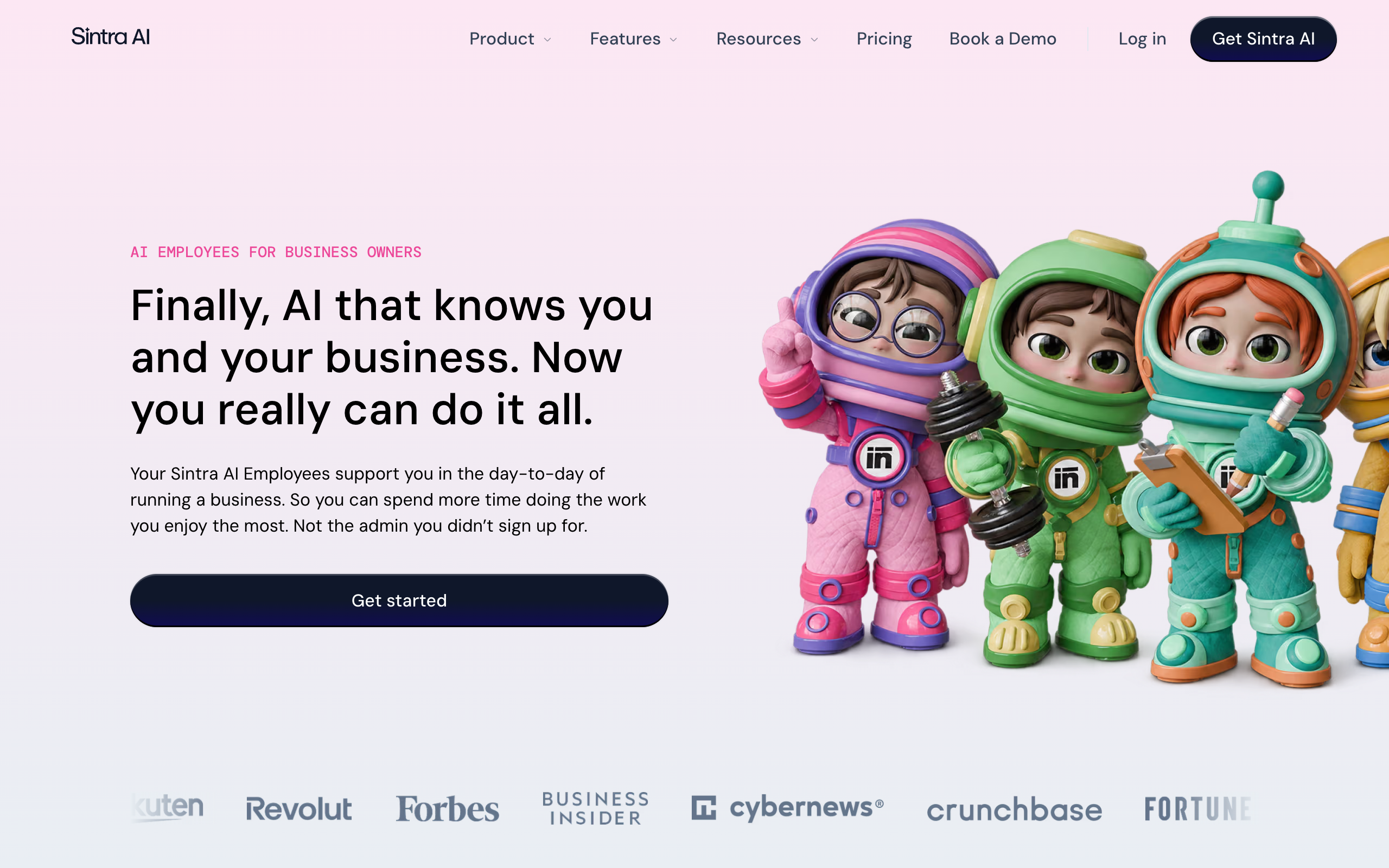
All helpers share a knowledge base called Brain AI, which holds your documents and brand kit. Social posts need manual approval before they go out. Scheduled tasks run as instructed, so check what each one can touch before you turn it on.
The limits matter for anyone leaving Marblism. Sintra's help center says its helpers cannot handle phone calls, so Sintra does not replace Rachel. Its roster lists no website builder role, though its credits article prices a multi-page website at 25-40 credits.
The pricing page lists $48.50 for 1 month, $70.80 for 3 months, and $187.20 for 12 months, paid upfront. Those work out to $48.50, $23.60, and $15.60 a month.
Every term includes 250 credits a month. Credits do not roll over, and helpers stop working at zero until you buy a top-up or upgrade. Sintra's credits article puts a complex scheduled task at 5-20 or more credits, so one a day can use the whole allowance.
The refund window is clearer than Marblism's, at 14 days on the first purchase. You must ask support for it, because cancelling does not trigger a refund. Trustpilot shows 8,671 reviews and no score, and says Sintra has been offering incentives for reviews.
4.6/5·App Store (US)(2,600)Pros
- 12 roles, against Marblism's seven
- One stated 14-day refund window on the first purchase
- Social posts wait for your approval
- iOS and Android apps
- Published credit costs per action
Cons
- Helpers cannot handle phone calls
- 250 credits a month, with no rollover and top-up prices not public
- Renewal prices are not guaranteed
- Trustpilot withholds its score over review incentives
Solo owners with light content, social, and email work who do not need calls answered.
Lindy, for agents your team builds
Lindy is an AI employee that plugs into your apps and takes work in Slack, email, iMessage, and a browser. It answers Marblism's fixed roster by letting you save your own workflows as skills. It suits small Slack-based teams that will set up the work themselves.
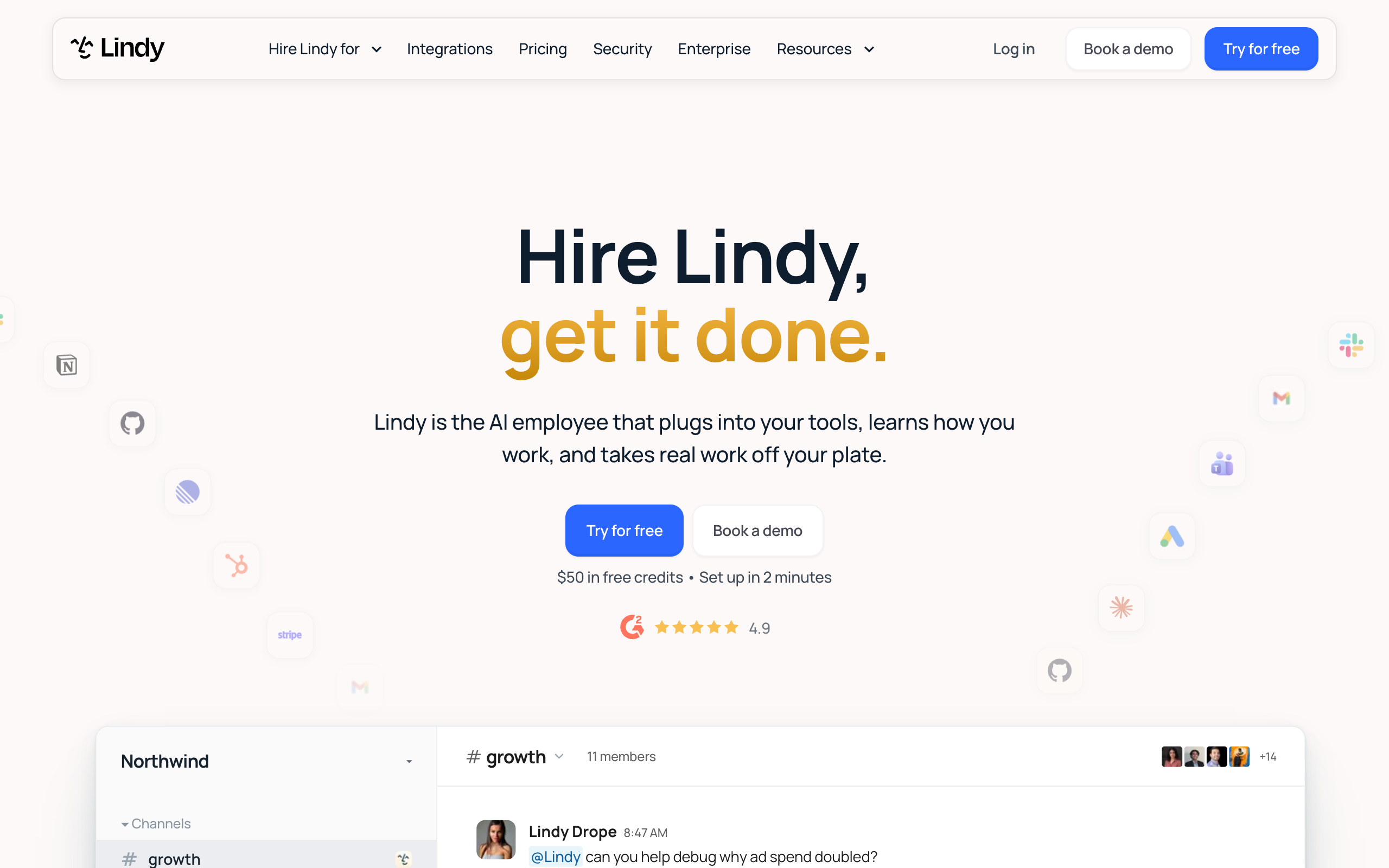
Lindy records meetings, runs scheduled routines, and lists 1,500+ integrations plus MCP servers. Its pricing page says anything with outside impact waits for approval, such as sending an email. Read-only lookups do not need approval.
Lindy can also cover part of Rachel's job. Its usage docs list phone calls from 25 credits a minute, plus a separate monthly fee for the number. Marblism's pricing page lists no call or minute limit, so ask both vendors what your call volume would cost.
Lindy runs a live price test on its pricing page. The Team plan shows either $29.99 per active user a month for 3,000 credits, or $49.99 for 5,000.
A free start gives $50 in credits for 7 days with no card. Top-ups cost $10 per 1,000 credits, and monthly credits do not roll over.
The per-user billing is the largest difference from Marblism. Five active users cost $149.95 or $249.95 a month on Lindy, while Marblism's plan includes unlimited team members. One job can also use anywhere from 2 to 2,500 credits, so a Lindy bill is harder to predict.
3/5·Trustpilot(51)Trustpilot shows 61% of Lindy's reviews at 1 star, against 2% for Marblism. They repeat complaints about credits, billing, and support.
Pros
- A free start with no card
- Outside-impact actions wait for approval
- Works in Slack, email, iMessage, and the browser
- Records meetings
- Phone calls on a paid number
Cons
- Every active user is billed
- Job cost ranges from 2 to 2,500 credits
- Monthly credits do not roll over
- 3.0 on Trustpilot from 51 reviews, with 61% at 1 star
- You set up the work yourself
Small Slack-based teams that want meeting notes, briefs, and their own workflows, and will watch credit use.
Squad, for specialists on your own AI plan
Squad (formerly MissionControlHQ) hosts a squad, which means a coordinated team of specialist AI teammates rather than one general assistant. It answers Marblism's roster limit and its hours limit together. It suits owners who want recurring work done across their own apps, with a record they can read.
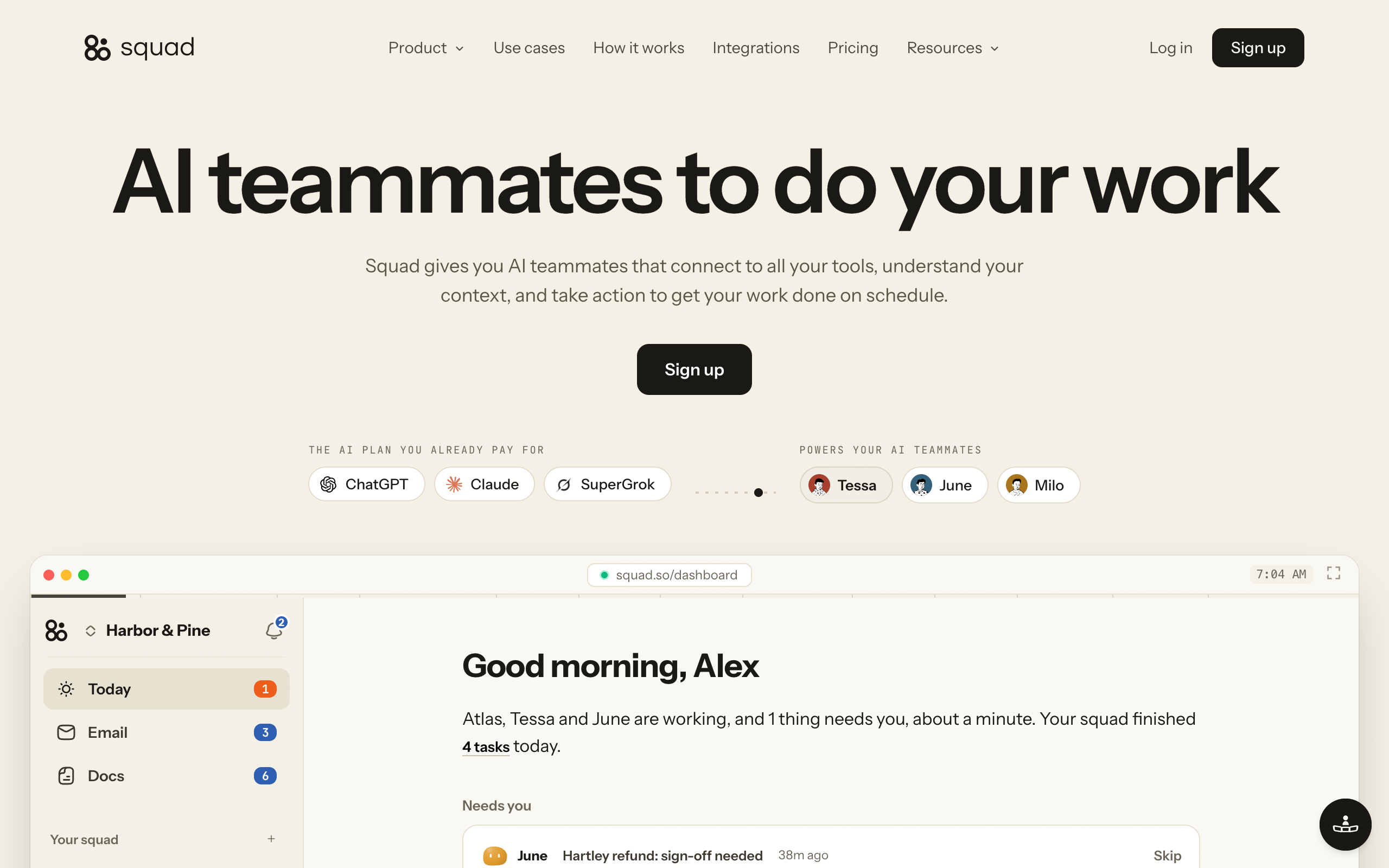
Squad has no fixed roster. After a build of about two minutes, a conversation of about ten minutes with your chief of staff designs 4 or 5 teammates for you to approve. Squad lists no limit on teammates, so a new job gets a new teammate when you ask.
Work runs on routines, which are schedules, and on triggers, which start when something happens. It shows on a Tasks board with a Needs you column for questions and drafts.
Squad connects to 70+ integrations, and each connection has an access level that varies by app. Every teammate gets the connection's level unless you narrow or block it.
Squad does not cover everything Marblism does. Its docs describe no phone answering, and a website builder is not a listed role.
Squad costs $99 a month plus a $100-200 AI plan, so roughly $199-299 a month before any optional extra. Squad adds no charge for AI usage.
Optional extras include inboxes at $10 a month each, seats for people at $9 a month each, and research credits beyond the 1,000 included each month.
Squad has no free trial. The first payment has a 7-day money-back guarantee.
Pros
- No hours or credit meter on AI work, since teammates run on your own AI plan
- Roles you define, with no fixed list
- Access levels you can narrow per teammate
- A log of every run and connection call
- One stated refund window on the first payment
Cons
- Costs far more than Marblism once you add an AI plan
- No phone answering in the docs
- No website builder role
- No free trial
- Your AI provider's limits still apply
Owners who want several specialists on recurring work, across their own apps, with a record of each run.
Marblism alternatives compared
Sintra AI has the lowest listed price, Marblism comes next, and Squad costs the most. The table compares the four tools on roles, limits, calls, refunds, and cost over three years. Prices are as of 2 November 2026, and the three-year figures assume today's prices hold.
| Tool | Roles | Usage limit | Answers calls | Price listed | Refund or trial | Three-year cost |
|---|---|---|---|---|---|---|
| Marblism | 7 fixed employees | 50 hours a month | Yes, through Rachel | $24 yearly, $44 monthly | 7 or 77 days, unclear | $864-1,584 |
| Sintra AI | 12 fixed helpers, plus custom ones | 250 credits a month | No, per its help center | $15.60-48.50 a month | 14 days on the first purchase | $561.60-1,746 |
| Lindy | Workflows you save as skills | 3,000 or 5,000 credits per user | Yes, on a paid number | $29.99 or $49.99 per user | $50 in free credits for 7 days | $1,079.64-1,799.64 for one user |
| Squad | Any, designed with your chief of staff | Your AI provider's limits | Not in its docs | $99 plus a $100-200 AI plan | 7 days on the first payment | About $7,164-10,764 |
Team size changes the gap. Five people on Marblism still cost $24-44 a month, because the plan includes unlimited team members. Sintra's shared workspaces also cost nothing extra, and everyone draws on the same 250 credits.
Five active users on Lindy cost $149.95 or $249.95. Squad with four invited people and a $100-200 AI plan comes to $235-335 a month, and the owner uses no seat.
How much AI agents cost to run explains what drives the bill on any of these tools. For the case for several specialists, read why a team of AI employees beats one generalist.
How to choose a Marblism alternative
Start with your phone, then look at who will design the work. A tool that fails the first question you care about is out, whatever it costs.
Do you need your phone answered?
- If yes→Start with Marblism, and confirm how calls work and what they cost. Lindy also offers calls on a paid number
- If no→Compare by the jobs you need done
Can a fixed list of roles cover your work?
- If yes→Marblism or Sintra AI. Compare hours, credits, and refund terms
- If no→Compare by who will design the work
Who will design the work?
- If I will build it myself→Lindy, if your team works in Slack
- If I want it designed with me→Squad, where your chief of staff proposes the teammates
Is your budget under $50 a month?
- If yes→Marblism, Sintra AI, or one Lindy seat. Squad will not fit
- If no, and the work is worth more→Squad, if the jobs outgrow a roster or a usage allowance
Marblism alternatives by use case
Most small businesses can pick from the job they want off their desk first. The rows below match common jobs to the tool that fits best.
| Scenario | Best pick | Why |
|---|---|---|
| A plumber who misses calls while on a job | Marblism | Rachel answers calls and books jobs into a calendar. |
| A new business that needs a website and social posts | Marblism | Walter and Sonny come on the same plan. |
| An owner with two brands on a tight budget | Marblism | The plan includes unlimited businesses at $24-44 a month. |
| A consultant who wants help with copy and email | Sintra AI | 12 general helpers on one plan. |
| An owner who wants one clear refund window to test in | Sintra AI | 14 days on the first purchase, requested through support. |
| A small team that wants a custom agent in Slack | Lindy | Builds an agent from a description and works in Slack. |
| A team that wants meetings recorded and searchable | Lindy | Records meetings and makes them searchable. |
| An owner who wants overdue invoices chased every morning | Squad | A teammate works in Stripe and Gmail on a routine. |
| A team that needs support tickets sorted in Zendesk | Squad | A teammate works in the helpdesk at the access level you set. |
| An owner who runs several jobs and wants to read every run | Squad | Specialists share a task board, and each run is logged. |
| A team that needs one agent blocked from one app | Squad | Each connection has an access level, and you can narrow or block one agent. |
| An owner who already pays for a $100-200 AI plan | Squad | Teammates run on that plan, and Squad adds no AI charge. |
Marblism vs Squad
Marblism is cheaper and covers phone calls, while Squad costs more and gives you more control over the work. Squad (formerly MissionControlHQ) hosts a squad, which means a coordinated team of specialist AI teammates rather than one general assistant.
| Area | Marblism | Squad |
|---|---|---|
| Price | $24-44 a month | $99 a month plus an AI plan |
| AI usage | 50 hours a month, then top-ups | Your own AI plan. Squad adds no AI charge |
| Roles | Seven fixed roles | Unlimited teammates, designed with your lead agent |
| Phone answering | Yes, through Rachel | Not offered as a documented feature |
| Website building | Yes, through Walter | Not a listed role |
| Access control | Check-ins for input or approval | Access levels per connection, and you can narrow or block one agent |
| Tracking work | Not described on its homepage or pricing page | A task board and a log of runs |
| Refund | 7 days or 77 days, unclear | 7 days on the first payment |
Squad's price is $99 a month plus a $100-200 AI plan, so the total is roughly $199-299 a month before any optional extra. That comes to $2,388-3,588 a year, against $288-528 for Marblism.
Marblism costs at least $175 a month less than Squad
$24 a month billed yearly against roughly $199 a month for Squad with a $100 AI plan. Over three years, that is $864 against about $7,164.
Marblism is the cheaper tool. Squad is the tool to move to when your business needs more than seven fixed roles.
When to switch from Marblism to Squad
Switch from Marblism to Squad when the roster or the hours start to decide what you can hand off. Six situations point to the move.
You have work none of the seven roles covers
Marblism has no role for your invoices, support queue, or Monday numbers. In Squad, you describe a job and your chief of staff sets up a teammate for it. Squad lists no limit on teammates. These are jobs a small business can hand over:
| Job | What the teammate does | Apps it can use |
|---|---|---|
| Chasing overdue invoices | Checks unpaid invoices every morning and writes the reminders | Stripe, Zoho Invoice, Gmail |
| Sorting the support inbox | Sorts overnight messages and drafts replies | Gmail, Zendesk, Intercom, Gorgias |
| Writing the weekly report | Puts revenue, refunds, and spend on one page every Monday | Stripe, Google Sheets |
| Chasing suppliers | Follows up every open quote until someone answers | Gmail |
| Saving quiet customers | Finds quiet accounts and drafts a check-in before they cancel | Stripe, HubSpot |
| Following up after calls | Turns a recorded call into a write-up with owned actions | Fathom, Gmail |
| Cleaning the CRM | Fixes and updates records on a schedule | HubSpot |
| Watching competitors | Writes one brief on what changed last week | Squad's built-in research tools |
You keep running out of hours
Move to Squad if 50 hours do not cover your month and top-ups are becoming a regular cost. Squad has no hours meter. Your teammates run on your own AI plan, and Squad adds no AI charge. Your AI provider's limits still apply, and you can add more accounts or set fallback models for more room.
You want to read everything before it goes out
Move to Squad if one wrong post or email would cost you a customer. Trustpilot reviewers of Marblism report errors and off-brand work. In Squad, you can tell a teammate to draft first, and the draft waits for you to approve, edit, or discard. Draft-first is an instruction to the teammate, so also set access levels and email send caps for anything that must not happen.
You want to know what happened
Move to Squad if you want a record of the work. Squad logs every run, and every call a teammate makes through one of your connections: the account, the file, the rows, and the time. A task board shows what is not started, what needs you, what is in progress, and what is done.
You want one teammate kept out of one app
Move to Squad if your apps hold money or customer data. Each connection has an access level, and you can narrow or block one teammate. Your reporting teammate can hold Stripe at Read-only while your other teammates have no access to it.
You want your process, not a preset one
Move to Squad if your business has its own way of doing things. You describe the job like you would to a new hire, and the chief of staff writes the process down for you to edit. You can also record a task once in a teammate's browser, and it drafts a skill that goes live when you approve it. Sign in before you start recording, because the recording captures what you type.
When to stay on Marblism
Stay on Marblism if your main needs are answering calls and building a website. Squad's docs describe no phone answering, and $199 a month is a real step up from $24. You can also keep Marblism for calls and move everything else to Squad.
Stay too if your store runs on Shopify and you need an agent working there. Marblism names Shopify on its homepage, and Squad has no Shopify manual. If your work is simple and 50 hours cover it, you do not need to pay the extra $175 or more a month.
How to move from Marblism to Squad
Move one job at a time, and keep Marblism running until the new setup works.
- List the jobs you use Marblism for, and the jobs it cannot do.
- Start a squad. A conversation of about 10 minutes with your chief of staff designs 4 or 5 teammates for you to approve.
- Connect your apps, and set an access level for each one.
- Run your highest-value job in Squad for a week, in drafts.
- Cancel Marblism once the job runs well, or keep it for calls.
Squad has no free trial. Your first payment has a 7-day money-back guarantee, so run a real job in that first week. For a wider view of what small teams hand over first, see AI agents for small business.
How to test Marblism before you commit
Pay monthly for the first month, even though yearly billing is cheaper. Monthly billing limits your risk to $44 while you learn how fast the hours go.
- Ask support in writing which refund period applies, and how to cancel.
- Connect one account at a time, starting with the job that costs you the most time.
- Run one real job for a week, and note how many hours it uses.
- Read everything an agent writes before it reaches a customer.
- Move to yearly billing only if 50 hours cover a normal month.
Marblism FAQ
The basics
Is Marblism legit?
Marblism is a real paid product with 1,202 Trustpilot reviews and a 4.8 score as of 2 November 2026. Its roots go back to January 2024, when it started as an app generator before moving to AI employees. Trustpilot's 1-star reviews repeat complaints about refunds and charges after cancelling, so read the billing terms before you pay.
Is Marblism worth it?
Marblism is worth trying if you run a small local business and your jobs match its seven roles. At $44 billed monthly, one month is a cheap test. It is a weaker fit if you need work outside those roles, or if one wrong email or post would cost you a customer. Settle the refund terms in writing before you pay for a year.
What is Marblism?
Marblism is a platform that sells seven named AI employees to small businesses: Eva for email and calendar, Sonny for social media, Stan for lead generation, Penny for SEO, Rachel for phone calls, Walter for websites, and Linda for contract review. All seven come on one plan.
Pricing and refunds
How much does Marblism cost?
Marblism costs $24 a month billed yearly, which is $288 a year, or $44 a month billed monthly, as of 2 November 2026. The plan includes all seven AI employees, 50 hours of AI work a month, unlimited team members, and unlimited businesses. Top-ups cost extra, and the pricing page does not list their price.
What happens when Marblism's 50 hours run out?
You buy a top-up or wait for the monthly reset. Marblism says only advanced AI actions use hours, while chat and quick tasks do not. The pricing page does not say how many hours a given job uses, so track your use during the first week.
Does Marblism have a refund policy?
Marblism's site lists a 7-day money-back guarantee. Its pricing page also shows a 77-day money-back guarantee in a separate section and does not explain the difference. Ask support which applies, and get the answer in writing before you pay for a year.
Features and limits
Does Marblism answer phone calls?
Yes. Marblism says Rachel, its receptionist, answers calls day and night and books jobs into your calendar. The pricing page lists no call or minute limit. Rachel does not appear in the App Store listing, so confirm how calls work before you depend on them.
What apps does Marblism connect to?
Marblism names Gmail, Outlook, Google Calendar, Zoom, Microsoft Teams, Instagram, LinkedIn, Facebook, TikTok, YouTube, X, WordPress, Shopify, Webflow, and Wix on its homepage. Its FAQ says other platforms also work. If your job depends on an app outside that list, confirm it with Marblism before you pay.
Why do people look for Marblism alternatives?
Trustpilot's 1-star reviews of Marblism repeat complaints about agent output, refunds, and charges after cancelling. Other buyers need a role outside the seven, want a published top-up price, or want to limit what each agent can touch. Trustpilot's overall score is still 4.8, so these complaints come from a small share of reviews.
Comparisons
What are the best Marblism alternatives?
Sintra AI suits owners who want 12 general helpers, from $48.50 a month on a 1-month plan. Lindy suits teams that want to build their own agents, from $29.99 or $49.99 per user per month, depending on the version of its pricing page you see. Squad suits owners who want specialists on a task board, at $99 a month plus an AI plan. Prices are as of 2 November 2026.
Is Marblism better than Sintra AI?
Marblism is the better choice if you need calls answered, because it lists a receptionist, while Sintra's help center says its helpers cannot handle phone calls. Sintra AI is the better choice if you want more roles, such as a data analyst, a recruiter, and an eCommerce manager, and a 14-day refund window. Marblism costs $24-44 a month and Sintra costs $15.60-48.50 a month.
Is Marblism better than Squad?
Marblism is the better choice if you want phone answering, a website, and the lowest monthly price. Squad is the better choice if you want roles you define, per-app access levels, and a task board you can read. Marblism starts at $24 a month. Squad costs $99 a month plus a $100-200 AI plan.
When should I switch from Marblism to Squad?
Switch when you need work outside the seven roles, such as invoice chasing, support triage, or weekly reports, or when 50 hours stop covering your month. Squad also fits owners who want to approve drafts, limit each teammate's app access, and read a log of the work. Stay on Marblism if calls and a website are your main needs.
Sources
- Marblism homepage, fetched 2 November 2026
- Marblism pricing, fetched 2 November 2026
- Marblism on Trustpilot, and its 1-star reviews, fetched 2 November 2026
- Marblism on the App Store, fetched 2 November 2026
- We Are Founders, "From $250k ARR to Zero", 6 April 2025
- Sintra, pricing, workspace credits, AI employees, Trustpilot, and the US App Store, fetched 2 November 2026
- Lindy, homepage, pricing, usage docs, and Trustpilot, fetched 2 November 2026
- AI employee platforms comparison, for more on Sintra AI and Lindy
- Squad homepage and docs, fetched 2 November 2026
Last updated: November 2026. Pricing and features verified as of 2 November 2026.