
The main alternatives to Meta Muse are OpenAI dots, Grok Bot, OpenClaw, Hermes Agent, and Squad. Muse is Meta's personal AI agent. It is free with a usage limit, runs on the Muse Spark model, and gives each person one agent in its own secure VM.
People look for an alternative when they need a model they can choose, more than one agent, seats for a team, or software they host themselves. This page compares the five options on those points. One of them is Squad (formerly MissionControlHQ). A squad is a team of AI agents, each with its own job, working together, where Muse is one agent.
500M
Muse tokens per week on the $20 Power plan. The $100 Max plan gives 3B per week. Meta does not publish the size of the free limit.
Source: Meta help center, About Muse subscriptions, read October 13, 2026iShort answer
Meta Muse is free with a usage limit, $20 a month for Power, and $100 a month for Max. It runs one agent on Muse Spark, and no official Meta page mentions team seats or several named agents. Grok Bot adds several named agents from $20 a month. OpenAI dots fit people who work in ChatGPT, from $100 a month. OpenClaw and Hermes Agent are free, self-hosted, and run any model. Squad runs a team of AI agents with a model per agent and human team seats, at $99 a month plus your AI plan. Muse stays the cheapest choice for one person.
Key takeaways
| Question | Answer |
|---|---|
| Why look for an alternative | One model, one agent, no team seats on any official page, an unpublished free limit, and the Confidential VM is not live |
| Cheapest alternative with several agents | Grok Bot, from $20 a month with Cursor Pro |
| Best for people who work in ChatGPT | OpenAI dots, first dot included from $100 a month |
| Free alternatives | OpenClaw and Hermes Agent: free software you host, plus hosting and model costs |
| Alternatives with model choice | OpenClaw, Hermes Agent, and Squad (13 AI providers, a model per AI teammate) |
| Best for a business team | Squad: unlimited AI teammates, per-agent access, team seats at $9 a month each |
| Where Muse still wins | Price for one person, Shopify and QuickBooks connectors, phone apps, and WhatsApp |
Muse facts read October 13, 2026. Other tools as of September 30, 2026.
OpenAI dots
One always-on agent in ChatGPT on GPT-6 Astra. From $100 a month. Reached in Slack and Teams.
Grok Bot
Several named bots on Grok 4.6 that share one cloud computer per user. From $20 a month.
OpenClaw
Free, MIT-licensed, self-hosted personal agent. Any model, including local models.
Hermes Agent
Free, MIT-licensed, self-hosted. Several named agents that write skills from finished work.
Squad
A team of AI agents with a model and access level per agent. $99 a month plus your AI plan.
Stay on Muse
Free with a usage limit. One agent, phone apps, WhatsApp, Shopify, and QuickBooks.
Why do people look for a Muse alternative?
People look for a Muse alternative for five reasons: one model, one agent, usage limits that are hard to plan, trust in Meta, and a privacy feature that is not live yet. Each reason comes from Meta's own pages or from attributed press reports. The full product overview is in the Meta Muse guide.
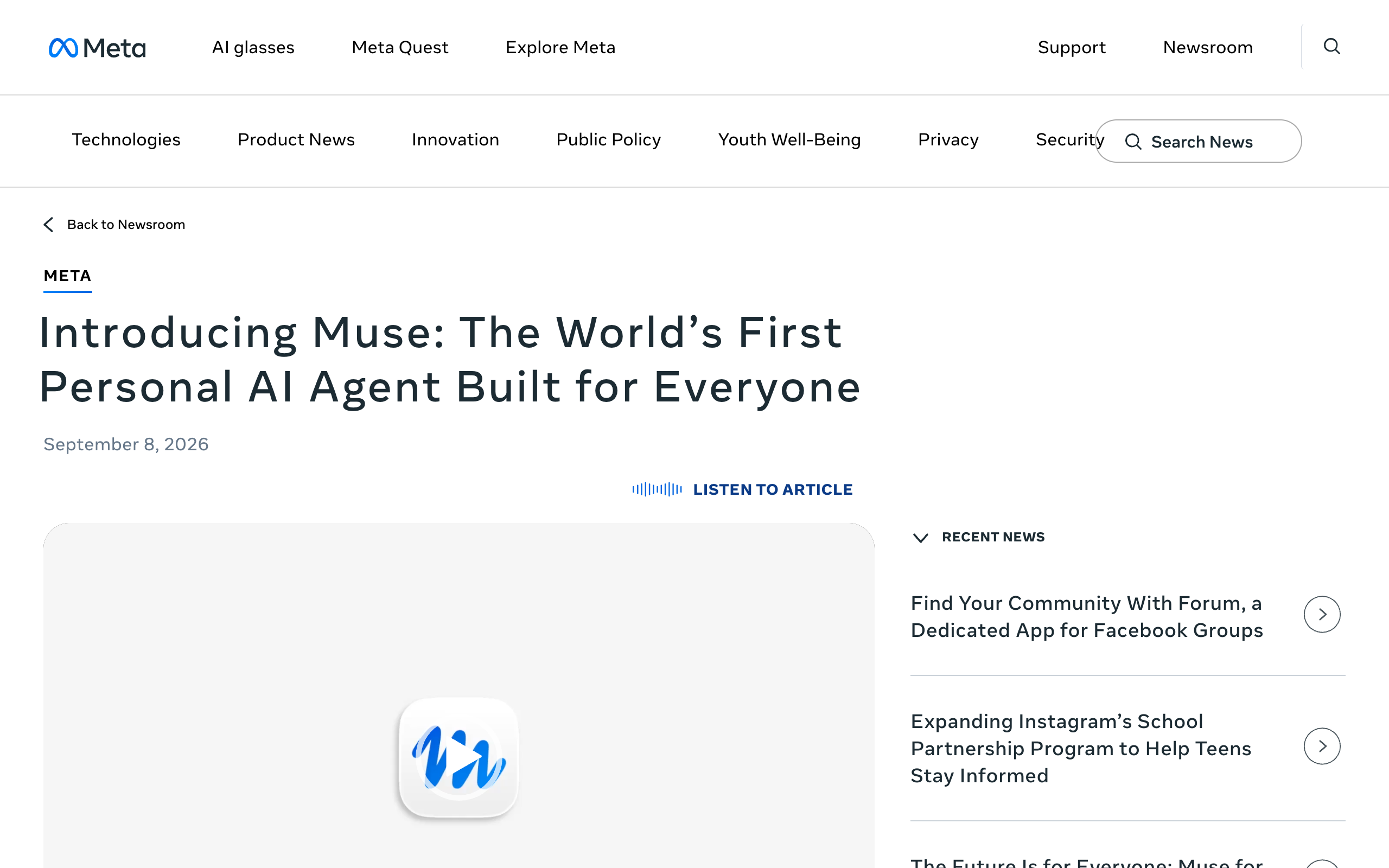
- You cannot choose the model. Meta's launch post says Muse is "powered by Muse Spark, Meta's most capable model to date." On October 12, 2026 Meta said the newer Muse Wonder model will power more of Muse later and "will roll out first to subscribers." Meta gave no date and named no plan.
- You get one agent, and no team seats are documented. No official Meta page mentions team seats or several named agents, as of October 13, 2026. Meta's safety post says Muse "launches swarms of subagents" for tasks, but the user still talks to one agent. Muse for Small Business is "a collection of new skills and connectors inside Muse," not a separate team plan.
- Usage is a weekly token allowance. The Power plan gives "500M Muse tokens per week" for $20 a month, and the Max plan gives "3B Muse tokens per week" for $100 a month. Meta does not publish the size of the free limit or what one token buys. The numbers are in Meta Muse pricing.
- Some people do not want Meta to hold email and payment access. Muse can send email, fill out forms, and check out with a one-time card. Meta says it "checks with the person before sensitive actions like sending an email or making a purchase." Press reports from the first month describe complaints about permissions, listed below.
- The strongest privacy option is not live. Meta says that "later this year" it will introduce Muse Confidential VM, encrypted "with a key only they hold, so not even Meta can access it." Until then Muse runs on Muse Secure VM. Meta says it does not share conversations or VM data with its ad systems.
The press reports are accusations and incidents, not confirmed product behavior. Each one is attributed here:
- Tom's Hardware reported on September 30, 2026 that a writer said Muse referred to Messages content on his Mac that he had not granted. The report describes an accusation that was under investigation.
- Android Authority reported that a Threads user said Muse negotiated a Facebook Marketplace sale and shared his address with the buyer. Meta's David Singleton said Meta reviewed similar reports and found Muse followed instructions and asked for permission. Android Authority noted that the account alone does not show Muse overstepped a permission.
- The Hacker News reported that researcher Patrick Wardle found a hidden setting in Muse for Mac that let malware already on the Mac redirect dictation and steal the session token. Meta shipped a fix on September 22, 2026 and called it "a local privilege escalation attack, not a remote exploit."
The controls, the reports, and Meta's replies are covered in Meta Muse privacy.
How do the alternatives solve these problems?
Each alternative fixes one or two of these limits and gives something else up. The table maps each problem to the tools that address it. Facts about the other tools are as of September 30, 2026.
| Problem with Muse | Who solves it | How |
|---|---|---|
| One model you cannot choose | OpenClaw, Hermes Agent, Squad | OpenClaw and Hermes run any model; Squad connects 13 AI providers with a model per AI teammate |
| One agent | Grok Bot, Hermes Agent, Squad | Grok Bot and Hermes run several named agents; Squad runs unlimited AI teammates |
| No team seats on any official page | Squad, OpenAI dots, Grok Bot | Squad sells seats at $9 a month each with roles; dots come with ChatGPT Business Premium seats; xAI has Team Bots in public beta |
| Usage limits that are hard to plan | Squad, OpenClaw, Hermes Agent | Squad shows the model and token usage of every run on the AI plan you bring; with self-hosted tools you pay for the model directly |
| Meta holds email and payment access | OpenClaw, Hermes Agent, Squad | OpenClaw and Hermes run on a computer or server you control; Squad sets an access level per connection and per agent |
| Confidential VM not live | OpenClaw, Hermes Agent | Self-hosted software keeps the agent and its data on hardware you run and secure yourself |
OpenAI dots and Grok Bot do not solve the model problem. Dots run only on GPT-6 Astra and Grok Bot runs only on Grok models.
What should I look for in a Muse alternative?
A Muse alternative should be judged on six things: model choice, number of agents, access per agent, team seats, approvals, and where you reach the agent. These criteria apply to Muse and to every tool on this page.
1. Can I choose the model?
A bundled model ties you to one provider's limits and roadmap. Muse runs Muse Spark, dots run GPT-6 Astra, and Grok Bot runs Grok 4.6. OpenClaw, Hermes Agent, and Squad let you pick.
2. How many agents do I get?
One agent is enough for one person's errands and inbox. A business with support, outreach, and finance work usually wants a separate agent per job, so each keeps its own context. The reasoning is in a team of AI employees.
3. Can each agent have different access?
Access per agent matters once you have more than one agent. Check whether one agent can have read-only access to an app while another has full access. Muse sets access per app for its one agent, with read and write separated "where the underlying service supports it."
4. Can other people on my team sign in?
A team needs each person to sign in with their own email and a role. No official Meta page mentions team seats for Muse, as of October 13, 2026. Check the price per seat and what each role can do.
5. What needs my approval?
Approvals decide what the agent can do without you. Muse is strong here: Meta says "nothing Muse does reaches the internet unless the Sentinel approves it," and its small business post says "nothing publishes, sends, or spends without your approval." Compare every alternative against that promise. The patterns are explained in human-in-the-loop AI agents.
6. Where do I talk to the agent?
The channel decides how often you use the agent. Muse is on iOS, Android, muse.ai, and WhatsApp. Some alternatives work in Slack, Teams, Telegram, or Discord and have no phone app.
What are the best Meta Muse alternatives?
The best Meta Muse alternatives are OpenAI dots, Grok Bot, OpenClaw, Hermes Agent, and Squad. No third-party review ratings (G2, Capterra, Product Hunt) exist yet to cite for Muse, dots, or Grok Bot. This section uses official documentation and, for the open-source tools, GitHub star counts.
Is OpenAI dots a good alternative to Meta Muse?
OpenAI dots are a good alternative to Muse if you already work in ChatGPT, Slack, or Microsoft Teams and can pay $100 a month or more. A dot is an always-on agent in ChatGPT, launched on September 29, 2026. It runs on GPT-6 Astra and has its own cloud computer.
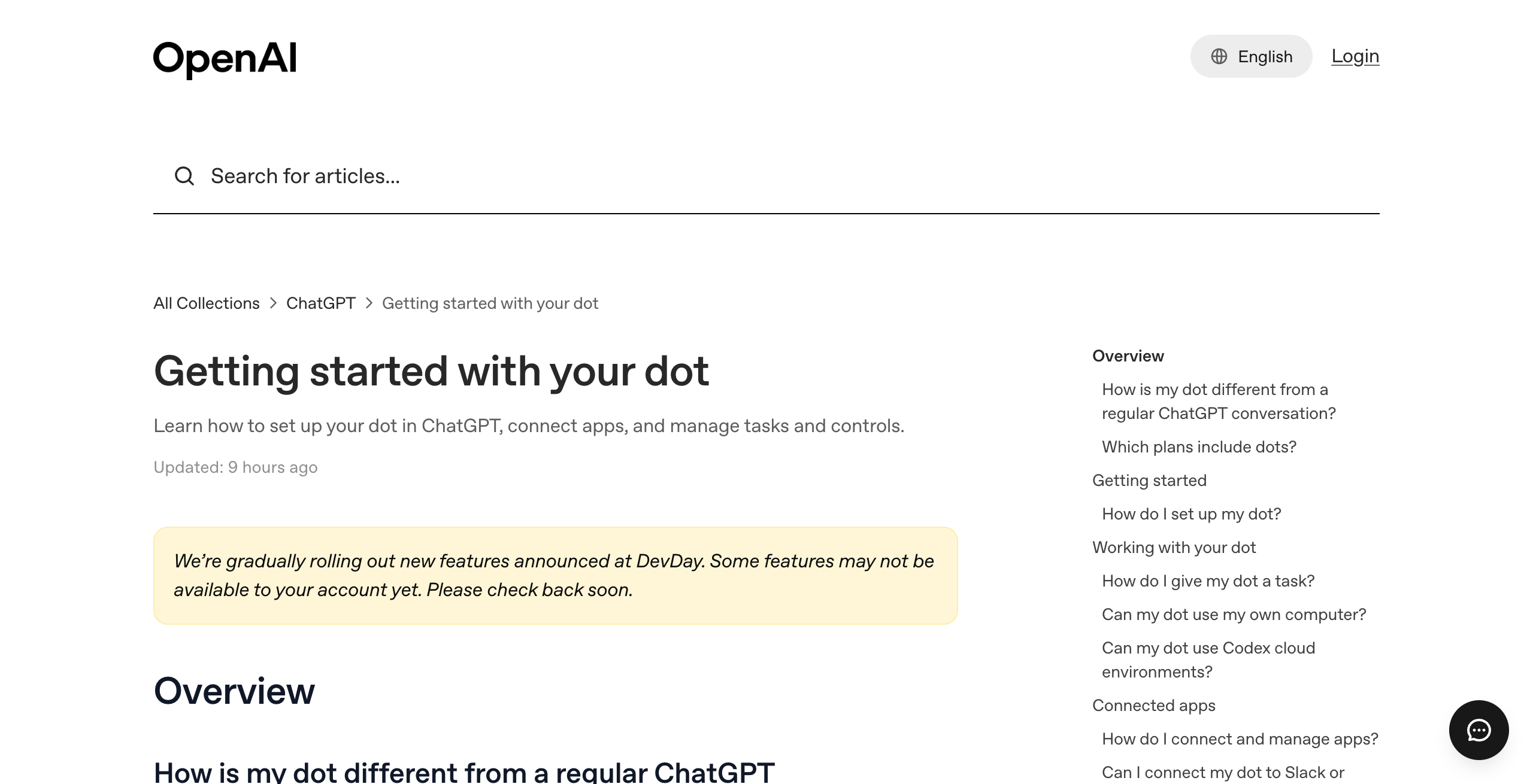
Key features, as of September 30, 2026:
- Connects to over 4,000 apps through ChatGPT plugins.
- Reached in ChatGPT on desktop, web, and mobile, and in Slack and Microsoft Teams.
- Custom Rules set each action to act, act if pre-approved, ask first, or hand off to you.
- Starts Codex cloud tasks and ChatGPT Work tasks.
Pros
- Carries over your ChatGPT memory and apps
- Posts in Slack and Teams with its own identity
- Available with ChatGPT Business Premium seats, so a company can buy it per person
Cons
- The cheapest plan with a dot is $100 a month; Muse is free with a usage limit
- One dot per person at launch and GPT-6 Astra only, so it does not fix the one-agent or one-model limits
- OpenAI says you cannot view or delete individual dot memories; Meta says Muse users can tell it to forget specific things
Pricing: the first dot is included with ChatGPT Pro at $100, $200, or $500 a month and with ChatGPT Business Premium at $125 a month per seat. Free, Go, and Plus plans do not include a dot. Details are in the OpenAI dots guide.
People and teams who already pay for ChatGPT Pro or Business Premium and want an agent inside ChatGPT, Slack, and Teams.
What Muse does better: price and memory control. Muse is free with a usage limit, and Meta's safety post says users can inspect, edit, and download Muse's memory about them.
Is Grok Bot a good alternative to Meta Muse?
Grok Bot is a good alternative to Muse if you want several named agents at a low price. It is xAI's product for named AI teammates that sign into your tools, work on a cloud computer, and hand tasks to each other. It launched in early beta on August 11, 2026 and runs on Grok 4.6.
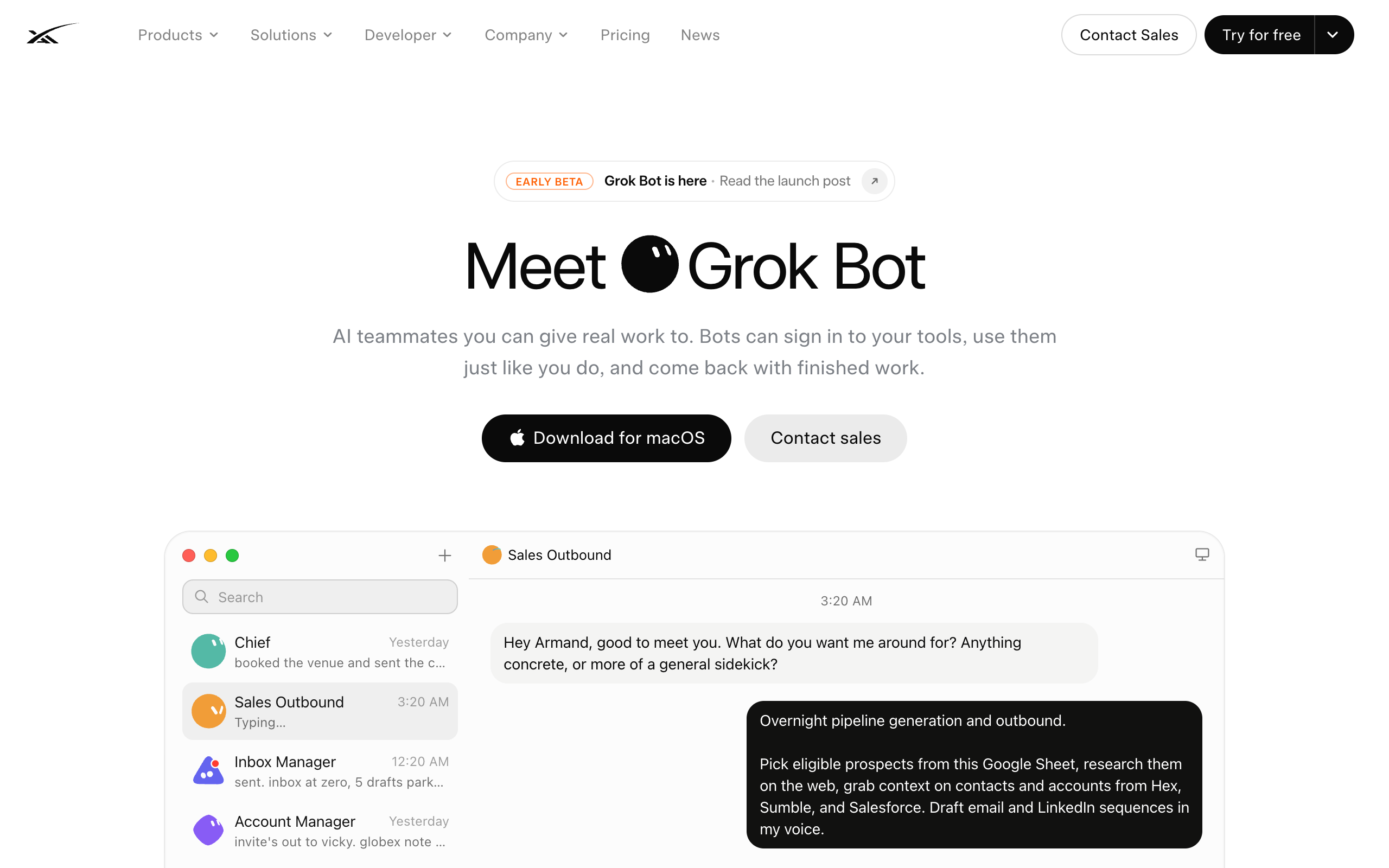
Key features, as of September 30, 2026:
- Several named bots per user, with a gallery of 56 named roles.
- A persistent cloud computer that runs while your laptop is closed.
- Bots hand work to each other in shared threads.
- Team Bots for Teams and Enterprise plans, in public beta since September 28, 2026.
Pros
- Several named agents today, where Meta's pages describe one Muse agent
- Starts at $20 a month with Cursor Pro, the same price as the Muse Power plan
- Bots share context on one machine, so handoffs are simple
Cons
- Grok models only; no model choice
- xAI's FAQ says every Grok Bot shares one cloud computer, including files, browser, and logins, and 'isolation is per user, not per Grok Bot'
- Extra usage bills at token cost on top of the plan
Pricing: included with Cursor Pro ($20 a month), Pro+ ($60), Ultra ($200), Cursor Teams seats ($40 or $120 per user), SuperGrok ($30), and SuperGrok Plus ($100). The options for people leaving Grok Bot are in Grok Bot alternatives.
Solo operators who want several named agents at the lowest price and are fine with Grok models and one shared computer.
What Muse does better: a free starting point and a documented approval layer. Muse is free with a usage limit, and Meta says the Sentinel agent is "the sole permission authority for connector actions and network egress." A three-way comparison is in OpenAI dots vs Grok Bot vs Meta Muse.
Is OpenClaw a good alternative to Meta Muse?
OpenClaw is a good alternative to Muse if you are technical and want to run the agent on your own hardware with any model. It is a free, MIT-licensed personal agent runtime. It had 389k GitHub stars on September 10, 2026.
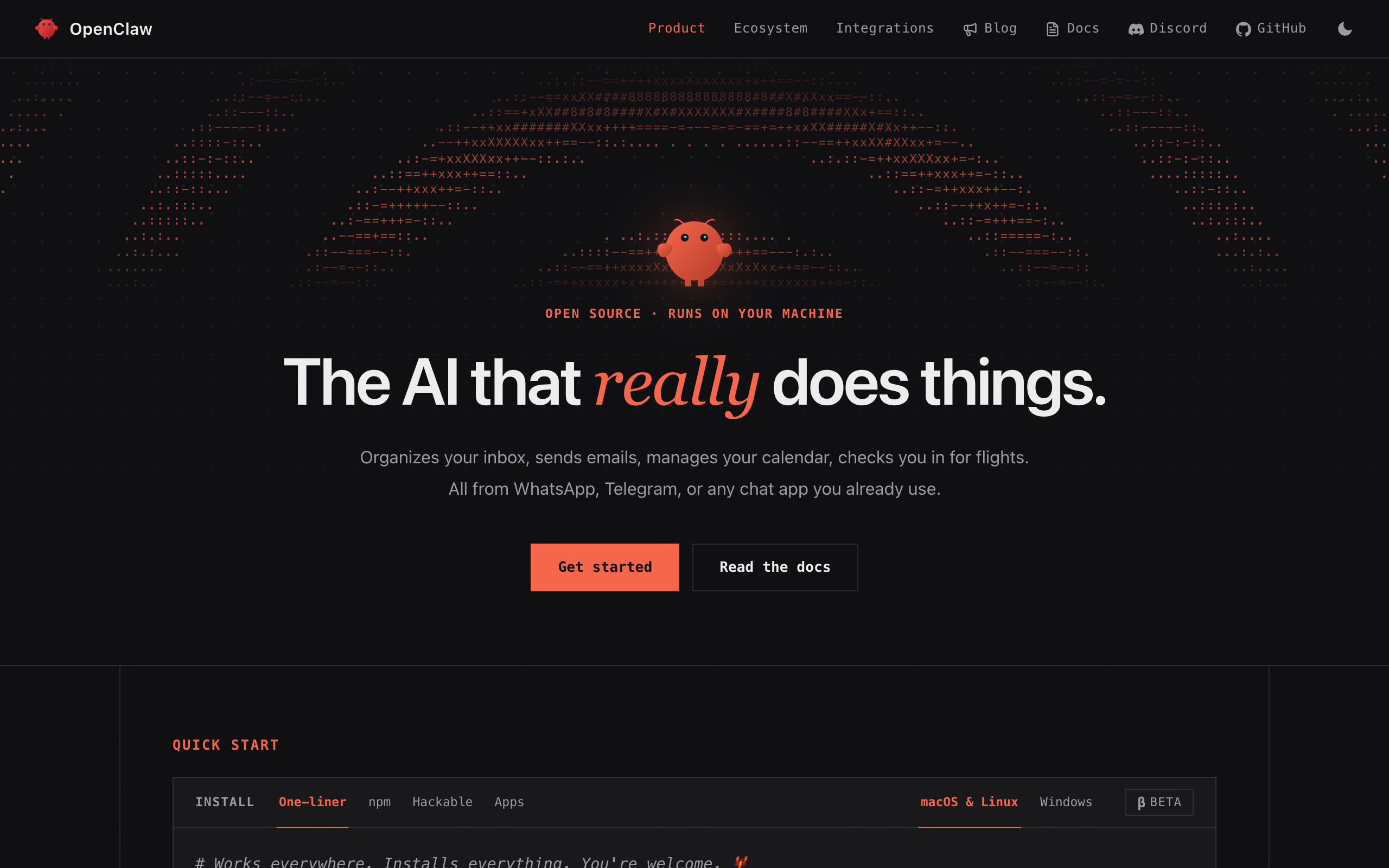
Key features, as of September 30, 2026:
- Runs on your own computer or server.
- Works with any model, including local models.
- Reaches you in WhatsApp, Telegram, Discord, Slack, and more than 20 other chat apps.
Pros
- Free software under the MIT license
- Any model, so you are not tied to Muse Spark
- The agent and its data stay on hardware you run
Cons
- You host, secure, and update the server yourself
- No per-run cost tracking
- You design every agent yourself
Pricing: free software. You pay for hosting and the model. See OpenClaw alternatives for the full review.
Technical users who want full control, any model, and no subscription.
What Muse does better: setup and safety work. Muse needs no server, and Meta runs the VM, the Sentinel approval agent, and a bug bounty that "awards up to $300,000 for valid reports."
Is Hermes Agent a good alternative to Meta Muse?
Hermes Agent is a good alternative to Muse if you want several self-hosted agents that learn new skills. It is Nous Research's free, MIT-licensed agent runtime that writes new skills from completed work. It had 244k GitHub stars on September 10, 2026 and runs any model.
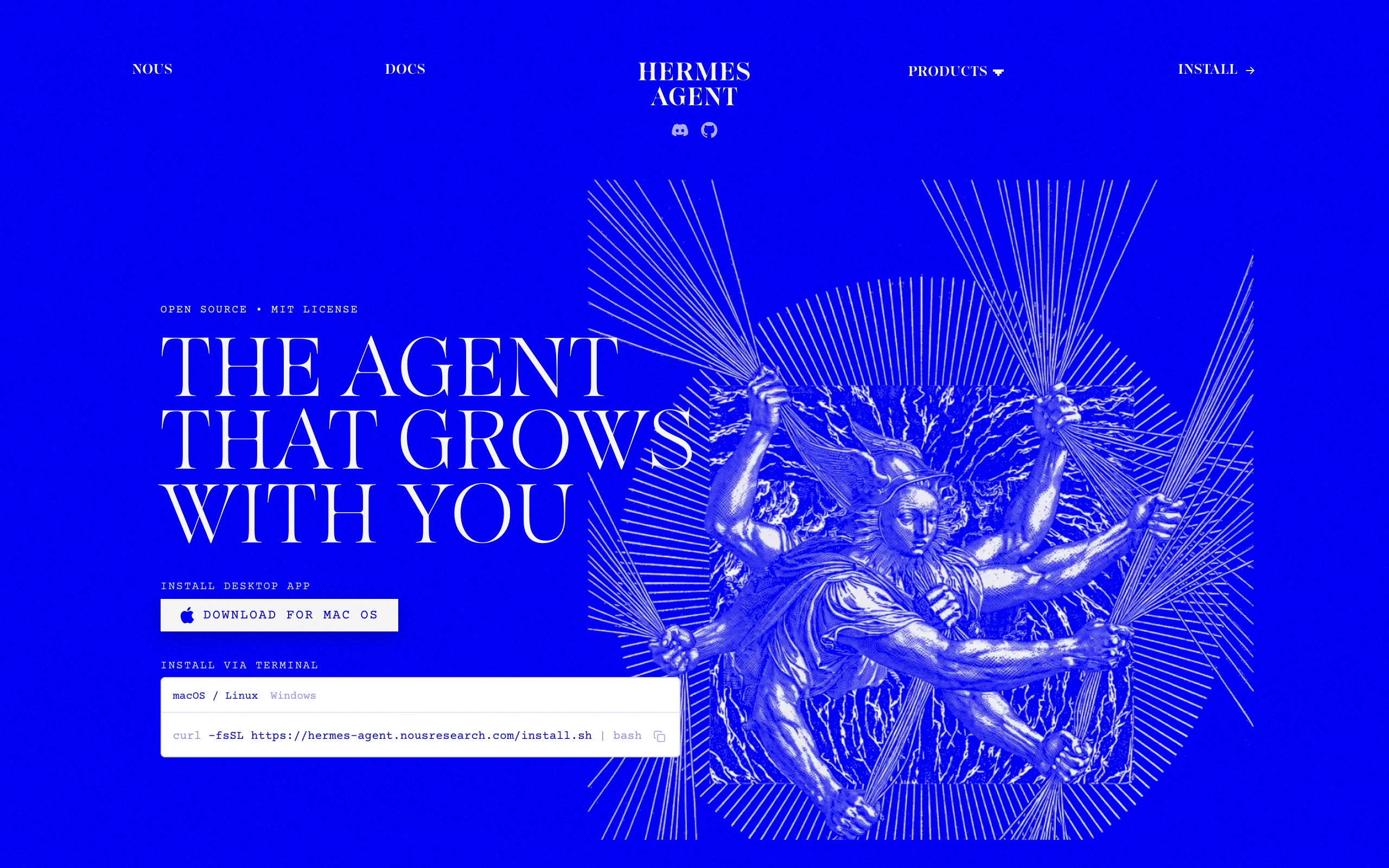
Key features, as of September 30, 2026:
- Several named agents on a Kanban task board.
- Writes new skills from finished tasks.
- Works with any model.
Pros
- Free and open source
- Several named agents, where Meta's pages describe one Muse agent
- Any model, so you are not tied to Muse Spark
Cons
- Its docs say the Kanban board is single-host by design
- Its docs say profiles do not sandbox the agent
- You run the server
Pricing: free software; you pay for hosting and the model. See mission control for Hermes.
Technical users who want several self-hosted agents that build their own skills.
What Muse does better: isolation and reach without any setup. Muse runs in a dedicated VM per person, and it works from iOS, Android, muse.ai, and WhatsApp on day one.
Is Squad a good alternative to Meta Muse?
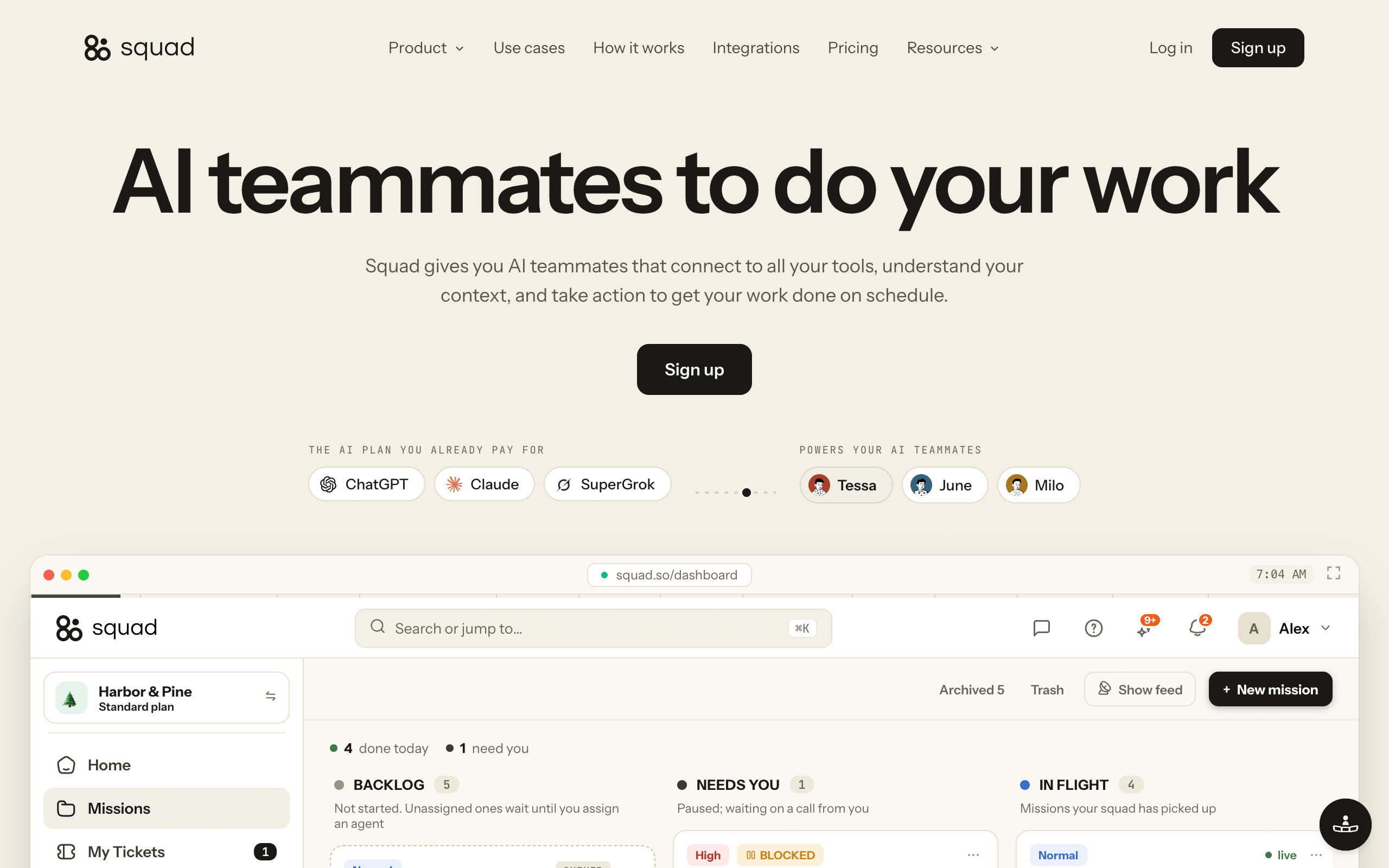
Squad is a good alternative to Muse for a business that needs several agents with separate jobs, and a poor one for a single person who wants the lowest price. Squad runs a squad of AI teammates on the AI plan you bring. It costs $99 a month with no per-task AI charges from Squad.
Key features:
- Unlimited AI teammates. A lead agent, the AI Chief of Staff, learns the business and proposes 4 or 5 specialists for you to approve.
- Thirteen AI providers, a different model per AI teammate, several accounts stacked, and fallbacks when one runs out.
- 70+ integrations. Each connection has an access level, and you can narrow or block any single agent.
- An optional inbox per AI teammate at $10 a month each, so replies come back to the right agent.
- Optional human team seats at $9 a month per seat, with Administrator, Collaborator, and Viewer roles.
- A Memory screen where you search, edit, and forget memories.
- Every run shows its model and token usage.
Pros
- Several agents, each with its own job, model, and access level
- Model choice across 13 AI providers, where Muse runs on Muse Spark
- Human team seats with roles, which no official Meta page mentions for Muse
Cons
- Far more expensive for one person: $199 to $299 a month all in, against free, $20, or $100 for Muse
- No Shopify and no QuickBooks integration; Muse for Small Business names both
- No mobile app and no WhatsApp chat channel; you talk to the squad in the dashboard, Telegram, Discord, or Slack
Pricing: $99 a month, cancel anytime, with a 7-day money-back guarantee on the first payment and no free trial. You bring your own AI plan, and ChatGPT at $100 to $200 a month is the recommendation. As a calculation, that is $3,564 over 3 years for Squad alone and $7,164 to $10,764 all in.
Approvals work differently from Muse. In Squad, agents can draft for your approval and open a ticket before money moves, and you set access levels and send caps for anything that must not happen. Muse's official promise is stronger: "nothing publishes, sends, or spends without your approval," enforced by the Sentinel agent.
Businesses that need several AI agents now, each with its own job, access, and model, plus seats for the people who work with them.
What Muse does better: price for one person, Shopify and QuickBooks, phone apps, WhatsApp, and the approval rule. Of Meta's 15 named small business connectors, Squad has an integration for 9: Asana, Box, Canva, Dropbox, Figma, Notion, Slack, Stripe, and Zoom.
Which Muse alternative is best for a business?
Squad is the closest fit for a business with several people or several jobs, and Muse itself is the better choice for one owner working alone. The answer depends on how many people and how many separate jobs are involved.
Muse for Small Business is not a separate plan. Meta calls it "a collection of new skills and connectors inside Muse to help people run their businesses." It names 15 connectors, including Shopify, Intuit QuickBooks, Stripe, Slack, and Notion, and it has no business price. The details are in Meta Muse for business.
Three alternatives have team features, as of September 30, 2026 for dots and Grok Bot:
- Squad: unlimited AI teammates, an access level per agent, and human seats at $9 a month each. Each person signs in with their own email, and you can limit a teammate to some agents.
- OpenAI dots: one dot per person, bought through ChatGPT Business Premium seats at $125 a month per seat.
- Grok Bot: Team Bots for Teams and Enterprise plans, in public beta.
A store that runs on Shopify and keeps its books in QuickBooks should weigh that first. Squad has no integration for either one. Its finance-side integrations are Stripe, Square, Zoho Books, Zoho Invoice, FreshBooks, Harvest, Google Sheets, and Excel.
Which alternative lets me choose the AI model?
OpenClaw, Hermes Agent, and Squad let you choose the AI model. Muse, OpenAI dots, and Grok Bot each run on their maker's own model.
| Tool | Model | Can you change it? |
|---|---|---|
| Meta Muse | Muse Spark; Muse Wonder announced for subscribers first, no date | No model choice on any official page |
| OpenAI dots | GPT-6 Astra | No |
| Grok Bot | Grok 4.6 | No |
| OpenClaw | Any model, including local models | Yes |
| Hermes Agent | Any model | Yes |
| Squad | 13 AI providers | Yes, a different model per AI teammate |
OpenClaw and Hermes Agent give the widest choice, and you connect the model yourself. Squad is the hosted option: you connect your AI plans, assign a model to each AI teammate, and set fallbacks for when one runs out.
Is there a free Muse alternative?
Yes, OpenClaw and Hermes Agent are free Muse alternatives, and Muse itself is also free with a usage limit. OpenClaw and Hermes Agent are MIT-licensed software you host yourself. The software costs nothing, and you pay for hosting and the AI model.
Meta's help center says "Muse is available for free with a usage limit." At the limit you upgrade or "wait until your free usage limit has been refreshed." Meta does not publish the size of that limit.
The other three alternatives are paid. As of September 30, 2026, the cheapest listed plan with Grok Bot is Cursor Pro at $20 a month, and the cheapest plan with an OpenAI dot is ChatGPT Pro at $100 a month. Squad is $99 a month with no free trial and a 7-day money-back guarantee on the first payment.
Which Muse alternative should I pick?
Pick by the one limit of Muse that affects you most. The matrix shows which option covers each need, based on each vendor's published documentation.
Muse facts read October 13, 2026. Other tools as of September 30, 2026.
| If you need | Meta Muse | OpenAI dots | Grok Bot | OpenClaw / Hermes | Squad |
|---|---|---|---|---|---|
| Free to start | Yes Free with a usage limit | No From $100 a month | No From $20 a month | Partly Free software; you pay hosting and model | No $99 a month, no free trial |
| Choose or switch the model | No Muse Spark | No GPT-6 Astra | No Grok 4.6 | Yes Any model | Yes 13 providers, model per agent |
| Several named agents | Not on any official page | No One dot at launch | Yes | Partly Hermes Kanban, single host | Yes Unlimited AI teammates |
| Different access per agent | One agent; access set per app | No Permissions shared | No Shared logins | Partly You build it | Yes Narrow or block per agent |
| Seats for human teammates | Not on any official page | Partly Business Premium seats, one dot each | Partly Team Bots in public beta | Depends on your setup | Yes $9 a month per seat, three roles |
| Shopify and QuickBooks connectors | Yes Both named by Meta | 4,000+ apps; check the list | Not published | Depends on your setup | No Neither |
| Phone app and WhatsApp | Yes iOS, Android, WhatsApp | Partly ChatGPT mobile, Slack, Teams | Not published | Partly OpenClaw reaches WhatsApp | No Dashboard, Telegram, Discord, Slack |
| Approval before sends and purchases | Yes Sentinel approves every action | Yes Custom Rules | Not published | Depends on your setup | Partly Drafts for approval, access levels, send caps |
| Edit what the agent remembers | Yes Forget, inspect, edit, download | No Reset only | Not published | Depends on your setup | Yes Memory screen |
| An inbox per agent | Uses the email you connect | No Not at launch | Not published | Depends on your setup | Yes $10 a month per inbox |
| Lowest starting price | Free with a usage limit | $100 a month | $20 a month | Free software | $99 + your AI plan |
How many agents do you need right now?
- If One assistant for yourself→Stay on Muse, or OpenAI dots if you work in ChatGPT
- If Several agents for different jobs→Squad, Grok Bot, or Hermes Agent
Do you need to choose the model?
- If No, the built-in model is fine→Muse, OpenAI dots, or Grok Bot
- If Yes, and you will host it→OpenClaw or Hermes Agent
- If Yes, hosted, with a model per agent→Squad
Do other people need to sign in?
- If No, one person→Muse or Grok Bot
- If Yes, each with a role→Squad, or OpenAI dots on Business Premium seats
What is your monthly budget?
- If Nothing or $20→Muse, Grok Bot, or self-hosted OpenClaw
- If $100 to $200 for one assistant→Muse Max or OpenAI dots on ChatGPT Pro
- If $199 to $299 for a team→Squad on a ChatGPT plan
| Scenario | Best pick | Why |
|---|---|---|
| Personal errands, travel, and bills | Meta Muse | Free with a usage limit and reachable in WhatsApp |
| Owner who runs a Shopify store alone | Meta Muse | Shopify and QuickBooks are named connectors |
| Developer who lives in ChatGPT and Codex | OpenAI dots | A dot starts Codex cloud tasks and carries your ChatGPT memory |
| Company that works in Microsoft Teams | OpenAI dots | Dots post in Teams with their own identity |
| Solo founder who wants several agents for $20 | Grok Bot | Several named bots with Cursor Pro |
| Engineer who wants local models and full control | OpenClaw | Free, MIT, any model, your hardware |
| Self-hosted agents that learn skills | Hermes Agent | Writes skills from finished work, Kanban board |
| Business with support, outreach, and finance work | Squad | A separate AI teammate per job, each with its own access and model |
| Team where several people work with the agents | Squad | Seats at $9 a month with Administrator, Collaborator, and Viewer roles |
| Agency running work for several clients | Squad | A separate squad per client, each with its own computer and billing |
| You want a different model for each job | Squad | 13 AI providers and a model per AI teammate |
How do I move from Muse to another agent?
You move from Muse in five steps: download your data, disconnect your apps, set up the new tool, run both for a while, and cancel the subscription. Meta's pages document the Muse side of each step.
- Download your files and memory. Meta's safety post says users can inspect, edit, and download files in the VM, "including Muse's memory about you."
- Disconnect connectors you no longer want Muse to use. Meta says "people can change access or disconnect a service whenever they want."
- Set up the new tool and connect the same apps, with the narrowest access that still lets the work get done. Use the files you downloaded as a reference when you write its instructions.
- Run both in parallel on a small set of tasks. Keep Muse for anything the new tool does not cover, such as WhatsApp or a connector it lacks.
- Cancel the Muse subscription in subscription settings if you no longer need the paid allowance. Meta says a plan "renews automatically each month unless you cancel your subscription." Its help article does not mention refunds.
You do not have to leave Muse to add another agent. Muse stays free with a usage limit after you cancel a paid plan, so it can keep handling personal tasks.
When is Muse the right choice?
Muse is the right choice when one person owns the work, one agent is enough, and Muse Spark is a model you are happy with. In that case you do not need an alternative.
Muse is also the right choice in these cases:
- Price matters most. Muse is free with a usage limit, and the Power plan is $20 a month. Squad costs $199 to $299 a month all in.
- The business runs on Shopify or QuickBooks. Both are named Muse connectors, and Squad has neither.
- You want the agent on your phone. Muse has iOS and Android apps and works in WhatsApp.
- You want every send and purchase to wait for you. Meta says Muse checks before sensitive actions and that the Sentinel agent approves everything that reaches the internet.
Muse is "in limited testing" and is not available in all locations yet, according to Meta's help center. If you can use it, start on the free plan and look at alternatives when a second job needs its own agent, a different model, or a seat for another person.
Frequently asked questions
Basics
What is the best alternative to Meta Muse?
It depends on which limit of Muse affects you. Grok Bot is the cheapest way to get several named agents, from $20 a month. OpenAI dots fits people who already work in ChatGPT, from $100 a month. OpenClaw and Hermes Agent are free software that run any model if you host them yourself. Squad (formerly MissionControlHQ) fits a business that needs several AI agents with separate access, a model per agent, and human team seats, at $99 a month plus the AI plan you bring.
Why do people switch from Meta Muse?
People look for a Muse alternative for five documented reasons. Muse runs on Meta's own model with no model choice. No official Meta page mentions team seats or several named agents, as of October 13, 2026. Paid plans use weekly token allowances and Meta does not publish the size of the free limit. Some people do not want to give Meta access to email and payments. The Muse Confidential VM, which Meta says even Meta cannot access, is not live yet.
Pricing
Is there a free alternative to Meta Muse?
Yes. OpenClaw and Hermes Agent are free, MIT-licensed software that you host yourself, so you still pay for hosting and the AI model. Muse itself is also free with a usage limit. As of September 30, 2026, Grok Bot starts at $20 a month and OpenAI dots start at $100 a month. Squad costs $99 a month and has no free trial.
How much do Meta Muse alternatives cost?
As of September 30, 2026, Grok Bot is included with Cursor Pro at $20 a month and SuperGrok at $30 a month. The first OpenAI dot is included with ChatGPT Pro at $100, $200, or $500 a month and with Business Premium at $125 a month per seat. OpenClaw and Hermes Agent are free software plus hosting and model costs. Squad is $99 a month plus the AI plan you bring, which comes to $199 to $299 a month all in with a ChatGPT plan. Muse is free with a usage limit, $20 a month for Power, and $100 a month for Max.
Models, agents, and teams
Can I choose the AI model in Meta Muse?
No official Meta page describes a model choice in Muse. Meta's launch post says Muse is powered by Muse Spark. On October 12, 2026 Meta said the newer Muse Wonder model will roll out first to subscribers, with no date. OpenClaw, Hermes Agent, and Squad let you choose the model. Squad connects 13 AI providers and lets each AI teammate use a different model.
Can Meta Muse run several agents or add team members?
No official Meta page mentions team seats or several named agents, as of October 13, 2026. Meta's safety post says Muse launches subagents for tasks, but the user still talks to one agent. Muse for Small Business is a set of skills and connectors inside the same Muse, not a separate team plan.
Which Meta Muse alternative is best for a business?
For one owner who runs the business alone, Muse with its small business connectors is hard to beat on price. For a business where several people or several jobs are involved, Squad is the closest fit: unlimited AI teammates, a different access level per agent, and human team seats at $9 a month each with Administrator, Collaborator, and Viewer roles. Squad has no Shopify or QuickBooks integration, and Muse has both.
Switching and staying
Can I take my data out of Meta Muse?
Yes. Meta's safety post says users can inspect, edit, and download files in the Muse VM, including Muse's memory about them. Meta's launch post says people can change access or disconnect a service whenever they want. Subscriptions can be cancelled at any time in subscription settings. Meta's subscription help article does not mention refunds.
Does Squad connect to Shopify or QuickBooks?
No. Squad has no Shopify integration and no QuickBooks integration. Muse for Small Business names both as connectors. Squad's finance-side integrations are Stripe, Square, Zoho Books, Zoho Invoice, FreshBooks, Harvest, Google Sheets, and Excel, and other apps connect through a custom integration or an MCP server.
When is Meta Muse the right choice?
Muse is the right choice when one person owns the work, one agent is enough, the Muse Spark model is fine, and you want to reach the agent from a phone app or WhatsApp. It is also the lowest-cost option on this page for one person: free with a usage limit, or $20 a month for the Power plan.
Sources
Official Meta pages:
- Meta: Introducing Muse (September 8, 2026)
- Meta help center: About Muse subscriptions
- Meta AI Research: How We Built Safety Into Muse (September 8, 2026)
- Meta: Introducing Muse for Small Business (September 29, 2026) and muse.ai/business
- Meta: Introducing Muse Wonder models (October 12, 2026)
Alternatives:
- OpenAI: Introducing dots (September 29, 2026)
- OpenAI Help: Getting started with your dot
- OpenAI Help: Dots privacy, security, and safety FAQs
- xAI: Grok Bot
- xAI: Team Bots (September 28, 2026)
- OpenClaw on GitHub
- Squad homepage, Squad docs, and Squad integrations
Press reports and video:
- Tom's Hardware: Muse accused of accessing Messages data without permission (September 30, 2026)
- Android Authority: Meta Muse privacy issues
- The Hacker News: hidden Muse for Mac setting
- Alex Finn: Meta Muse is an INCREDIBLE AI agent
Last updated: October 2026. Muse facts verified as of October 13, 2026. Other tools verified as of September 30, 2026.