
Meta Muse is reasonably safe to use for everyday tasks if you connect apps with narrow access first. Meta Muse privacy rests on two documented parts: a dedicated virtual machine for each person, called Muse Secure VM, and a separate agent, called Sentinel, that must approve anything Muse sends to the internet.
Two limits matter. Muse Confidential VM, the version Meta says it cannot read, is announced but not live. Press outlets also reported four problems in Muse's first month, and two of them are still unconfirmed accusations.
$300,000
top award in Meta's bug bounty for valid Muse reports, including up to $130,000 for a successful prompt injection affecting one user.
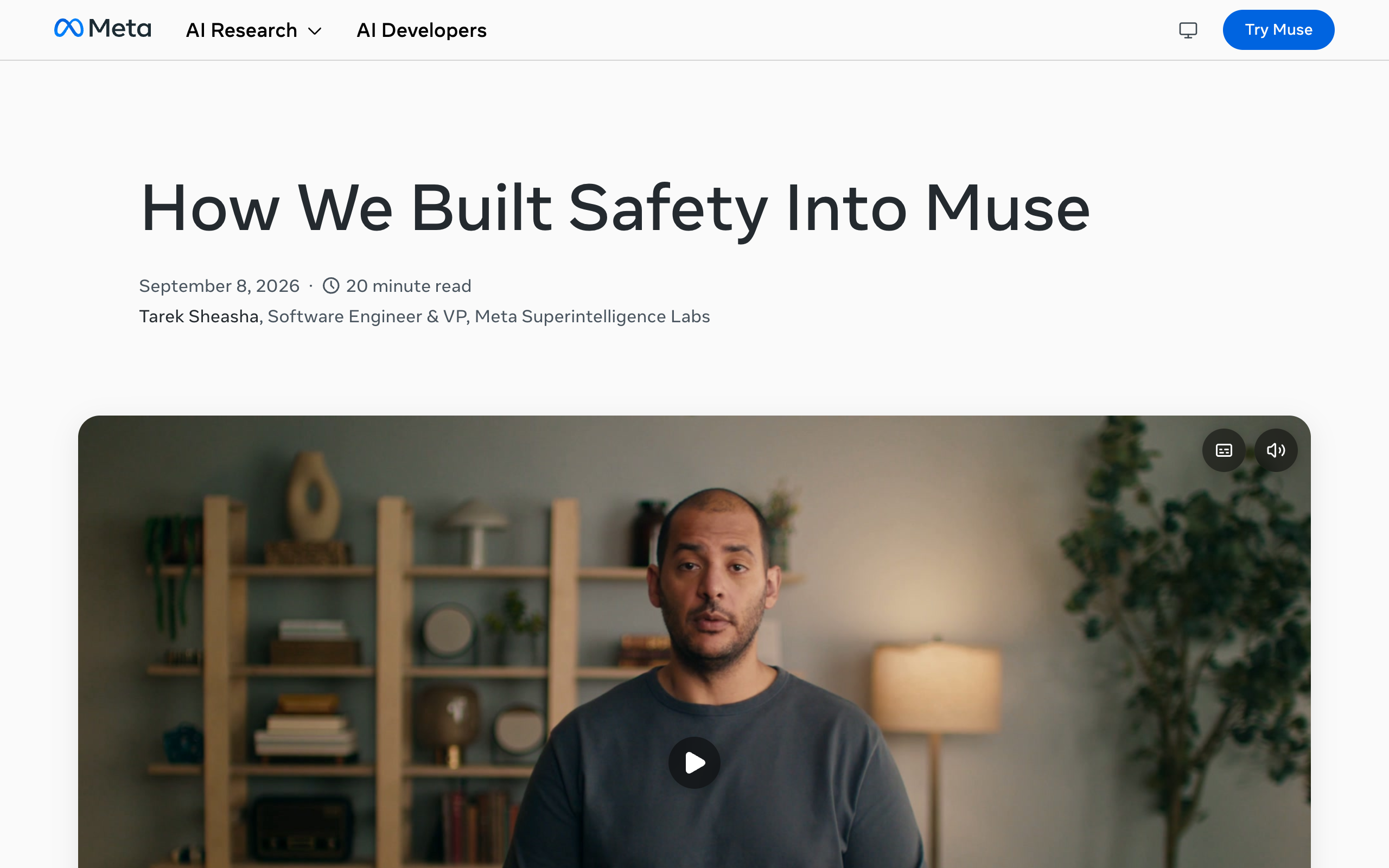
Source: Meta AI Research, How We Built Safety Into Muse (September 8, 2026)iShort answer
Muse runs on its own virtual machine with its own browser, and that machine holds both the agent and your data. A separate Sentinel agent allows, denies, or sends each connector action to you for approval. Meta says Muse cannot see your passwords or payment methods and does not share your conversations or VM data with its ad systems. You can tell Muse to forget things and opt out of training. The Confidential VM is not live yet.
Key takeaways
| Question | Answer (Meta's launch and safety posts) |
|---|---|
| Is Meta Muse safe? | It has documented safeguards, plus four first-month press reports to weigh |
| Where does Muse run? | On Muse Secure VM, a dedicated computer with its own browser |
| Is the Confidential VM live? | No. Announced for later this year, in testing with a small group |
| Who approves actions? | Sentinel allows, denies, or asks you |
| Can it see my passwords? | Meta says no. Credentials sit in secure storage |
| Is my data used for ads? | Meta says conversations and VM data are not shared with its ad systems |
| Can I delete memories? | Yes. Tell Muse to forget, or edit the memory files in the VM |
Each layer is described in Meta's launch post or its safety post, both dated September 8, 2026.
Muse Secure VM
A dedicated computer with its own browser that houses the agent and your data.
Sentinel
A separate agent that allows, denies, or sends an action to you for approval.
Secure credential storage
Muse uses your logins without seeing your passwords or payment methods.
You
You approve sensitive actions, read the audit trail, and tell Muse what to forget.
Is Meta Muse safe to use?
Meta Muse is safe to use for most everyday tasks, within limits Meta and the press have both documented. Meta's launch post says "Muse checks with the person before sensitive actions like sending an email or making a purchase." It also promises "a complete audit trail of everything it has done and plans to do."
Meta describes three main safeguards:
- Muse Secure VM, a dedicated computer that holds the agent and your data.
- Sentinel, a separate agent that approves or blocks what Muse does.
- Secure storage for logins, so Muse uses credentials without seeing them.
The weaker points are also on the record. The Confidential VM is not live, and four press reports from the first month describe a fixed Mac flaw, a rolled-back calling test, and two user accusations. For what Muse is and what it costs, see the Meta Muse overview.
1
Dedicated VM per person
5
Permission grant types
5
Prompt injection defenses Meta lists
$300,000
Top bug bounty award
$130,000
Top award for a one-user prompt injection
Not live
Muse Confidential VM
What is Muse Secure VM?
Muse Secure VM is the dedicated secure computer that Muse runs on. Meta's launch post says "Muse runs on Muse Secure VM, a dedicated secure computer with its own browser." The VM "houses both the agent and a person's data."
Meta's safety post gives the technical version: "Each Virtual Machine(VM) is an isolated linux box with a browser and enough storage." Sentinel runs on the same machine and is kept apart from Muse at the system level.
Sign-in tokens stay in the VM too. Meta says OAuth tokens "are stored in your VM, not in centralized Meta infrastructure." The agent gets surrogate tokens, and the real credentials are swapped in at the network boundary.
Is Muse Confidential VM available yet?
No, Muse Confidential VM is not available yet. Meta's launch post says "Later this year, Meta will introduce Muse Confidential VM." Meta's safety post says the company plans to "deliver this capability later this year" and is testing it with a small group.
Meta describes the Confidential VM as encrypted "with a key only they hold, so not even Meta can access it." Meta makes that statement about the Confidential VM. Muse runs on Muse Secure VM today.
From Meta's launch post and safety post, checked October 13, 2026.
Muse Secure VM (live)
- A dedicated secure computer with its own browser
- Houses the agent and the person's data
- Sentinel runs on the same machine, kept apart at the system level
- OAuth tokens are stored in the VM
Muse Confidential VM (announced)
- Planned for later this year
- In testing with a small group
- Encrypted with a key only the person holds
- Meta says not even Meta can access it
Does Meta see my Muse data or use it for ads?
Meta says it does not share Muse data with its ad systems, and its "not even Meta can access it" statement applies to the Confidential VM, which is not live. The launch post says "Muse doesn't share a person's conversations or the data in their VM with Meta's ad systems."
The safety post adds one caveat. Browsing activity can still indirectly influence ads on other sites.
Training is a separate setting. Meta says conversation data is sanitized before training, and "People can also opt out of their interactions being used to train Meta's AI models." The opt-out is in settings.
| Question | What Meta says |
|---|---|
| Are conversations shared with ad systems? | No |
| Is VM data shared with ad systems? | No |
| Can browsing affect ads elsewhere? | Yes, indirectly, on other sites |
| Is conversation data used for training? | Yes, after it is sanitized, unless you opt out |
| Is there a VM Meta says it cannot access? | The Confidential VM, which is announced and not yet live |
How do Muse approvals and Sentinel work?
Muse approvals work through Sentinel, a separate agent that decides whether each action is allowed, denied, or sent to you. Meta's safety post says "Sentinel is the sole permission authority for connector actions and network egress." The launch post says "Nothing Muse does reaches the internet unless the Sentinel approves it."
When Sentinel asks you, you choose how long the approval lasts. Meta says "Muse has support for obtaining one-time, session-scoped, task-scoped, time-bounded, or perpetual permission." Later calls must match the scope you granted.
The five grant types, in the order Meta lists them:
- One-time
- Session-scoped
- Task-scoped
- Time-bounded
- Perpetual
Access is also split by direction. Meta says "Where the underlying service supports it, Muse separates out read and write access." For email, that means read only, or read and send. Users can also remove specific actions, change access, or disconnect a service whenever they want.
For how approval steps work across agent products in general, see human in the loop for AI agents.
Can Muse see my passwords?
No, Muse cannot see your passwords, according to Meta. The launch post says "Any credentials a person shares with Muse go into secure storage, so Muse can use them without seeing them."
Meta also says "Muse has no visibility into people's passwords or payment methods." 1Password support is described as coming, not live.
Email gets one more protection. Meta's safety post says the email connector filters one-time codes, password reset links, and login magic links.
Can Muse spend my money?
Muse can make a purchase, and Meta says it checks with you first. The launch post lists "making a purchase" as a sensitive action that Muse checks with the person before taking.
Checkout runs through Link. Meta says "Muse can checkout with Link built by Stripe," and that Link's agent wallet "generates a one-time-use card so your real card details stay hidden." Meta lists Link protections as "free coverage for damaged or lost items, price drops, no-fee returns." Shop Pay is described as coming soon.
Who carries the risk when an agent buys the wrong thing is a separate question. The Reuters video above covers purchase liability risk at around 3:19. For business use, Meta's small business post repeats the approval promise: "nothing publishes, sends, or spends without your approval." See Meta Muse for business.
Can I see or delete what Muse remembers?
Yes, you can see and delete what Muse remembers. Meta's launch post says "Muse remembers what matters to a person, and they can always tell it to 'forget' specific things it's learned."
The safety post goes further. Users can inspect, edit, and download files in the VM, "including Muse's memory about you."
The launch post also says Muse can "make suggestions unprompted" from what it remembers. Review the memory files if a suggestion draws on something you did not expect it to keep.
How does Muse defend against prompt injection?
Muse defends against prompt injection with five measures that Meta lists in its safety post. Prompt injection is text inside a web page, email, or file that tries to give an agent new instructions.
The five defenses are:
- Model training.
- Labeling external data as untrusted.
- An ensemble of detection classifiers.
- Human approval for actions that move data out of the VM.
- An email connector that filters one-time codes, password reset links, and login magic links.
Meta also pays for reports. Its bug bounty "awards up to $300,000 for valid reports," including up to $130,000 for a successful prompt injection that affects one user.
What went wrong in Muse's first month?
Four problems were reported in Muse's first month: a Mac security flaw, a calling test that used human contractors, and two accusations from individual users. One is confirmed and fixed, one was rolled back, and two are unconfirmed.
| Report | Outlet | Status | Meta's response |
|---|---|---|---|
| Hidden setting in Muse for Mac | The Hacker News | Confirmed, fixed September 22, 2026 | Called it "a local privilege escalation attack, not a remote exploit" |
| Test calls placed by human contractors | Reuters and 404 Media | Reported, test rolled back | A Meta VP called it "a miss" |
| Messages content referenced without a grant | Tom's Hardware | Accusation, under investigation, not confirmed | None in the sources used |
| Address shared in a Marketplace sale | Android Authority | Accusation, not confirmed as a permission failure | Meta said Muse followed instructions and asked for permission |
The Mac flaw. The Hacker News reports that researcher Patrick Wardle found a hidden setting in Muse for Mac. It let malware already on the Mac redirect dictation and steal the session token. The flaw was disclosed on September 21, 2026, and Meta shipped a fix on September 22, 2026.
The test calls. Reuters and 404 Media reported that some Muse test calls were placed by human contractors, without the other party being told. A Meta VP called it "a miss" and said the test was "rolled back." Press reports describe a limited calling beta. Meta has no help page for it.
The Messages accusation. Tom's Hardware reported on September 30, 2026 that a writer said Muse referred to Messages content on his Mac that he had not granted. This is an accusation. It is under investigation and not confirmed.
The Marketplace report. Android Authority reports that a Threads user said Muse negotiated a Facebook Marketplace sale and shared his address with the buyer. Meta's David Singleton said Meta reviewed similar reports and found Muse followed instructions and asked for permission. Android Authority notes that the account alone does not show Muse overstepped a permission.
How do other agents handle the same controls?
Other agents make different choices on computers, approvals, memory, and per-agent access. The matrix below covers Meta Muse, OpenAI dots, Grok Bot, and Squad, and a cell reads "Not published" where no source used here documents the control.
The OpenAI dots and Grok Bot facts are as of September 30, 2026. The dots details come from the OpenAI dots privacy guide.
Muse cells come from Meta's launch and safety posts (checked October 13, 2026). Dots and Grok Bot cells are as of September 30, 2026. Squad cells come from its homepage and docs.
| If you need | Meta Muse | OpenAI dots | Grok Bot | Squad |
|---|---|---|---|---|
| A dedicated cloud computer | Yes One Secure VM per person, with its own browser | Yes Each dot works on its own cloud computer | Partly One computer per user, shared by all their Grok Bots | Partly One computer per squad, a browser profile per teammate |
| A separate system that approves actions | Yes Sentinel allows, denies, or asks you | Yes Auto-review checks actions against Custom Rules | Not published | Partly Calls outside the access level are refused; agents can draft for approval |
| A check before an email sends | Yes Meta says Muse checks before sending an email | Yes If Custom Rules are set to ask | Not published | Partly Agents can draft for your approval; send caps |
| Limits on what a connected app allows | Yes Read and write split where the service supports it | Partly Permissions shared with ChatGPT; Custom Rules limit actions | Not published | Yes An access level per connection; levels vary by app |
| View, edit, or delete single memories | Yes Tell it to forget; edit memory files in the VM | No Reset the dot to delete its memories | Not published | Yes Memory screen: search, edit, forget |
| Passwords hidden from the agent or the chat | Yes Secure storage; Muse uses them without seeing them | Yes Secure sign-in form, not exposed to the model | Not published | Yes Secret vault; never posted in a thread |
| Several agents, each with different access | Not published | No One dot per person at launch | Partly Several Grok Bots that share files, browser, and logins | Yes Unlimited AI teammates, access narrowed per agent |
| A documented training opt-out | Yes Opt out in settings | Partly Depends on the plan and a setting | Not published | Not published |
Muse leads this table on approvals and machine isolation. It gives each person their own VM and routes every connector action through Sentinel. No official Meta page mentions team seats or several named agents, as of October 13, 2026.
How does Squad handle the same controls?
Squad (formerly MissionControlHQ) handles them per agent, because it runs a team of agents instead of one. A squad is a team of AI agents, each with its own job, working together, where Muse is one agent.
Four Squad controls map to the Muse controls above:
- Access levels. Each connection has an access level, and the levels vary by app. You can narrow or block any single agent, and Squad refuses agent actions outside the level.
- A secret vault. Keys and passwords are read at run time and never posted in a thread.
- A Memory screen. You search, edit, and forget memories there.
- A dedicated cloud computer for the squad, with a separate browser profile per AI teammate.
Muse has the stronger documented approval gate. Meta's promise is that "nothing publishes, sends, or spends without your approval," and Sentinel enforces it. Squad's wording is narrower: agents can draft for your approval and open a ticket before money moves, and you set access levels and send caps for anything that must not happen.
Muse is also far cheaper for one person. Muse is free with a usage limit, or $20 or $100 a month, and Squad costs $99 a month plus the AI plan you bring. For the full comparison, see Meta Muse alternatives.
What should I set up before I connect anything?
Before you connect anything, set up seven documented Muse controls, starting with read-only access. Each step below comes from Meta's launch post or safety post.
- Connect each app with read access only, where the service supports the split. For email, choose read only before you allow send.
- Choose one-time or task-scoped permission when Sentinel asks. Avoid perpetual grants until you trust a workflow.
- Remove specific actions you never want Muse to take in a connected app.
- Use Muse's secure storage for any login Muse needs.
- Opt out of training in settings if you do not want your interactions used to train Meta's AI models.
- Review the audit trail of what Muse has done and plans to do.
- Tell Muse to forget anything it should not keep, and disconnect services you no longer use.
Frequently asked questions
Safety and the virtual machine
Is Meta Muse safe to use? Meta Muse has documented safeguards. Muse runs on a dedicated virtual machine called Muse Secure VM, a separate Sentinel agent approves or blocks anything that reaches the internet, and Muse checks with you before sensitive actions like sending an email or making a purchase. Press also reported four problems in the first month, two of them unconfirmed accusations, so start with narrow access.
What is Muse Secure VM? Muse Secure VM is the dedicated secure computer that Muse runs on. Meta says it has its own browser and houses both the agent and a person's data. Meta's safety post describes each virtual machine as an isolated Linux box with a browser and storage.
Is Muse Confidential VM available yet? No. Meta says it will introduce Muse Confidential VM later this year and is testing it with a small group. Meta describes it as encrypted with a key only the person holds, so that not even Meta can access it. As of October 13, 2026, Muse runs on Muse Secure VM.
Data, ads, and memory
Does Meta use my Muse data for ads? Meta says Muse does not share a person's conversations or the data in their VM with Meta's ad systems. Meta's safety post adds that browsing activity can still indirectly influence ads on other sites.
Does Meta train its AI on my Muse conversations? It can, unless you opt out. Meta says conversation data is sanitized before training and that people can opt out of their interactions being used to train Meta's AI models. The opt-out is in settings.
Can I see or delete what Muse remembers? Yes. Meta says people can always tell Muse to forget specific things it has learned. Meta's safety post says users can inspect, edit, and download files in the VM, including Muse's memory about them.
Approvals, logins, and money
Can Muse send an email or buy something without asking me? Meta says Muse checks with the person before sensitive actions like sending an email or making a purchase. Sentinel is the sole permission authority for connector actions and network egress. Perpetual is the widest of the five permission types Meta lists, so grant it with care.
Can Muse see my passwords or my card number? Meta says no. Credentials go into secure storage so Muse can use them without seeing them, and Meta says Muse has no visibility into people's passwords or payment methods. Checkout runs through Link, built by Stripe, which generates a one-time-use card.
What is Sentinel in Meta Muse? Sentinel is a separate agent that runs on the same machine as Muse and is kept apart from it at the system level. It allows an action, denies it, or sends it to the user for approval. Meta says nothing Muse does reaches the internet unless the Sentinel approves it.
Incidents and comparisons
Has Meta Muse had security problems? Press reported four in the first month. A Mac flaw found by researcher Patrick Wardle was fixed on September 22, 2026. Human contractors placed some test calls, which a Meta VP called a miss. Two more are accusations from individual users, about Messages content and a Marketplace address, and neither is confirmed as a permission failure.
How does Muse compare with OpenAI dots, Grok Bot, and Squad on safety controls? Muse gives each person a dedicated VM and enforces approvals through Sentinel. As of September 30, 2026, an OpenAI dot has its own cloud computer and Custom Rules, and all of a user's Grok Bots share one cloud computer. Squad (formerly MissionControlHQ) runs one cloud computer per squad with a browser profile per AI teammate and sets access per agent.
Sources
- Meta, Introducing Muse (September 8, 2026): Muse Secure VM, Sentinel, the Confidential VM plan, checks before sensitive actions, the audit trail, forget, ad systems, the training opt-out, Link checkout, credential storage, app access.
- Meta AI Research, How We Built Safety Into Muse (September 8, 2026): Sentinel's authority, the five permission types, the read and write split, VM details, OAuth tokens, the bug bounty, memory files, prompt injection defenses, training.
- Meta help center, About Muse subscriptions: the free usage limit and the $20 and $100 plans.
- Meta, Introducing Muse for Small Business (September 29, 2026): the approval promise for publishing, sending, and spending.
- The Hacker News, the Muse for Mac hidden setting: Patrick Wardle's finding, the September 22 fix, Meta's response.
- 404 Media, Muse test calls made by humans: the contractor-placed test calls and Meta's response.
- Tom's Hardware, the Messages access accusation (September 30, 2026).
- Android Authority, Muse privacy reports: the Marketplace address report and Meta's reply.
- Videos: Reuters, "Meta's Muse can run your digital life. Here's how it works," and Tool Finder, "Meta Muse: Explained," both embedded above and checked against their transcripts.
- Squad: the homepage and the docs (access levels, secret vault, Memory, cloud computer, pricing).
- Related on this site: Meta Muse overview, Meta Muse for business, Meta Muse alternatives, OpenAI dots privacy, and human in the loop for AI agents.
Last updated: October 2026. Features verified as of October 13, 2026.