
Start with one chat assistant for $20 a month, and use it on one weekly job for 30 days. Add a job tool when one job outgrows the assistant. Move to a squad when several jobs must run every week without you starting them.
You run marketing, sales, support, and admin yourself. You never trained for some of these jobs, and larger competitors have a person for each one. AI for small business gives you help with each job while you keep running the company.
This page takes the jobs one at a time. Each one lists the tool type, named tools, the price as of 2 November 2026, and what still needs you.
66%
of U.S. small businesses now use AI, up 8 points from 2025 and from 23% in 2023. Among users, 78% say limiting access would slow their growth.
Source: U.S. Chamber of Commerce, Empowering Small Business, 2 October 2026iShort answer
The best AI for most small businesses is one general assistant, ChatGPT Plus or Claude Pro, at $20 a month. Add Mailchimp, HubSpot, Tidio, or Fathom when a job needs its own tool. A full paid set costs about $132 a month. Buy a phone tool separately if calls matter. Squad fits when invoice chasing, inbox triage, and reporting must run on a schedule in your own apps. It costs $99 a month plus a $100-200 AI plan, so roughly $199-299 a month before any optional extra.
Key takeaways
| The question | The answer |
|---|---|
| What should you try first? | One chat assistant on one weekly job. Replies to customer emails are a good first job |
| What is the cheapest useful setup? | ChatGPT Plus or Claude Pro at $20 a month, with free plans from HubSpot, Fathom, and Buffer |
| What does a full paid set of tools cost? | About $132 a month, or $4,765 over three years |
| What do pre-built AI employees cost? | Marblism is $24-44 a month. Sintra is $48.50 on its 1-month plan |
| What does a squad cost? | $99 a month plus a $100-200 AI plan, so roughly $199-299 a month before any optional extra |
| What still needs you? | Final approval on anything a customer reads, pricing decisions, refunds, tax filings, and hard conversations |
| Why do owners stop using AI? | They have no next step after the first chat. A fixed job and a set time each week fix this |
Move up one level only when the level you are on stops covering the work. Prices are as of 2 November 2026.
One assistant: $20 a month
ChatGPT Plus or Claude Pro. You start each job and read each result.
Job tools: about $132 a month
Separate tools for email, social, CRM, support, books, and automation.
Pre-built roles: $24-49 a month
Marblism or Sintra. A fixed list of AI employees on one plan.
A squad: roughly $199-299 a month
$99 plus a $100-200 AI plan. Several specialist teammates work on a schedule in your apps.
How small businesses can use AI
Small businesses use AI to draft, research, sort, and summarize work that the owner then checks. The owner stays in charge, and the AI does the first pass. Three kinds of product do this work.
| Type | What it does | Example | Who starts the work |
|---|---|---|---|
| AI assistant | Answers and drafts in a chat window | ChatGPT, Claude | You |
| AI feature in a job tool | Handles one job inside one app | Tidio's Lyro, Fathom's summaries | The app or you |
| AI agent or AI employee | Works across apps toward a goal | Marblism, Sintra, Squad | A schedule, an event, or you |
An AI assistant waits for your message. An AI agent can take a job from a schedule or an event, then use your apps to do it. Agents save more time, and they also need more setup and more trust.
AI also helps with jobs you never learned. If you have never planned a marketing campaign, you can ask an assistant to teach you the steps for your type of business. It can ask you questions first, then write a plan you can follow.
Try this prompt on any job:
I run a small [type of business] in [town] and handle [job] myself. I have never been trained in it. Ask me five questions, then tell me the three things that matter most this week and do the first one.
The use cases guide lists the agent jobs that hold up in a real business. The sections below stay with what an owner working alone can buy and run.
What AI gives a small business
AI gives a small business more work done with the same people. The U.S. Chamber of Commerce's 2026 report says small businesses using AI are at least 7 points more likely to report sales, profit, and workforce growth than businesses without it. The report shows a link between the two, so it does not prove that AI caused the growth.
66%
of small businesses now use AI, up from 23% in 2023
78%
of AI users say limiting access would slow their growth
75%
of AI users say limiting access would hurt their bottom line
47%
say AI is creating jobs today
6%
say AI is enabling headcount reductions
95%
of AI-using small businesses are working to upskill employees
For an owner working alone, the gain is simple. Jobs that used to slip now get a first draft. You still decide what goes out, and you spend your time on the part that needs you.
Why AI stalls in a small business
AI stalls in a small business for five repeat reasons, and most of them show up after the first month. Each one has a known fix, so name yours before you buy another tool.
- There is no next step after the first chat. The owner asks a general question, gets a general answer, and returns to the old routine. The first 30 days plan exists to fix this.
- Free plans stop at a limit. Mailchimp pauses sending when you pass a Free limit, Buffer allows 10 scheduled posts per channel, and Tidio covers 50 conversations.
- Usage limits interrupt the work. Claude applies limits every 5 hours and every week, and ChatGPT Plus also has usage limits.
- The bill moves with volume. Intercom's Fin charges from $0.99 per outcome, and Quo's Sona uses credits for each call. Prices that look small at 10 calls look different at 100.
- Rules and billing create worry. The U.S. Chamber's report says six in ten small businesses worry about litigation and compliance costs from state privacy and AI laws. The Marblism review covers billing complaints on one AI employee product.
Each problem points to a type of solution:
| Problem | Type of solution | Where it is covered |
|---|---|---|
| No next step | One assistant, one weekly job, one set time | What to try first |
| Free plan limits | A paid plan for the one job that hit the limit | Each job section |
| Usage limits | A higher assistant plan, after a real limit shows up | First 30 days |
| Bills that move with volume | Math at your real volume before you buy | Full monthly cost |
| Several repeat jobs and no time to start them | Pre-built roles or a squad | When to move up |
What to look for in an AI tool
Look for a tool that fits one job you repeat every week and that you can check. These six criteria apply to any AI tool you consider, including the ones on this page.
1. It fits one job you already do
Name the job before you name the tool. A tool for email replies is easy to judge, because you already know what a good reply looks like.
2. You can start small
A free plan or a monthly plan lets you test the tool on real work. Pay yearly only after the tool has lasted a month in your routine.
3. The price stays clear at your volume
Work out the cost at your real volume. Per-seat, per-channel, per-contact, per-call, and per-outcome prices all behave differently as you grow.
4. It works with the apps you already use
A tool that needs you to paste data in every week saves less time. Check for a direct connection to your email, CRM, or accounting app.
5. You can read the work before a customer does
Look for drafts, a handoff to you, and a record of what happened. This matters most for anything that reaches a customer or touches money.
6. Its data settings suit your business
Read how the vendor uses your content, and check the setting before you paste in customer details. ChatGPT and Claude both list an opt-out for model training on their individual plans.
The best AI tools for small business, by job
The best AI tool for each job is the cheapest one that covers your volume. This table gives the top pick for each job, and each job has its own section below.
| Job | Tool type | Start with | Monthly price | Step up to | What still needs you |
|---|---|---|---|---|---|
| General work | Chat assistant | ChatGPT Plus or Claude Pro | $20 | ChatGPT Pro 100 at $100 | Checking facts |
| Social posts | Scheduler with AI | Buffer Free | $0 | Buffer Essentials, $5 a channel | What to say |
| Email marketing | Email platform | Mailchimp Free | $0 under 250 contacts | Mailchimp Standard, from $13.21 | Offers and send decisions |
| Sales follow-up | CRM | HubSpot free tools | $0 | HubSpot Starter, $10 a seat | Calls and closing |
| Support | Chat widget with an AI agent | Tidio Free | $0 for 50 conversations | Tidio Starter, $24.17 | Refunds and upset customers |
| Phone | AI phone agent | Quo with Sona | $19 for the phone plan | Quo with 40 Sona calls, $44 | Complex calls |
| Call notes | AI notetaker | Fathom Free | $0 | Fathom Premium, $20 | Promises you made on the call |
| Books | Accounting software | Zoho Books Free | $0 up to $50K revenue | Zoho Books Standard, $20 | Tax decisions |
How these tools were evaluated
Each pick was compared against the six criteria above, with extra weight on a low-cost start and a price that stays clear for one owner. Prices, limits, and features come from each vendor's official pricing and help pages, as of 2 November 2026. Where a page shows a promotional price, this page gives both the promo and the regular price.
What to try first
Try a chat assistant on a job that repeats every week and gives you something you can check. Replies to customer emails are the best first job for most owners. You already do this work, you can judge a good reply, and nothing goes out until you send it.
The use cases guide gives the full filter: the work recurs, it has a defined trigger, and it produces something you can check. A weekly email reply passes all three tests. A one-off question about your five-year plan fails the first test, so keep it for a normal chat.
Pick a plan first. These are the assistants worth paying for:
| Assistant | Plan | Price | Worth knowing |
|---|---|---|---|
| ChatGPT | Plus | $20 a month, billed monthly | Includes Projects and scheduled tasks. Usage limits apply |
| ChatGPT | Business | $25 a seat billed monthly, $20 billed yearly | Needs at least two paid seats |
| Claude | Pro | $20 billed monthly, or $17 a month on a $200 yearly plan | Both ChatGPT and Claude have free plans for a first try |
| Gemini | Inside Google Workspace | Check Google's page for your country | Workspace Starter puts Gemini in Gmail. Standard adds Docs and Meet |
If your email and documents already live in Google Workspace, try Gemini there before you buy anything. Check Google's pricing page for the price in your country. Otherwise pick ChatGPT or Claude and stay with one for the full 30 days.
ChatGPT Plus
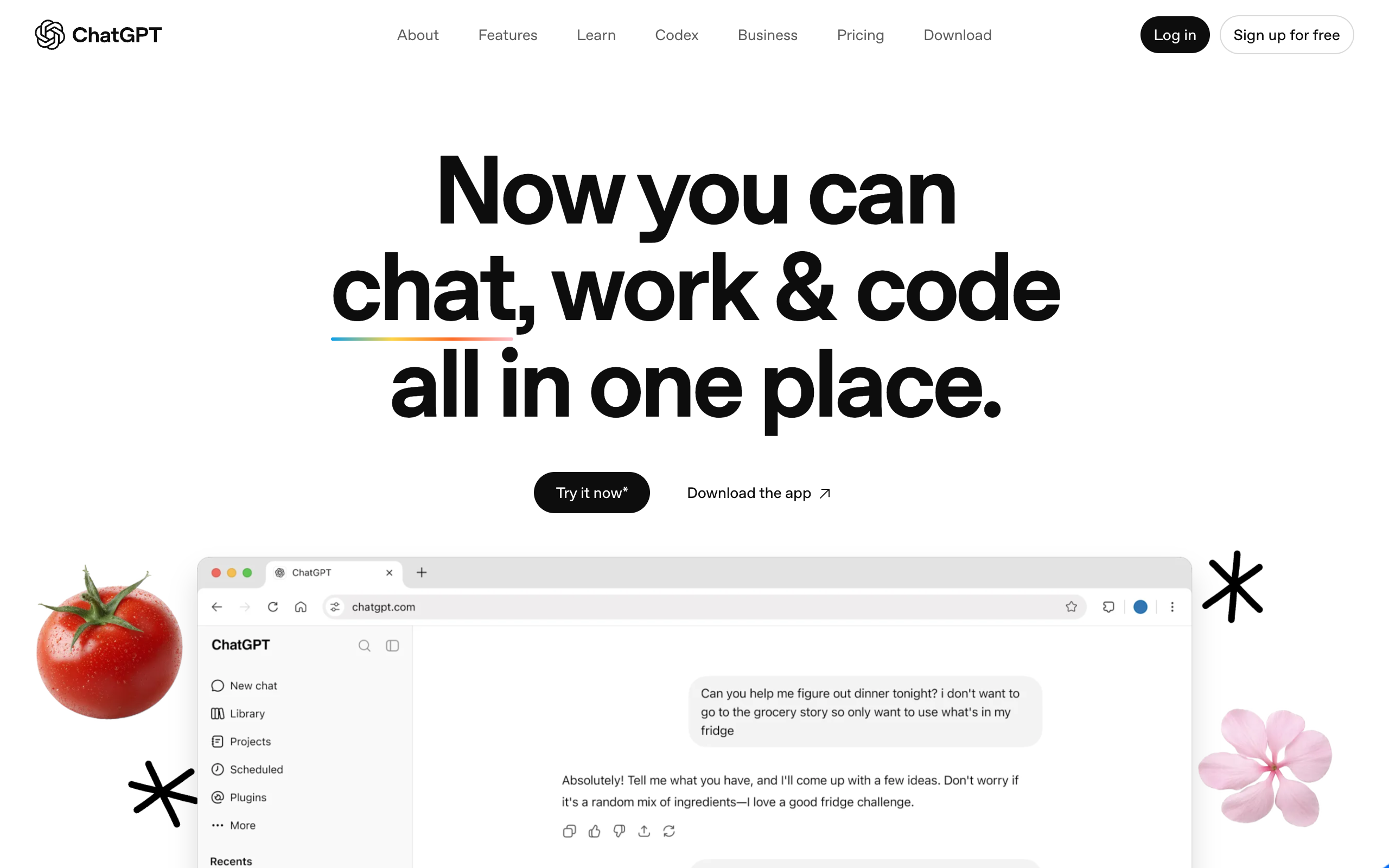
ChatGPT Plus is OpenAI's $20 a month plan for its chat assistant. It covers writing, research, and planning, and it adds Projects and scheduled tasks for repeat work.
Pros
- Projects keep repeat work in one place
- Scheduled tasks can run some weekly jobs
- Expanded deep research
- A free plan for a first try
Cons
- Usage limits apply
- Content on individual plans trains models unless you opt out
- Dot, the always-on agent, starts on Pro at $100 a month
- ChatGPT Business needs at least two paid seats
ChatGPT Plus costs $20 a month billed monthly. ChatGPT Business costs $25 a seat billed monthly, or $20 billed yearly.
Owners who want one assistant for general work and some scheduled weekly tasks.
Claude Pro
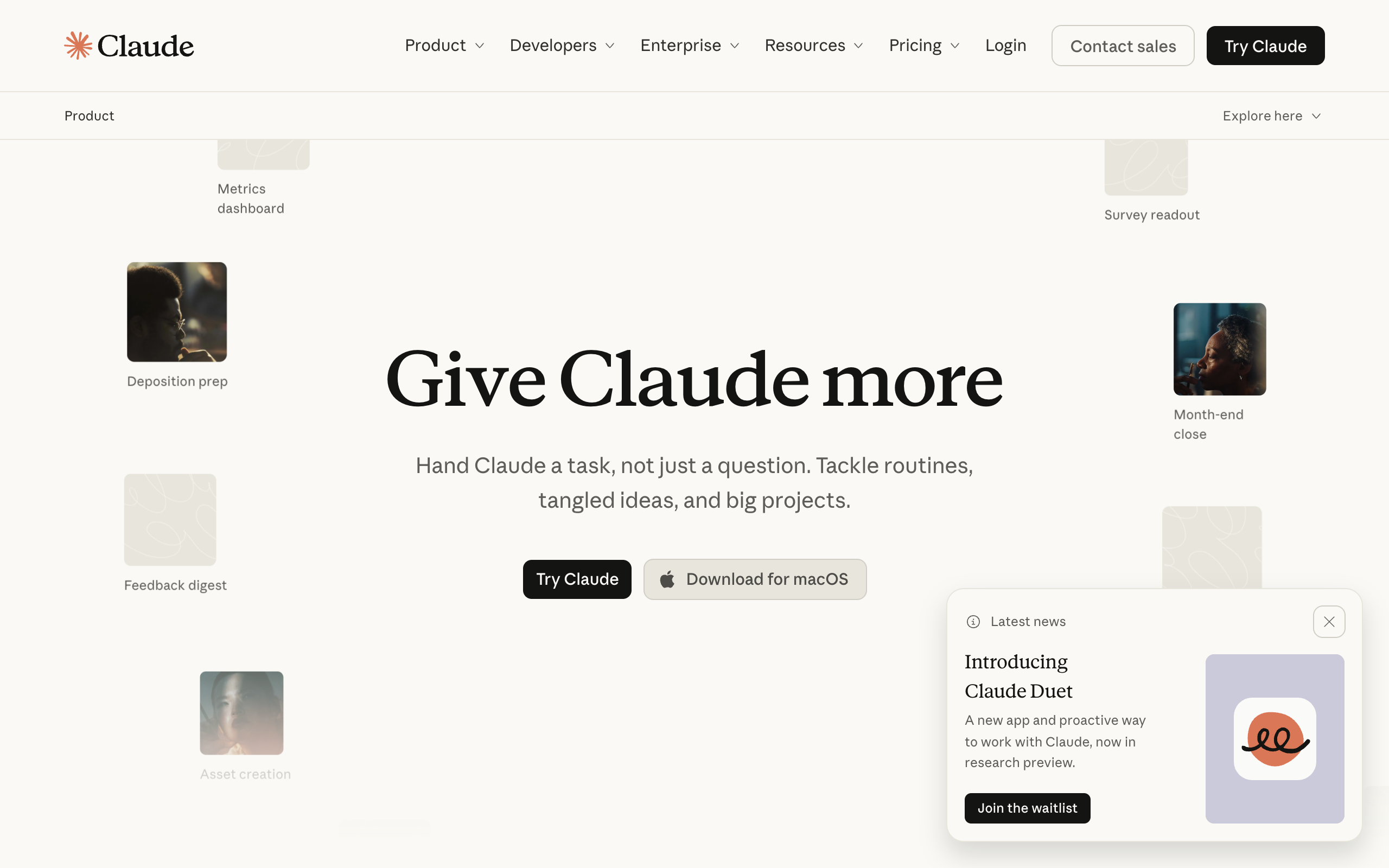
Claude Pro is Anthropic's paid plan for its Claude assistant. It adds Research and more usage to the free plan, and its connectors link Claude to your apps and tools.
Pros
- Research is included
- Connectors link your apps and tools
- You can hand off and schedule tasks
- Works in Chrome and Microsoft 365
- A free plan with up to 5 Projects
Cons
- Limits apply every 5 hours and every week
- The free plan has no Research
- The lower price needs $200 up front
- Model training is an opt-out setting
Claude Pro costs $20 billed monthly, or $17 a month on a $200 yearly plan.
Owners who write a lot and want an assistant that connects to their apps.
Many people pay for an AI tool, try two questions, and stop. They have no next step. Use these steps in your first hour.
- Write a one-page brief. Include what you sell, who buys, your prices, your refund rule, and how you talk to customers.
- Paste in three emails you were happy with, so the assistant can see your tone.
- Save all of this in a ChatGPT Project, or at the start of a Claude chat you return to.
- Give the assistant a real email from today, and ask for a reply.
- Tell it what is wrong in plain words, and ask for a new draft.
- Save the prompt that worked. You will reuse it every week.
Before you paste in customer details, check the data setting. ChatGPT's pricing page says content on its individual plans is used to train models, with an opt-out available. Keep card numbers, passwords, and government IDs out of every chat.
Marketing: content, social, and email
Marketing needs three things: a chat assistant for writing, a scheduler for posts, and an email platform. You can start all three for $20 a month on free plans. The paid versions add about $28 a month.
| Tool | Tool type | Price | What the AI does |
|---|---|---|---|
| Buffer | Social scheduler | Free for 3 channels and 10 scheduled posts each. Essentials is $5 a channel a month | The AI Assistant is included on every plan |
| Mailchimp | Email marketing | Free under 250 contacts and 500 sends a month. Standard starts at $13.21 a month after a 12-month promo at $6.61 | Generative AI features come with Standard and Premium |
| Canva | Design | Free plan available. Check Canva's page for paid prices in your country | Paid plans share a monthly AI allowance |
Buffer
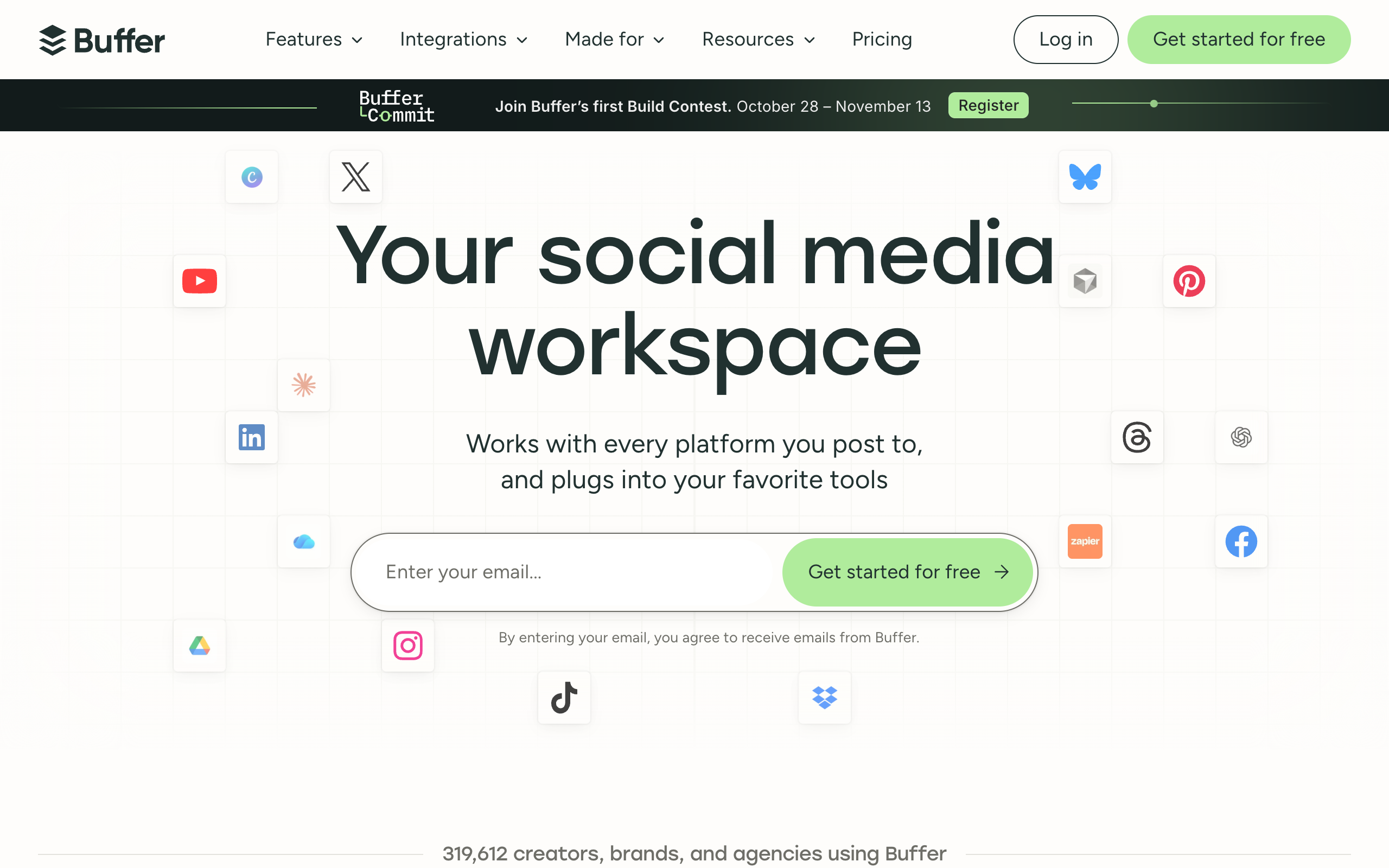
Buffer is a social media scheduler with an AI Assistant that helps you refine and repurpose posts. It lists 12 networks, including Facebook, Instagram, LinkedIn, TikTok, and Google Business Profile.
Pros
- Free for 3 channels
- The AI Assistant comes on every plan
- 12 networks, including Google Business Profile
- Essentials has unlimited scheduled posts
Cons
- Free allows 10 scheduled posts per channel
- Free caps AI replies at 5 suggestions a week
- Free and Essentials each have 1 user
- Essentials has no approval workflows
Buffer is free for 3 channels. Essentials costs $5 a channel a month, so three channels cost $15.
Owners who post to a few social channels and want a free scheduler with AI help.
Mailchimp
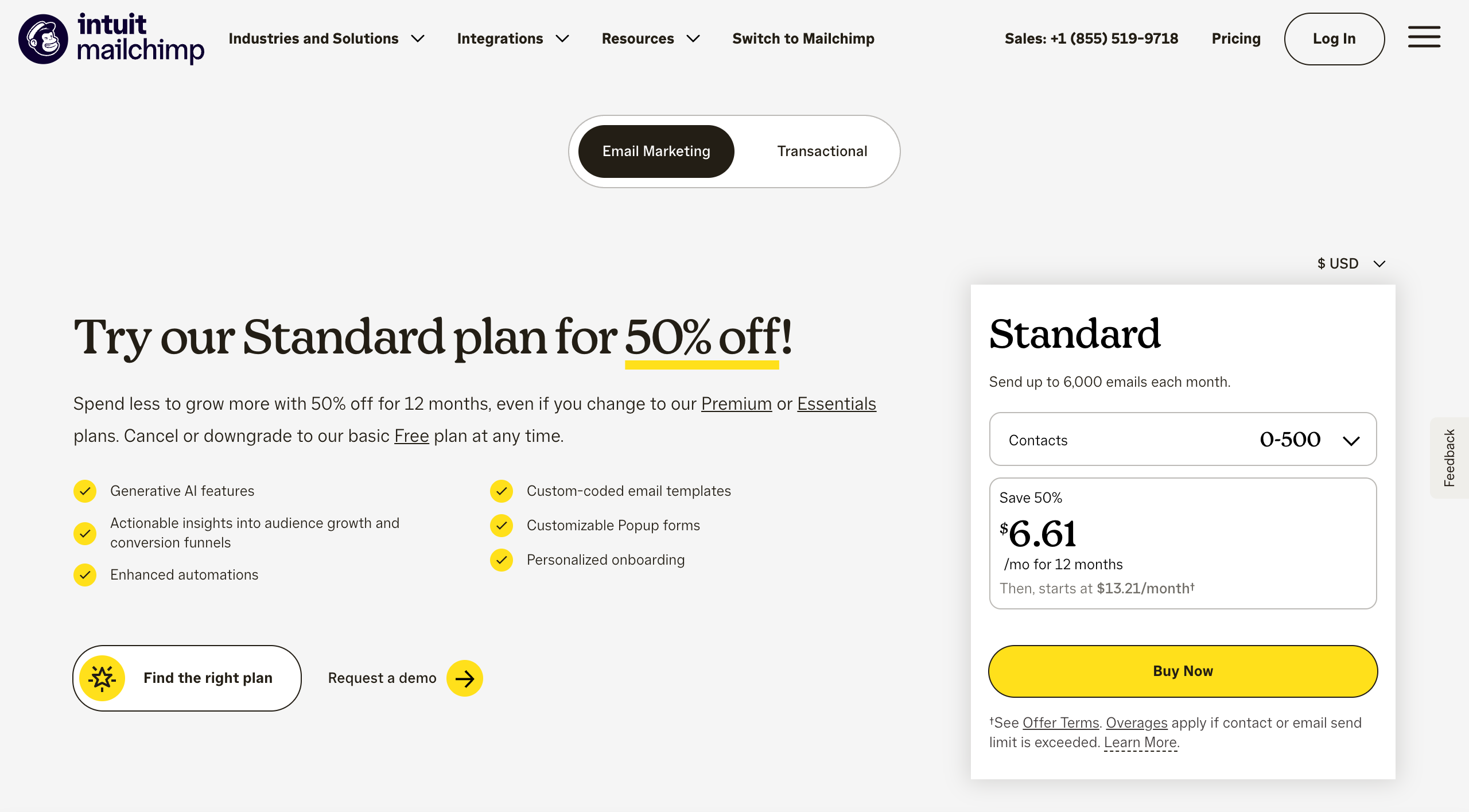
Mailchimp is an email marketing platform owned by Intuit. It sends campaigns and automated flows to your list, and its Standard plan includes generative AI features at no added cost.
Pros
- Free under 250 contacts
- Standard includes up to 200 automation flows
- Standard includes 24/7 email and chat support
- 300+ integrations
Cons
- Free has no automation flows or generative AI
- Free sending pauses at the limit
- Free email support ends after 30 days
- Standard bills overages past its limits
Mailchimp is free under 250 contacts and 500 sends a month. Standard for up to 500 contacts costs $6.61 a month for 12 months, then starts at $13.21.
Owners who have a small list and want one place for newsletters and simple automations.
Use your assistant to write one long post a week, then ask it for three short social posts and one email from the same post. Load the posts into Buffer. The whole loop can fit into one hour a week.
The cost for three social channels and a small email list is $28.21 a month: $15 for Buffer and $13.21 for Mailchimp. Add $20 for the assistant, and the total is $48.21.
What still needs you:
- The offer. AI can write about a sale, and you decide whether to run it.
- Facts about your business, such as prices, dates, and claims.
- Your stories and customer knowledge, which make the posts sound like you.
The AI agents for marketing guide covers the agent version of this job. If you are weighing outside help, the AI marketing agency page compares that route.
Sales: leads and follow-up
Sales starts with a CRM, because AI cannot follow up on leads that no one recorded. A CRM is a list of your customers and leads, with what happened last and what comes next. HubSpot's free tools cover up to 2 users, so most owners can start at $0.
| Tool | Tool type | Price | Good for |
|---|---|---|---|
| HubSpot Sales Hub free tools | CRM | $0 for up to 2 users, with no credit card | Keeping every lead in one place |
| HubSpot Sales Hub Starter | CRM | $10 a seat billed monthly, or $7 billed yearly. HubSpot calls these limited-time prices for new customers and lists $20 as the regular price | Includes 500 HubSpot Credits |
| ChatGPT or Claude | Chat assistant | $20 a month | Researching a prospect and drafting a follow-up |
HubSpot
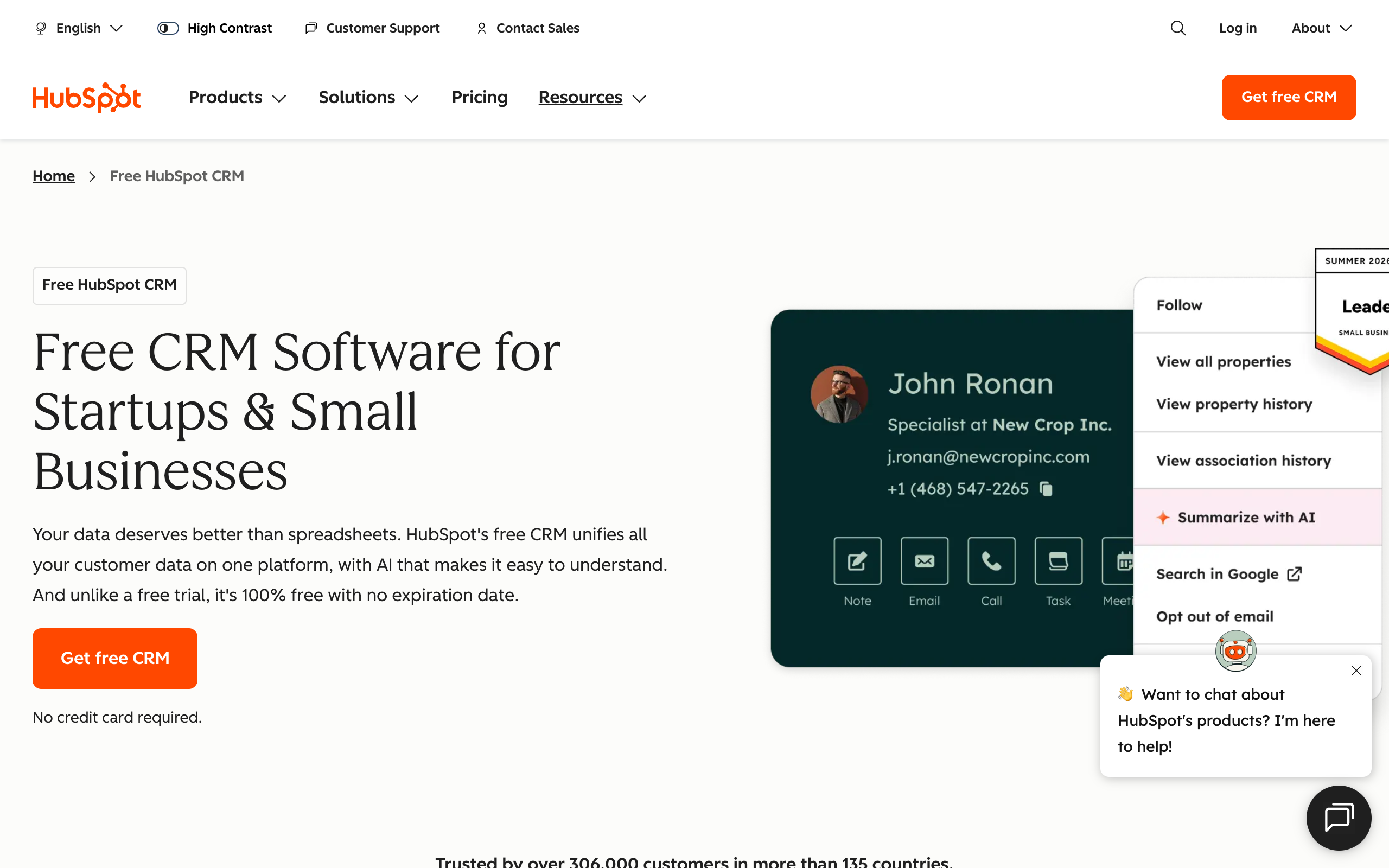
HubSpot is a CRM with free tools for tracking contacts, emails, and deals. Its free CRM page shows a Summarize with AI option on contact records, and its Starter plan adds automation and AI agents.
Pros
- Free for up to 2 users
- No credit card and no expiry date
- Starter adds email and chat support
- Starter adds automation, payments, and e-signatures
Cons
- Free tools carry HubSpot branding
- Free support is the community and knowledge base
- Free limits snippets and templates
- The Starter price is a limited-time offer
HubSpot's free tools cost $0. Starter costs $10 a seat billed monthly, or $7 billed yearly, as a limited-time price for new customers. The regular price is $20.
Owners who keep leads in their head or a spreadsheet and need one free place for them.
A simple weekly routine works well. Every Monday, list the leads with no reply in seven days. Paste the list into your assistant with your brief, and ask for one short follow-up for each lead. Read each one, change what is wrong, and send them yourself.
What still needs you:
- Calls, price talks, and closing the deal.
- Knowing which leads are worth your time.
- Cold email rules. Check the law where you sell before you send at volume.
The AI agents for sales guide covers the costs and the risks.
Customer support: common questions
Support suits AI because many customer questions repeat. A chat widget with an AI agent answers from your own help content and hands the rest to you. Start small, since these tools charge by conversation.
| Tool | Tool type | Price | Best for |
|---|---|---|---|
| Tidio | Chat widget and AI agent | Free for 50 conversations. Starter is $24.17 for 100. The Lyro AI agent alone starts at $32.50 for 50 AI conversations | A small shop or service business |
| Intercom | Help desk and AI agent | Essential is $39 a seat billed monthly or $29 billed yearly, with $19 yearly for new customers, plus Fin from $0.99 per outcome | A business with steady support volume |
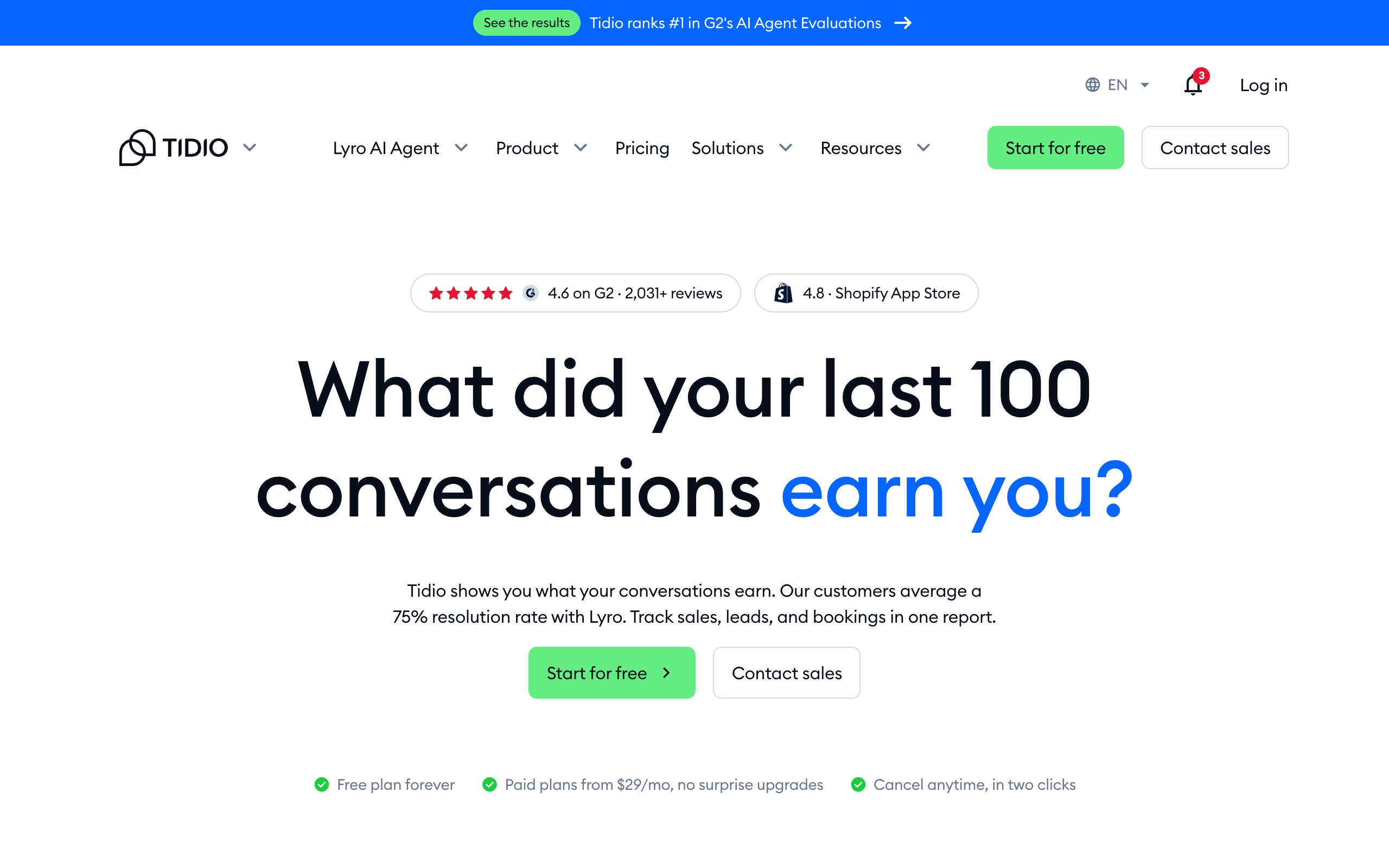
Check the Tidio billing term at checkout. Its pricing page shows Starter at $24.17 and does not say whether that is monthly or yearly, and its homepage says paid plans start at $29 a month.
Tidio
Tidio is a customer service tool with a chat widget, an email inbox, and an AI agent named Lyro. Lyro answers from your support content, handles follow-up questions, and hands the rest to a person.
Pros
- Free plan with 10 seats
- Covers website chat, email, Messenger, Instagram, and WhatsApp
- Lyro hands off to a person
- One Lyro conversation counts once, however many replies it takes
Cons
- Lyro conversations on Free and Starter are one-off, at 50
- Standalone Lyro starts at $32.50
- Free and Starter keep Tidio branding
- Starter has no ticketing automations
Tidio is free for 50 conversations. Starter is listed at $24.17 for 100 conversations.
Small shops and service businesses that get the same questions in chat and email.
Run this math before you buy Intercom. At $0.99 per outcome, 100 solved conversations a month add $99 to the $29 seat, so the total is $128. Tidio Starter covers 100 conversations for $24.17, with 50 one-off Lyro AI conversations. Your volume decides which one costs less.
Before you turn on any AI agent, write your top 20 questions and answers in one document. You will need this document in any tool, and it costs only an afternoon.
What still needs you:
- Refunds above an amount you set.
- Angry customers, and anything with a legal or safety angle.
- A weekly read of what the AI answered.
The AI agents for customer support guide goes deeper on this job.
Phone calls: the job chat tools miss
A phone agent is a separate purchase, because chat assistants do not answer your business line. If you lose work to missed calls, buy this one early. Compare by cost per call.
| Tool | Tool type | Price | Calls included |
|---|---|---|---|
| Quo with Sona | Phone system with an AI agent | Phone plan from $19 a user billed monthly, or $15 billed yearly. Sona tiers run from $0 to $199 | 10 Sona calls free. 40 calls at $25, then $0.75 each |
| Marblism | Pre-built AI employees | $44 billed monthly, or $24 billed yearly | Its pricing page lists no call limit |
| Smith.ai | Receptionist service | Starter is $300 a month | 30 calls, then $11.50 each |
Quo with Sona
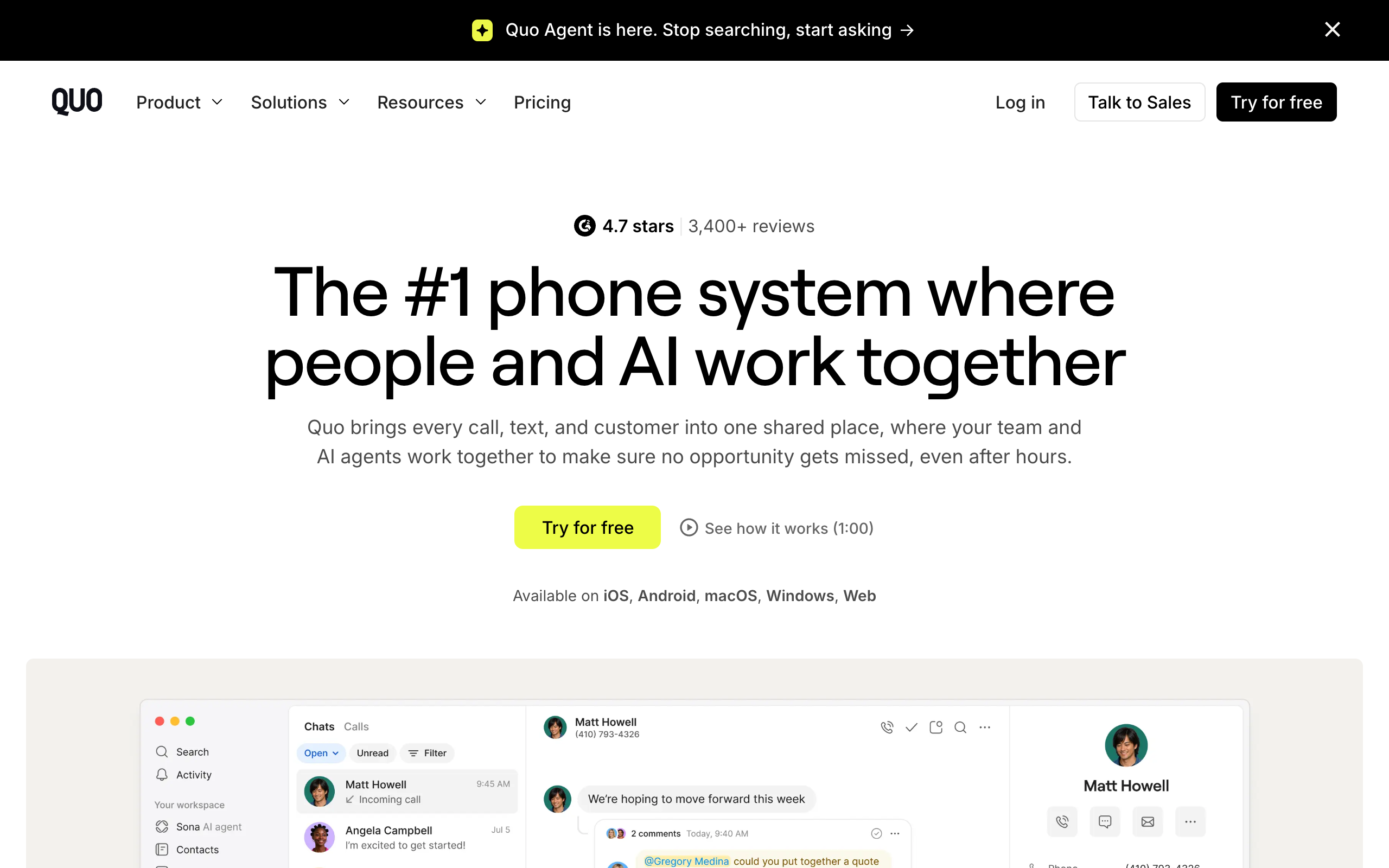
Quo is a business phone system for calls and texts. Sona is its AI agent, which answers calls day and night and comes on the Starter plan.
Pros
- One local or toll-free number per user
- Sona answers calls 24/7
- Calls and texts to the US and Canada
- A 7-day free trial
- Apps for iOS, Android, macOS, Windows, and web
Cons
- Sona calls use credits, with 10 included
- SMS registration costs $19.50 once, plus $1.50-3 a month
- Starter lists no call transfers or phone menus
- Starter records calls manually
Quo Starter costs $19 a user billed monthly, or $15 billed yearly. A $25 Sona tier adds 40 calls, then $0.75 a call.
Trades and local services that lose work to missed calls.
Smith.ai's Starter works out to $10 a call, and its page does not say which service track the price covers. Quo with 40 Sona calls costs $44 a month. Read the Marblism review before you pay for a year, because Trustpilot's 1-star reviews repeat billing complaints.
What still needs you: emergencies, quotes that need a site visit, and any caller who asks for a person. Test each tool by calling your own number and asking hard questions.
Admin: inbox, calendar, and call notes
Admin work costs little to improve, because free tools cover most of it. A notetaker, a booking link, and your chat assistant remove a lot of small tasks. Automation comes next, once you know which task repeats.
| Tool | Tool type | Price | What it removes |
|---|---|---|---|
| Fathom | AI notetaker | Free for unlimited recordings and AI summaries. Premium is $20 a user billed monthly | Writing up calls |
| Calendly | Scheduling | Free plan. Standard is $10 a seat a month | Back-and-forth over meeting times |
| Zapier | Automation | Free for 100 tasks and two-step Zaps. Pro starts at $29.99 billed monthly for 750 tasks | Copying data between apps |
| Gemini in Google Workspace | Assistant inside Gmail | Included in Workspace Starter and above | Drafting inside your inbox |
Fathom
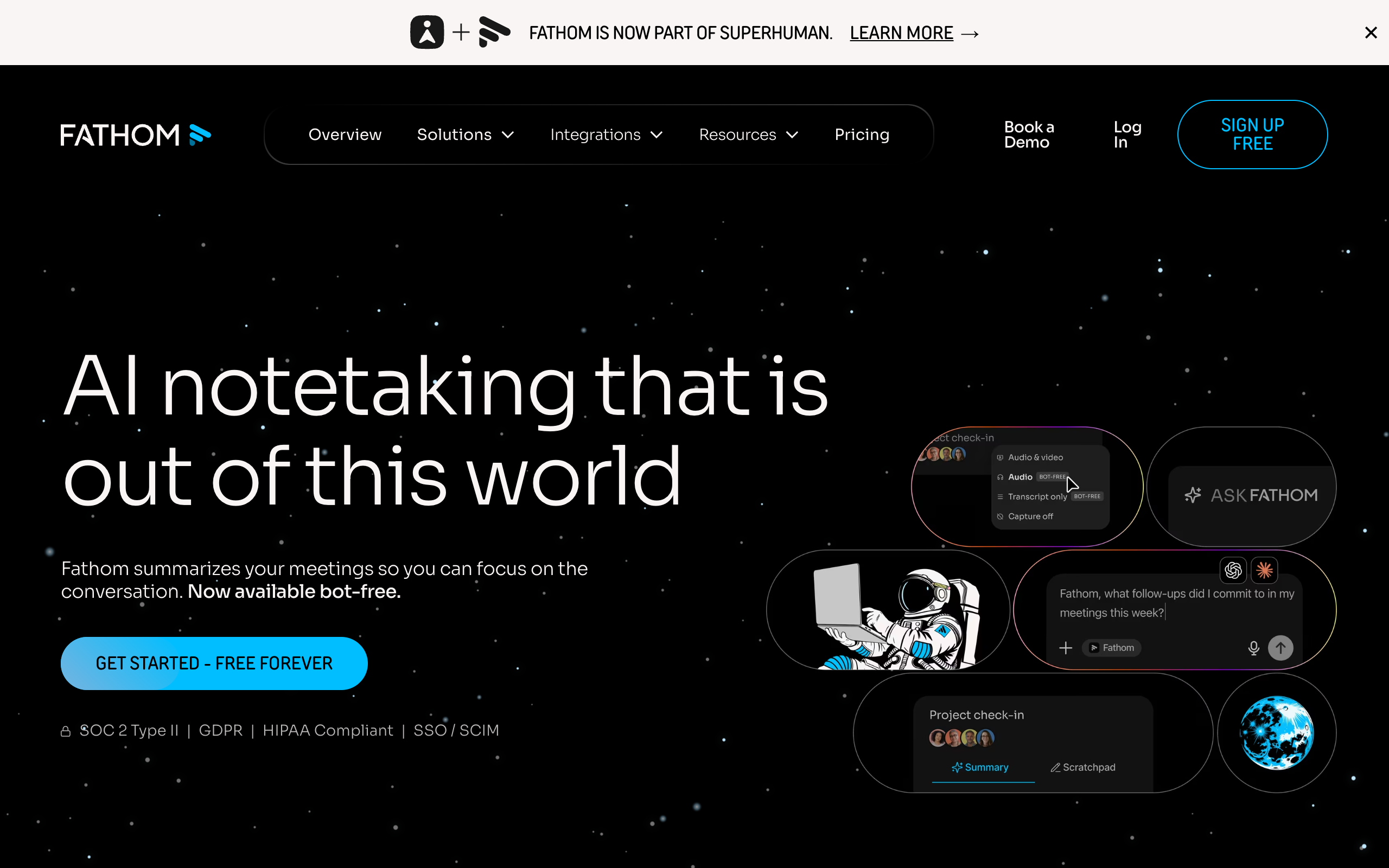
Fathom is an AI notetaker that records calls and writes a summary. It offers a bot-free capture option in beta, and its homepage says it is now part of Superhuman.
Pros
- Unlimited recordings and transcripts for free
- Instant AI summaries on the free plan
- Search across calls
- Connects to HubSpot, Salesforce, Zapier, and Slack
Cons
- AI action items sit on Premium
- Advanced summaries and templates sit on Premium
- Ask Fathom is limited on Free
- You still need to tell people they are being recorded
Fathom is free. Premium costs $20 a user billed monthly, or $16 billed yearly.
Coaches, consultants, and anyone who runs many client calls.
Zapier's Pro plan is $19.99 a month on yearly billing. Build one automation at a time, and read the small business automation guide before you connect anything that touches money.
Some owners consider a person for this work. The virtual assistant cost page compares that option, including which tasks still suit a human.
What still needs you:
- Decisions in your inbox, such as saying no to a request.
- Checking what the notetaker recorded as next steps.
- Telling people on a call that it is being recorded, as your local law requires.
Bookkeeping and invoices
Use accounting software with AI features for your books, and use a chat assistant only to explain them. A chat assistant can explain a report and draft a reminder. It is the wrong place to keep your records.
| Tool | Tool type | Price | AI features listed |
|---|---|---|---|
| Zoho Books | Accounting | Free up to $50K revenue. Standard is $20 billed monthly, or $15 billed yearly | The pricing page lists AI in Accounting as a feature |
| QuickBooks Online Simple Start | Accounting | $38 list price, with 50% off for 3 months | AI expense categorization, and a limited AI chat in beta |
| QuickBooks Online Essentials | Accounting | $85 list price, with 50% off for 3 months | AI book cleanup and AI payment follow-up |
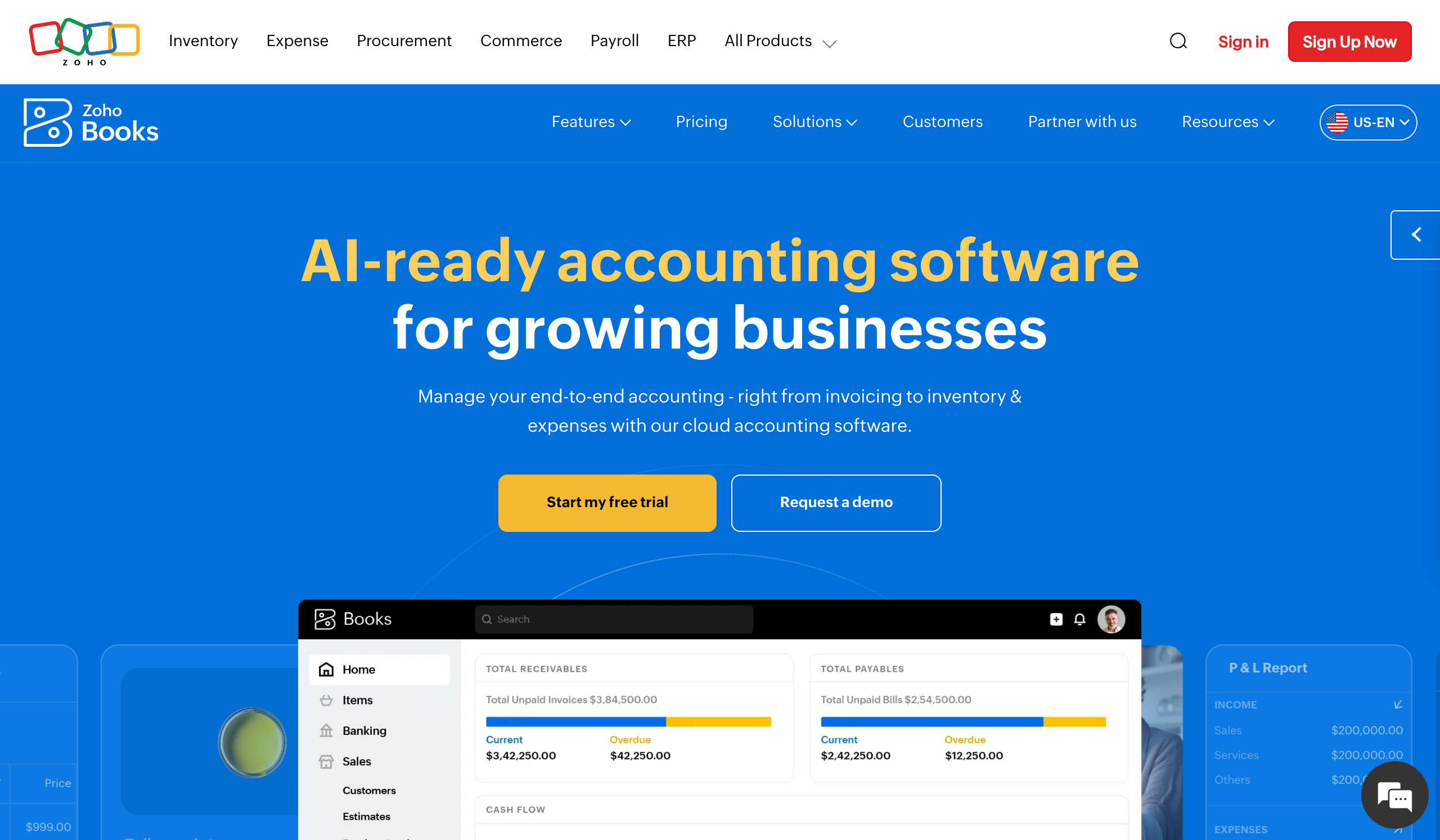
Zoho Books
Zoho Books is cloud accounting software for invoices, expenses, and reports. Its pricing page lists AI in Accounting as a feature, and receipt autoscans come on every plan.
Pros
- Free for 1 user plus 1 accountant
- Free covers 1,000 invoices a year
- Bank reconciliation and recurring invoices on Free
- 50 receipt autoscans a month on Free
Cons
- Free ends above $50K revenue
- Bank feeds start on Standard
- Free has email support only
- Sales tax tracking starts on Standard
Zoho Books is free up to $50K revenue. Standard costs $20 billed monthly, or $15 billed yearly, with 3 users and 5,000 invoices a year.
New businesses starting their books fresh, with revenue under $50K.
If your books already sit in QuickBooks, stay there and turn on its AI features. Moving your books costs more than a monthly fee saves. If you are starting fresh with revenue under $50K, Zoho Books Free costs $0.
What still needs you:
- Tax filings and tax decisions. Keep your accountant.
- Writing off a debt, and any hard talk with a client who owes you.
- A monthly check that categories match reality, since AI categorization can be wrong.
For invoice chasing as a repeat job, read how to automate client billing reminders.
What AI cannot do for a small business
AI cannot take responsibility for your business. It writes drafts, finds information, and follows your instructions, and it can still get facts wrong. You remain the person a customer, a tax office, or a supplier holds to account.
Keep these with a person, whichever tool you buy:
- Pricing, refunds above an amount you set, and write-offs.
- Tax filings and legal decisions.
- Hard conversations with customers and staff.
- A final read of anything that makes a promise.
The check is simple. If you could not tell whether a result is right, keep that job for now. The human in the loop guide covers how to set this up with agents.
The full monthly cost of each option
The full monthly cost runs from $20 for one assistant to roughly $199-299 for a squad before any optional extra. This table uses monthly billing where a plan offers it, as of 2 November 2026. Add phone cover if you need it, from $44 a month with Quo.
| Option | What you get | Monthly | Yearly | Three years |
|---|---|---|---|---|
| One chat assistant, plus free plans | ChatGPT Plus or Claude Pro | $20 | $240 | $720 |
| Marblism | Seven pre-built roles, 50 hours a month | $24-44 | $288-528 | $864-1,584 |
| Sintra | 12 helpers, 250 credits a month, 1-month plan | $48.50 | $582 | $1,746 |
| Paid job tools | The seven tools listed below | About $132 | $1,588 | $4,765 |
| A squad | $99 a month plus a $100-200 AI plan | Roughly $199-299 | $2,388-3,588 | $7,164-10,764 |
The paid job tools total comes from this list:
| Tool | Monthly price |
|---|---|
| ChatGPT Plus | $20.00 |
| Mailchimp Standard, after the promo | $13.21 |
| Buffer Essentials, 3 channels | $15.00 |
| HubSpot Starter, 1 seat | $10.00 |
| Tidio Starter | $24.17 |
| Zoho Books Standard | $20.00 |
| Zapier Pro, 750 tasks | $29.99 |
| Total | $132.37 |
HubSpot's price is a limited-time one. At its $20 regular price, the total rises to $142.37. Buffer's yearly discount wording does not add up on its own page, so check the price at checkout.
One chat assistant costs $112 a month less than the paid tool set
$20 against $132.37 a month. That is 85% less, or about $4,045 over three years, so earn each extra tool with real use.
Two costs sit outside the table. Tools can run into usage limits, such as Marblism's 50 hours and Sintra's credits. A squad's figure also leaves out the apps it connects to, so your CRM or email platform keeps its own bill. The AI agents for small business cost page compares a squad with the cost of a first hire.
Your first 30 days with AI
Your first 30 days should cover two jobs, one set time each week, and one honest review. A plan this small is what keeps the tool in use. Book 30 minutes in your calendar on the same day each week.
| Days | What to do | You are done when |
|---|---|---|
| Day 1 | Pick one assistant. Write your one-page brief and save it | The assistant can answer "what do we sell?" correctly |
| Days 2-7 | Use it on every customer email you reply to | You have changed fewer words in each draft by Friday |
| Days 8-14 | Save your best prompt. Ask the assistant which part of your week it should take next | You have one saved prompt and one next job |
| Days 15-21 | Add a second job, such as one post a week or a Monday lead follow-up | The second job ran once without you starting from a blank page |
| Days 22-28 | Note the minutes each job took before and after | You have two real numbers |
| Days 29-30 | Decide what to keep, cancel, or add | You have one decision written down |
Use these questions on day 29:
- Did you use the tool at least three days a week? If not, change the job before you change the tool.
- Which job still takes the most time? That job gets the next tool.
- Did you hit a usage limit? If so, upgrade the assistant.
- Are you pasting the same data in every week? If so, the job is ready for a job tool or an agent.
Add one tool at a time. Two new tools in one week make it hard to tell which one helped.
When a single chat assistant is enough
A single chat assistant is enough when you start each job yourself and your weekly work fits in a few prompts. Stay at this level until a job clearly outgrows it.
These signs say you can stay on $20 a month:
- Most of your work is one-off writing, planning, or research.
- You like reading every output before you act on it.
- Your customer volume is small enough for you to handle replies daily.
- Your jobs do not need data pulled from several apps each week.
ChatGPT Plus also includes scheduled tasks, so some weekly jobs can run there. ChatGPT Pro, from $100 a month, adds Dot, an always-on agent. One agent can be enough for a business with one main repeat job, and the OpenAI dots guide covers how it works.
When to move up to a squad
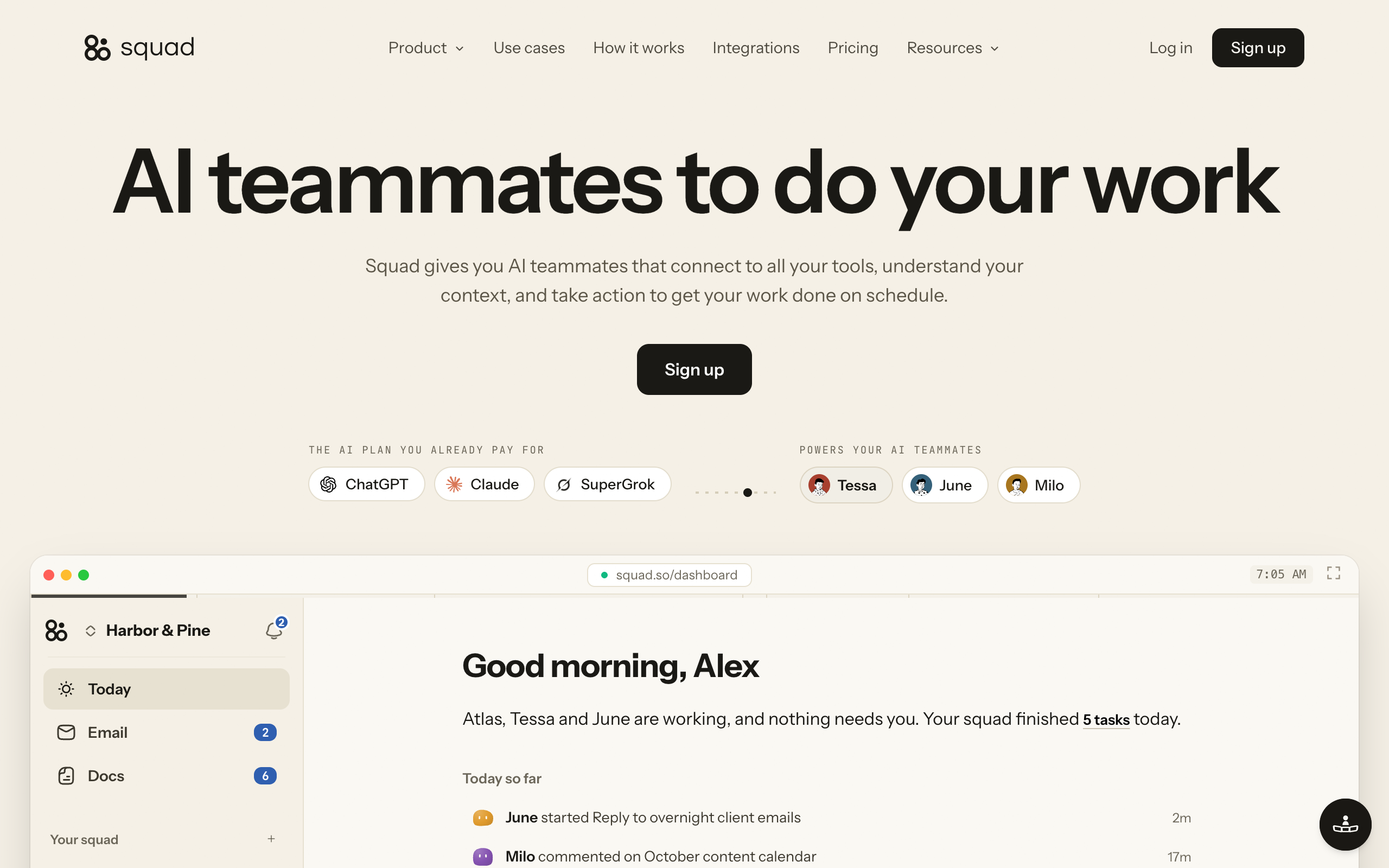
Move up to a squad when several repeat jobs must run without you starting them, and each job needs its own rules. Squad (formerly MissionControlHQ) hosts a squad, which means a coordinated team of specialist AI teammates, not just one general assistant. You describe a job the way you would to a new hire, and your chief of staff writes the process down for you to edit.
Keep the specialist tools you already pay for. Run the repeat work across them from one place.
Without Squad: one login per job
Email and calendar
Gmail, Outlook, Google Calendar, Calendly
Support
Zendesk, Gorgias, Intercom
Sales and CRM
HubSpot, Attio, Capsule CRM
Marketing
Google Ads, Mailchimp, Facebook, LinkedIn
Money
Stripe, Square, FreshBooks, Zoho Books
Notes and files
Fathom, Google Drive, Notion, Google Sheets
You open each tool, move the data between them, and start every job yourself.
With Squad: one place for all of them
Inbox triage
in Gmail and Outlook
Customer support
in Zendesk and Gorgias
Lead research
in HubSpot and Attio
Ad spend report
in Google Ads and Mailchimp
Invoice chaser
in Stripe and Square
Meeting notes
in Fathom and Google Drive
You tell Squad what you need once. AI teammates do the jobs inside your tools, on a schedule.
$99 a month plus a $100-200 AI plan, and your tools keep their own subscriptions. Squad connects to 70+ apps, and each app's access levels set what teammates can do there.
Prices are as of 2 November 2026. The squad figure is $99 a month plus a $100-200 AI plan.
One chat assistant
- $20 a month
- You start most jobs
- It knows what you paste in or connect
- One assistant covers every job
A squad
- Roughly $199-299 a month before any optional extra
- Routines start the jobs on a schedule
- Each connection has an access level
- Specialist teammates share Tasks, and History lists every run
Move to Squad in these situations.
You repeat the same work every week across several jobs
Move to Squad if your week starts with the same chasing, sorting, and reporting. A routine runs a job on a schedule, so the work happens without a prompt from you. The Rulebook Test helps you count how many teammates you need.
| Job | What the teammate does | Apps it can use |
|---|---|---|
| Invoice chaser | Checks overdue invoices every morning and writes the reminders | Stripe, Zoho Invoice, FreshBooks, Gmail |
| Inbox triage | Sorts the overnight inbox and drafts replies | Gmail, Outlook |
| Customer support | Answers the common questions and passes hard ones to you | Zendesk, Intercom, Gorgias |
| Weekly report | Puts revenue, refunds, and spend on one page every Monday | Stripe, Google Sheets |
| Supplier chasing | Follows up every open quote until someone answers | Gmail |
| Churn watch | Finds quiet accounts and drafts a check-in | Stripe, HubSpot |
| Lead research | Researches each new signup and writes it up where you look | HubSpot, Squad's built-in research tools |
| Social queue | Turns what you shipped into draft posts for your review | LinkedIn, Facebook |
| Ad spend report | Reports spend and results for each channel | Google Ads, Google Sheets |
| Competitor watch | Writes one brief on what changed last week | Squad's built-in research tools |
You keep copying data between apps by hand
Move to Squad if your assistant only knows what you paste in. Squad connects to 70+ apps, and each connection has an access level. Levels vary by app, and every teammate gets the connection's level unless you narrow or block it. Your reporting teammate can hold Stripe at Read-only.
You want your own process, with work you can read back
Move to Squad if you have your own way of doing things and want a record. Tasks show what is not started, what needs you, what is in progress, and what is done. History lists every run, so you can read what happened while you were out.
You want drafts before anything goes out
Move to Squad if one wrong email would cost you a customer. Teammates can draft for your approval and open a question before money moves. Questions land in Needs you. Draft-first is an instruction you give a teammate, so also set access levels and send caps for anything that must not happen.
You have outgrown a pre-built roster
Move to Squad if you use Marblism or Sintra and need a job outside their roles. Squad lists no limit on teammates, and your chief of staff proposes 4 or 5 for you to approve at setup. The AI employee platforms comparison covers the other options.
Squad costs $99 a month plus a $100-200 AI plan, so roughly $199-299 a month before any optional extra. A $20 plan is not the base for this cost. An email inbox for a teammate is an optional $10 a month. There is no free trial, and your first payment has a 7-day money-back guarantee.
$99
A month for the one Squad plan
$100-200
A month for your own AI plan, billed by your provider
$199-299
Roughly, per month, before any optional extra
$10
A month for each optional teammate email inbox
1,000
Research credits each month, then $5 per 5,000
7 days
Money-back guarantee on the first payment
Pros
- Lists no limit on teammates
- Routines run jobs on a schedule
- Connects to 70+ apps, each with an access level
- History lists every run
- No per-task AI charge from Squad
Cons
- Roughly $199-299 a month before any optional extra
- No free trial
- A $20 AI plan is not the base for this cost
- No manual for QuickBooks, Xero, or Shopify
- Its docs describe no phone answering
Owners with several repeat jobs who want them to run on a schedule in their own apps, with a record of each run.
Setup is short. The build takes about two minutes, then you have a short onboarding conversation of about ten minutes with your chief of staff. Run one job in drafts during your first week, so you can use the guarantee window to judge it.
When you do not need Squad
You do not need Squad if a $20 assistant covers your week, or if your main need sits outside its documented work. Stay where you are in these cases:
- You have one repeat job. One job tool or one agent costs less.
- Your main need is answering the phone. Squad's docs describe no phone answering, so buy a phone tool.
- You need a website built. Marblism lists a website builder role.
- Your books live in QuickBooks or Xero, or your store runs on Shopify. Squad has no manual for these apps.
- You have under a few hours of repeat work a week. Roughly $199-299 a month will not pay for itself.
- You have not used a chat assistant for 30 days yet. Do that first.
How to choose
Choose by the number of repeat jobs you have and whether they need to run without you. Start at the top of this tree, and stop at the first answer that fits.
Have you used one assistant on a weekly job for 30 days?
- If no→Start there with ChatGPT Plus or Claude Pro at $20 a month
- If yes→Go to the next question
Does one job take most of your repeat time?
- If yes→Buy the job tool for that job, such as Tidio, Mailchimp, or Quo
- If no→Go to the next question
Do several jobs need to run every week without you starting them?
- If yes, and a fixed list of roles covers them→Marblism or Sintra
- If yes, and you want your own process in your own apps→Squad
- If no→Stay on your assistant and add tools one at a time
Use-case cheat sheet
Find the line closest to your business. The pick is the first tool to try for that case.
| Scenario | Best pick | Why |
|---|---|---|
| A consultant who writes proposals and emails | ChatGPT Plus or Claude Pro | The work is writing, and $20 a month covers it. |
| A plumber who misses calls on jobs | Quo with Sona, or Marblism | Quo starts at $19 a month, and Marblism at $24-44. |
| A small online shop with repeat questions | Tidio | A free plan covers 50 conversations, and Starter covers 100 for $24.17. |
| A shop with steady support volume | Intercom | Fin charges from $0.99 per outcome on top of the seat. |
| A coach who runs many client calls | Fathom Free | Unlimited recordings and AI summaries cost $0. |
| A new business under $50K revenue | Zoho Books Free | The plan stays free while revenue stays at or below $50K. |
| An owner already on QuickBooks | QuickBooks Essentials | AI book cleanup and payment follow-up are in the $85 plan. |
| A local service that wants one cheap plan | Marblism | Seven roles for $24-44 a month, with a 50-hour limit. |
| An agency owner who chases invoices and reports weekly | Squad | Routines run the jobs in your own apps, and History logs each run. |
| An owner who wants to stop being the bottleneck on five jobs | Squad | Specialist teammates share Tasks, and questions come to you in Needs you. |
If several of these lines describe your week, a squad may fit better than separate tools.
AI for small business FAQ
The basics
What is the best AI for a small business?
The best AI for most small businesses is one general chat assistant, such as ChatGPT Plus or Claude Pro, at $20 a month billed monthly. It covers writing, research, and planning across every job. Add a job tool, such as Tidio for support or Mailchimp for email, only when a job outgrows the assistant. Prices are as of 2 November 2026.
How can small businesses use AI?
Small businesses use AI to draft customer replies, write marketing copy, research prospects, summarize calls, answer common support questions, and prepare invoice reminders. The owner reads the output and makes the final call. The safest first use is a weekly job with a result you can check, such as replies to customer emails.
Tools and agents
What are the best AI tools for small business?
A strong small business set is ChatGPT or Claude for general work, Buffer and Mailchimp for marketing, HubSpot for sales, Tidio or Intercom for support, Fathom for call notes, and Zoho Books or QuickBooks for books. Bought together on paid plans, one version of this set costs about $132 a month as of 2 November 2026.
What are the best AI agents for small business?
Marblism and Sintra suit owners who want low-cost pre-built roles, at $24-44 a month and $48.50 on Sintra's 1-month plan. Squad suits owners who want several specialist teammates working in their own apps, at $99 a month plus a $100-200 AI plan, so roughly $199-299 a month before any optional extra.
Can AI answer my business phone?
Yes, with a phone tool. Quo lists its Sona AI agent on top of a $19 a month phone plan, Marblism says its Rachel employee answers calls day and night, and Smith.ai lists 30 calls for $300 a month. General chat assistants and Squad do not cover this job, so buy it separately.
Cost
How much does AI cost a small business each month?
AI costs a small business $20 a month for one chat assistant, $24-49 for a pre-built bundle, about $132 for a paid set of job tools, and roughly $199-299 for a squad before any optional extra. A squad's figure is $99 a month plus a $100-200 AI plan. Apps you connect keep their own bills.
Which AI tools are free for a small business?
ChatGPT, Claude, Buffer, Mailchimp, HubSpot, Tidio, Fathom, and Zoho Books all have free plans. Each one has a limit. Buffer allows 10 scheduled posts per channel, Mailchimp is free under 250 contacts, Tidio covers 50 conversations, and Zoho Books is free up to $50K revenue. Fathom Free includes unlimited recordings and AI summaries. Limits are as of 2 November 2026.
Is ChatGPT enough for a small business?
ChatGPT is enough when you start each job yourself and read each result. ChatGPT Plus at $20 a month includes Projects and scheduled tasks, which cover many weekly jobs. It stops being enough when several jobs must run without you, each with its own rules, and you want a log of the work.
When should a small business move from ChatGPT to a squad?
Move when you repeat the same work every week across several jobs and you want it done on a schedule in your own apps. Invoice chasing, inbox triage, and a Monday report are common signals. You also need the budget for $99 a month plus a $100-200 AI plan, so roughly $199-299 a month before any optional extra.
Getting started
Where should a small business start with AI?
Start with one chat assistant and one weekly job, such as replying to customer emails. Write a one-page brief about your business, save it where the assistant can read it, and run the real job for a week. Correct each draft, and save the prompt that worked. Add a second job in week three.
What should a small business look for in an AI tool?
Look for a tool that fits one job you repeat every week. Check that you can start for free or at low cost, that the price stays clear at your volume, and that it works with the apps you already use. Then check its data settings, and how it lets you read the work before a customer does.
Why do people pay for AI and stop using it?
Most people stop because they have no next step after the first chat. They open the tool, ask a general question, get a general answer, and return to their old routine. A fixed job, a saved business brief, and a set time each week give the tool a place in your work.
Risk
Will AI replace my employees or my own role?
AI handles drafts, research, and repeat tasks, and you keep the decisions, relationships, and final checks. The U.S. Chamber of Commerce's 2026 report says 47% of small businesses say AI is creating jobs today and 6% say it is enabling headcount reductions. For an owner working alone, the usual gain is more jobs getting done.
Is it safe to put business data into AI tools?
Treat it as a decision for each tool. ChatGPT's pricing page says content on its individual plans is used to train models, with an opt-out available. Check that setting before you start, and read each vendor's terms. Leave card numbers, passwords, and government IDs out of every chat.
Sources
All pages fetched 2 November 2026.
- U.S. Chamber of Commerce, Empowering Small Business, 2026
- OpenAI: ChatGPT pricing for features, ChatGPT Plus, ChatGPT Pro tiers, and ChatGPT Business FAQ
- Claude pricing
- Google Workspace pricing, features only
- Canva pricing, plans only
- Buffer pricing
- Mailchimp pricing
- HubSpot pricing and free CRM page
- Tidio pricing and homepage
- Intercom pricing
- Quo pricing and homepage
- Smith.ai pricing
- Marblism pricing
- Sintra pricing
- Fathom pricing and homepage
- Calendly pricing
- Zapier pricing
- Zoho Books pricing
- QuickBooks pricing
- Squad homepage and docs
Last updated: November 2026. Pricing and features verified as of 2 November 2026.